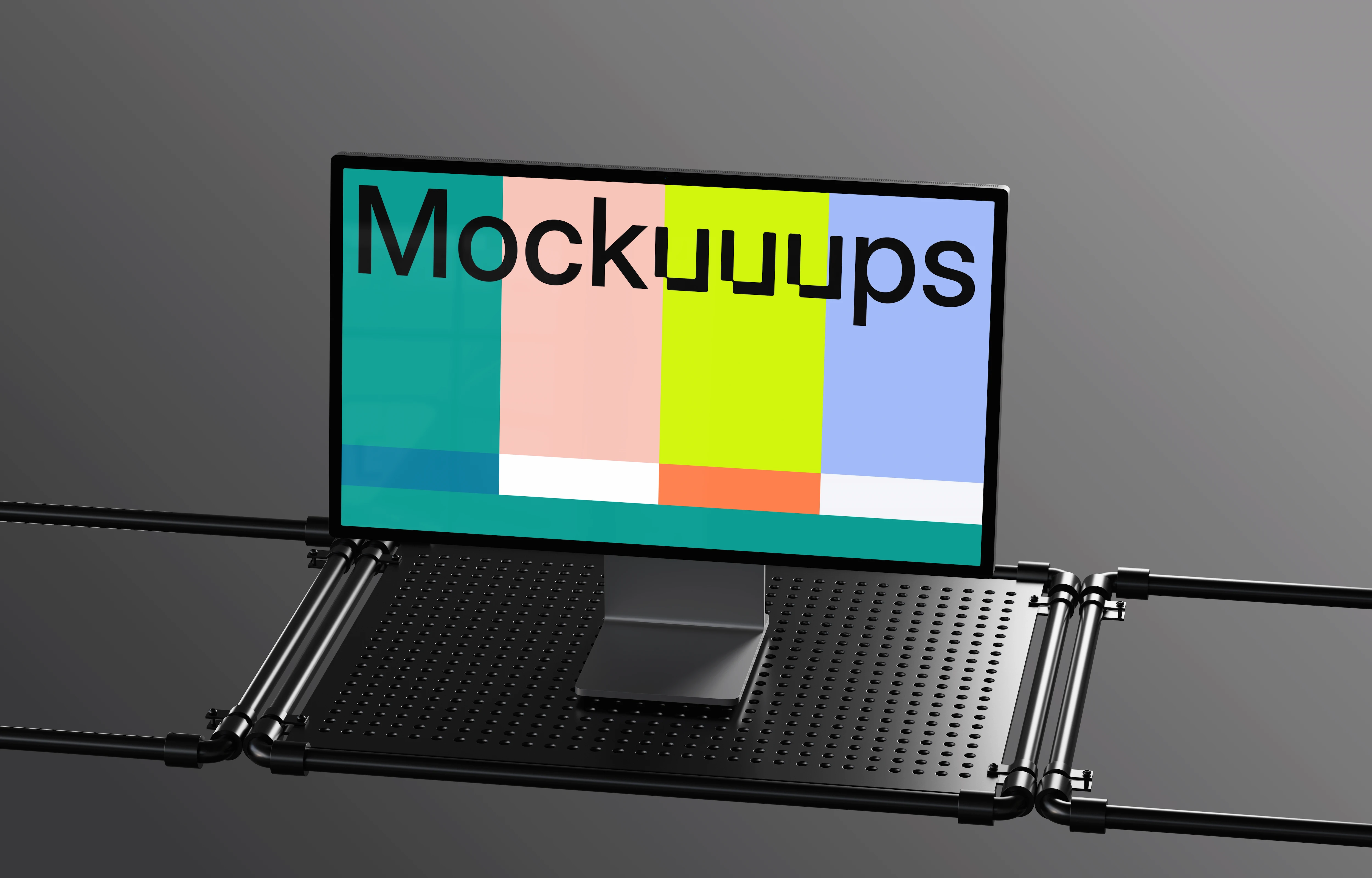
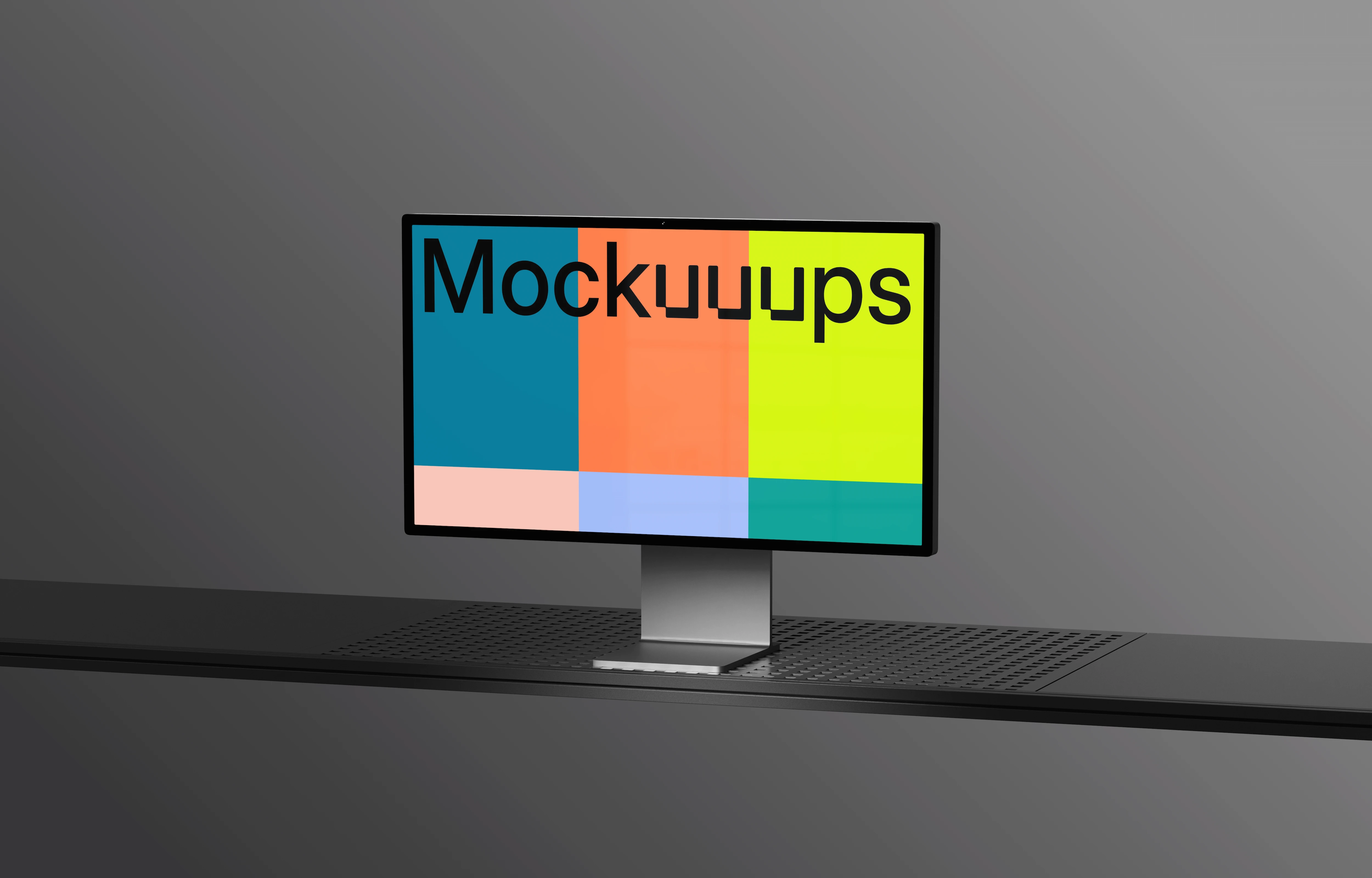
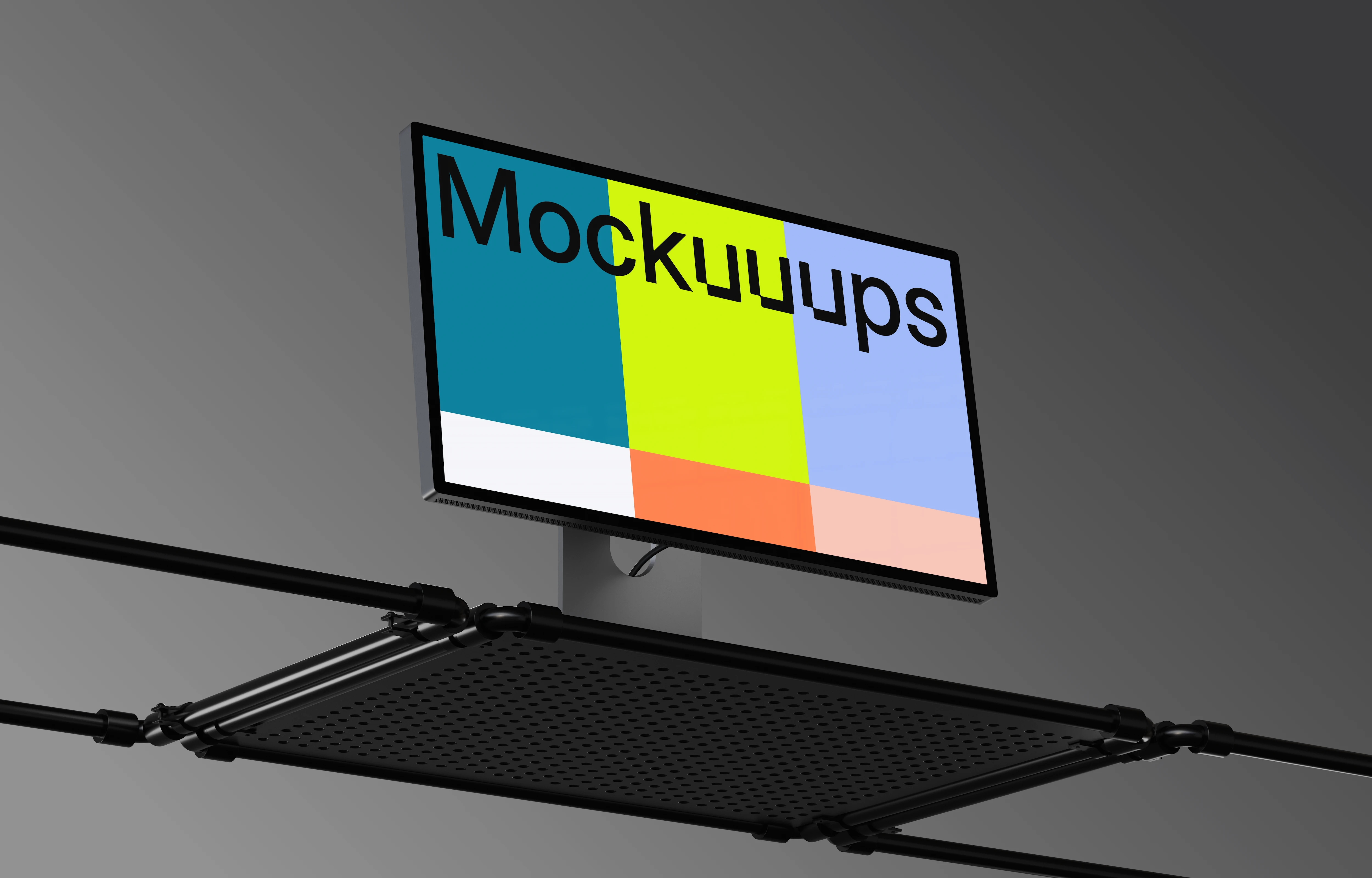
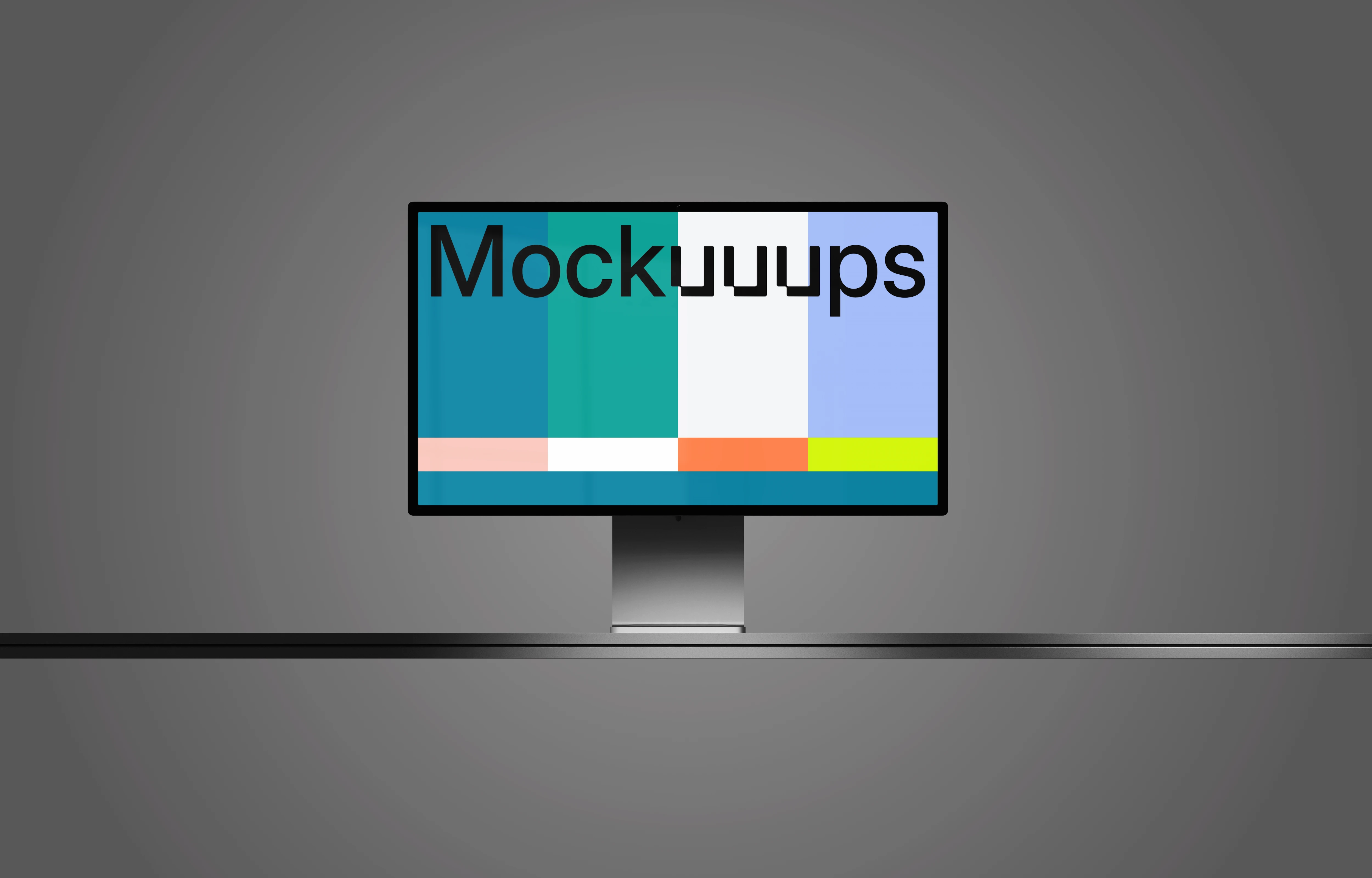
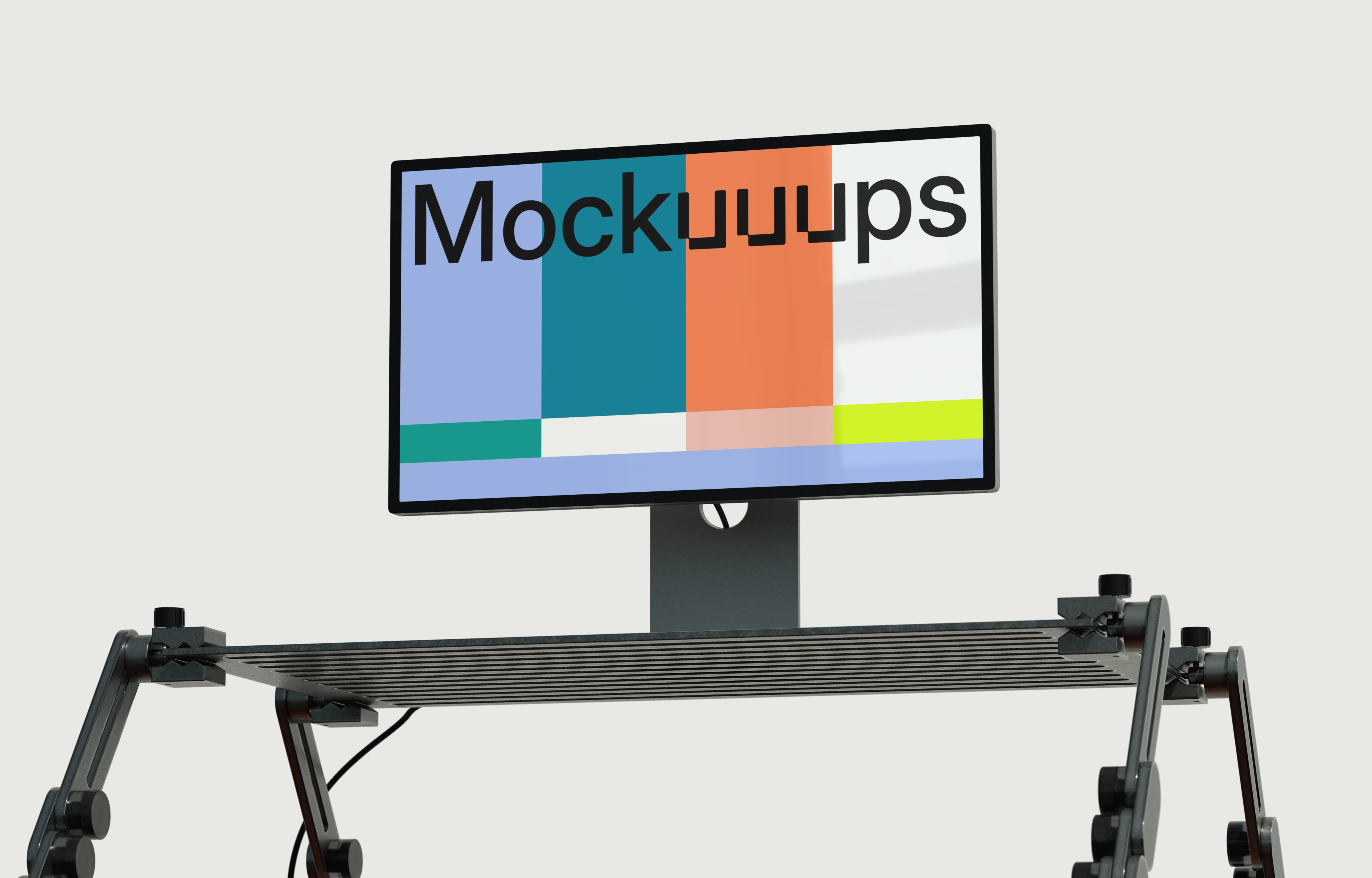
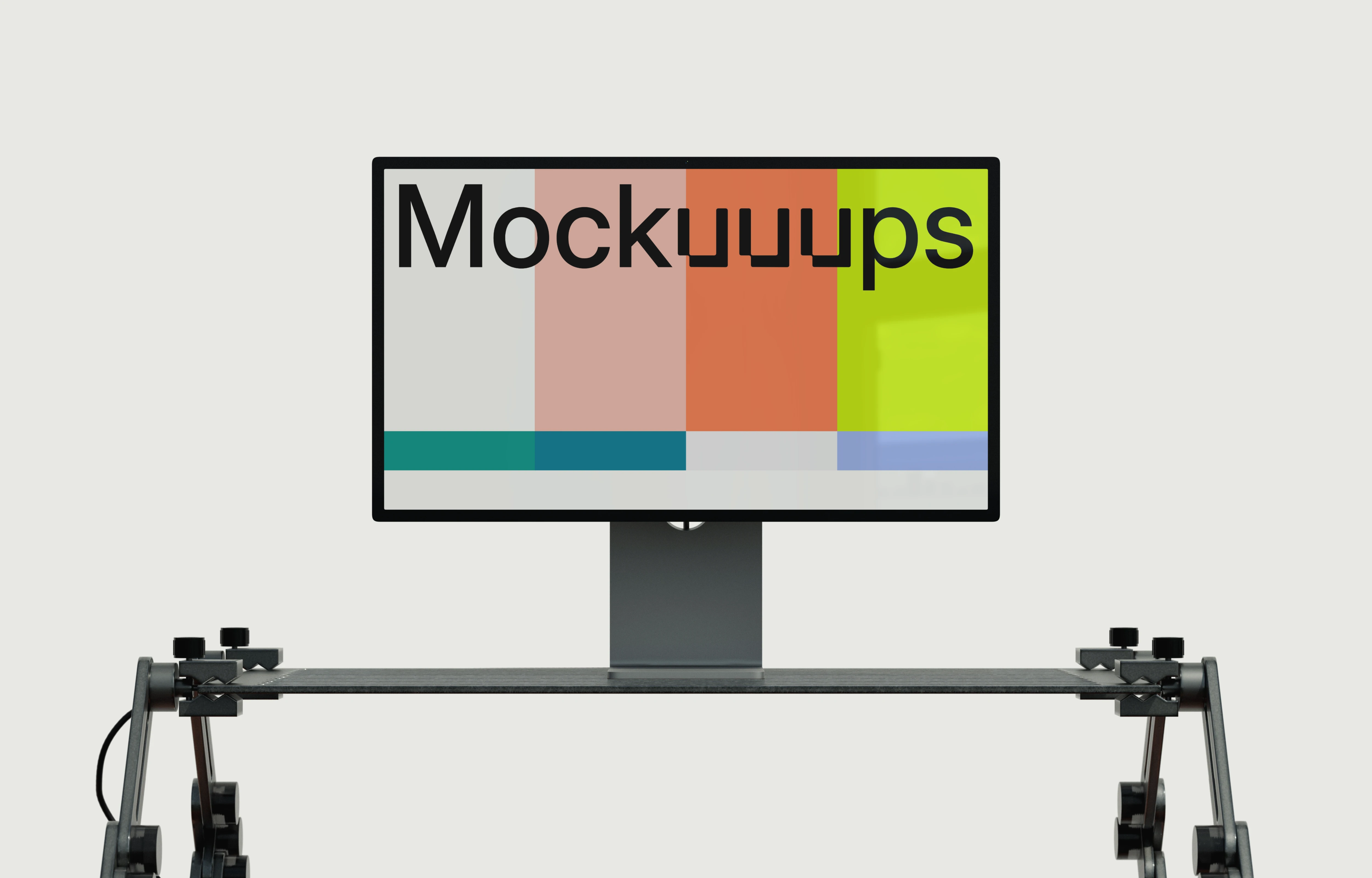
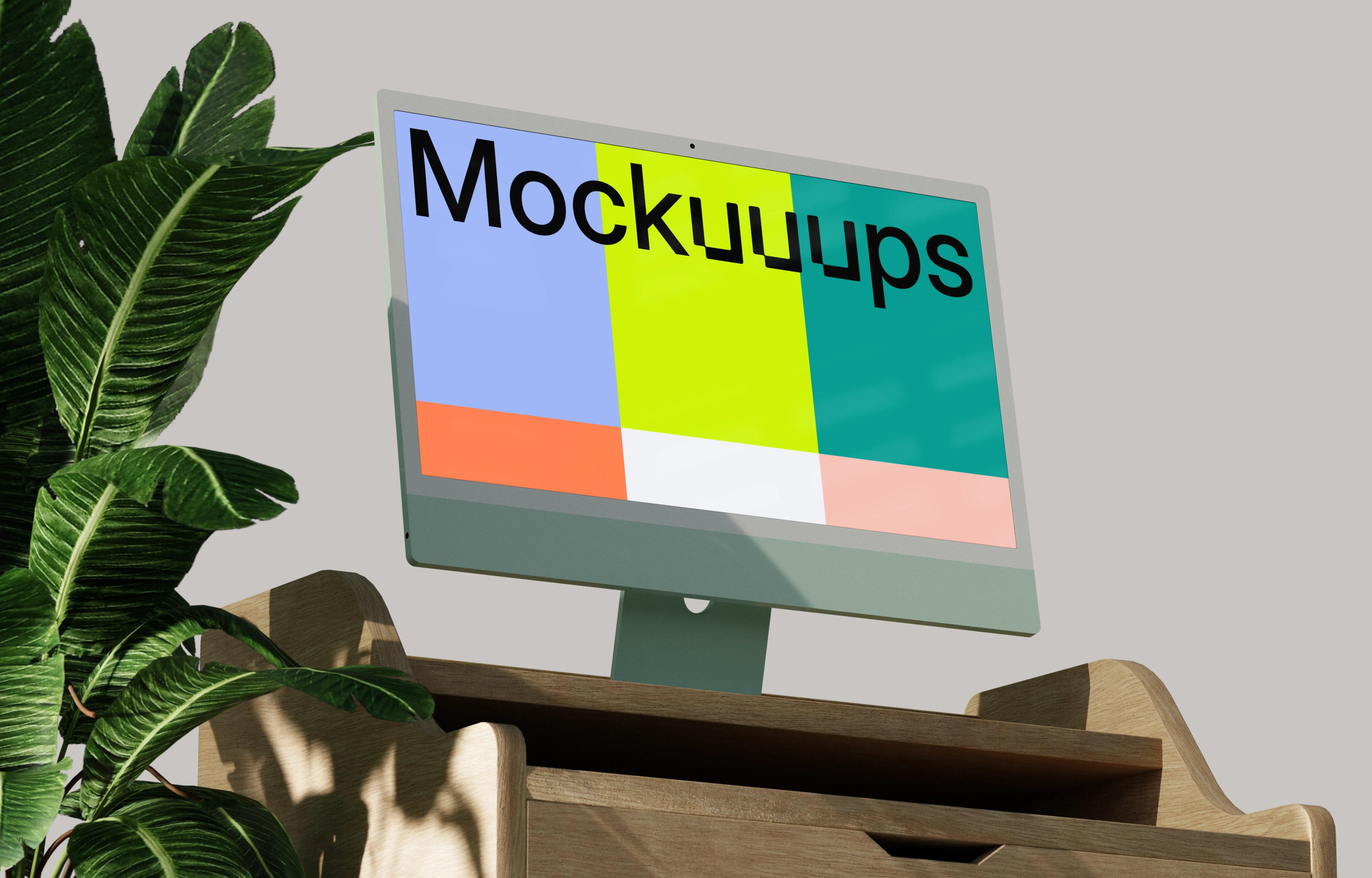
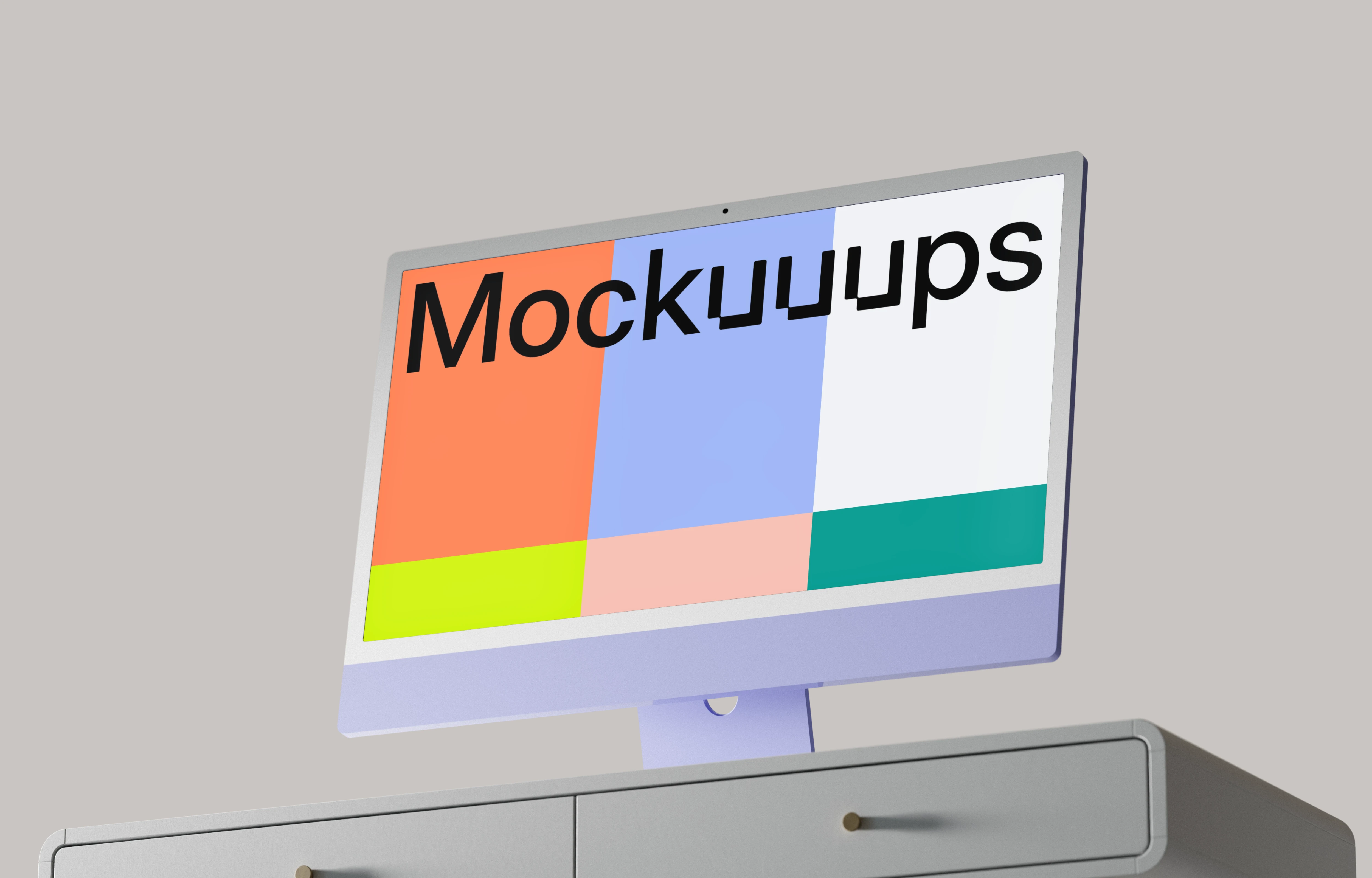
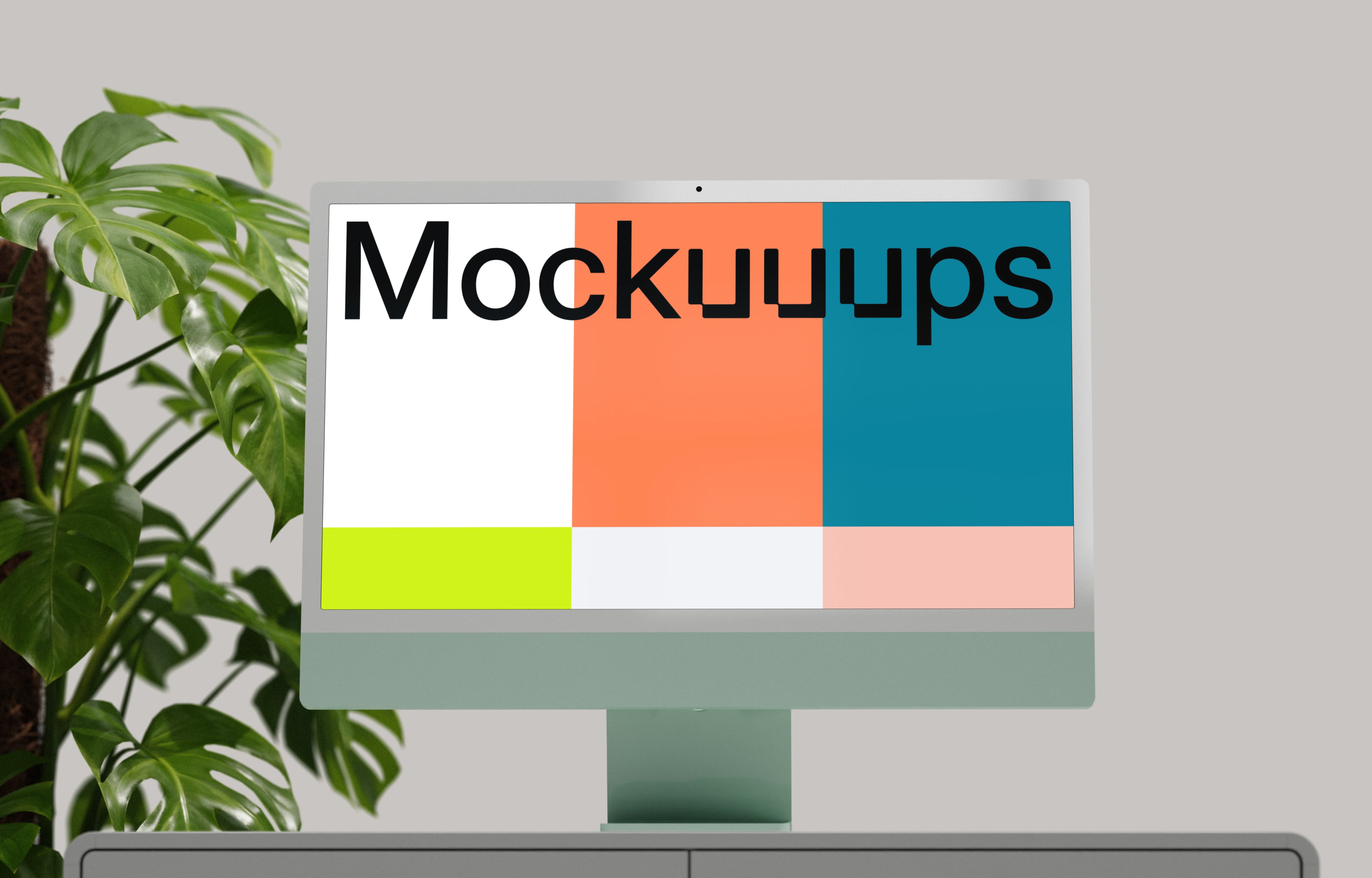
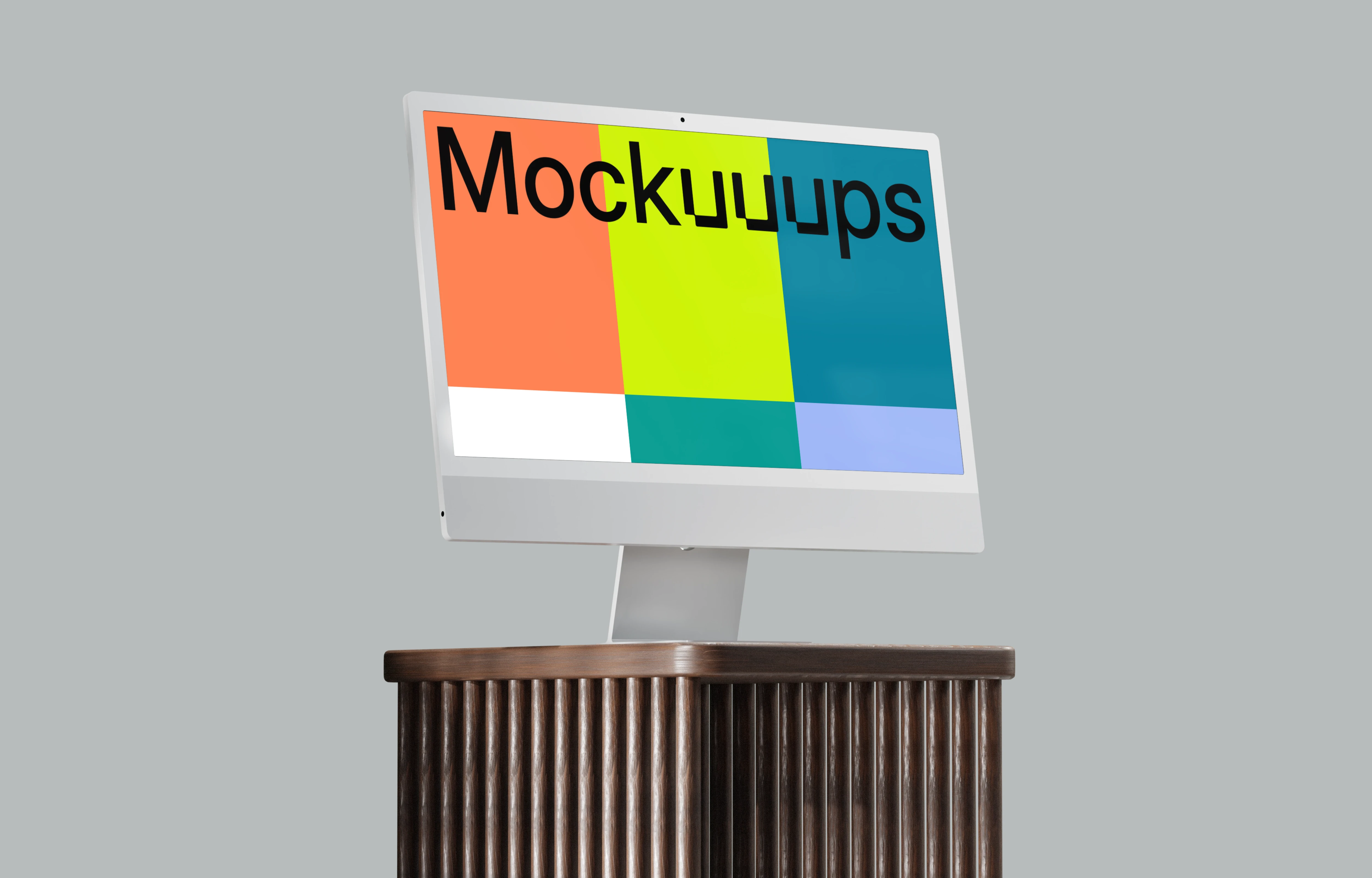
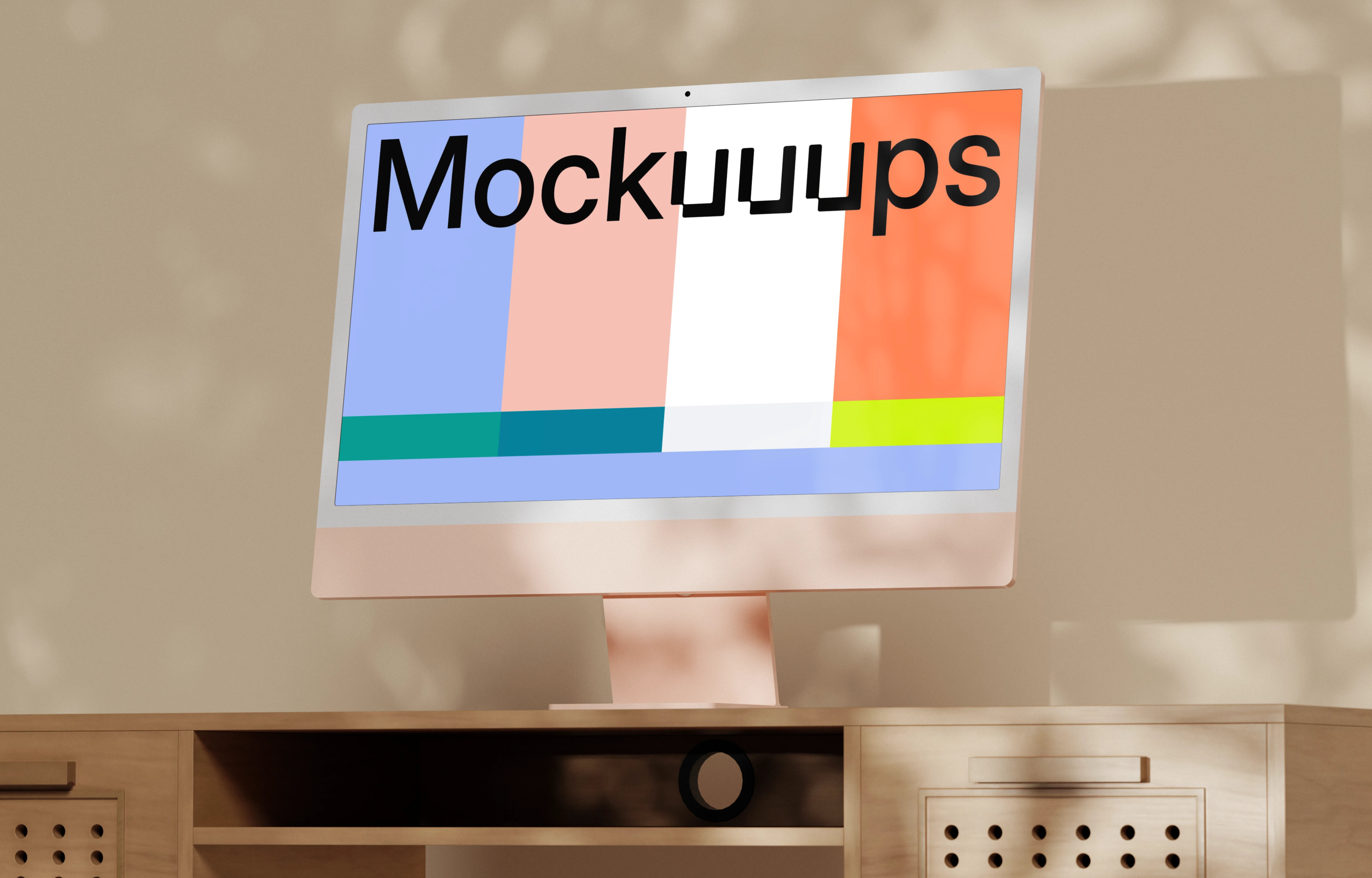
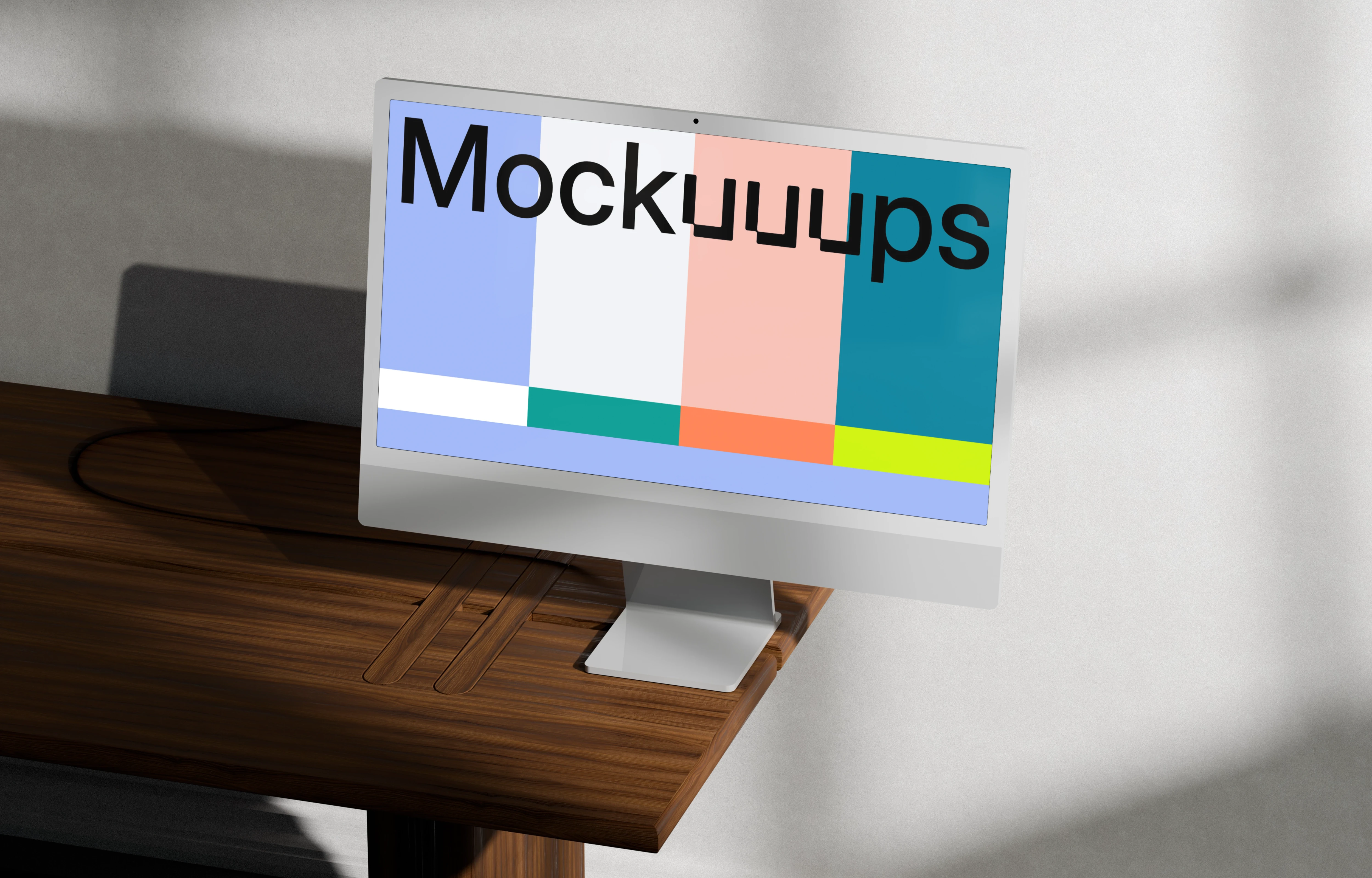
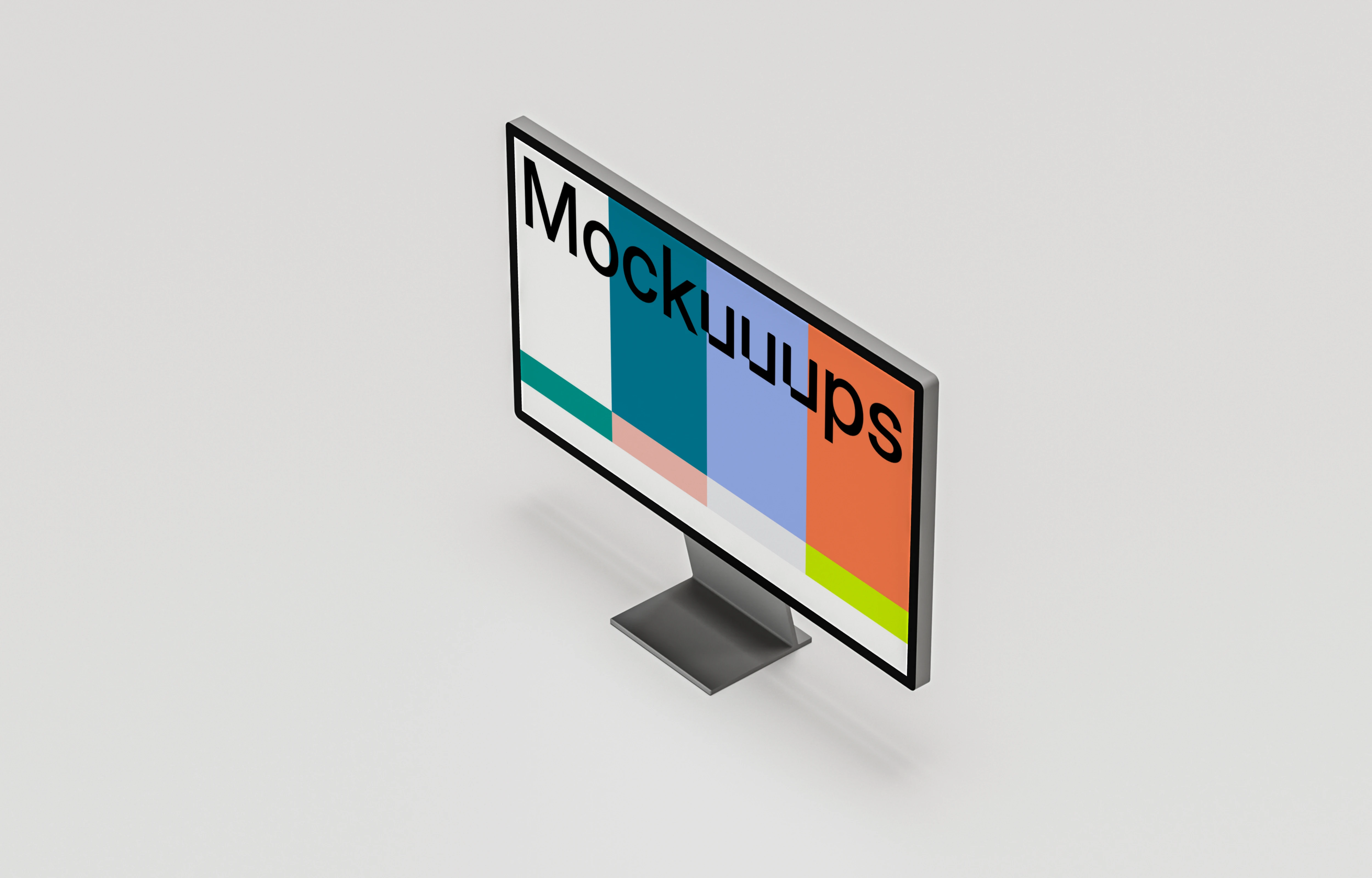
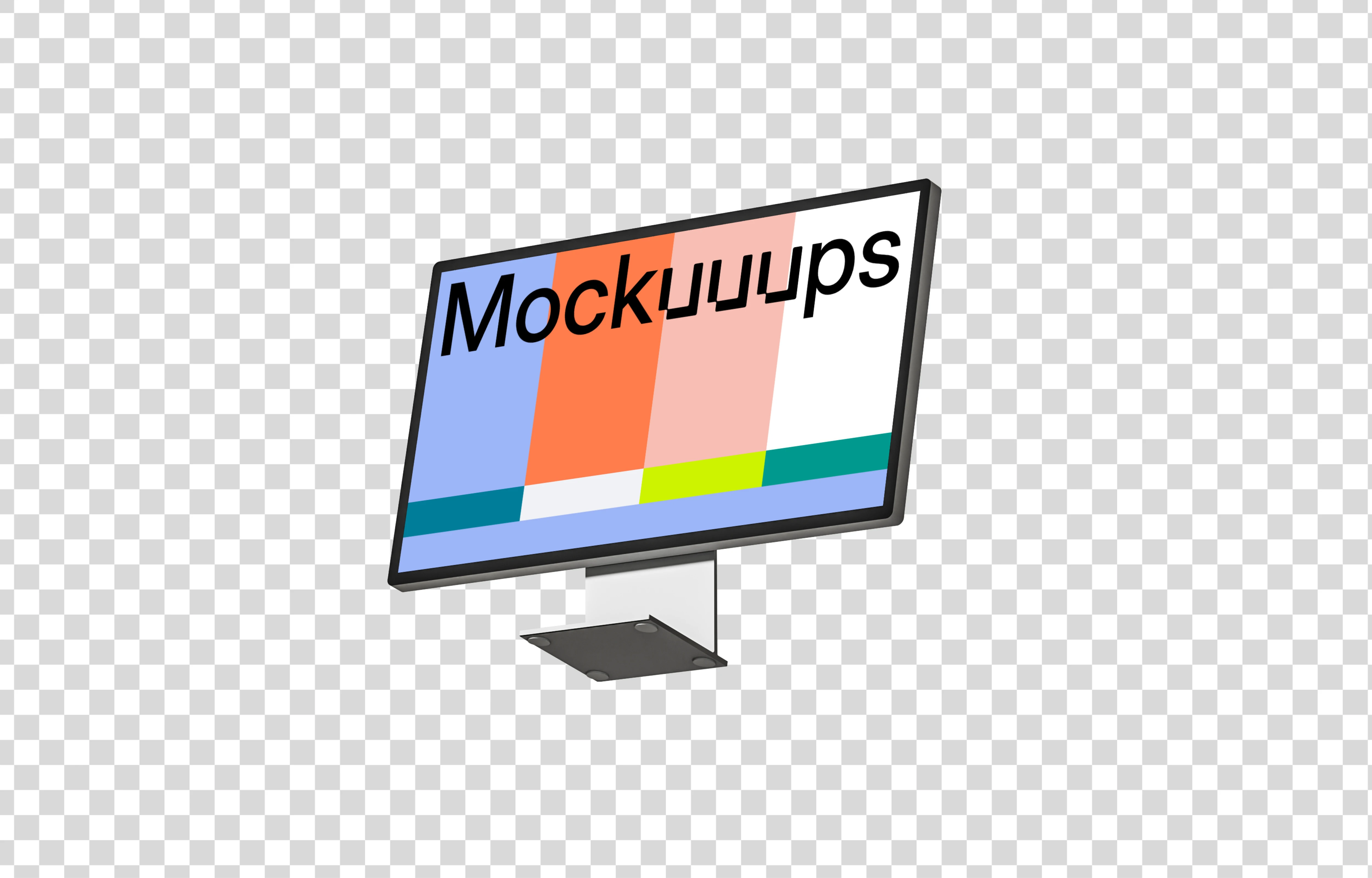
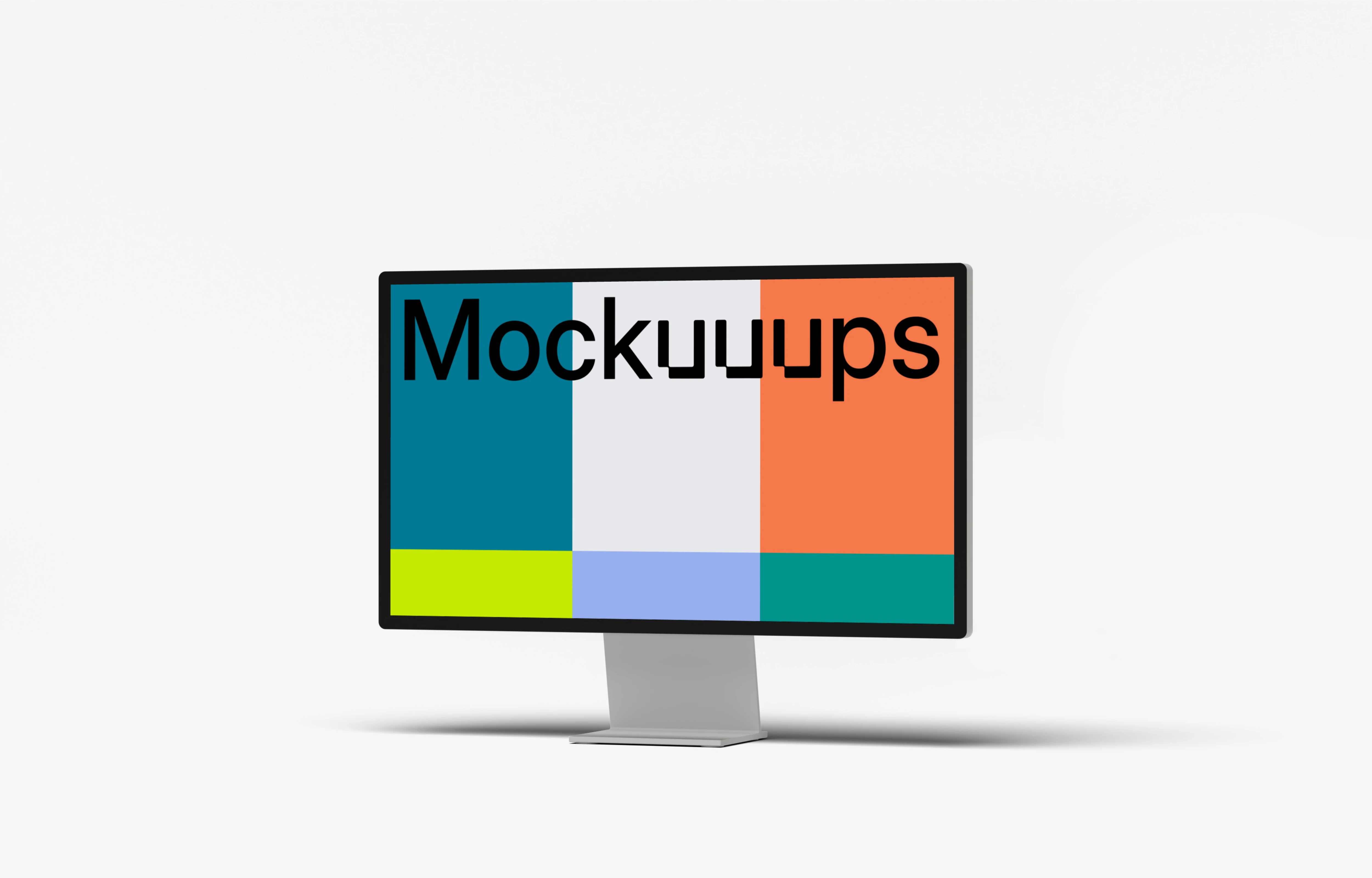
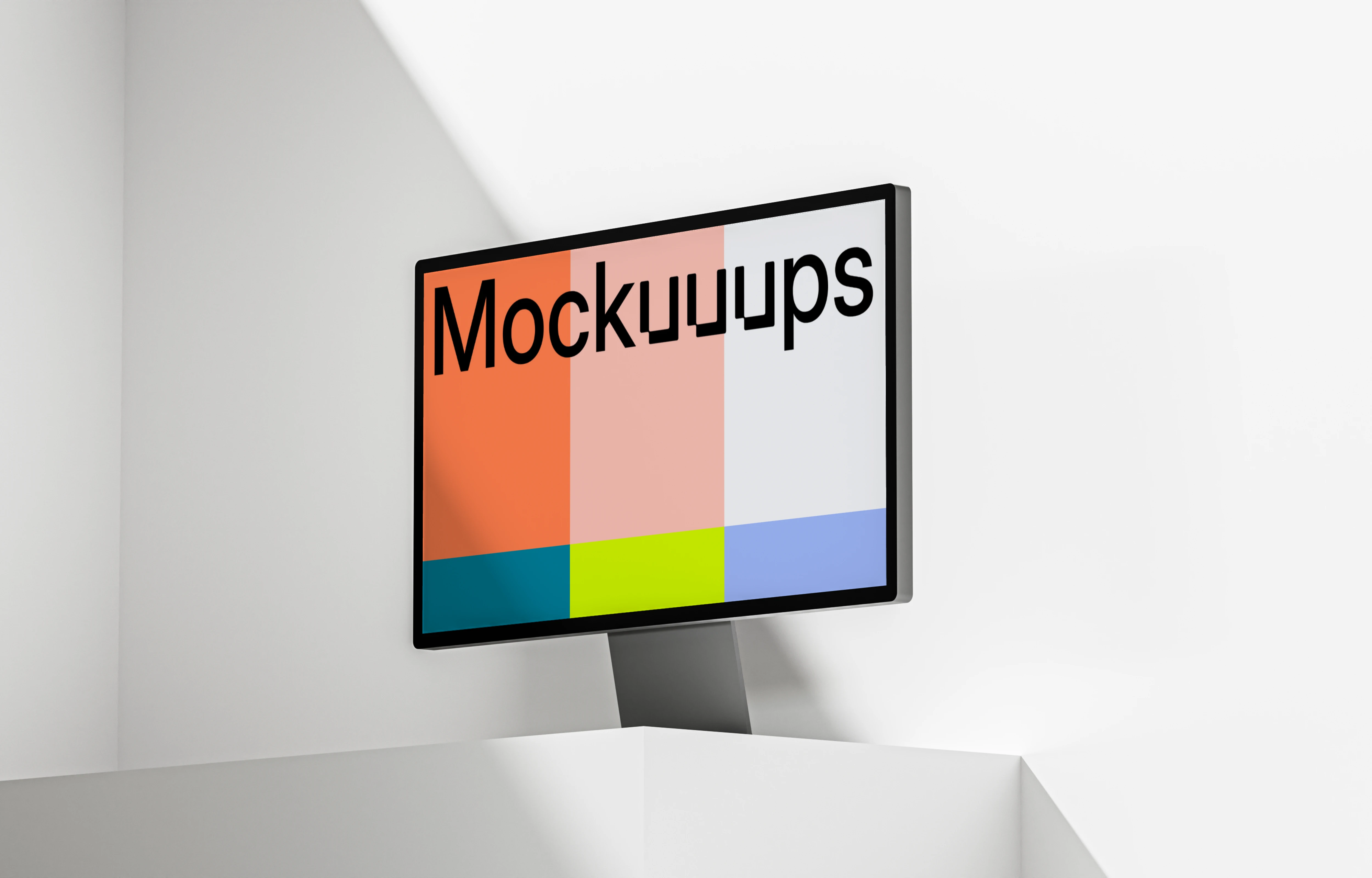
Create realistic desktop mockups without Photoshop.
The Easiest Way to Create Beautiful Desktop Mockups.
A mockup shows your product or design on a real device. Instead of downloading a PSD file, opening Photoshop, and tweaking smart objects by hand, you can drop your screen into hundreds of studio-shot desktop scenes in seconds.
Stop hunting for one-off templates across random sites and keep your scenes in one library.
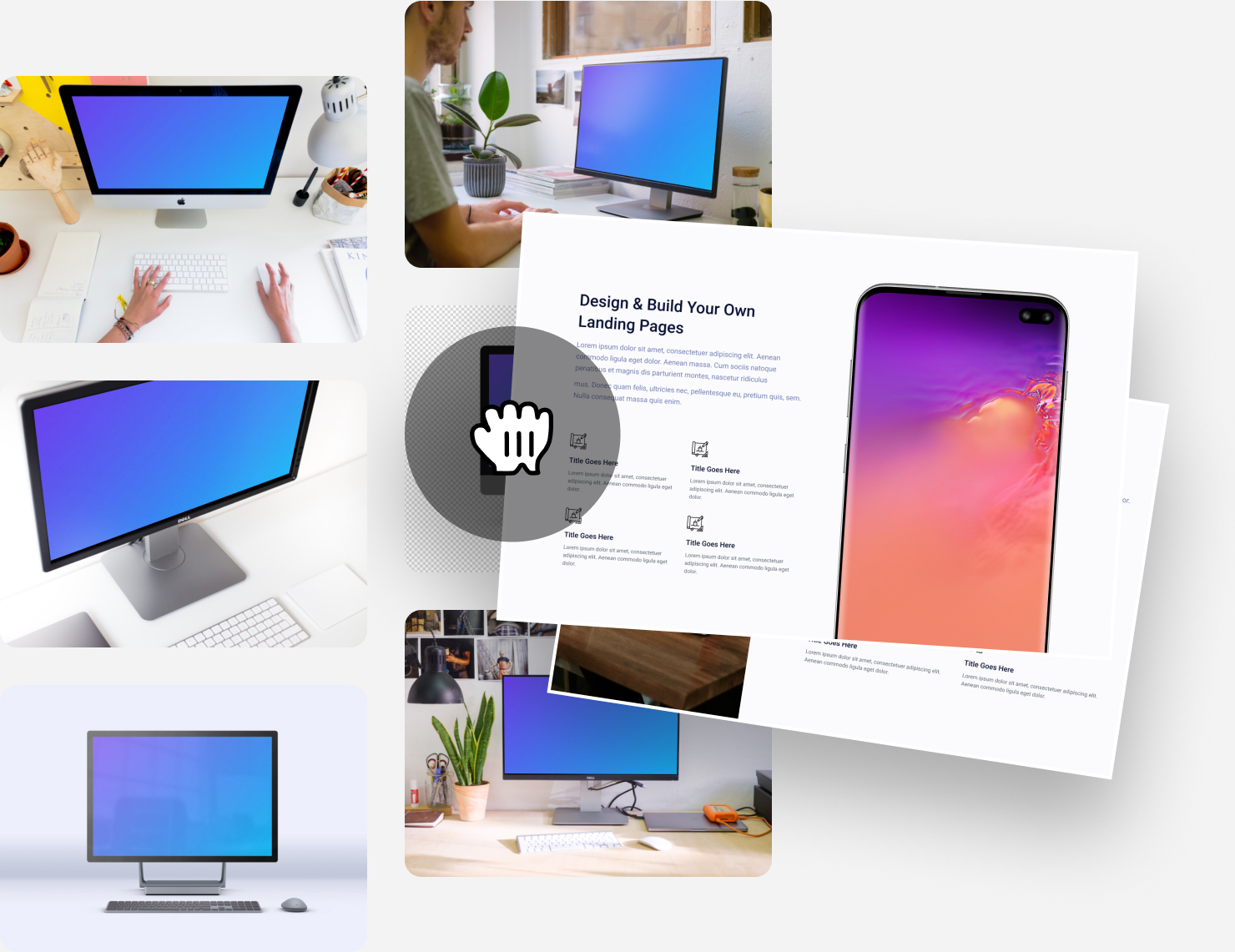
Browse 5300+ studio-shot scenes across devices, hands, and backgrounds.
Need something more specific? Open Mockuuups Studio’s editor to adjust devices, angles, backgrounds, and lighting.
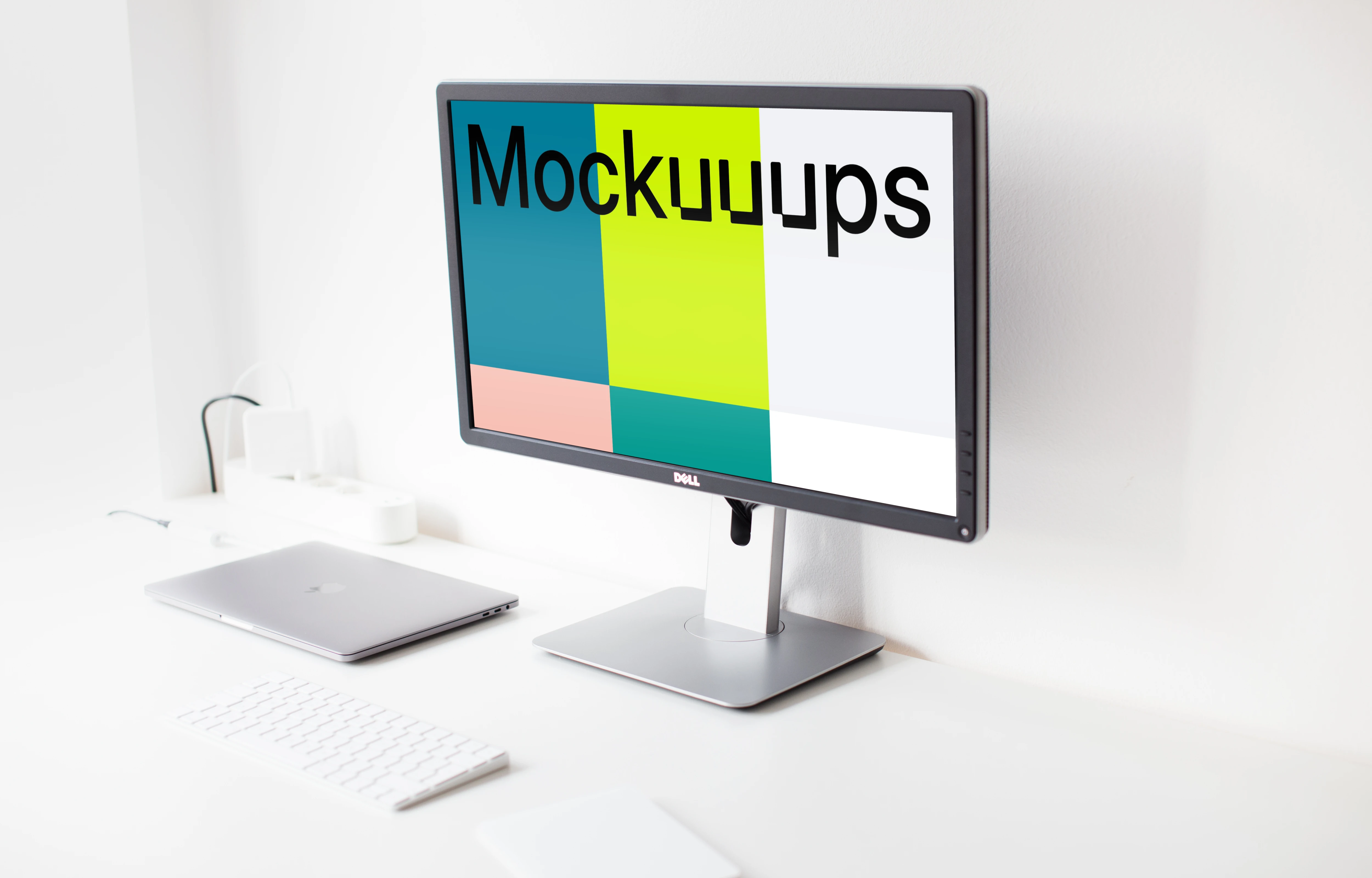
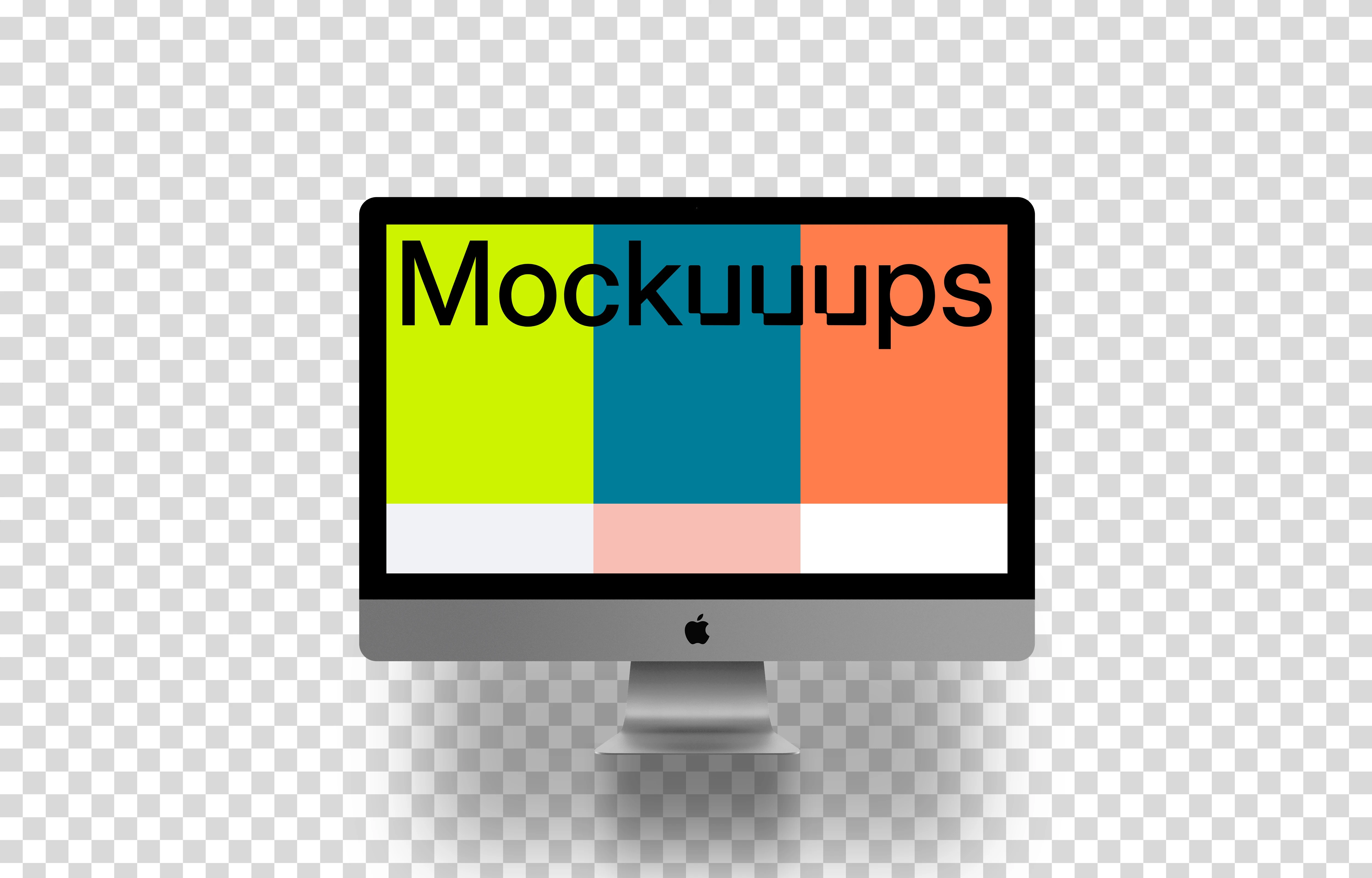
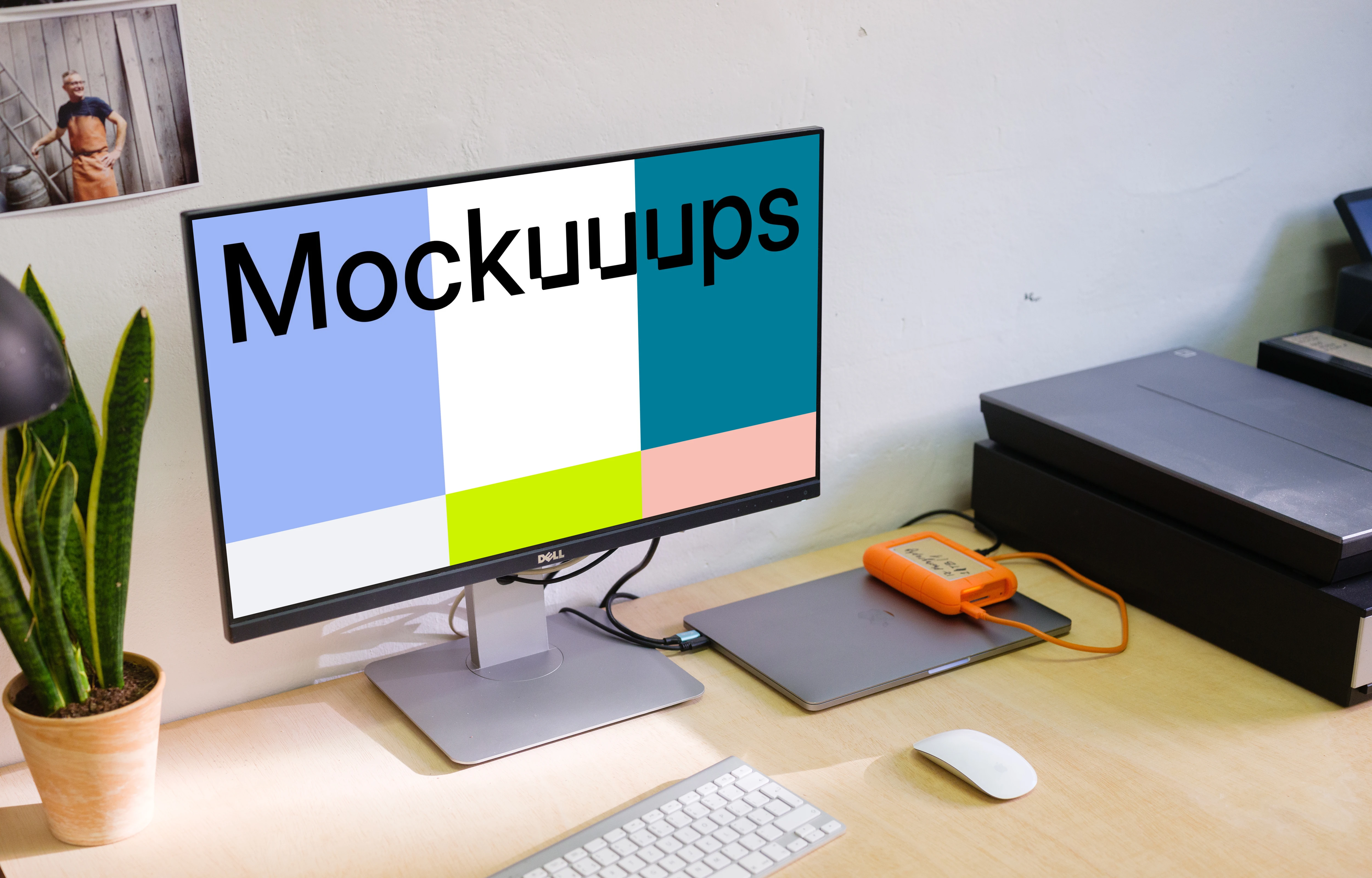
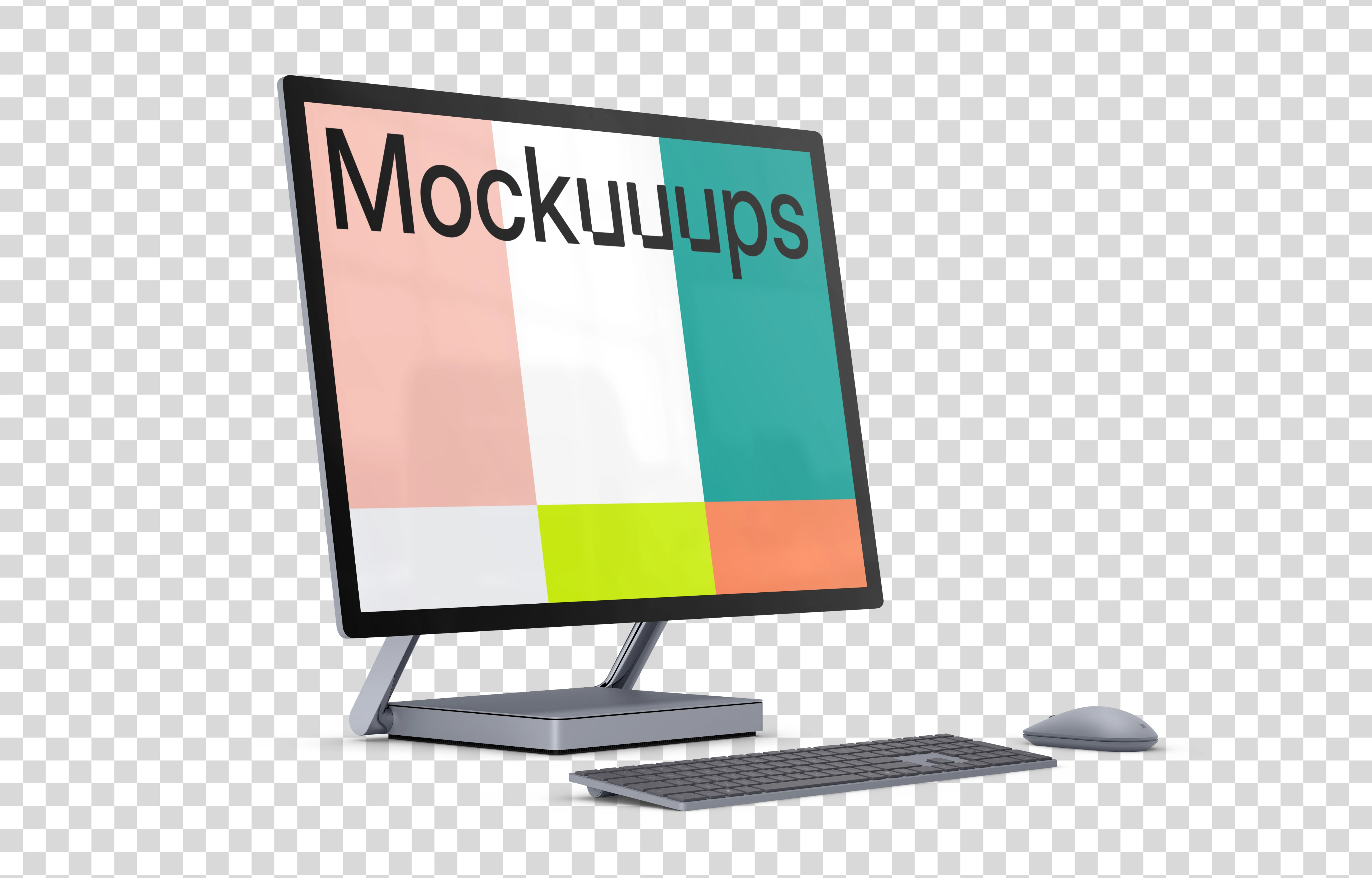
Preview thousands of desktop mockups for free
Preview all 5300+ mockups for free before you pay. Only upgrade when you’re ready to export without a watermark.
Drag and drop your design
Drop in your screenshot or artwork and preview it across the entire desktop mockup collection.
Filter and browse
Filter 5300+ hand mockups, device mockups, and studio scenes to find the right fit.
Export your mockup
Export a high-resolution image ready for your site, deck, or campaign.
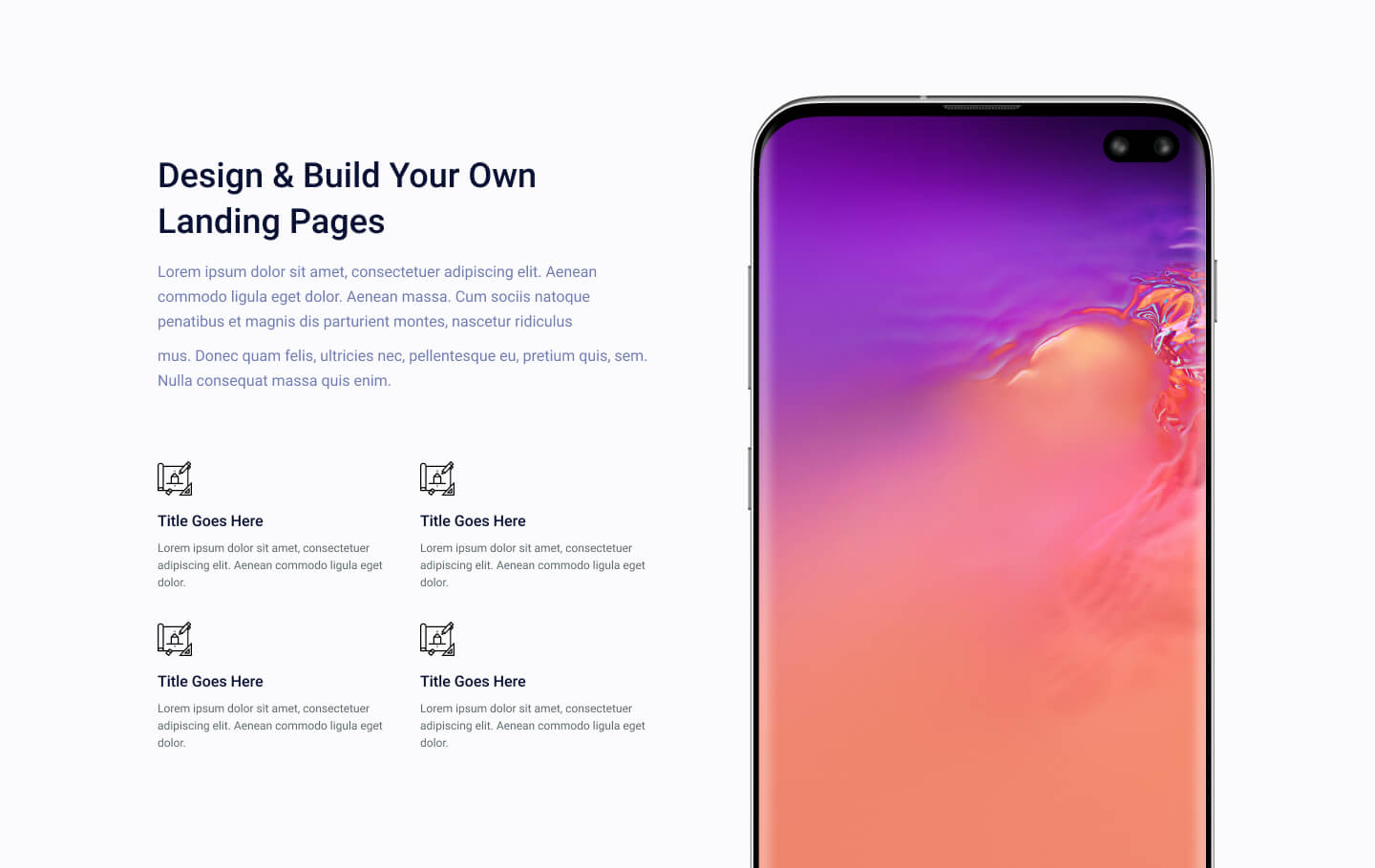
Before
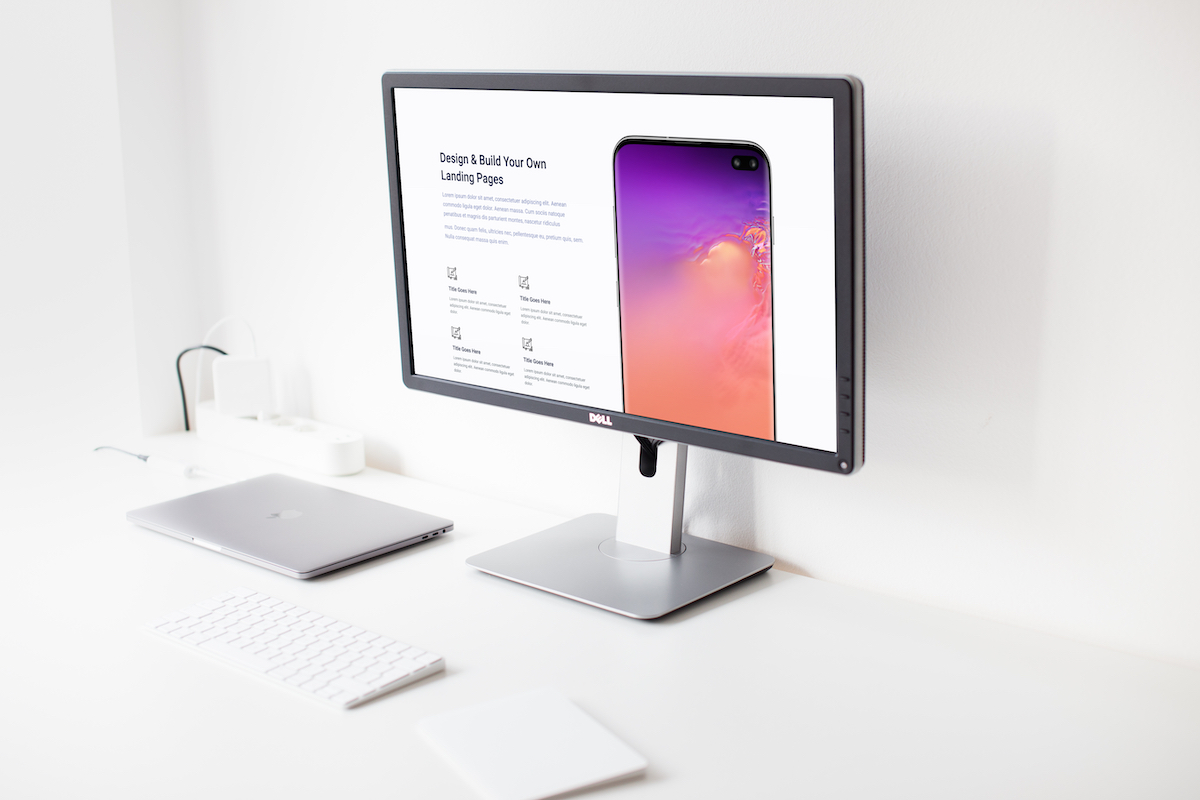
After
Skip overused stock templates. Every scene in Mockuuups is shot in our studio and updated regularly.
Built for designers presenting a new interface and marketers producing campaign visuals on a deadline.
Where desktop mockups fit best
Clear product visuals help people understand what you’re showing at a glance. Common places teams use Mockuuups Studio:
Website images
Produce clean hero images and feature demos without booking a photoshoot.
Pitch decks and presentations
Show your product in context before it ships with real-world desktop mockups.
Case studies
Walk clients through real-world product shots with natural hand gestures and angles.
Blog posts
Replace recycled stock photos with custom mockups tailored to your article.
Ads
Generate and test dozens of device variations for paid social without rebuilding PSDs.
One library for every mockup.
We shoot our own scenes in the studio so you don’t have to hunt for PSDs or pay for one-off templates.
Drop your design in once, preview it across 5300+ scenes, and export only what you need.

Instant Drag and Drop Previews
Preview the entire library for free. Drop your visuals into 5300+ categorized scenes with no Photoshop required.
Diverse Photorealistic Hands
Real hands across ages and ethnicities so you can show your desktop product in actual use.
An Ever-Growing Library
We regularly shoot and add new devices and scenes you won’t find in generic stock packs.
Create Custom Mockups Fast
Customize devices, hands, shadows, and backgrounds directly in the Studio editor.
Integrations with Figma and Sketch
Use the same library directly inside Figma and Sketch. Place mockups into your working files without switching tools.
Try Mockuuups Studio for free. Upload a screenshot and preview it across 5300+ scenes right away.
Collections
Ready to make better mockups in less time?
Paste your visuals into 5300+ device mockups for free today.
No design skills required.
Preview 5300+ device mockups at once.
Create and export in seconds!

If you're into making nice product shots with your app designs, @Mockuuups is a great. Install it on your MAC, super easy to use.
Jess
@jesseddy
