How to Create iPhone Duo Mockups Online (No Photoshop)
- Content Updates,
- 2 minutes to read
Apple's foldable is out, and your mockups need to catch up. iPhone Duo mockups are live in Mockuuups, drop your UI in, change the color and hand, export. No Photoshop.
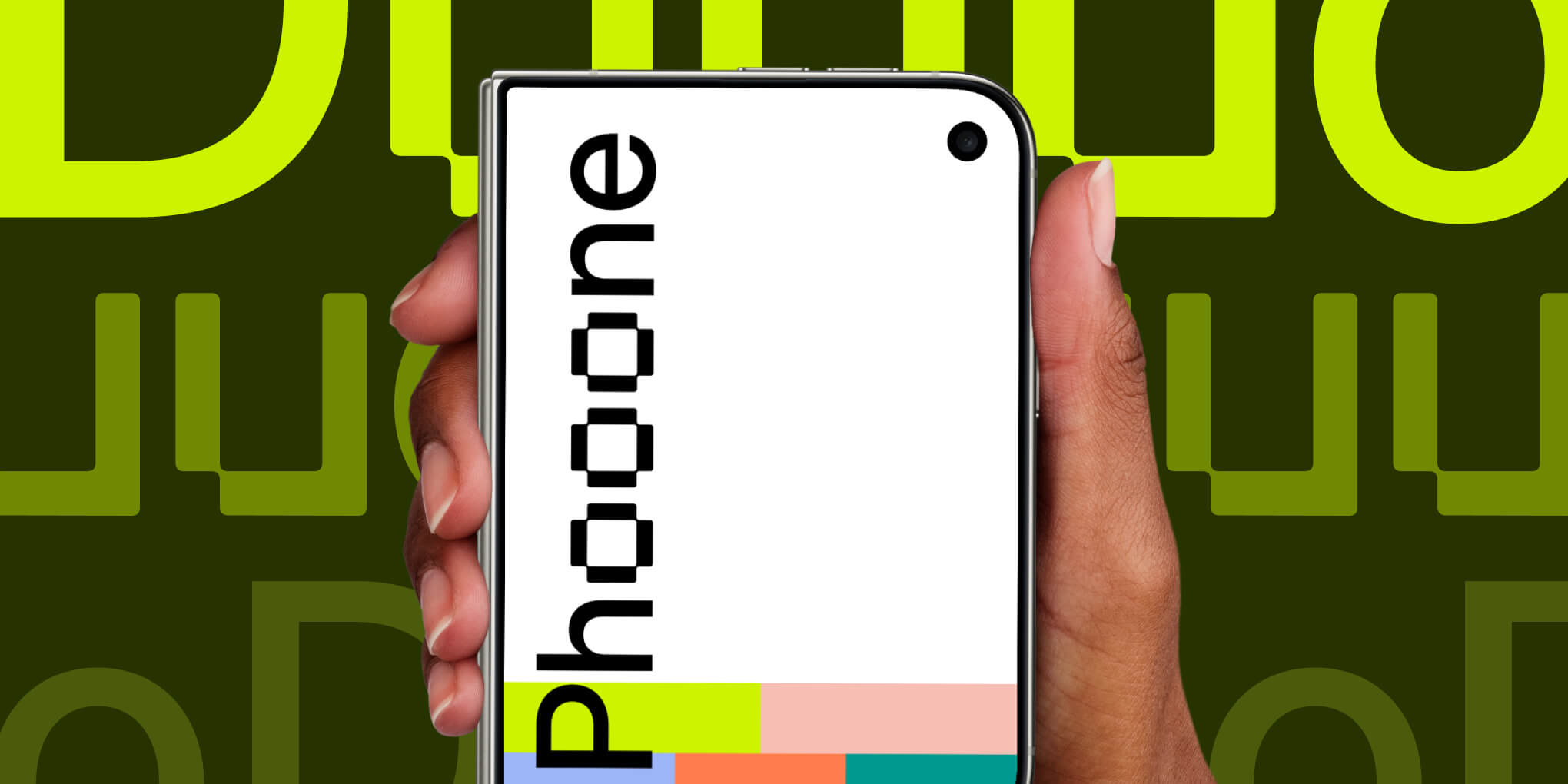
On September 9, Apple unveiled the iPhone Duo, its first foldable, at “Surprise and shine.” A 7.6-inch inner display when open, a 5.4-inch outer when closed, same aspect ratio so content scales cleanly. Pre-orders October 16, ships October 23, from $1,999 (MacRumors).
For mockups, Duo isn’t one extra iPhone. It’s two poses we have to support the same way every other device already works in the editor: portrait when it’s open, and the closed cover.
Other phones in Mockuuups already share a system. Color, hands, shadows, backgrounds, and how devices sit next to each other. Duo has to plug into that, not get a one-off foldable mode.
We’re figuring out how the open portrait and closed versions become first-class formats, so dropping UI onto either feels like using any other phone in the library.
What’s live now
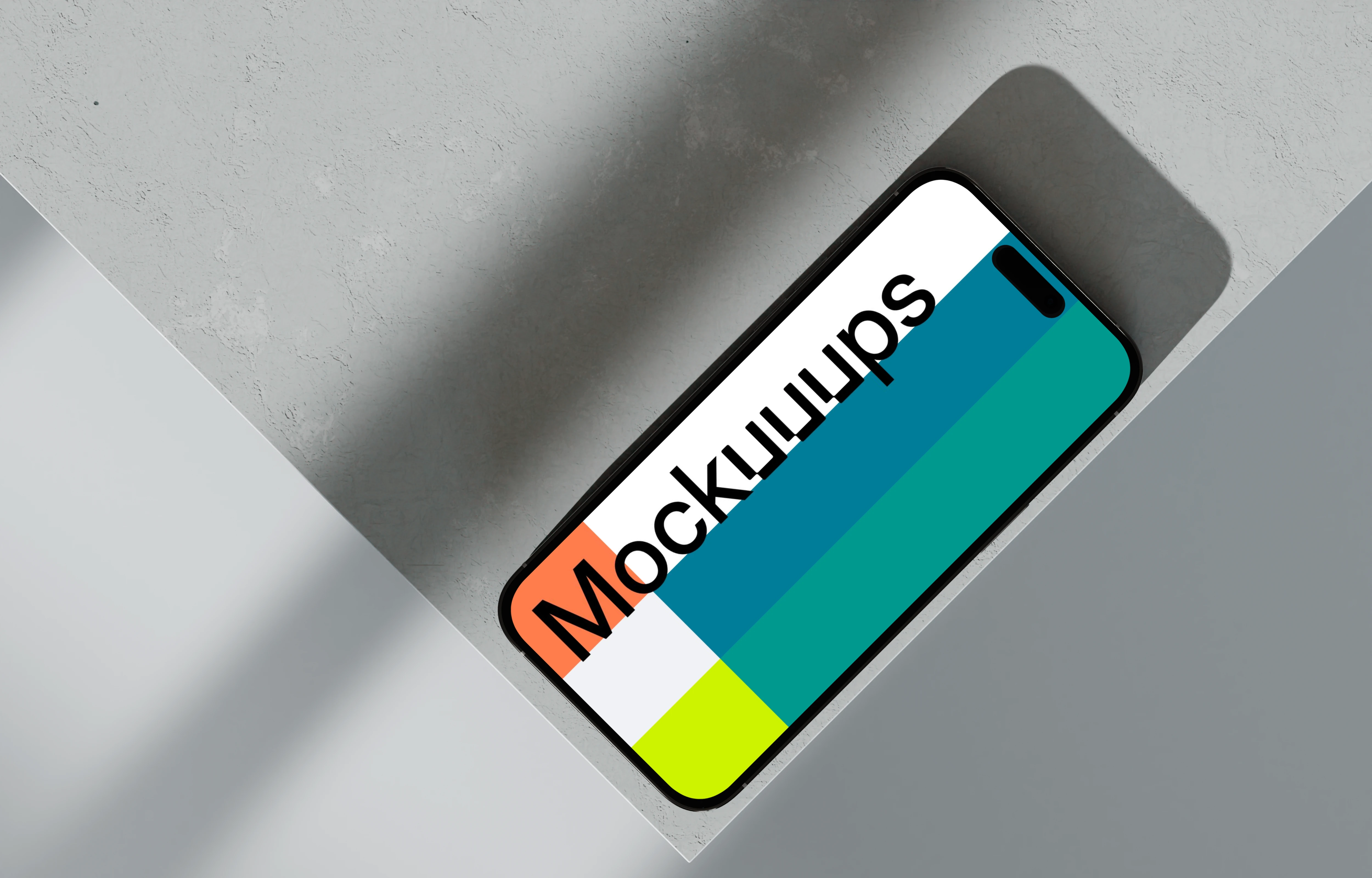
We shipped isolated iPhone Duo mockups you can use today. Change the color, add shadows or hands. Photorealistic scenes of the Duo are coming in the following weeks.
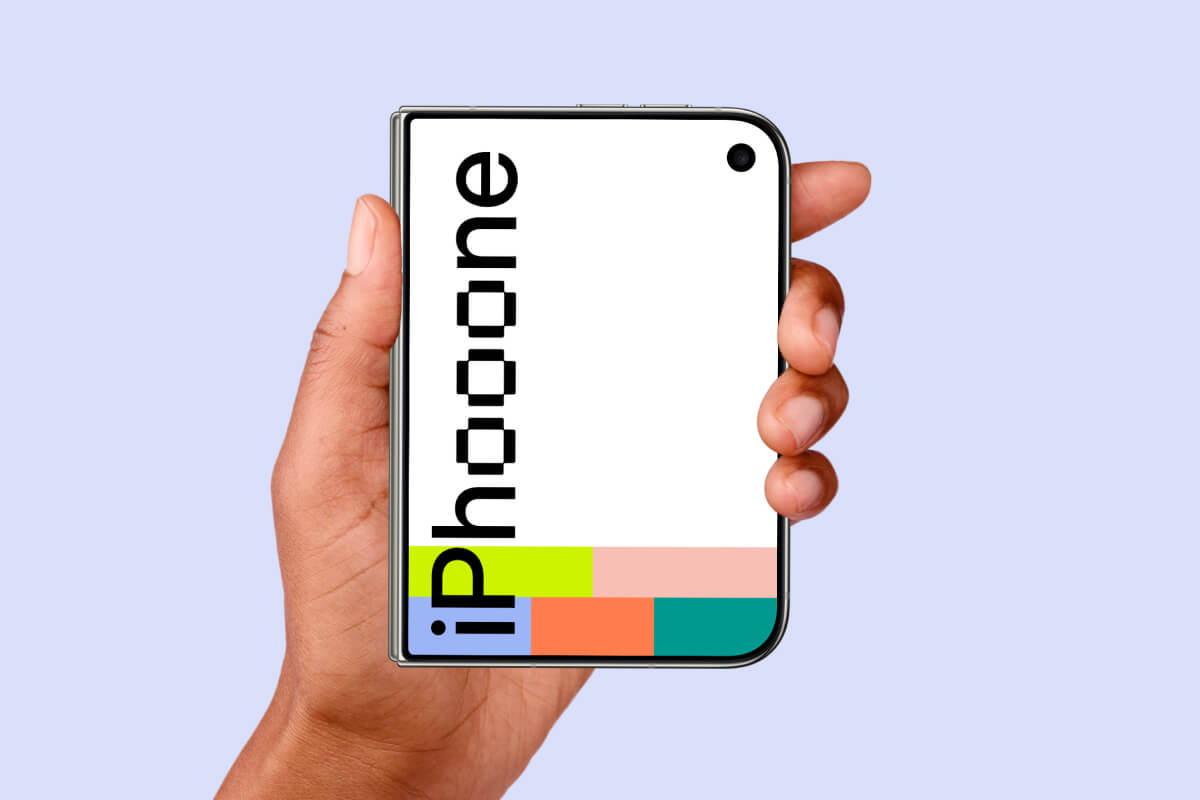
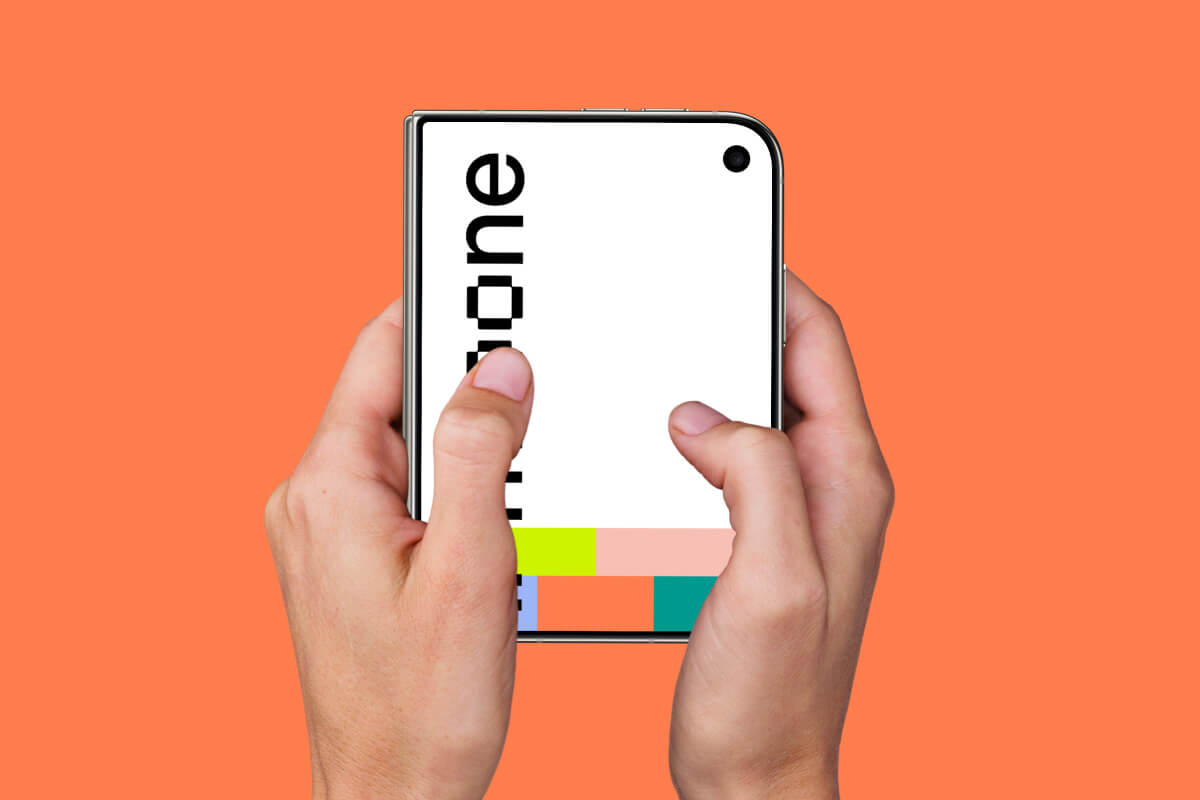
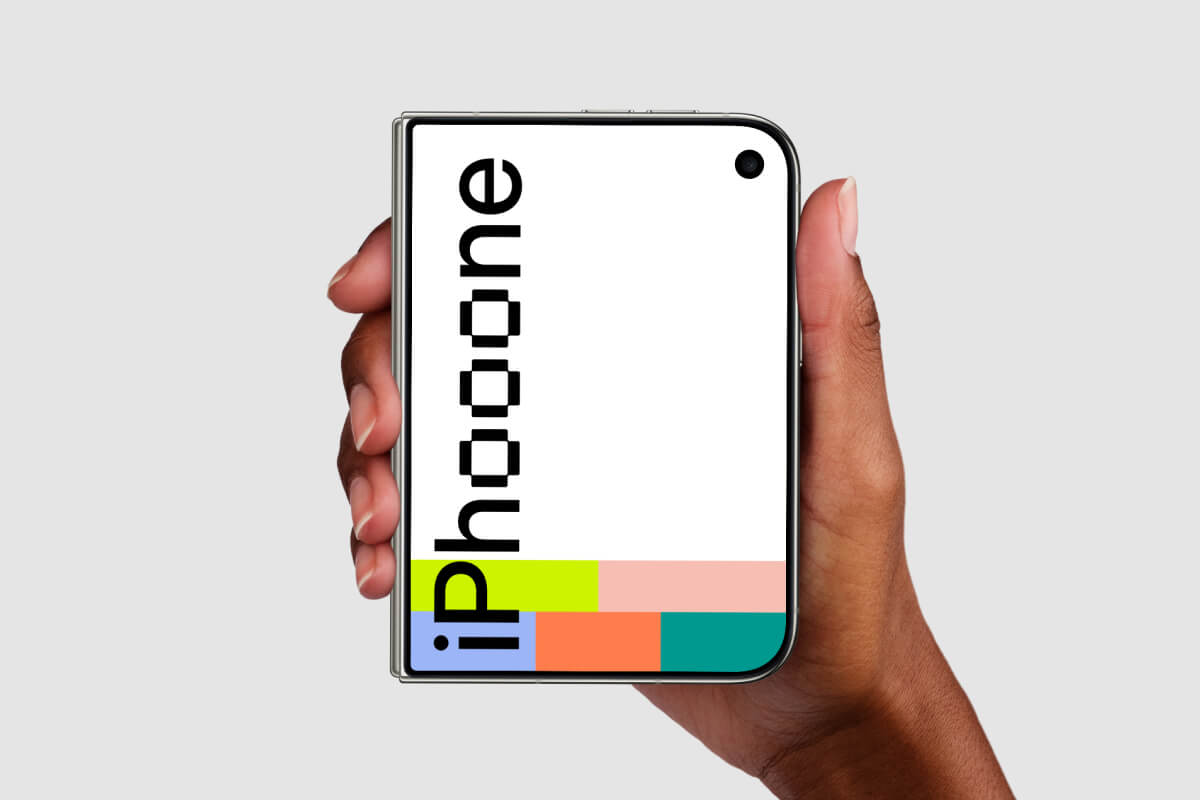
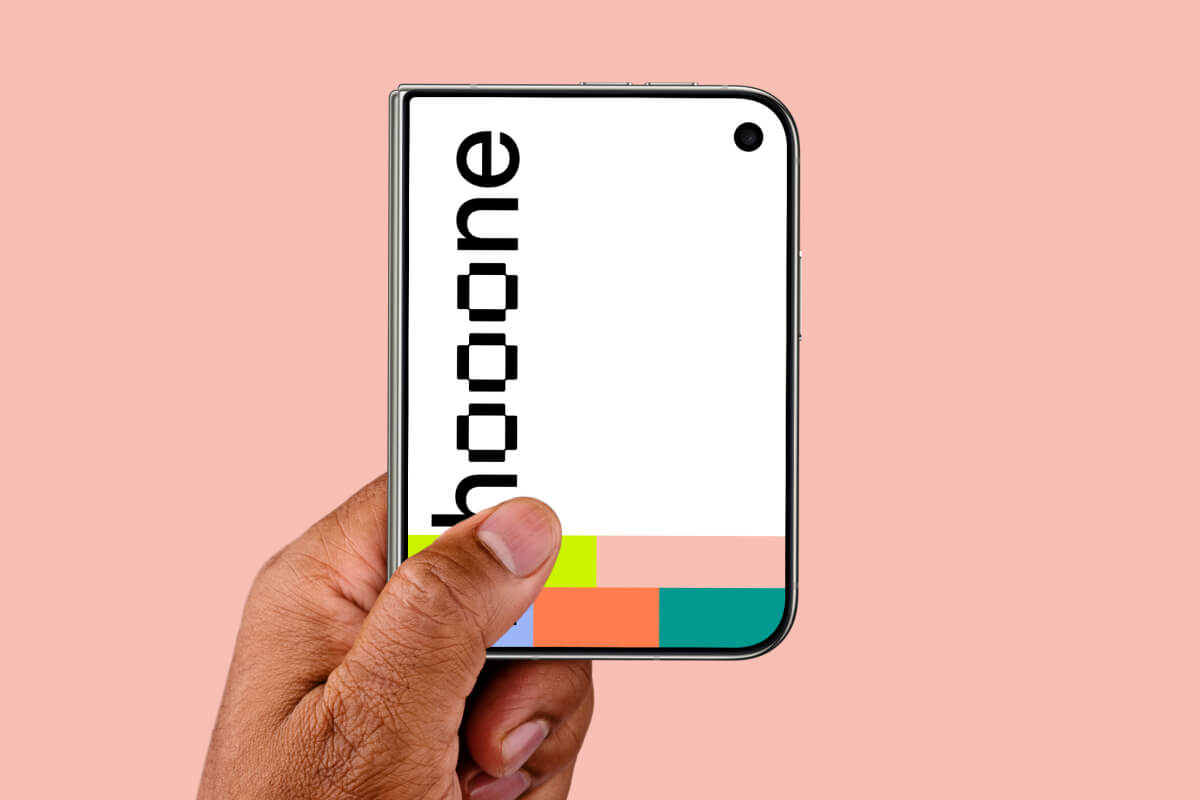
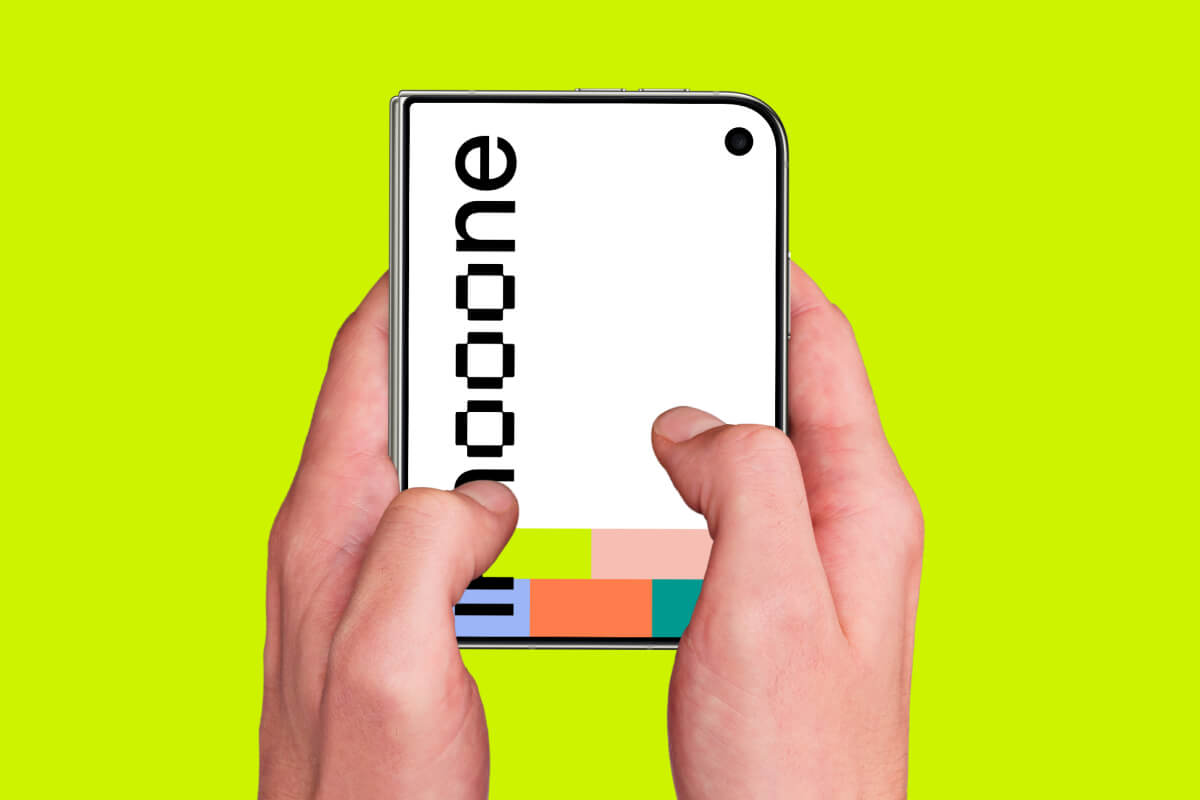
Open a scene in the iPhone Duo mockup generator, drop your UI, tweak, export.
Three steps in the browser
- Drop in your design. Paste a screenshot, or import from a URL.
- Adjust the scene. Background, device color, and hand, in the editor.
- Export. PNG, JPG, or WebP at full resolution.
No Photoshop.
Need classic single-screen shots too? The iPhone mockups collection has current and past models.
FAQ
What is an iPhone Duo mockup?
A ready-made scene that puts your UI onto an iPhone Duo. Drop it in, tweak color, shadows, and hand, and export. No extra software.
Can I customize the color, shadows, and hand?
Yes. You change those in the editor.
Do I need Photoshop?
No. Everything happens in the browser.
Can I use these commercially?
Paid plans include a commercial license. See pricing.
What's Mockuuups Studio?