Figma mockup plugin update: Print mockups, frame picker, and more
- News,
- 3 minutes to read
We rebuilt the Figma plugin from scratch to match the desktop and web app. Here's everything that changed: print mockups, visual frame picker, export presets, and more.
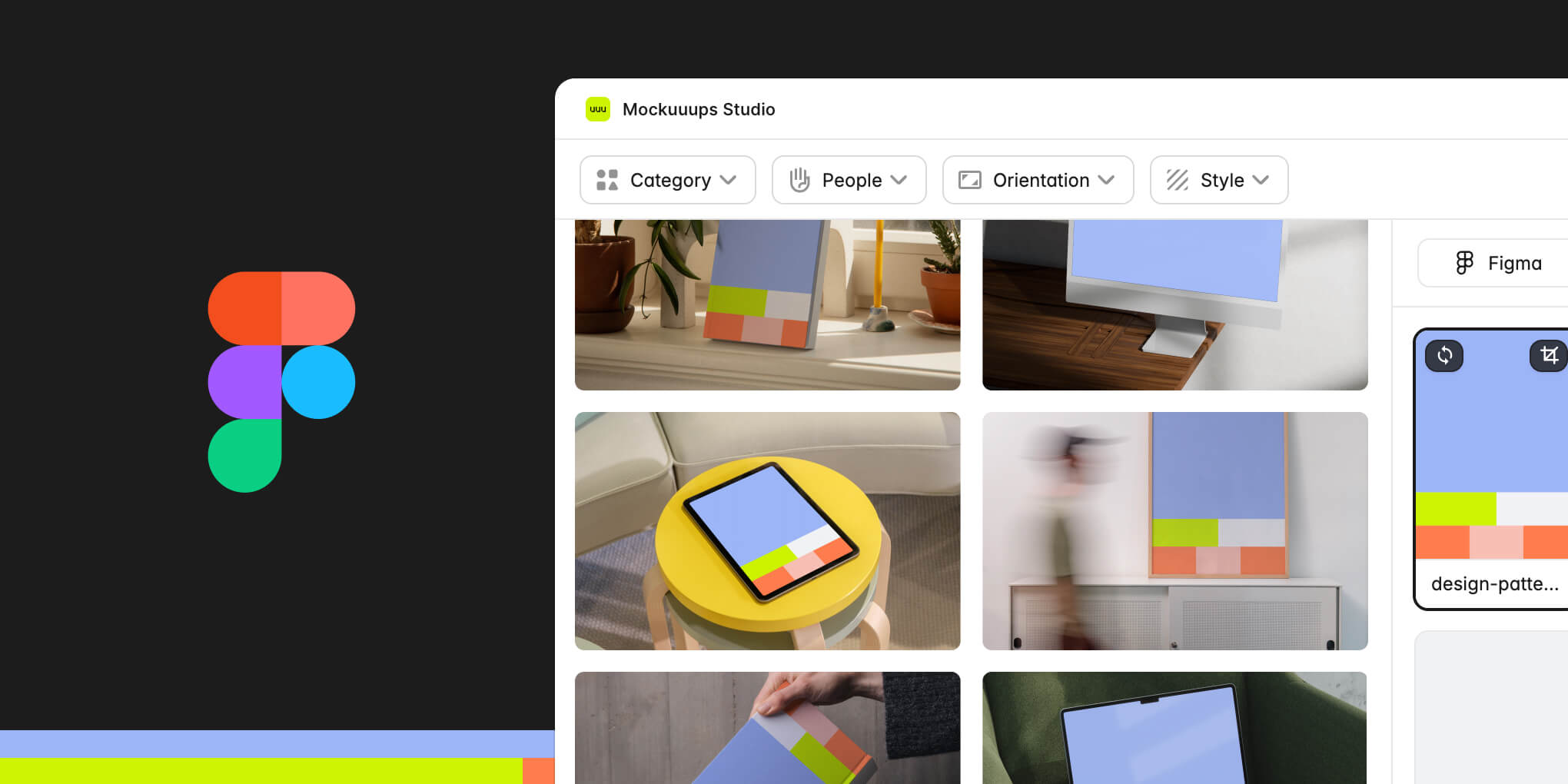
We just shipped the biggest update to the Figma plugin since we launched it.
If you've been using the plugin for a while, you probably noticed it couldn't do everything the desktop app could. Missing features. Different workflows. We heard the feedback.
We spent the past few months closing that gap. The Figma mockup plugin now has feature parity with the desktop app, plus a few things that only make sense in Figma.
Here's the full rundown of what changed.
Print mockups in Figma
Print mockups are now available directly in the plugin. Business cards, posters, papers, book covers. The full print library.
Getting prints to work required rethinking the plugin architecture. We had to support both print and digital formats without making the interface cluttered or confusing.
That rebuild made room for everything else on this list.
New category filters
The first thing you'll see: cleaner category filters. Choose Print or Digital mockups upfront, then drill down into specific formats if you need to.
We redesigned the filtering system to match how our library actually works now. Faster to navigate, easier to find what you're looking for.
Visual frame picker
Open the plugin and you'll see a sidebar with thumbnails of every frame on your current Figma page. Click any frame to use it in a mockup.
No more switching back to the canvas to select frames. Everything you need is visible in the sidebar.
Import tab with multiple options
The new Import tab gives you three ways to add your own content:
- Upload files from your local folder
- Capture a website screenshot by entering a URL
- Import from your mobile device by scanning a QR code
That mobile import option is useful for testing app designs. Scan and upload in seconds.
Export presets
Export presets for Instagram, Facebook, LinkedIn, and other social platforms. Select your target platform and the mockup exports at the correct dimensions.
No more manual resizing or looking up dimensions. Pick the platform, get the right size.
Update Mockup
Updating existing mockups is simpler now. Click any mockup you've already placed in Figma. Look at the right sidebar. You'll see "Update Mockup." Click it.
The plugin opens with that mockup loaded. Update it in place or place it as a new layer. Faster iteration when you're refining designs.
Dark mode and resizable window
The plugin window is now resizable. Useful on larger screens when you want to see more mockups at once.
Dark mode works if that's your Figma theme. Both feel like they should have been there from the start.
Works in Figma Slides
The plugin now works in Figma Slides. Create mockups directly in your presentation decks without switching tools.
Same workflow, same library, same quality. Just open the plugin in any Slides file and start adding mockups to your pitch or presentation.
Try the updated plugin
Everything above is live now in the Figma mockup plugin. If you already have it installed, the update should have rolled out automatically.
New to Mockuuups? Get the Figma plugin here or read our guide on how to create mockups in Figma.
What's Mockuuups Studio?