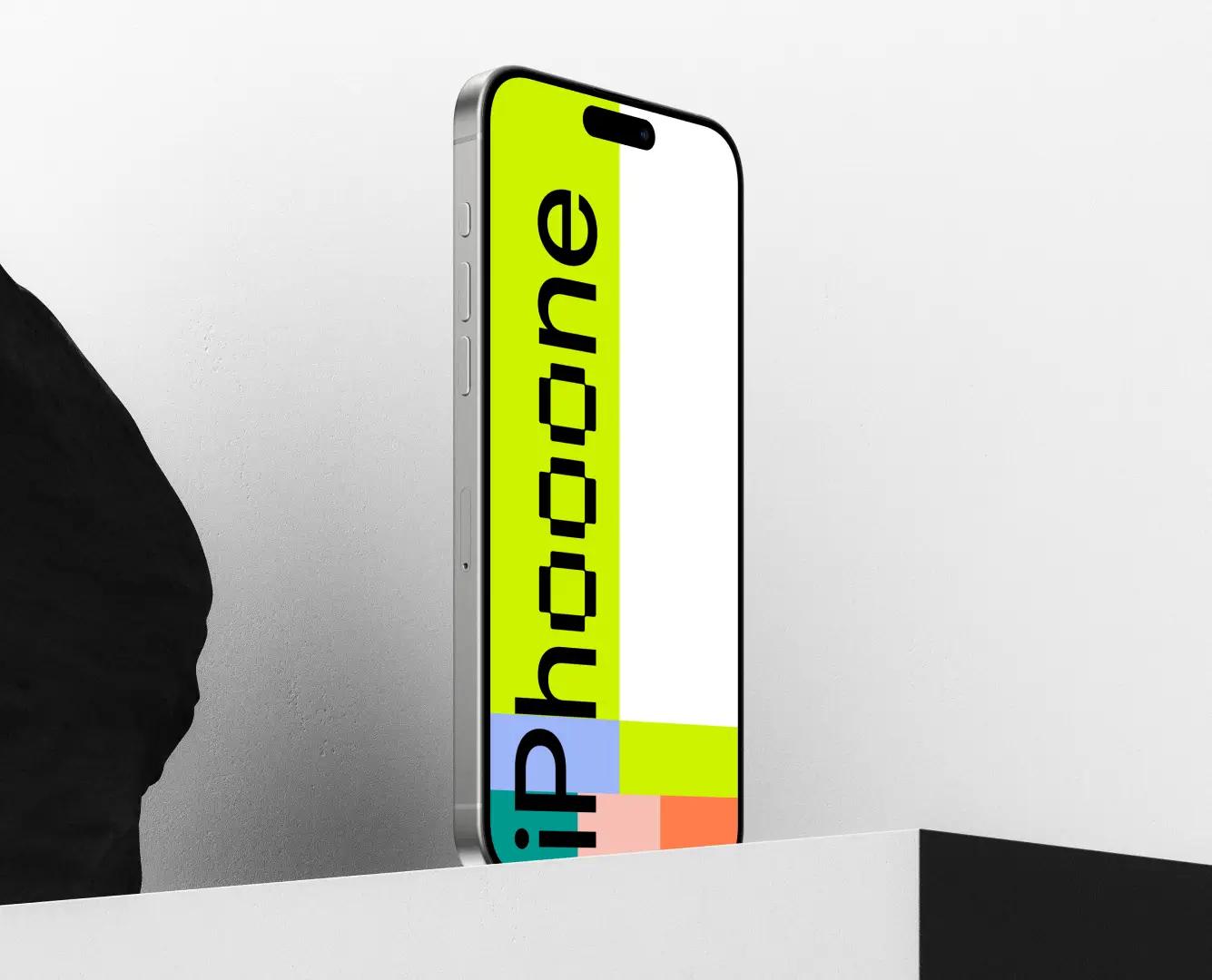
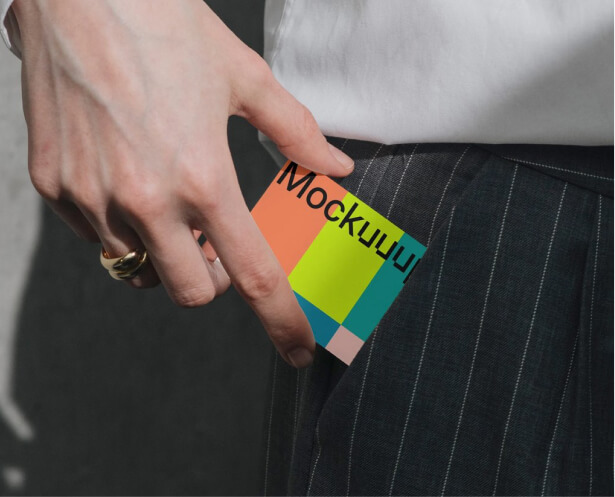
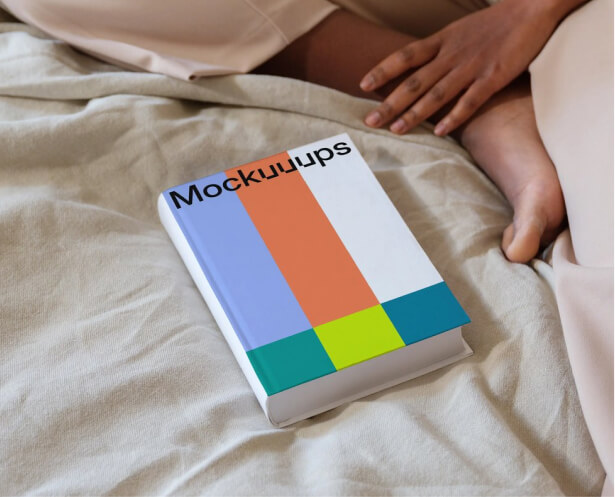
The easiest Figma mockup plugin for showcasing your design across 5200+ mockup scenes.


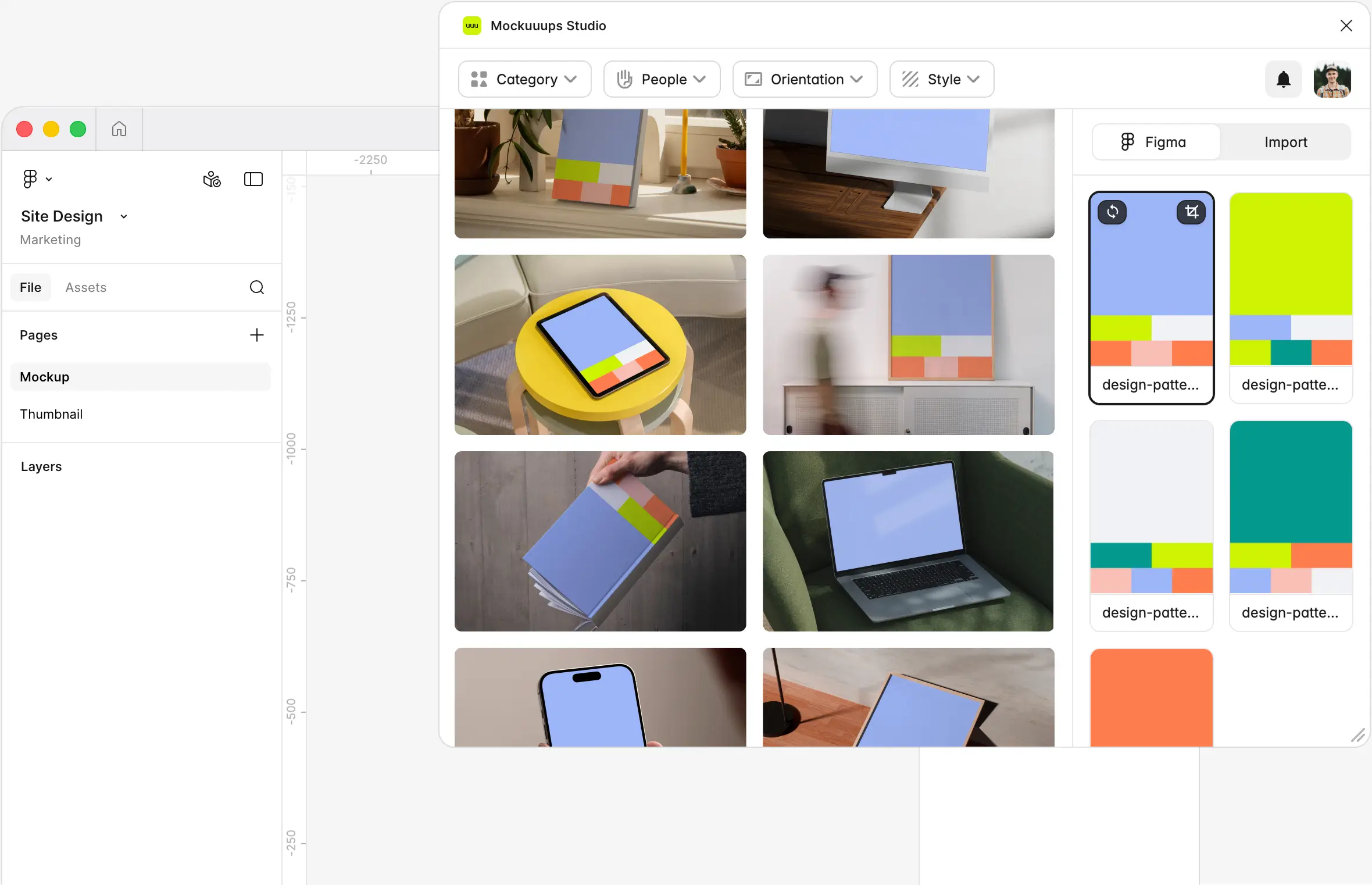




Instant Previews
Pick a frame from the visual sidebar. Your design instantly appears on every mockup in the library.
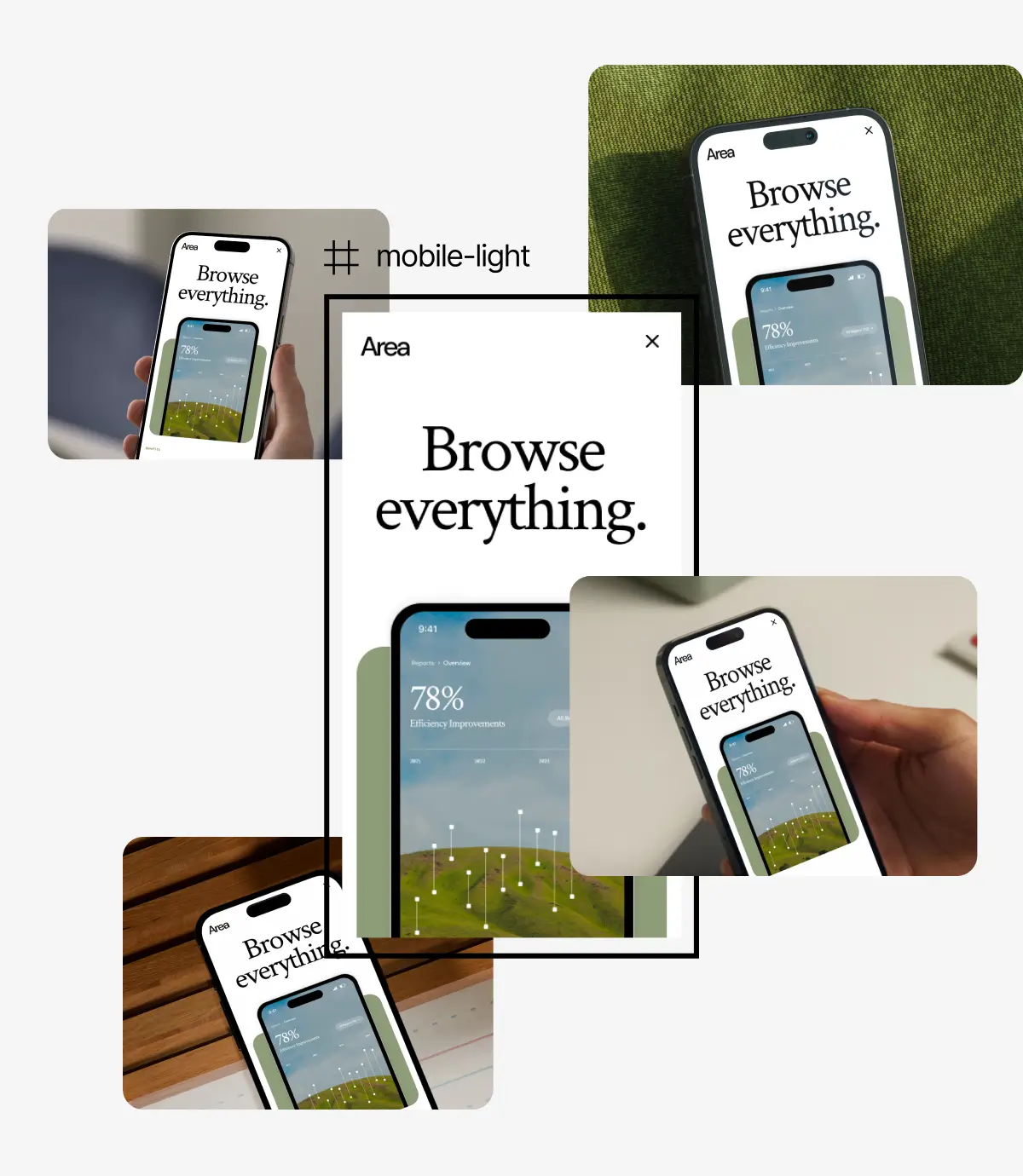
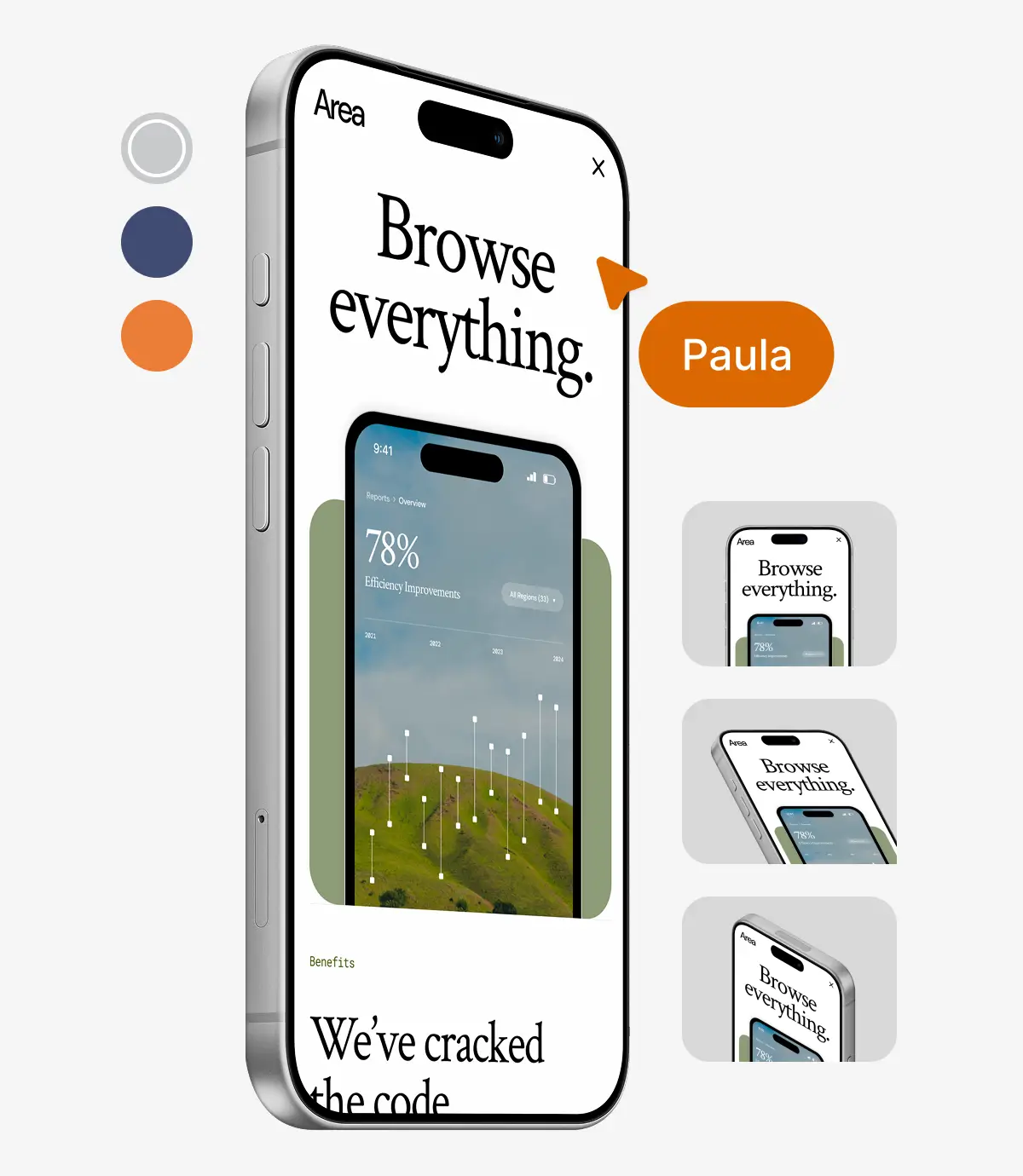
Mockup Editor
Adjust backgrounds, reposition your artwork, crop. The kind of tweaks that used to mean opening Photoshop.
Commercial License
Every export on a premium plan includes a commercial license. Client work, portfolios, pitch decks, marketing pages. No attribution required.
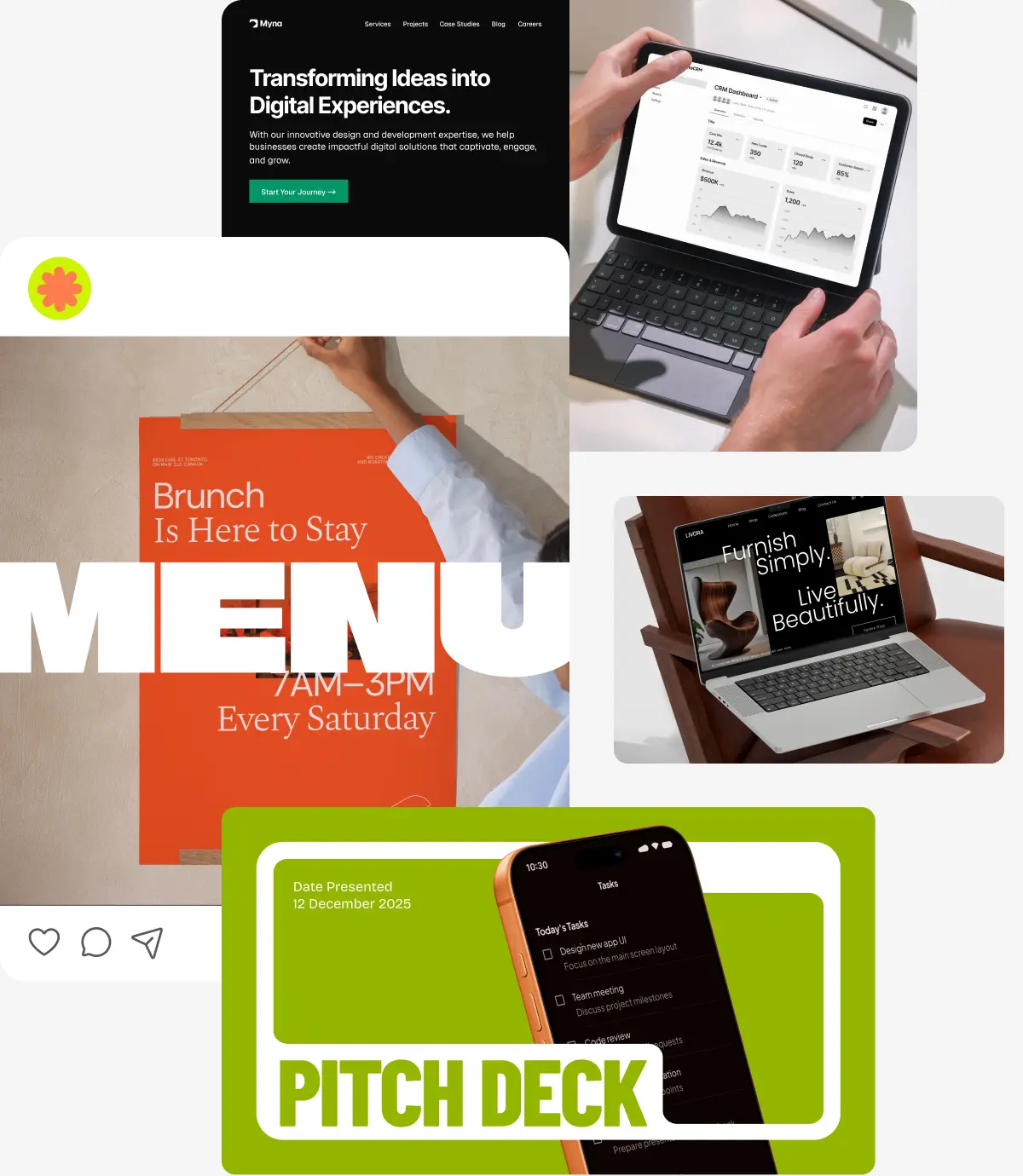
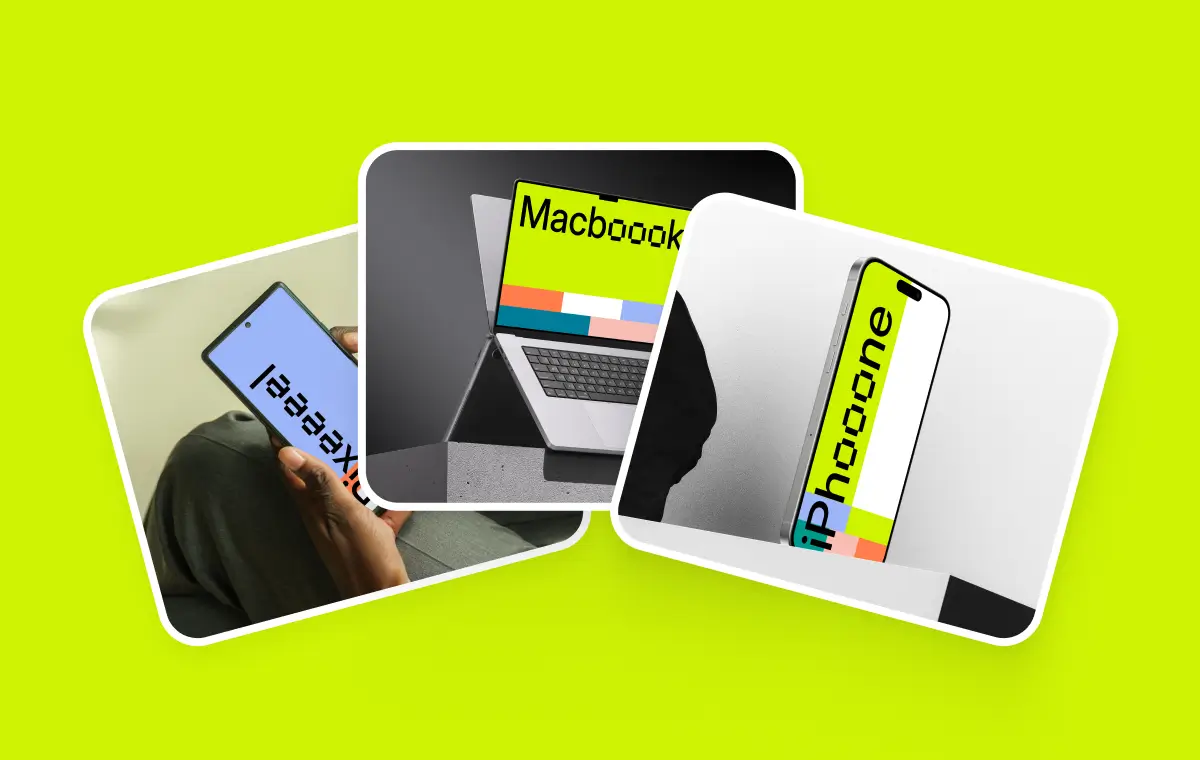
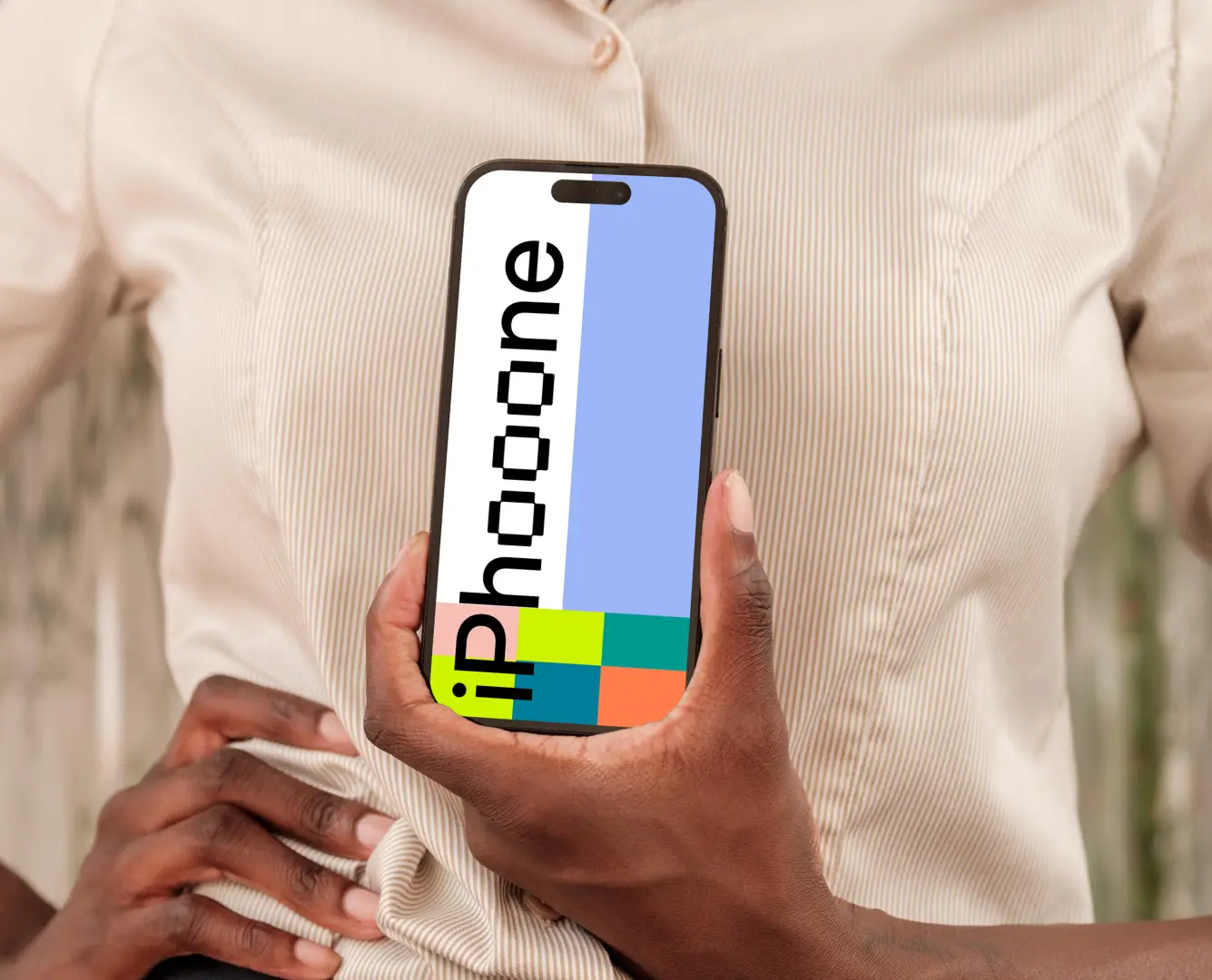
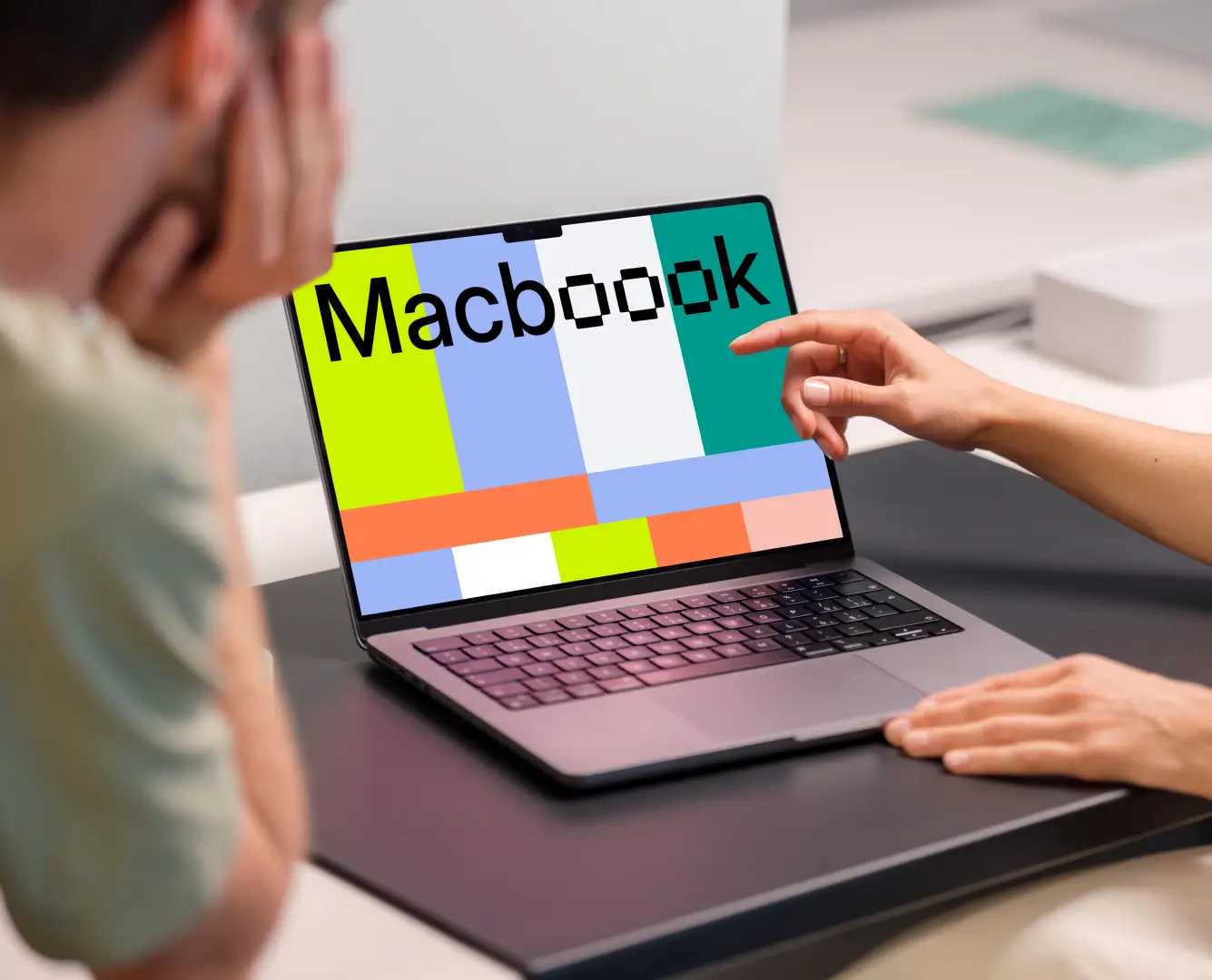
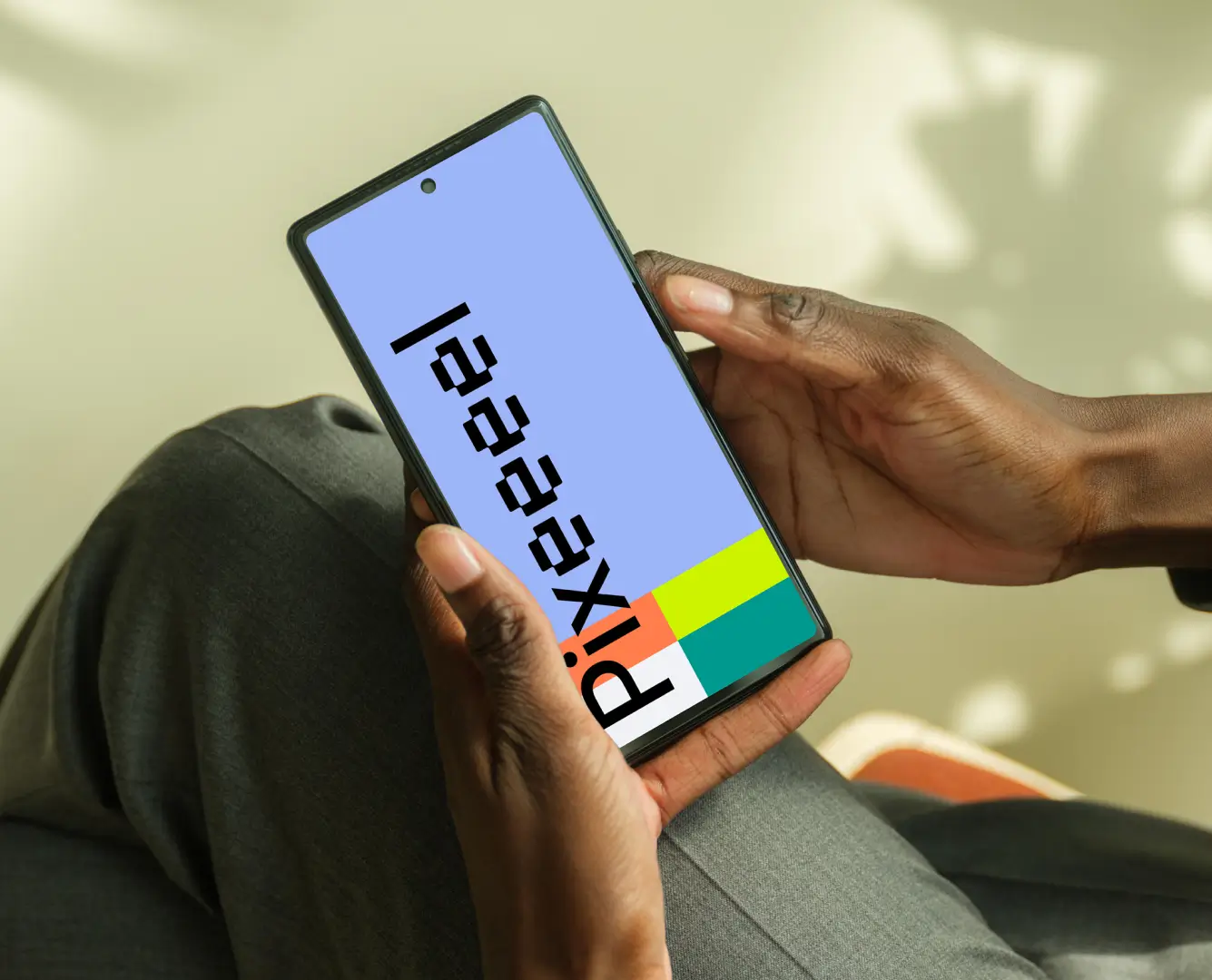
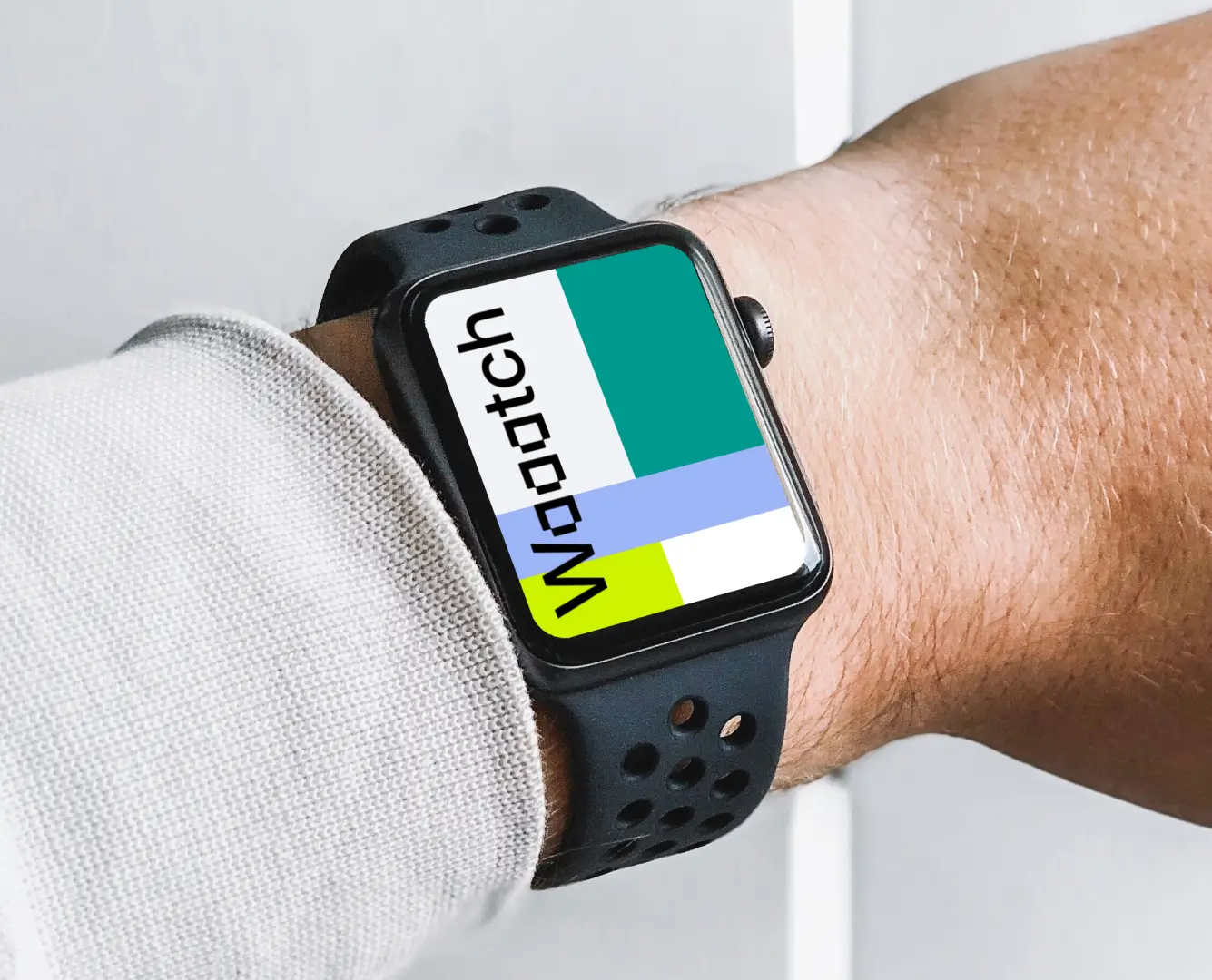
Always current. Latest iPhone, MacBook, Apple Watch Ultra, and more. Updated with every new device release.
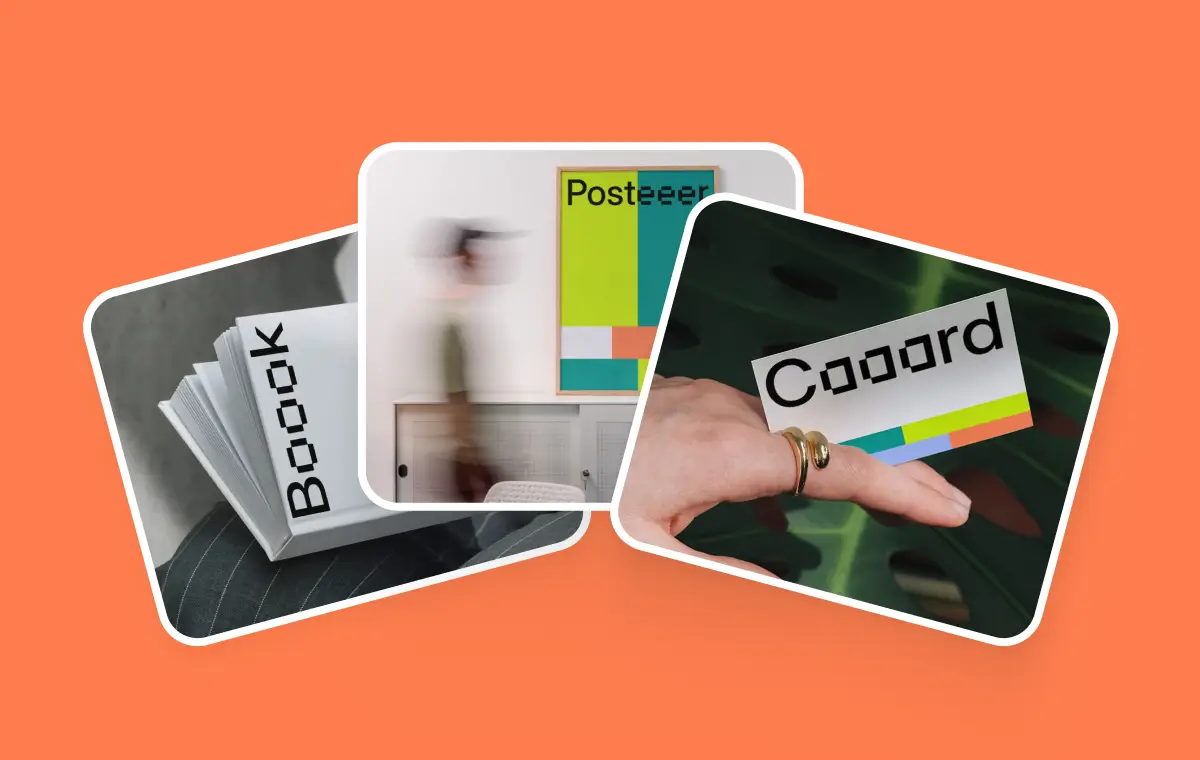
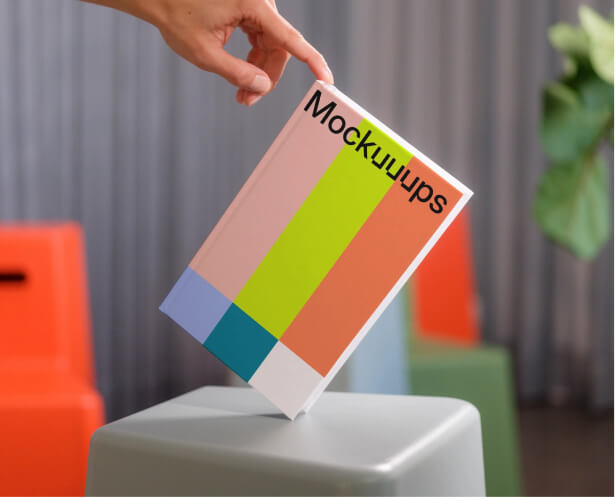
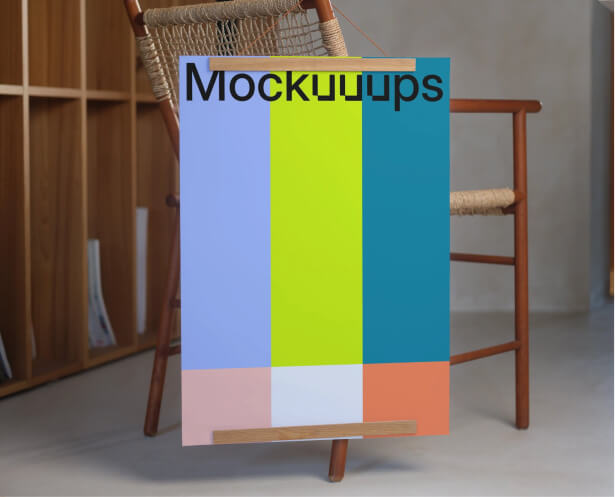
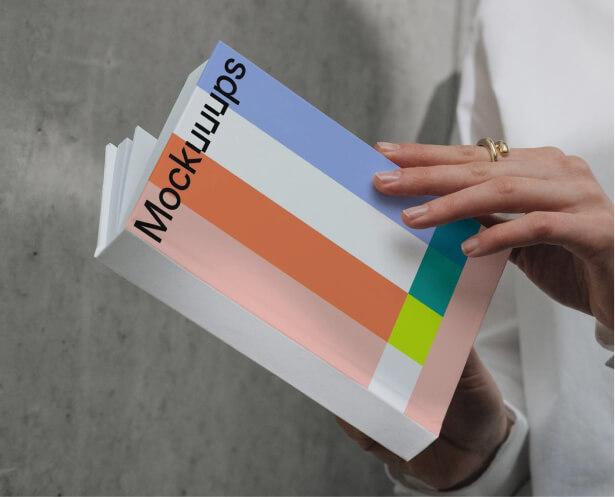
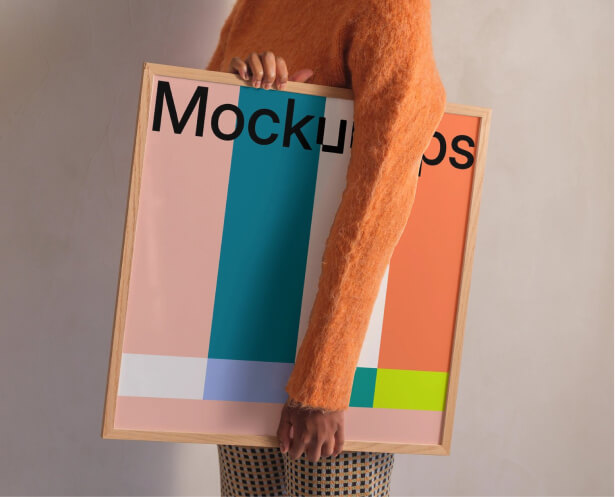
Business cards, posters, books, paper. New formats added monthly. Edit the scene right in Figma.

This tool is simply INSANE. You can find mockups in literally any context, and you can showcase your apps just dragging and dropping your screenshots.

Working on my portfolio right now, and was looking for some great device mockup generators. I found Mockuuups Studio to be amazing!

So easy to use and there are so many photos to choose from. I love being able to get screenshots of websites directly from within the studio (not having to open a browser manually).