Mockuuups Studio Alternatives
Best alternatives for 3D, animated and video mockups in 2026
Here is a list of Mockuuups Studio alternatives.
In case our collection doesn’t quite have what you’re looking for.
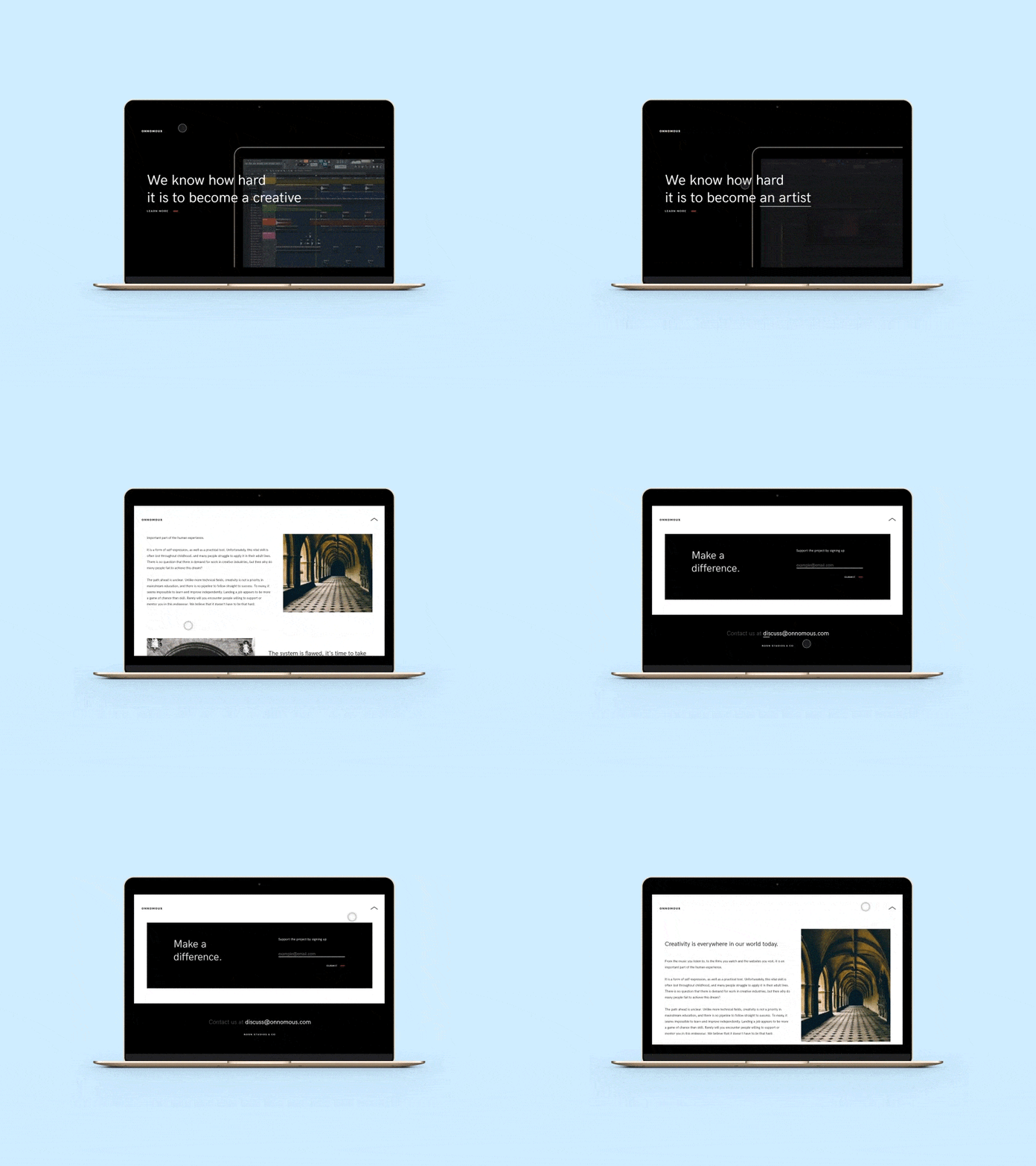
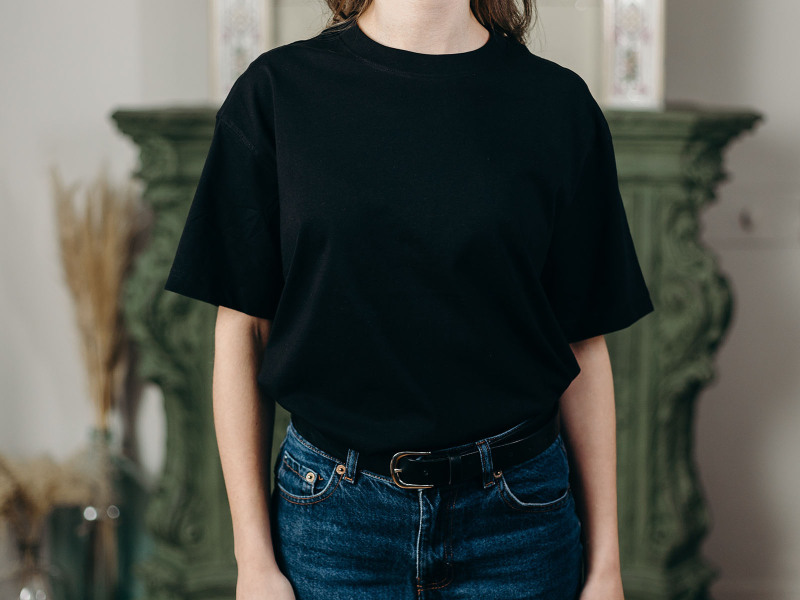
Mockuuups Studio is made for drag & drop device and print mockups with real scenes, hands, and surfaces.
But we don't do everything, and we won't pretend otherwise. No video, no animated GIFs, no live 3D you can spin with a camera. When that's the job, other tools do it better.
So here's the honest run-through. The 3D, animated, and video tools worth paying for, what they actually cost, and the parts of this list we've quietly taken over ourselves since 2014.
Jump to
Free mockups from random sites
First, let's be honest about where most people start. Googling "free mockups," opening a dozen tabs, downloading a PSD you can't open without Photoshop. There's no shortage of free mockups scattered around the web. The catch is you get no control over their format and quality.
You'll lose an afternoon hunting for one that's decent, then learn it only opens in software you don't own. Mockupworld hands them out for free, fine if you already live in Photoshop. Creative Market sells cleaner PSD packs, usually $15 to $35 a set. Shutterstock has the stock photos if you want to build the scene by hand. None of them skip the manual editing.
We’d recommend you skip this step entirely and dive into one of the methods below…
3D and animated device mockups
A spinning iPhone, a laptop tilting into frame, a product video for a launch. That motion is a different craft from what we do, and it needs a real 3D engine. Two tools own this space.
Rotato
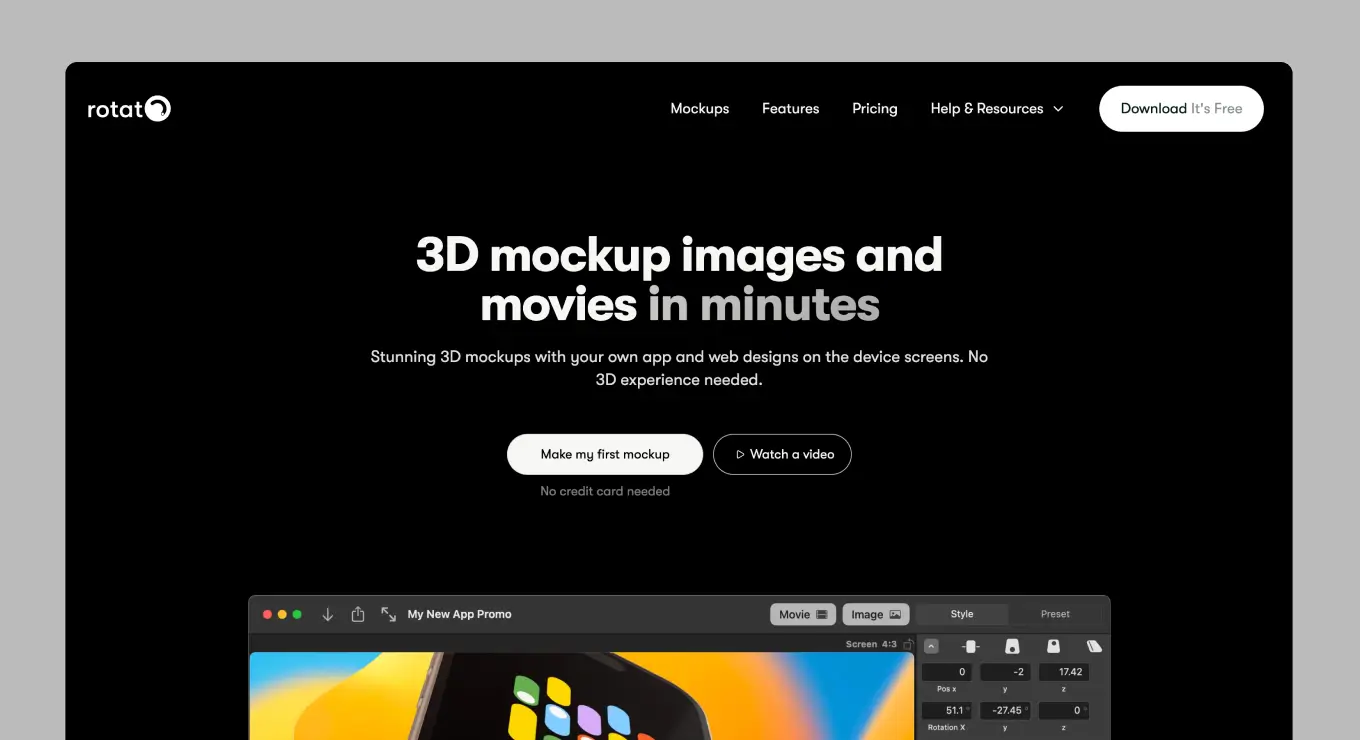
Rotato is the one most designers reach for, and it earns it. You drop in a screenshot or screen recording, place the device in 3D space, and export a video, GIF, or still with DSLR-style camera control, real reflections, and clay renders. It's fast, it's the go-to for App Store preview videos, and the results look expensive.
Two catches. It's Mac only, so Windows and Linux are out. And motion is its whole world, which is great when you need a video and overkill when you just need a clean photographed scene for a portfolio or a client deck. That second case is ours: browser or plugin, real hands and environments, no Mac required.
MockRocket
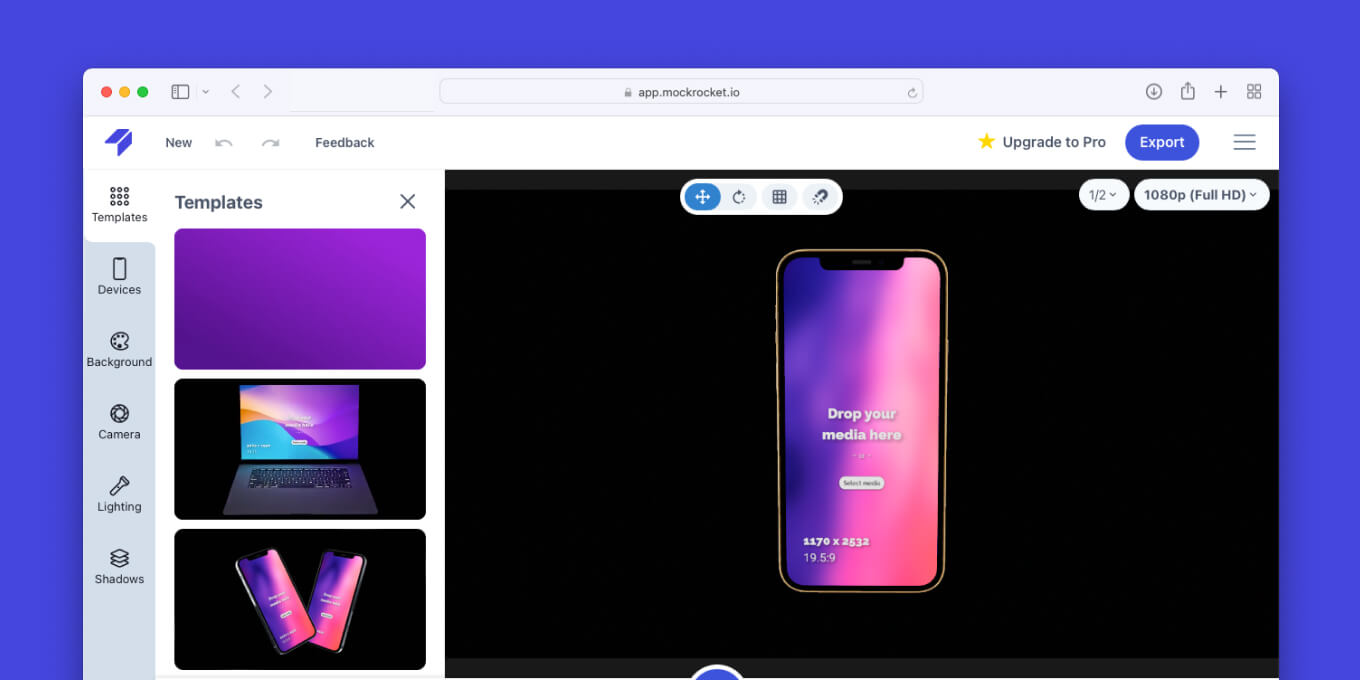
MockRocket does browser-based 3D. Drag in your design, pick a device, animate it, export a still or a short video, all without installing anything.
There's a Figma plugin too, so you can build showcases without leaving your file. It's a lighter, cheaper way into 3D than a native app if you don't live on a Mac.Where we fit alongside it: MockRocket gives you a rendered 3D device, we give you a real photograph of one, in a real place, held by real hands.
App Store & Google Play Screenshots
Store screenshots are their own discipline. Exact device sizes, panoramas that span five tiles, localized captions, the works. A general mockup tool will fight you here. One tool is built for it.
Previewed
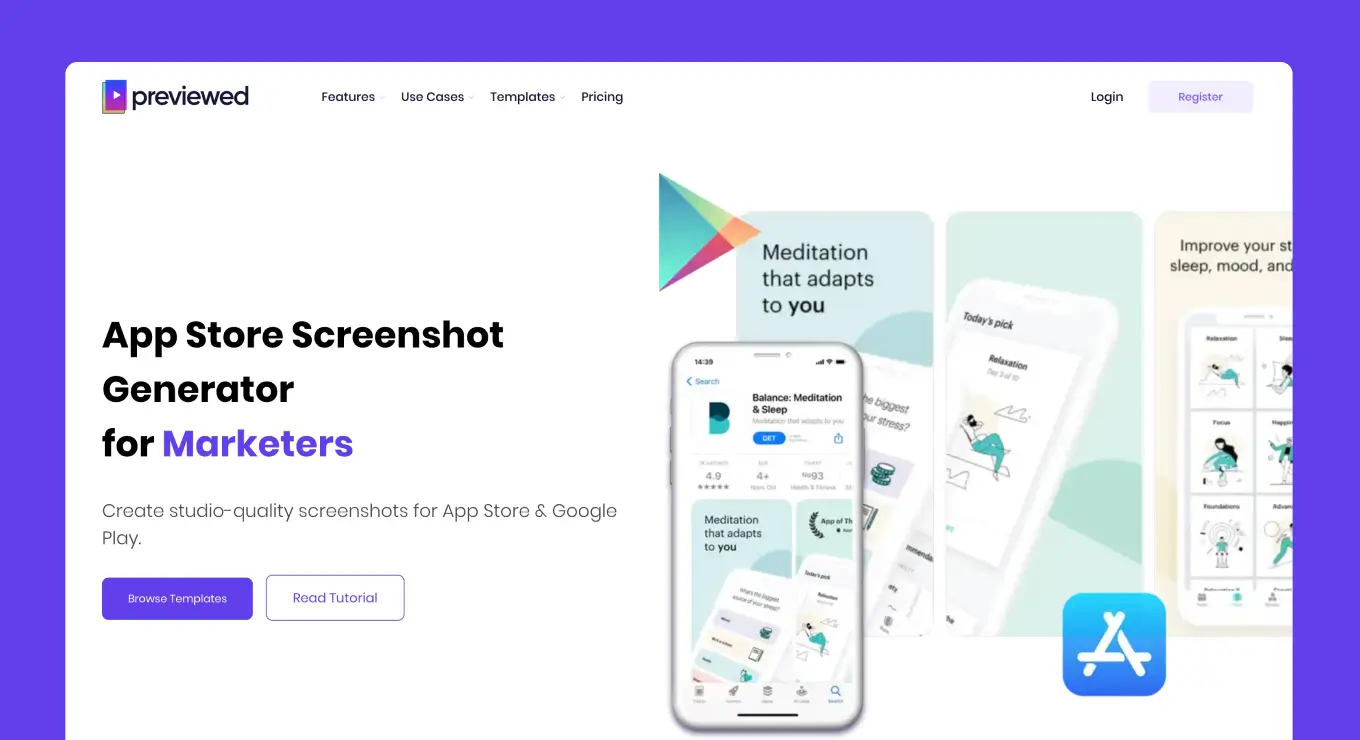
Previewed generates full screenshot sets for iOS and Android, including panoramic layouts and 3D device animations, all in the right dimensions for each store. The drag-and-drop editor is quick, and the free plan covers a single app if you're shipping a first release on a budget. If your job this week is "get 8 screenshots live on the App Store," start here.
We come in a step earlier: use our device scenes for the hero shot or the lifestyle frames, then arrange the set in Previewed.
Screenshot beautifiers
Sometimes you don't need a scene at all. You need a screenshot wrapped in a clean device frame on a nice gradient, ready for a tweet or a blog header, done in under a minute.
Shots.so
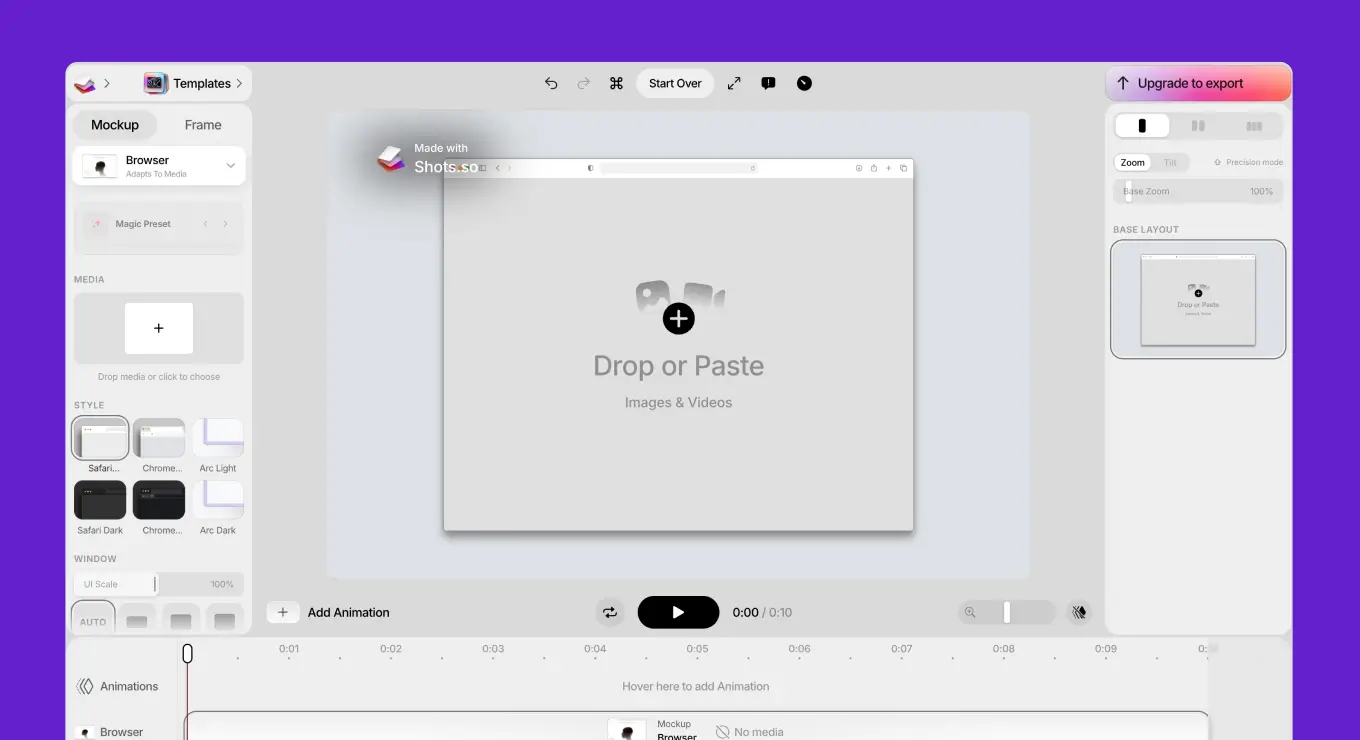
Shots has been at this since 2022 and it's very good at the one job. Paste a screenshot, pick an iPhone, MacBook, browser, or watch frame, choose a background, export. The free tier is genuinely usable with no watermark, and paid unlocks WebP, transparent backgrounds, and animated zoom effects.The line between Shots and us is simple.
Shots gives you a flat frame on a gradient. We give you a photographed device sitting on a real desk, in a real hand, in a real room. Pick the one your project needs.
Packaging and product mockups
Boxes, bags, bottles, and pouches aren't flat surfaces. They need structural 3D and print-ready dielines, which is a whole toolset of its own.
Pacdora
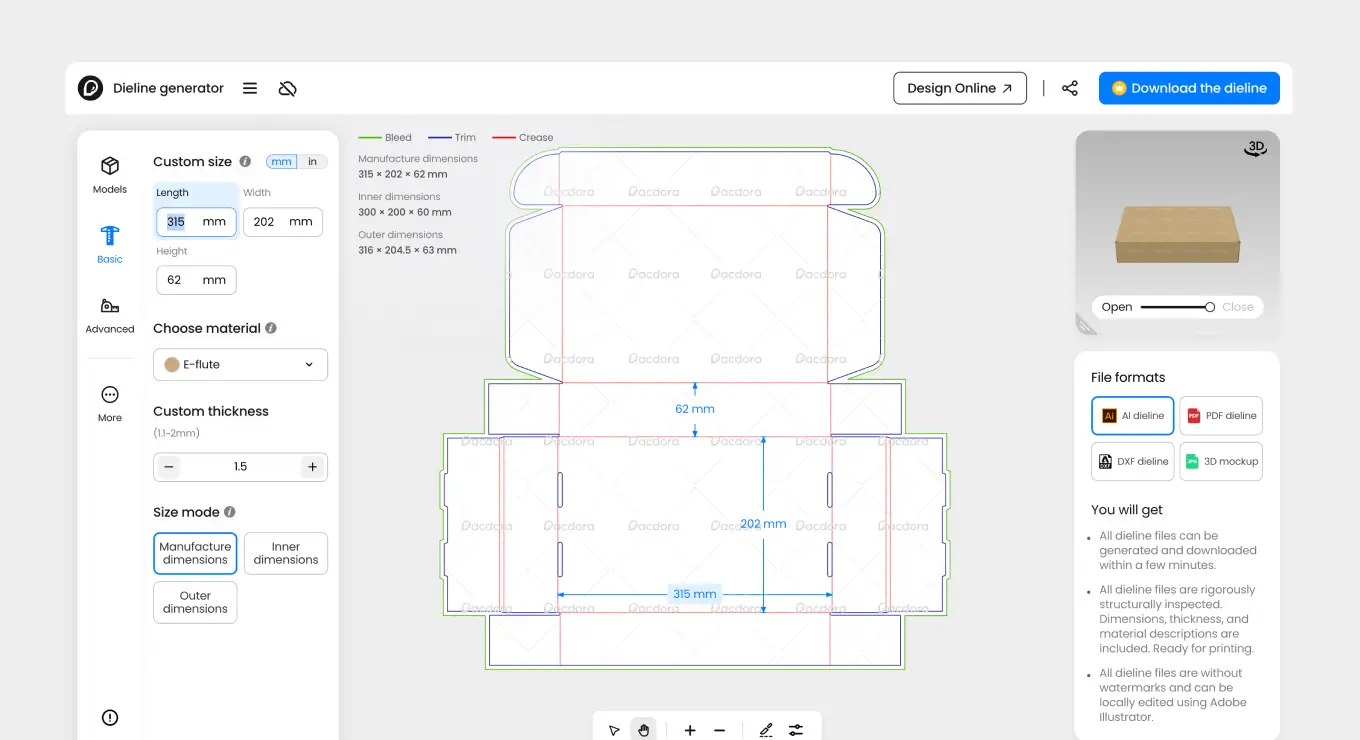
Pacdora is built for packaging. Thousands of 3D box, bag, and bottle templates, editable dielines you can send to print, and lifestyle scenes to drop the finished product into. It exports HD images and video, and it handles the structural side that a photo-based tool can't.
We overlap on flat print (labels, cards, paper) but not on 3D structure. For a rotating box or a cut-and-fold dieline, Pacdora is the right call.
AI mockup generators
The newest wave, and the fastest growing. Services like Mockey run big libraries of generated mockup templates aimed at print-on-demand sellers, apparel, mugs, tote bags. If budget is the deciding factor, go look. The free tiers are generous and the paid plans undercut most of this page, and for a hundred Etsy listings by Friday, that's exactly the right tool.
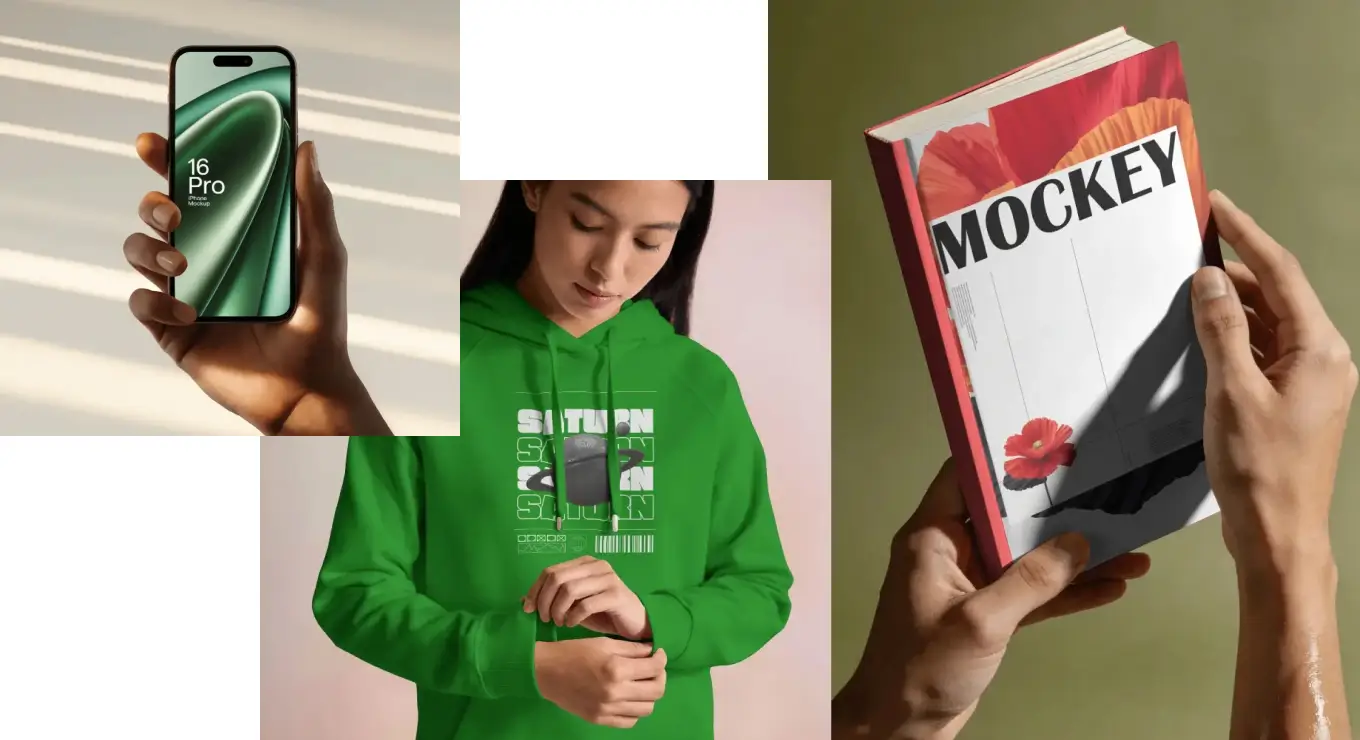
The trade shows up in two places. AI mockups flood a library faster than anyone can curate it, so you scroll thousands of near-duplicates to find one that holds up, and AI stays very good at plausible and unreliable at correct: bezels slightly off, small type that mangles, artwork the model quietly redraws. Every design change means regenerating the scene, burning credits, and losing the room you liked, because the model won't give you the same one twice.
Ours are photographed and added one at a time, shot in Prague or licensed from photographers we work with directly. Drop in a new file and export. Same scene, same light, high-res in a second.
High-end PSD mockup studios
There's a tier above the marketplaces: boutique studios that treat a mockup like a photoshoot. Bendito Mockup, Mockup Maison, and Akoya Mockups art-direct every scene with real photographers, then sell it as a layered Photoshop file. The results are gorgeous, some of the best mockups anywhere.
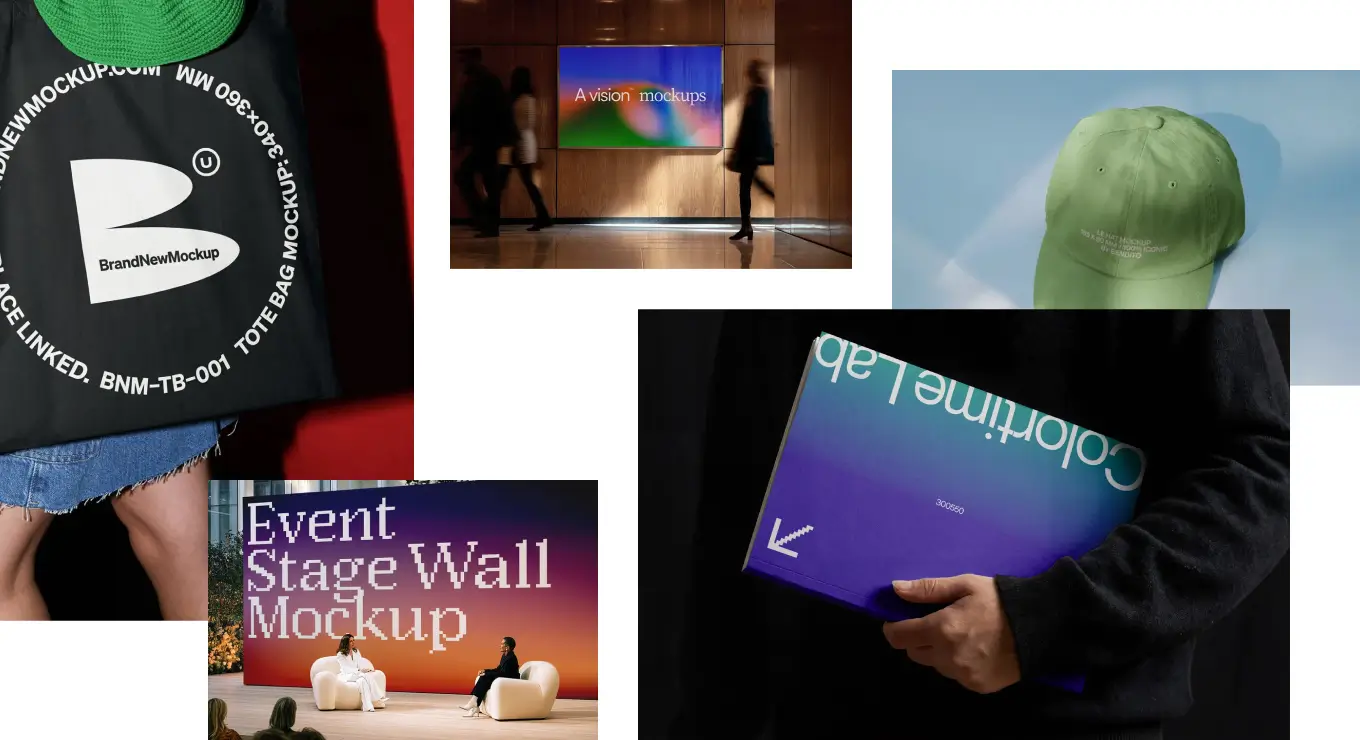
The commercial license you need for client work is tied to one project, so you re-buy it for the next, and out-of-home use runs into the hundreds. And each file is one heavy PSD, often a gigabyte or more, that you download, open in Photoshop, and store yourself.
That's the line between them and us. Bendito makes a beautiful scene for the one shot that has to be perfect. We give you 5300+ mockup scenes in one searchable library, a click away in the browser or inside Figma, commercial license already in your plan. No downloads, no storage, no per-project re-licensing, and it keeps growing on its own. A lot of designers keep both: a boutique PSD for the hero shot, Mockuuups for the rest.
Print, apparel, and physical mockups
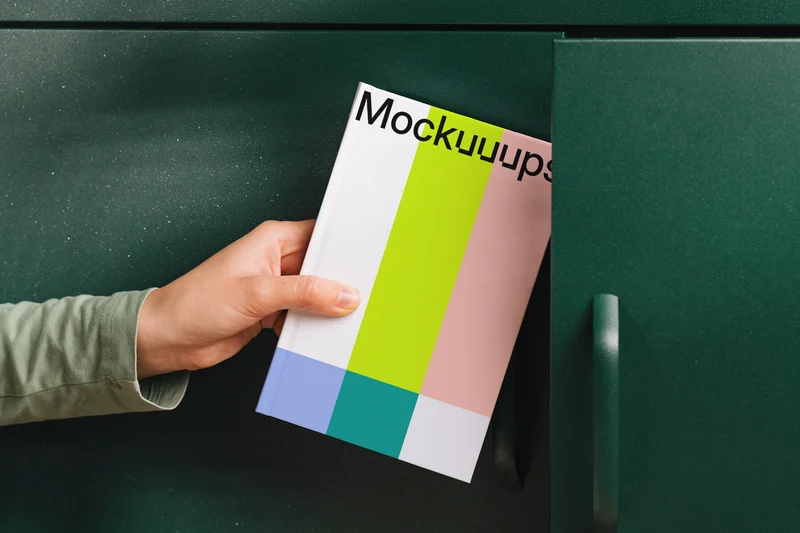
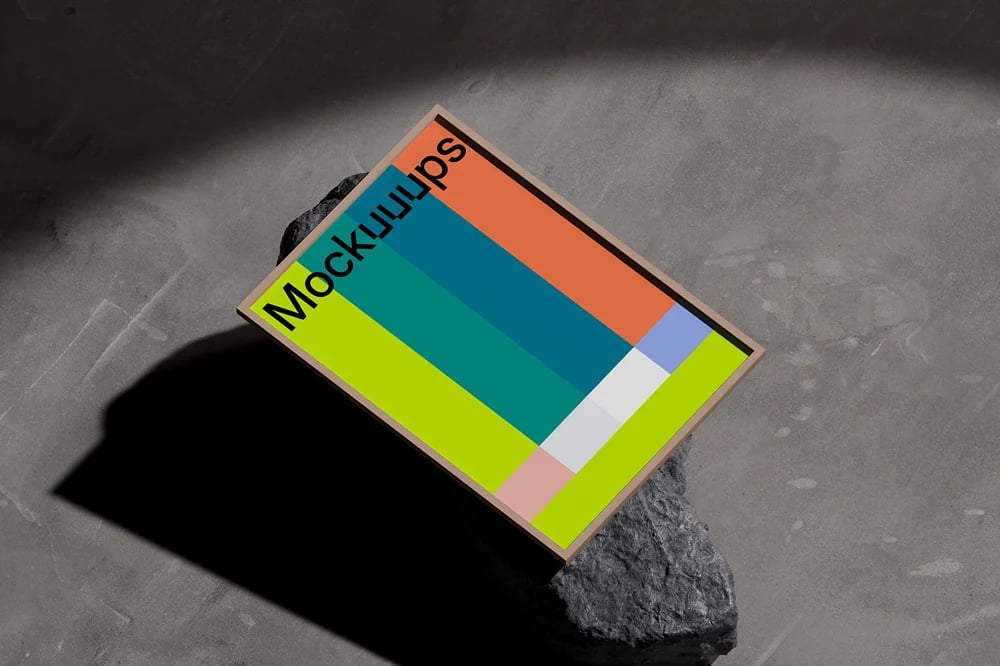
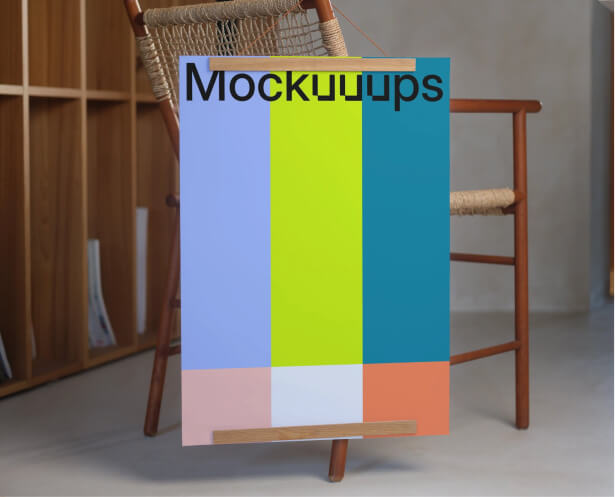
Here's where this page changed. When we first wrote it, we pointed you elsewhere for anything printed. Not anymore. We shoot print ourselves now, in the same drag-and-drop workflow you already know.
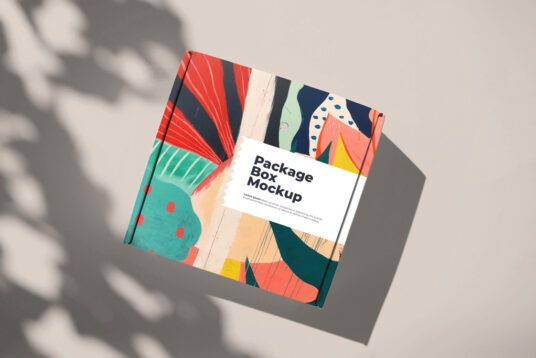
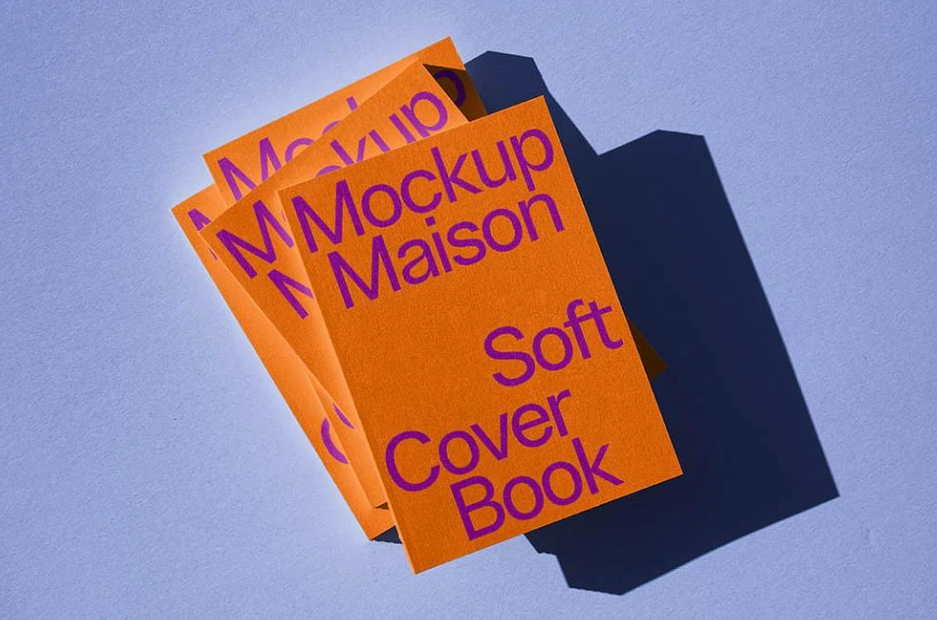
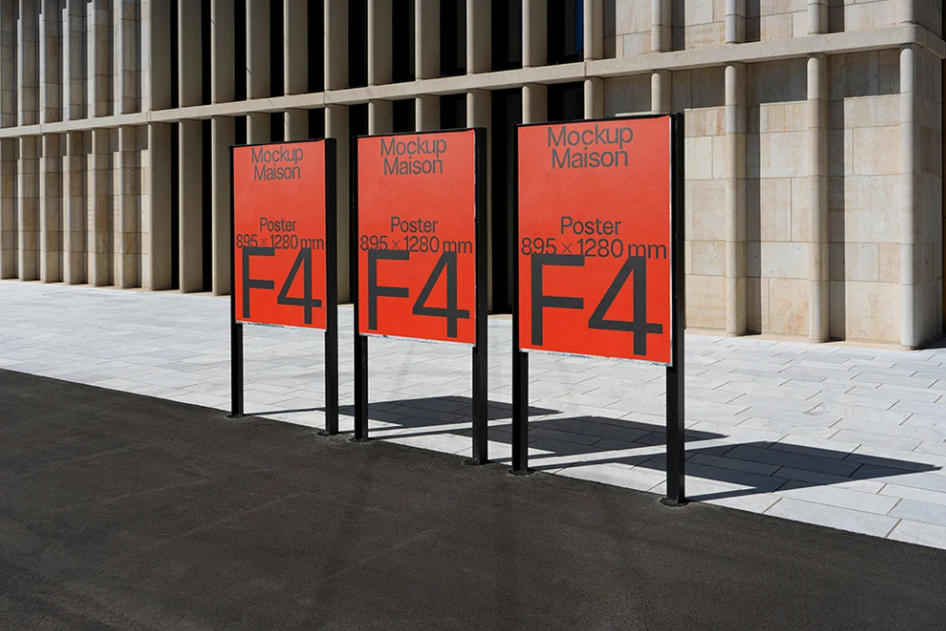
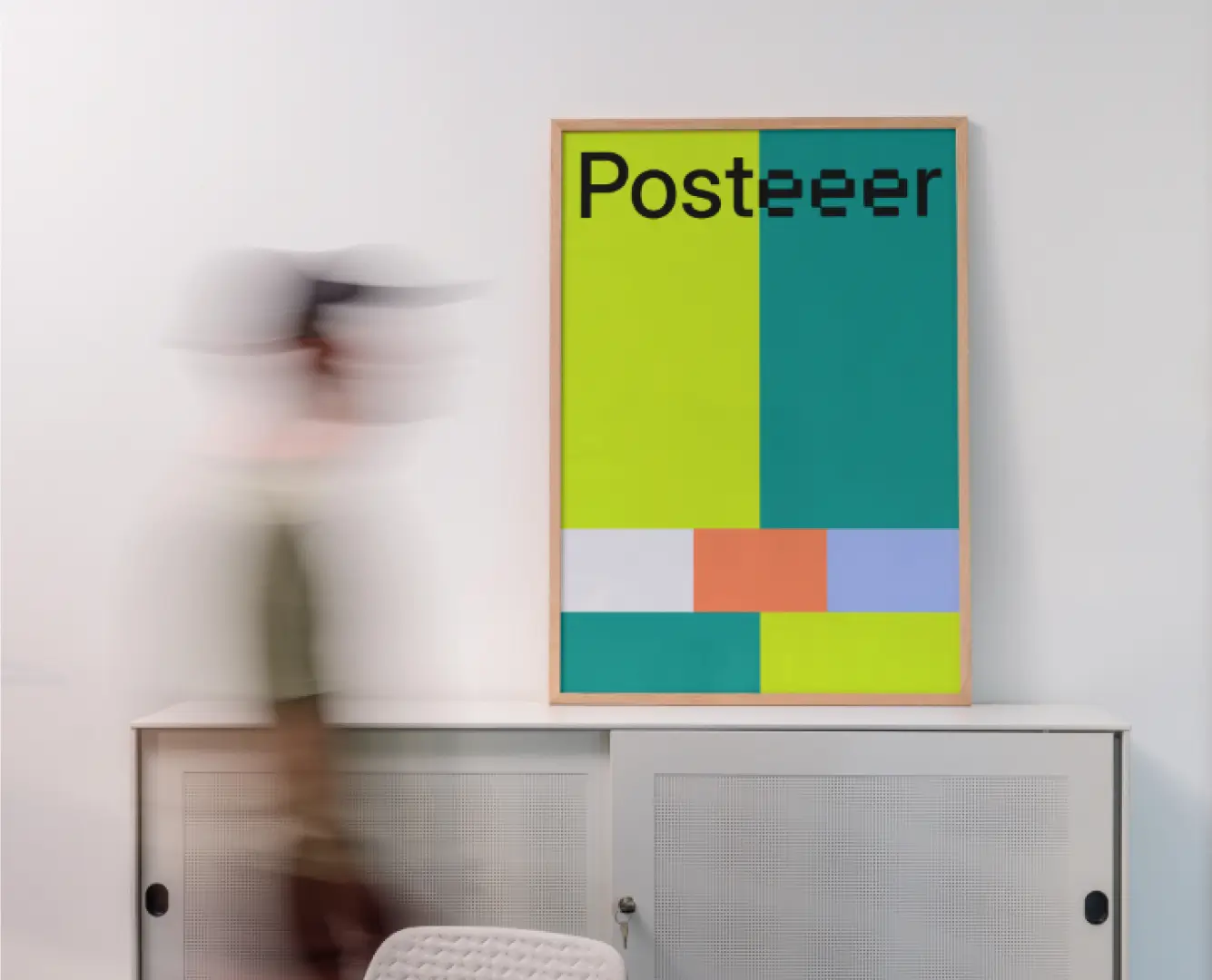
Posters, books, business cards, papers and more. Real photography, 4K export, commercial license on paid plans. If print is what brought you to this page, you can stop scrolling.
Still here when others aren't
Look back at the tools this page used to list. Animockup, the lovely animated mockup maker by Alyssa X, is now open source and no longer actively developed. Launchmatic, gone. Mockup Clips, gone. Good products, built by real people, that ran out of runway.
We're not saying that to gloat. Lasting is the genuinely hard part in this business, and we've been lucky and stubborn enough to do it. Mockuuups has run since 2014, self-funded and profitable, built by two people, Marek and David, who still answer your support emails. No acquisition, no shutdown notice, no "thanks for the memories" blog post.
That matters for one practical reason. When you come back in six months for the next project, your account, your files, and the tool will still be here. A lot of designers do exactly that.
FAQ
Compare Mockuuups head to head
Weighing us against one competitor in particular? We wrote honest, side-by-side breakdowns.