


Turn Sketch designs into mockups in seconds
The easiest Sketch mockup plugin for showcasing your design across 5200+ mockup scenes.
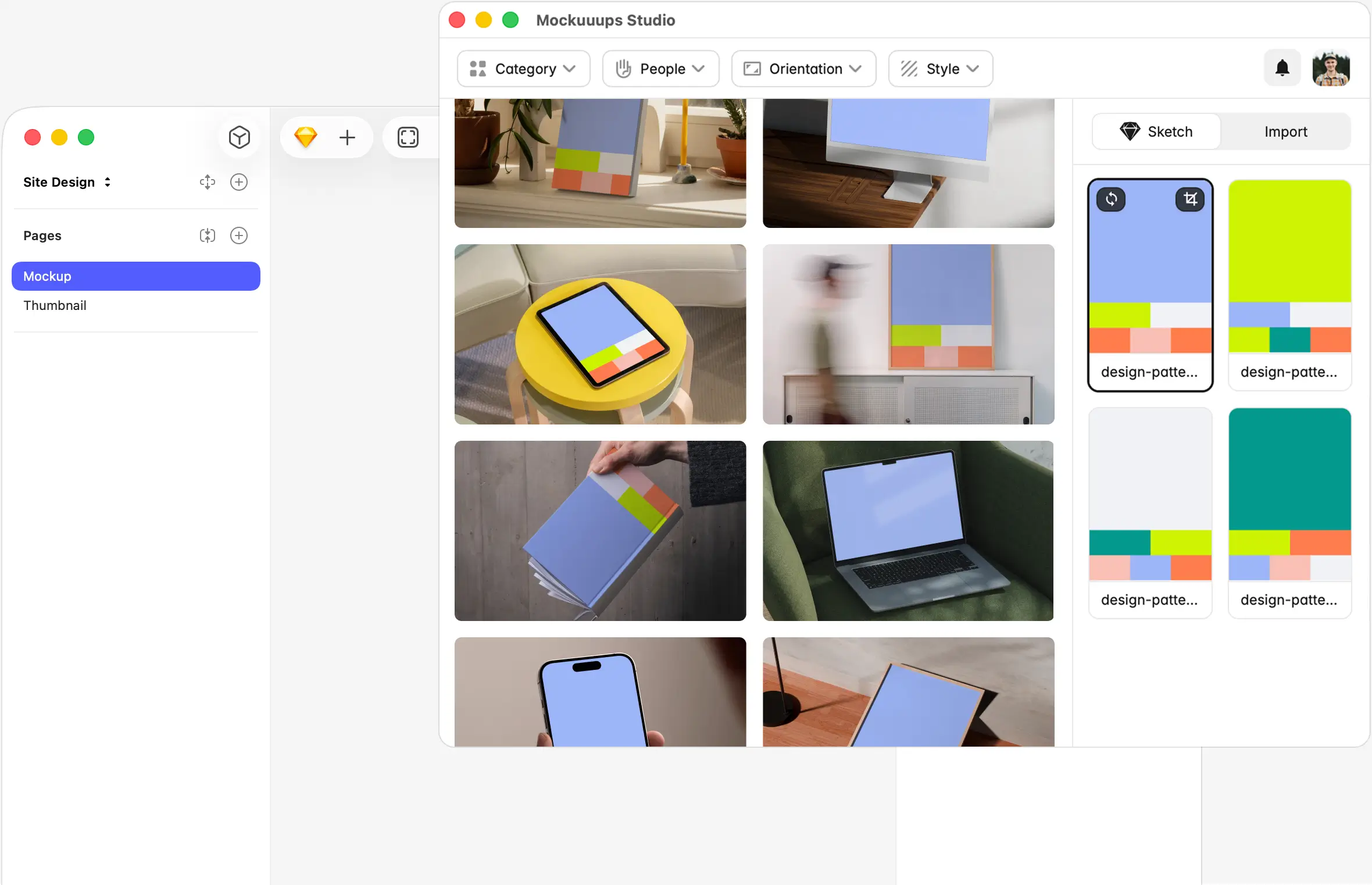




Instant Previews
Your design, on every mockup at once.
Select an artboard from the visual sidebar. Your design instantly appears on every mockup in the library.

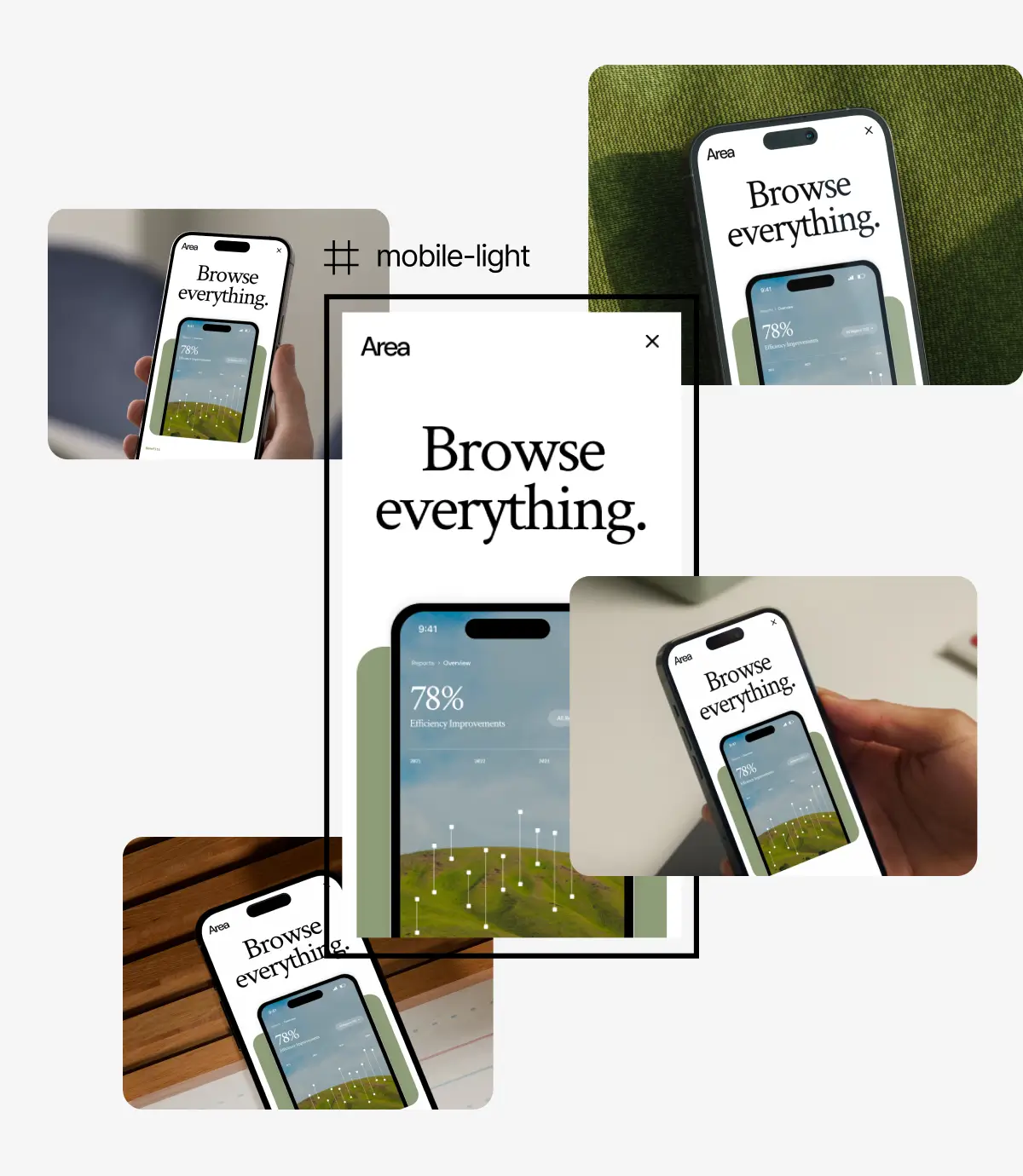
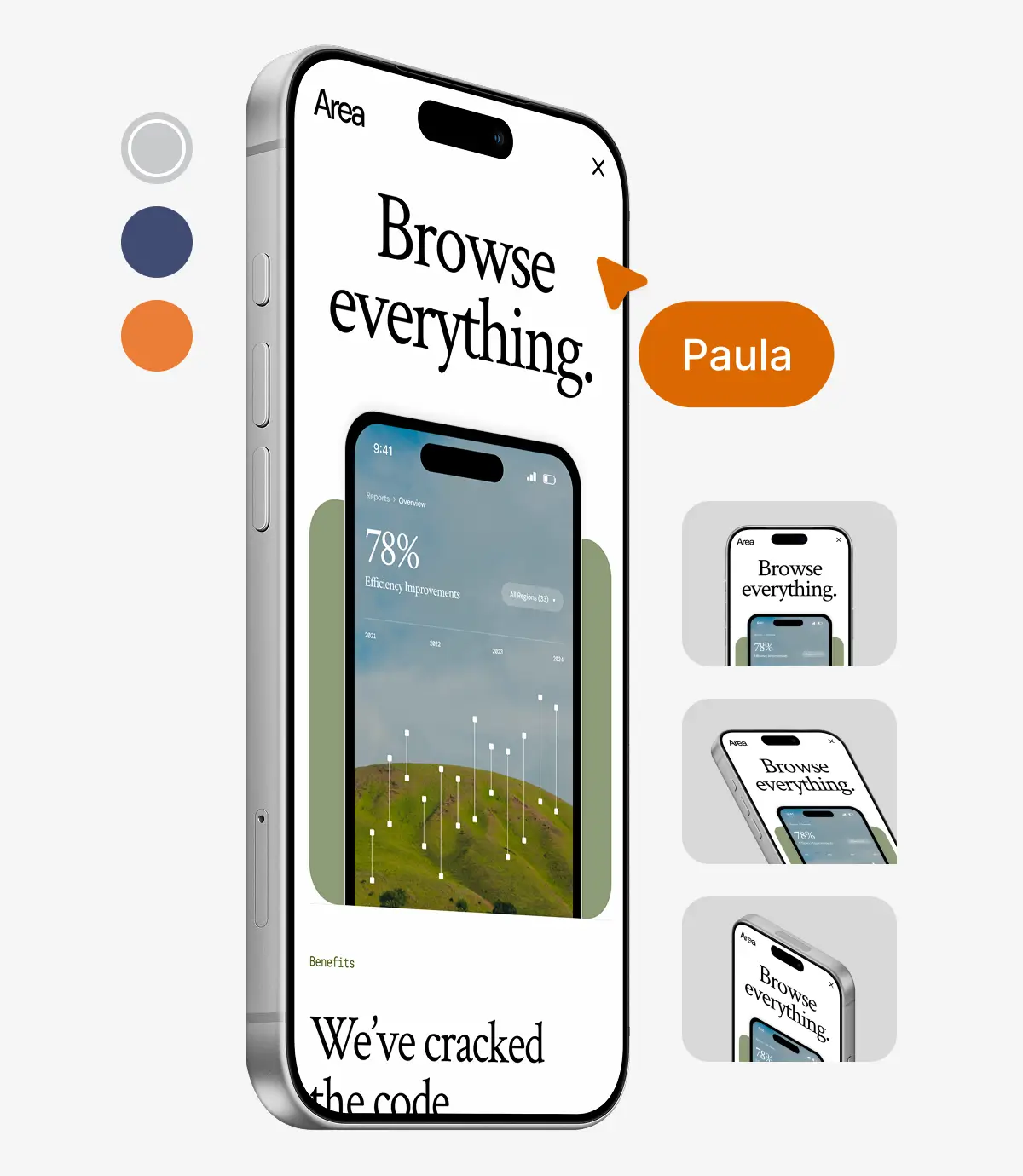
Mockup Editor
Tweak the scene right inside Sketch.
Adjust backgrounds, reposition your artwork, crop. The kind of tweaks that used to mean opening Photoshop.
Commercial License
Use it anywhere. It's yours.
Every export on a premium plan includes a commercial license. Client work, portfolios, pitch decks, marketing pages. No attribution required.
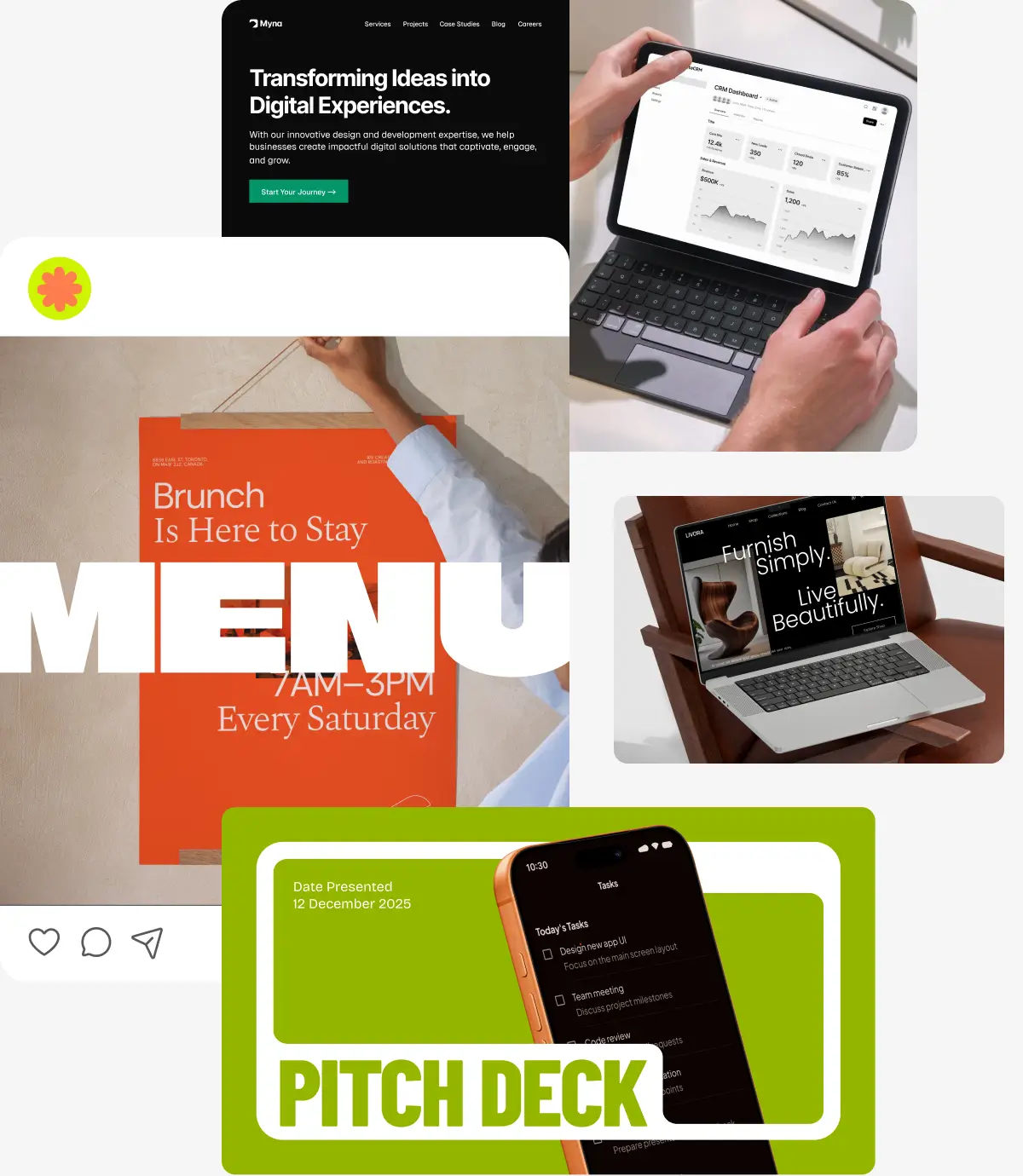

Device mockups for Sketch
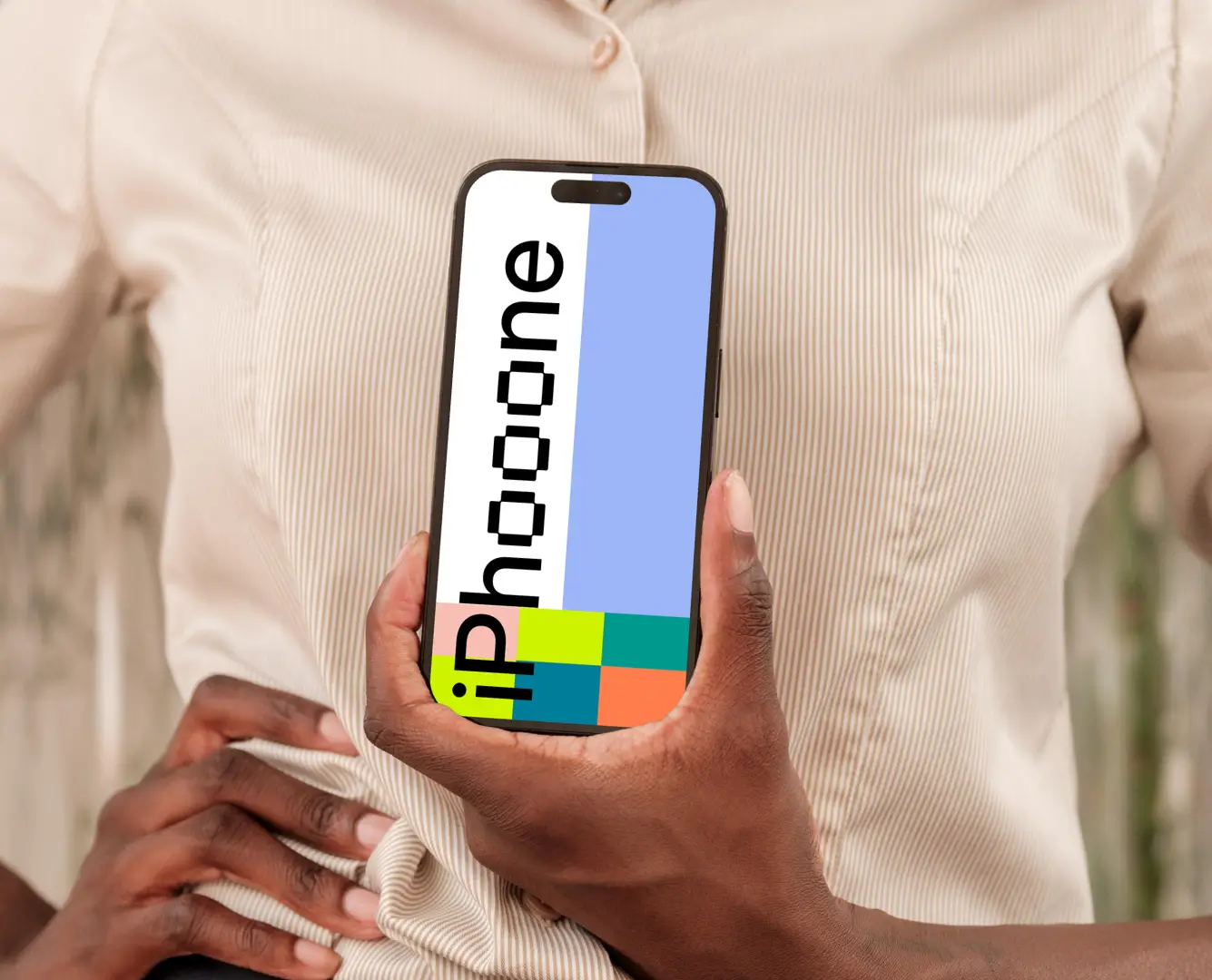
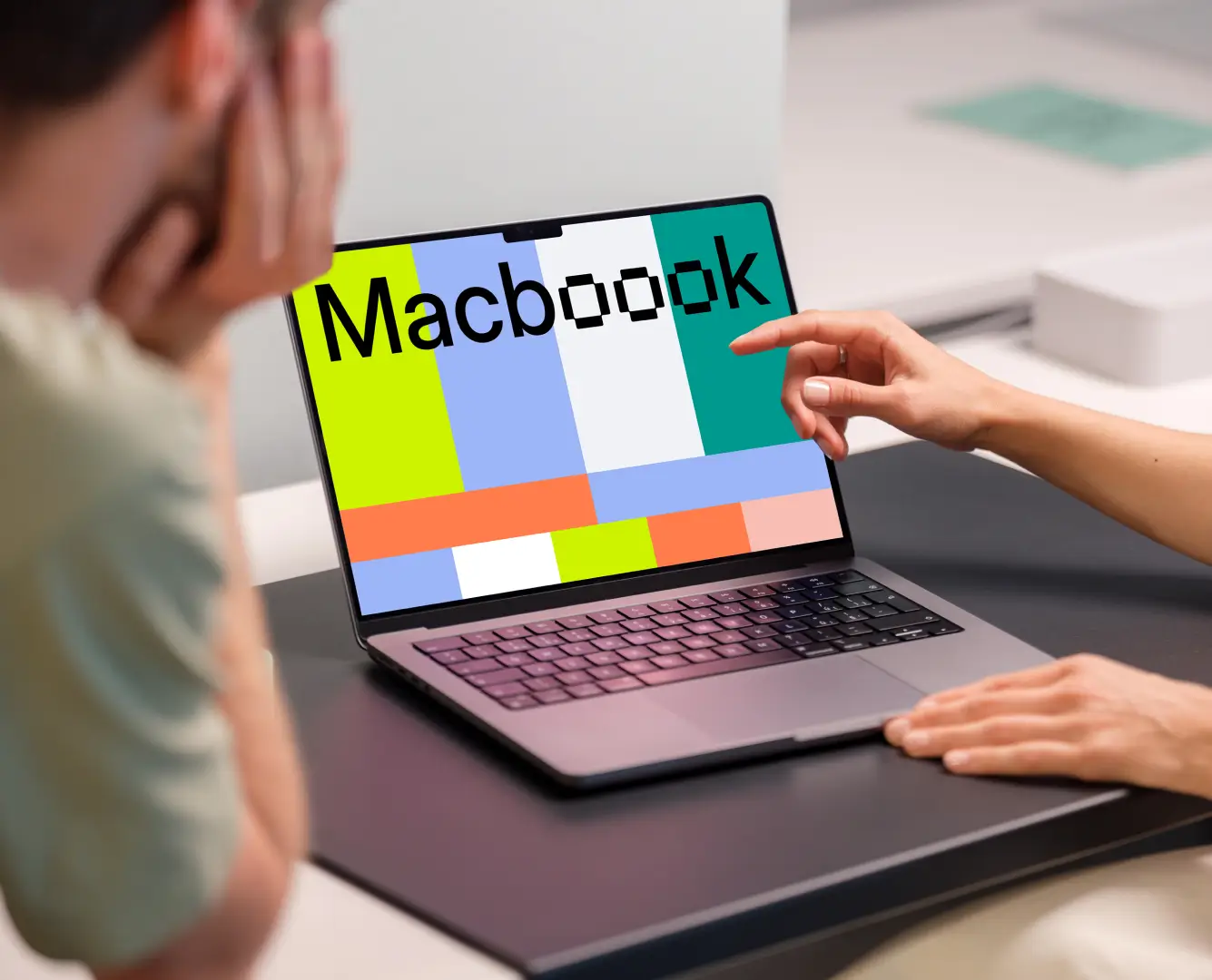
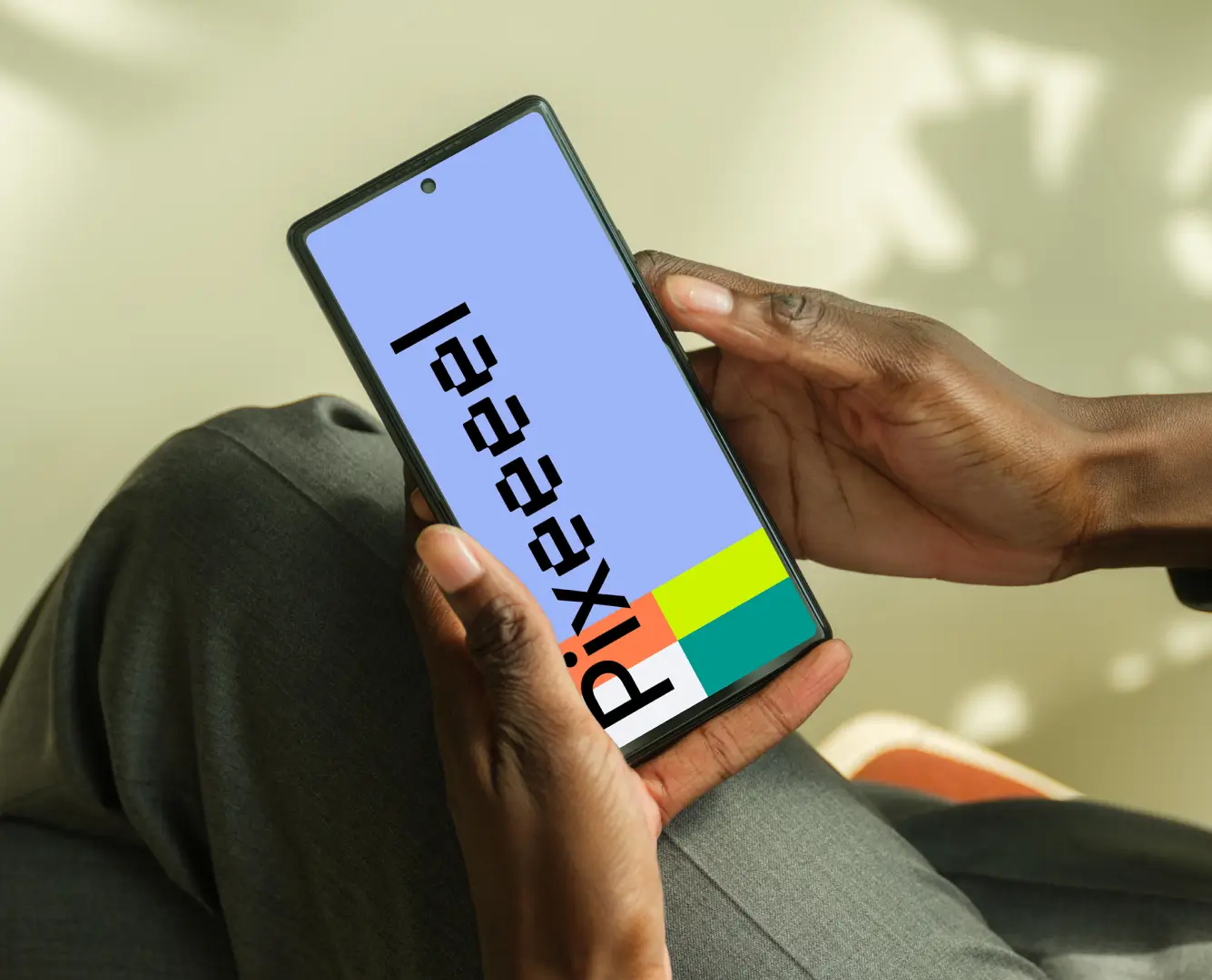
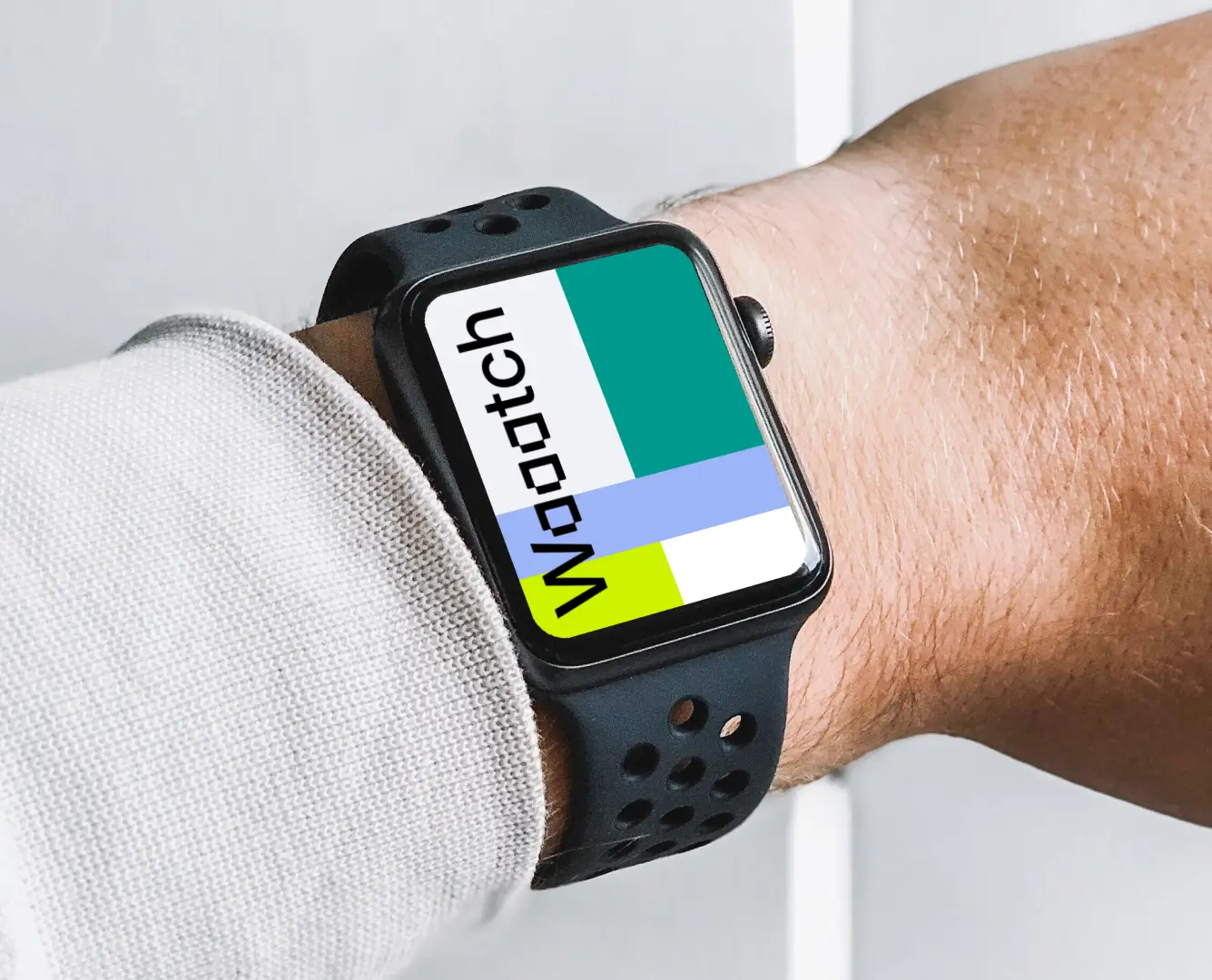
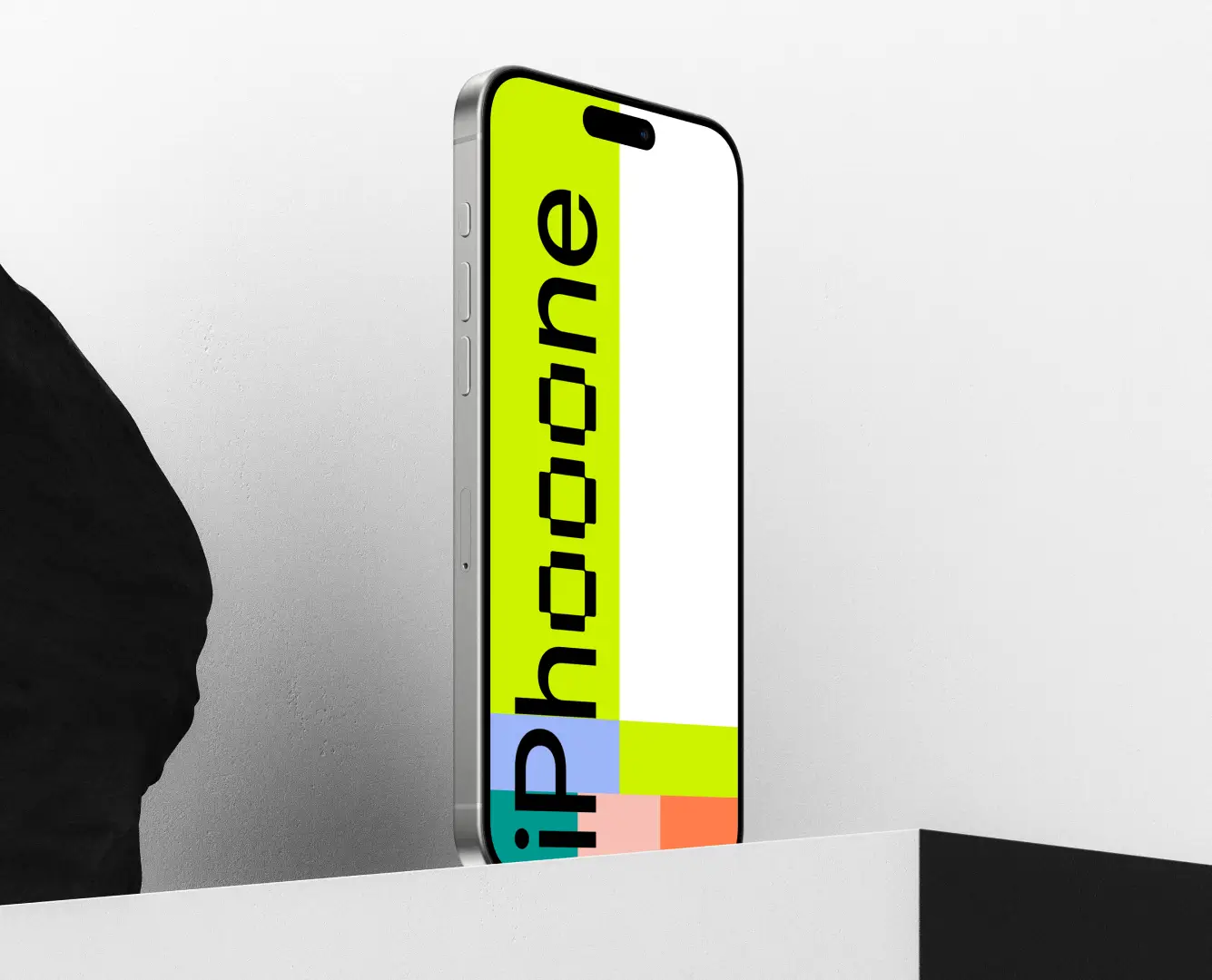
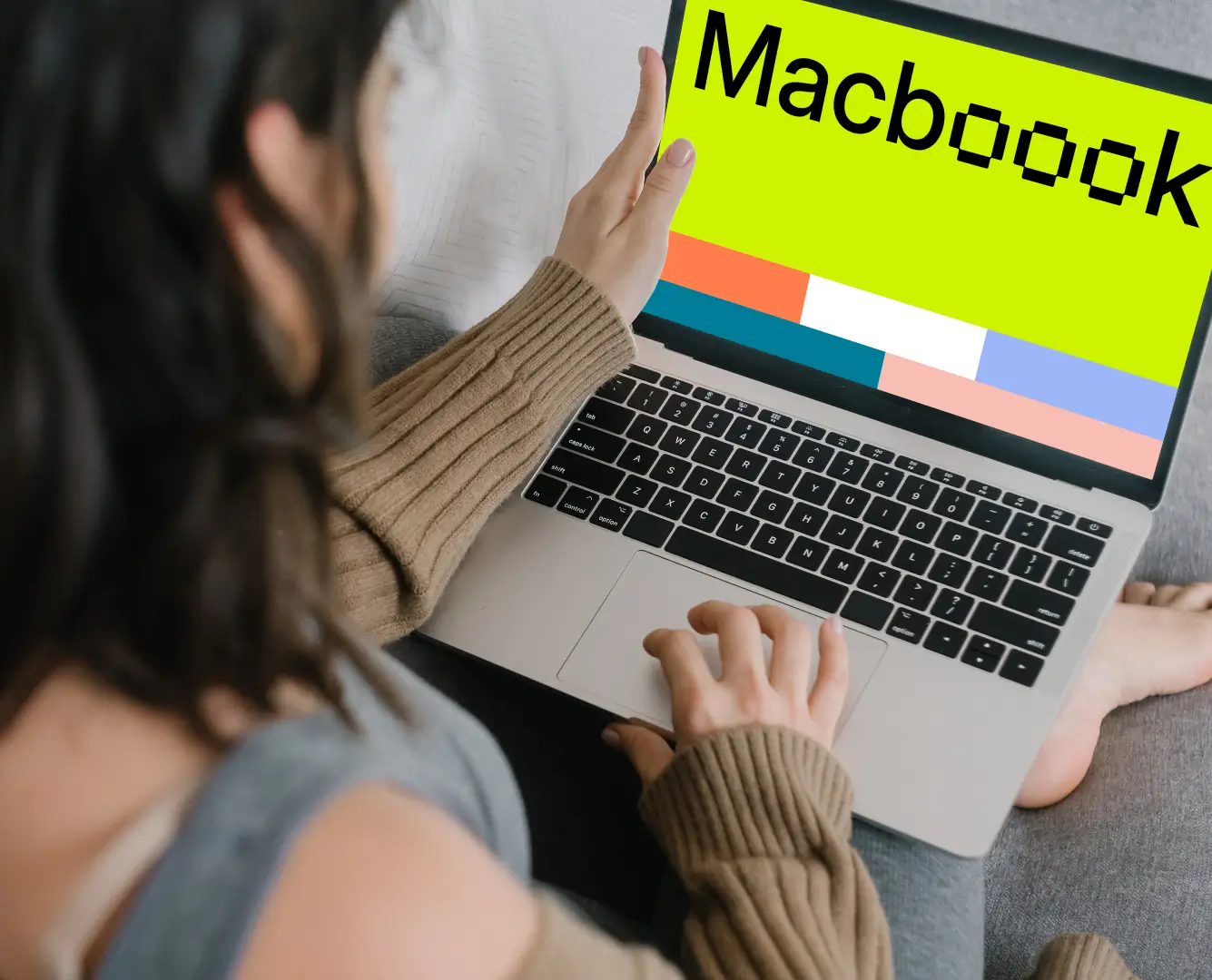
Always current. Latest iPhone, MacBook, Apple Watch Ultra, and more. Updated with every new device release.

Print mockups for Sketch
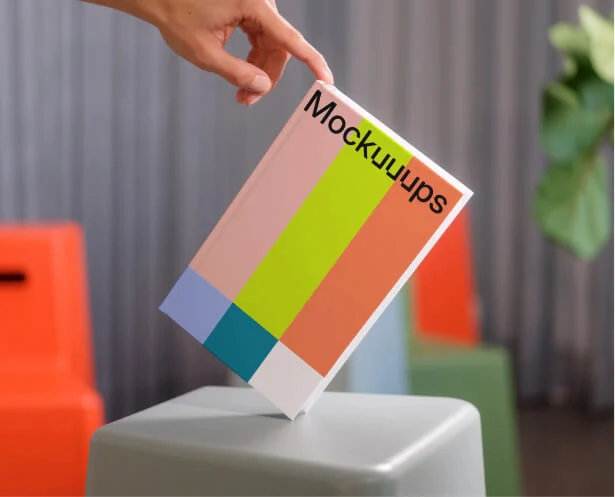
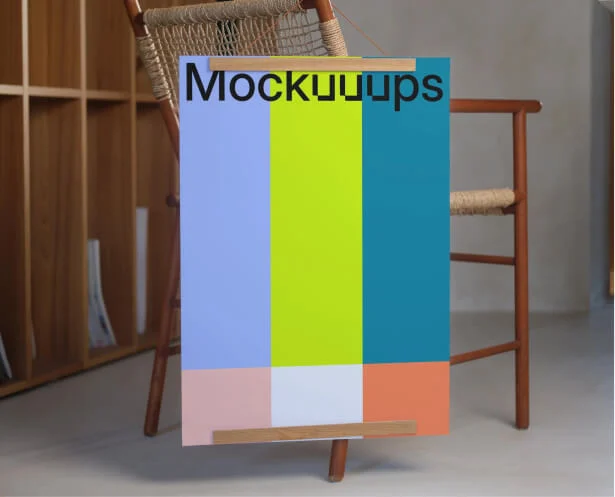
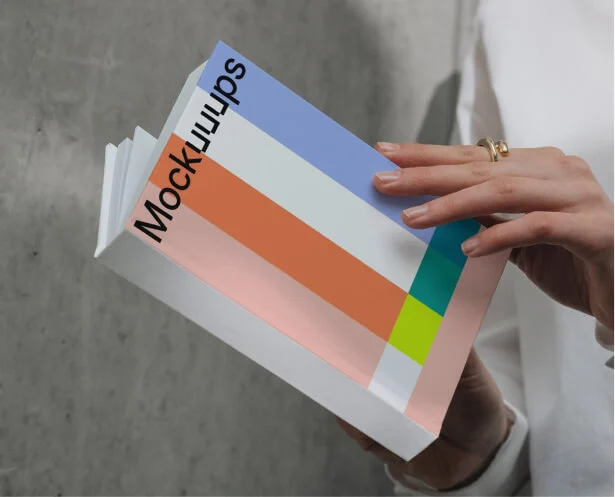
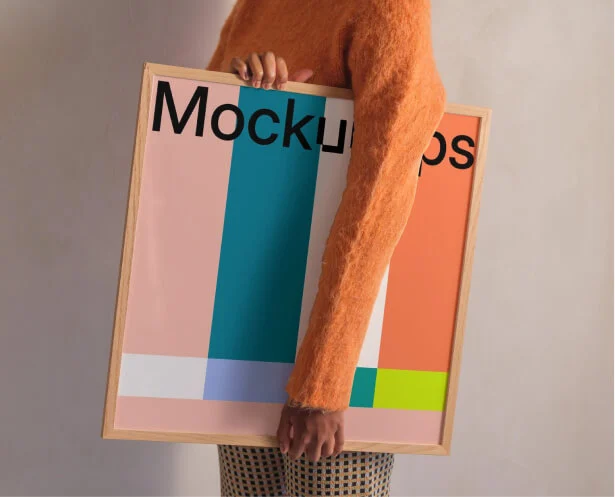
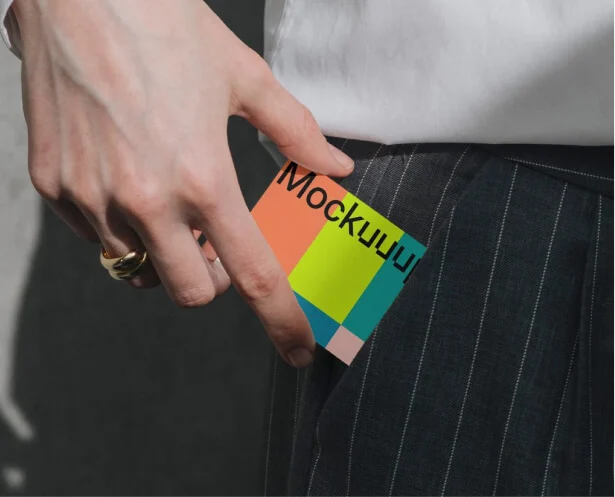
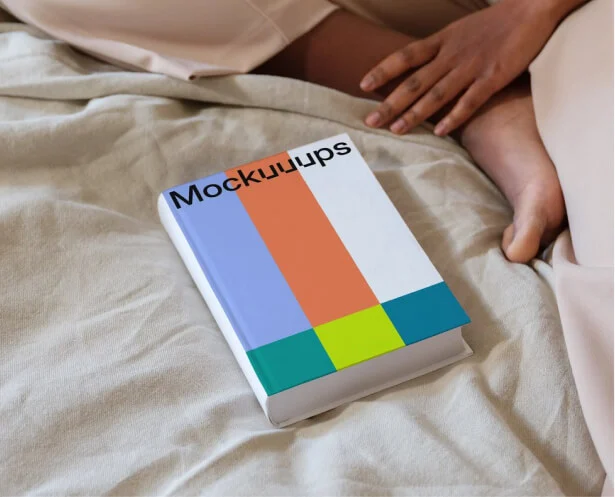
Business cards, posters, books, paper. New formats added monthly. Edit the scene right in Sketch.
Loooved by designers and marketers like you.

This tool is simply INSANE. You can find mockups in literally any context, and you can showcase your apps just dragging and dropping your screenshots.

Working on my portfolio right now, and was looking for some great device mockup generators. I found Mockuuups Studio to be amazing!

So easy to use and there are so many photos to choose from. I love being able to get screenshots of websites directly from within the studio (not having to open a browser manually).
-
How do I install the mockup plugin in Sketch?
Download the Sketch plugin from our website and double-click to install. You can then launch it from the Plugins menu inside any Sketch file.
-
Is the plugin free? What do paid plans include?
Yes, the plugin is free to install with a curated free mockup collection. No account required. Paid plans include the full library of 5200+ mockups, unlimited exports, and a commercial license. Cancel anytime. See pricing for current individual and team plans. -
Does the plugin include print mockups?
Yes. Business cards, posters, books, and paper mockups are available directly in the plugin. Switch between digital and print categories at the top of the mockup grid. Same workflow for both.
-
Can I use the mockups for commercial projects?
Yes. Free mockups can be used in personal and commercial projects. Premium mockups require an active subscription, which includes a commercial license. No attribution needed. Exported mockups are yours to use even after you cancel.
-
What happens to my mockups if I cancel my subscription?
You can continue using any mockups you created during your subscription—forever. Export what you need while subscribed, and those mockups are yours to keep and use, even after cancellation.
-
Do I need a specific Sketch version to use the plugin?
For the best experience, we recommend using the latest version of Sketch. Download the plugin from our website and double-click to install.
-
How do I create mockups in Sketch?
Open the plugin, select an artboard from the visual sidebar, and your design appears across the entire library. Filter by device, print format, or scene type. Export as a file or place directly into your document.
-
Can I customize mockups inside the plugin?
Yes. The built-in editor lets you adjust backgrounds, reposition your artwork, and crop. Filter the library by device type, print format, orientation, and scene style. Dark mode and resizable window included.
-
Can I update a mockup after my design changes?
Click on any exported mockup in your Sketch file to reopen the plugin. The mockup is loaded and ready to swap with your updated design. No rebuilding needed.
-
How often are new mockups added?
New scenes are added monthly. The library stays current with the latest device releases, and new print formats and scene styles are added regularly.
