Adobe Express Mockups
Supercharge your designs in Adobe Express
Bring your vision to life with our extensive library of high-quality, exceptionally designed device mockups for all your projects.
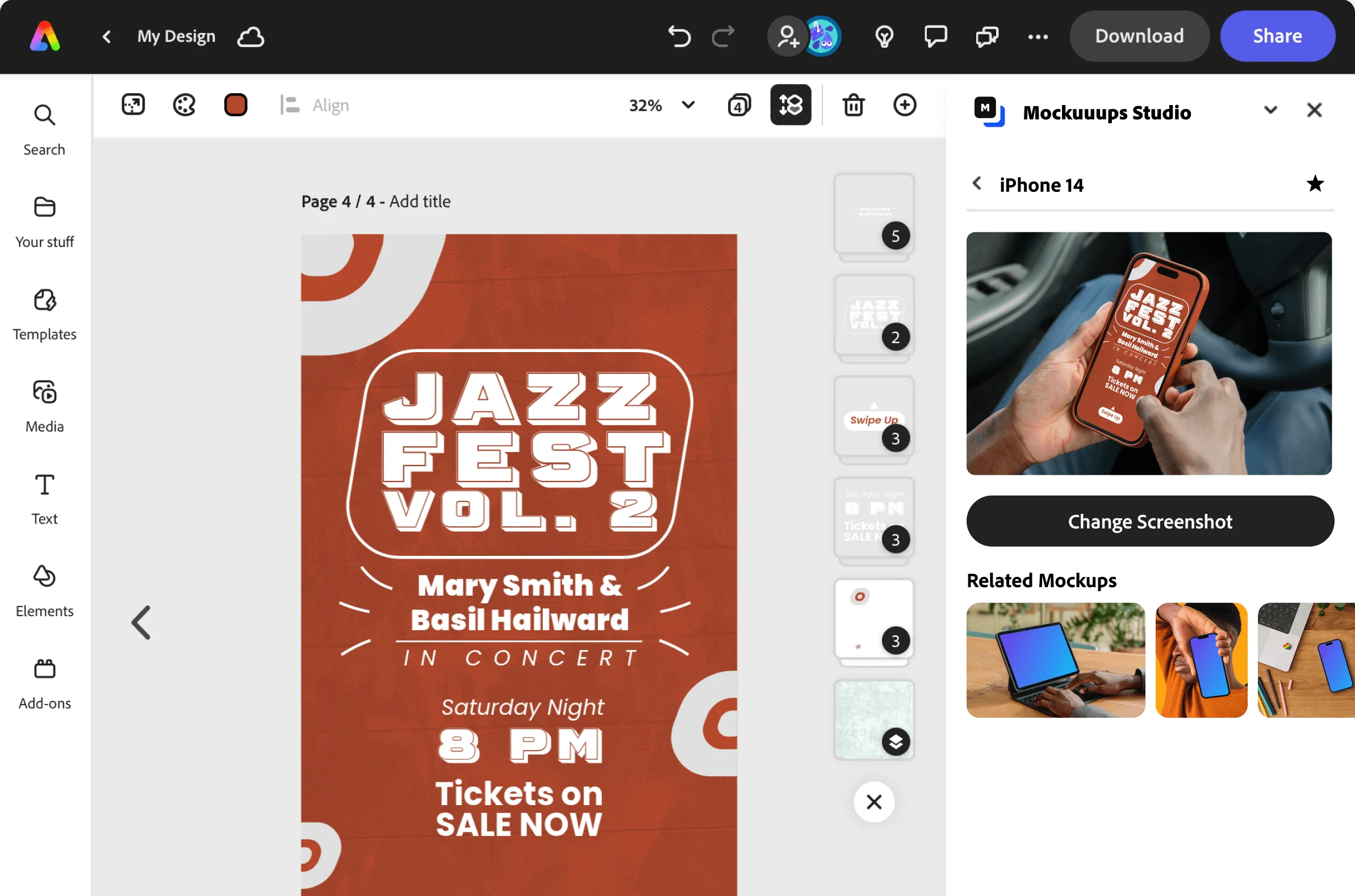
Work Smarter, Not Harder.
Express Access to Device Mockups.
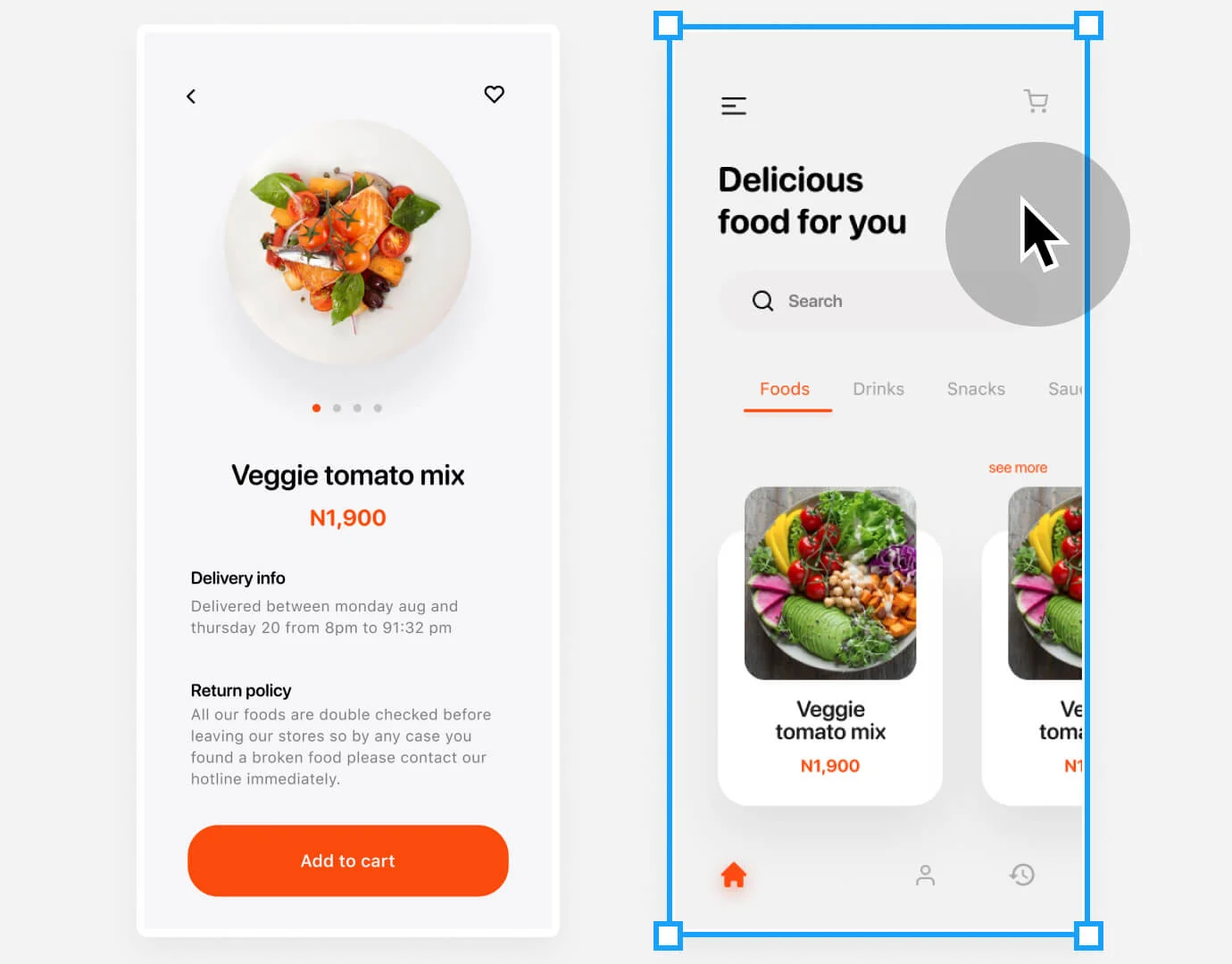
Simply click on the Adobe Express page.
Watch as your visuals magically appear in over 5300+ mockups. Focus on your design work instead of replacing screens on mockups.
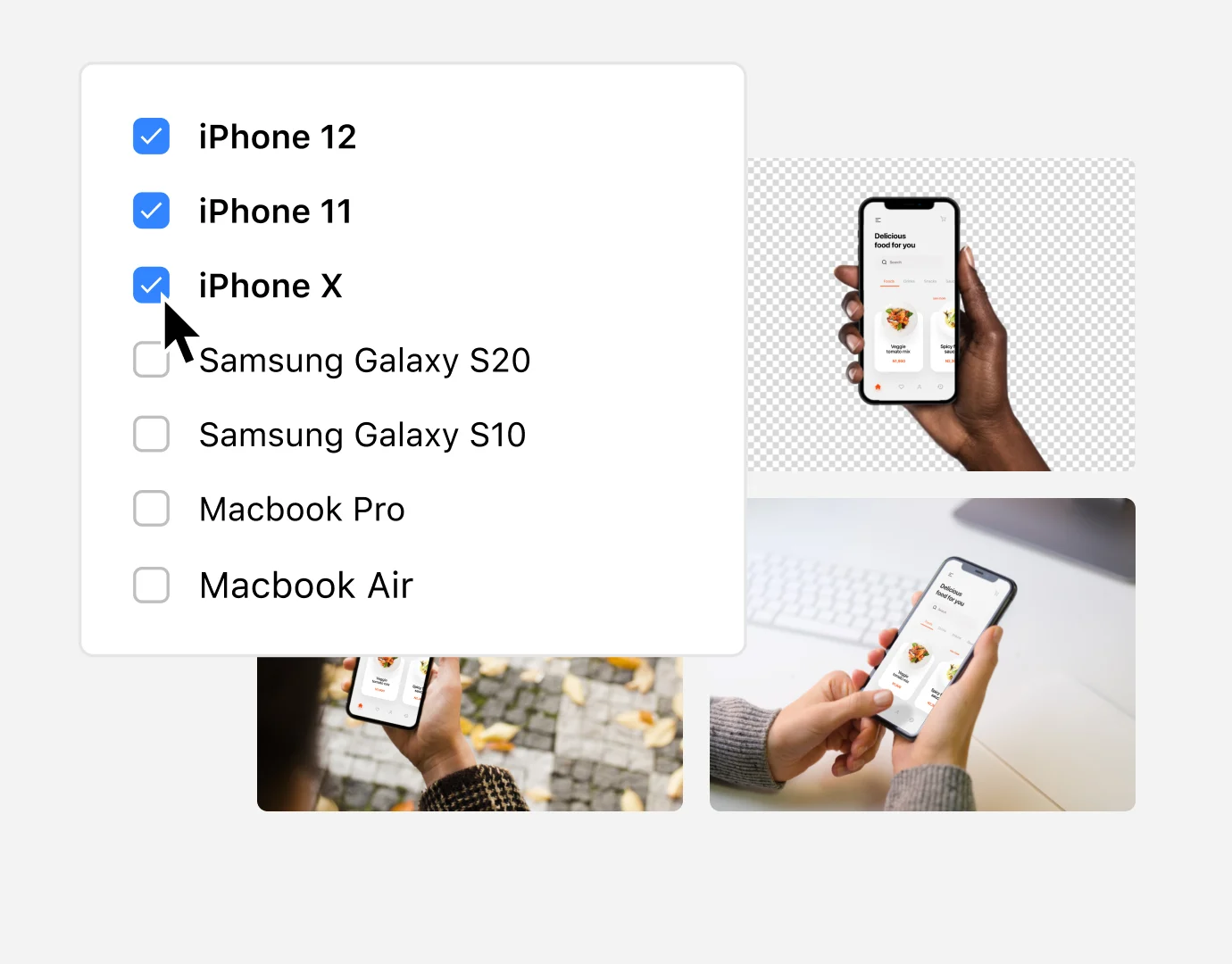
Browse mockups with automatically applied Adobe Express page.
Filter devices, hand models, and transparency. Scroll through mockups grid and select your favorites. No need to leave Adobe Express.
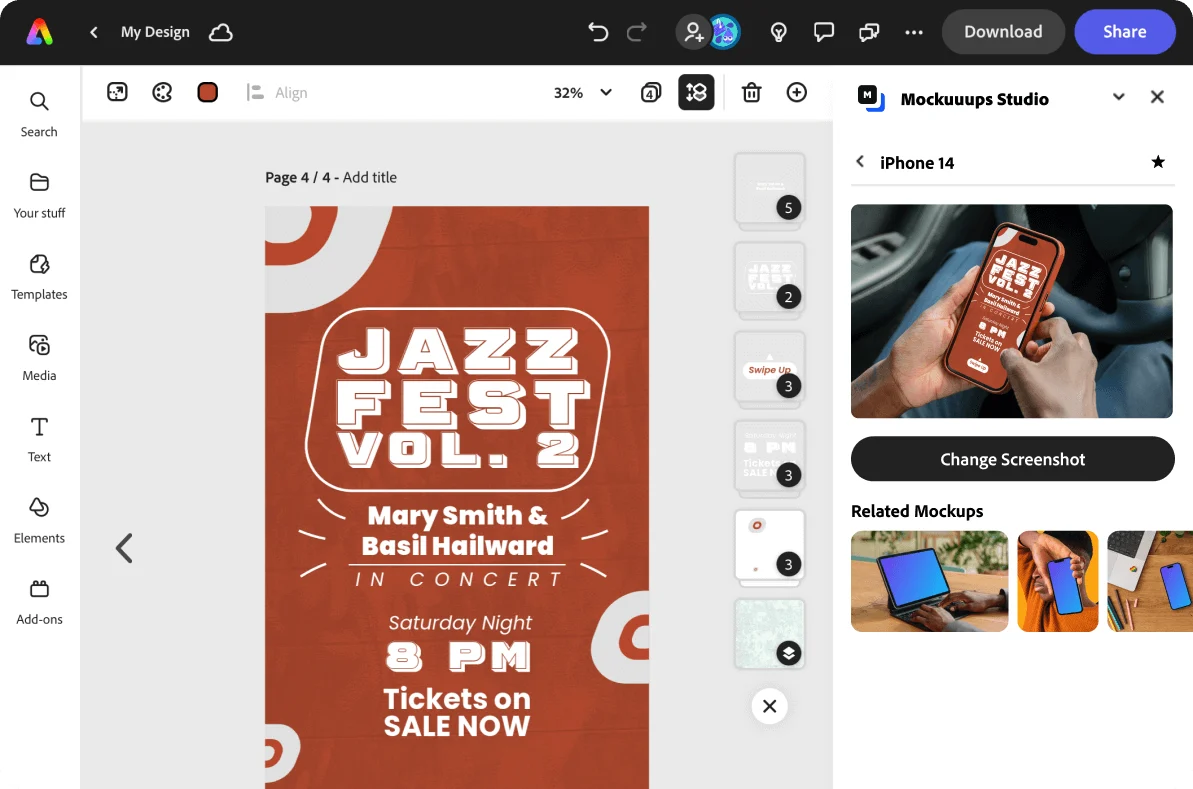
Export or place into the Adobe Express project.
Once you’re happy, export as a high-quality image ready for sharing or place directly to your Adobe Express project for further modification.
Ready for Every Use-Case.
Lifestyle Scenes or Special Niches.


Step Up Your Presentations with Mockups for Adobe Express.
Easy-to-use mockup generator for Adobe Express with more than 5300+ device mockups.
Frequently Asked Questions
-
What's Adobe Express?
Create captivating Reels and TikTok videos, striking flyers, professional resumes, vibrant banners, unique logos, and so much more, using the all-new Adobe Express app. It’s designed for swift and straightforward content creation, enabling you to explore a myriad of possibilities.Effortlessly assemble video clips, artworks, animations, and music to create stunning videos with a simple drag-and-drop.
Execute one-click tasks using tools powered by Adobe for photo editing, designing, video production, and PDF handling. Leverage Adobe Firefly, the generative AI, to instantly produce spectacular text effects and images from a brief description.Accelerate your design process with access to an extensive collection of professionally crafted templates, Adobe Stock photos, videos, music, and more.
Collaborate in real-time and provide feedback on files with your team for a more efficient workflow. Enjoy the smooth access and addition of linked resources from Photoshop and Illustrator that constantly remain synchronized. -
What is the cost of Adobe Express?
The Adobe Express Free plan comes at no cost for both web and mobile applications.
On the other hand, the Adobe Express Premium plan is a comprehensive version of the app, encompassing all premium features. It grants you the ability to formulate branded stories infused with your unique logo, colors, and fonts. This premium plan is incorporated into most Adobe Creative Cloud packages, or alternatively, it can be independently purchased from the Adobe website or as an in-app purchase on mobile applications. -
How to create mockups in Adobe Express?
Creating mockups in Adobe Express has been made simpler with the use of Mockuuups Studio's latest add-on. Here are the steps:
1. Open Adobe Express: Start by opening the Adobe Express application on your device.
2. Install the add-on: Navigate to Adobe Express's add-ons section. Locate the new add-on from Mockuuups Studio, then install it.
3. Access the add-on: Once the add-on is installed, you can access it within Adobe Express. There should be a new button or option for Mockuuups Studio in the toolbar or menu.
-
How many mockups can be accessed using the Mockuuups Studio add-on?
With around 5300+ device mockups at your fingertips, this mockup library is packed with ready-to-use scenarios, all stored conveniently in one place. Seamlessly switch between different backgrounds and device types to craft the exact visual representation you desire.
-
Can I use mockups created in Adobe Express for commercial projects?
Yes, you can certainly use a mockup generator for commercial projects. We offer commercial usage rights for the mockups you create. This means you are free to use the created mockups in your commercial projects like websites, marketing materials, social media, presentations, and more.
