30+ Best Smartwatch Mockups for App and Brand Designers
- Content Updates,
- 13 minutes to read
Need a smartwatch mockup that feels realistic and easy to edit? Browse smartwatch mockups and build clean presentations with a free online generator. Great for anyone hunting for a free smartwatch mockup or the best smartwatch mockup for app screens, watch faces, and marketing visuals.

Smartwatch screens are tiny, which means your presentation has to do more work. The right lighting, angle, and materials can make a watch face feel legible and intentional, instead of like a cropped screenshot floating in space.
The Smartwatch Mockups collection is a solid grab when you need Apple Watch scenes that already look art-directed. If you want to move fast, build variations in the free online mockup generator or drop your frames in straight from the Figma plugin.
How to pick the right smartwatch scene for your concept
A smartwatch mockup can read totally different depending on context. A rocky surface sells durability and outdoors, a desk scene sells productivity, and a wrist shot sells day-to-day use.
Quick selection cues that usually work:
- Need legibility: go for clean backgrounds, softer shadows, and a straight-on screen.
- Need attitude: pick harder light, deeper contrast, or a darker surface.
- Need lifestyle: use wrist shots and real environments so your UI feels “worn,” not displayed.
- Need product focus: choose isolated or pedestal setups where the watch is the only hero.
30+ Best Smartwatch Mockups
Whether you’re polishing a watch face, presenting a fitness feature, or building a client deck for a wearable app, these scenes give your UI a believable place to live.
1. Free Apple Watch Ultra mockup on a wooden table
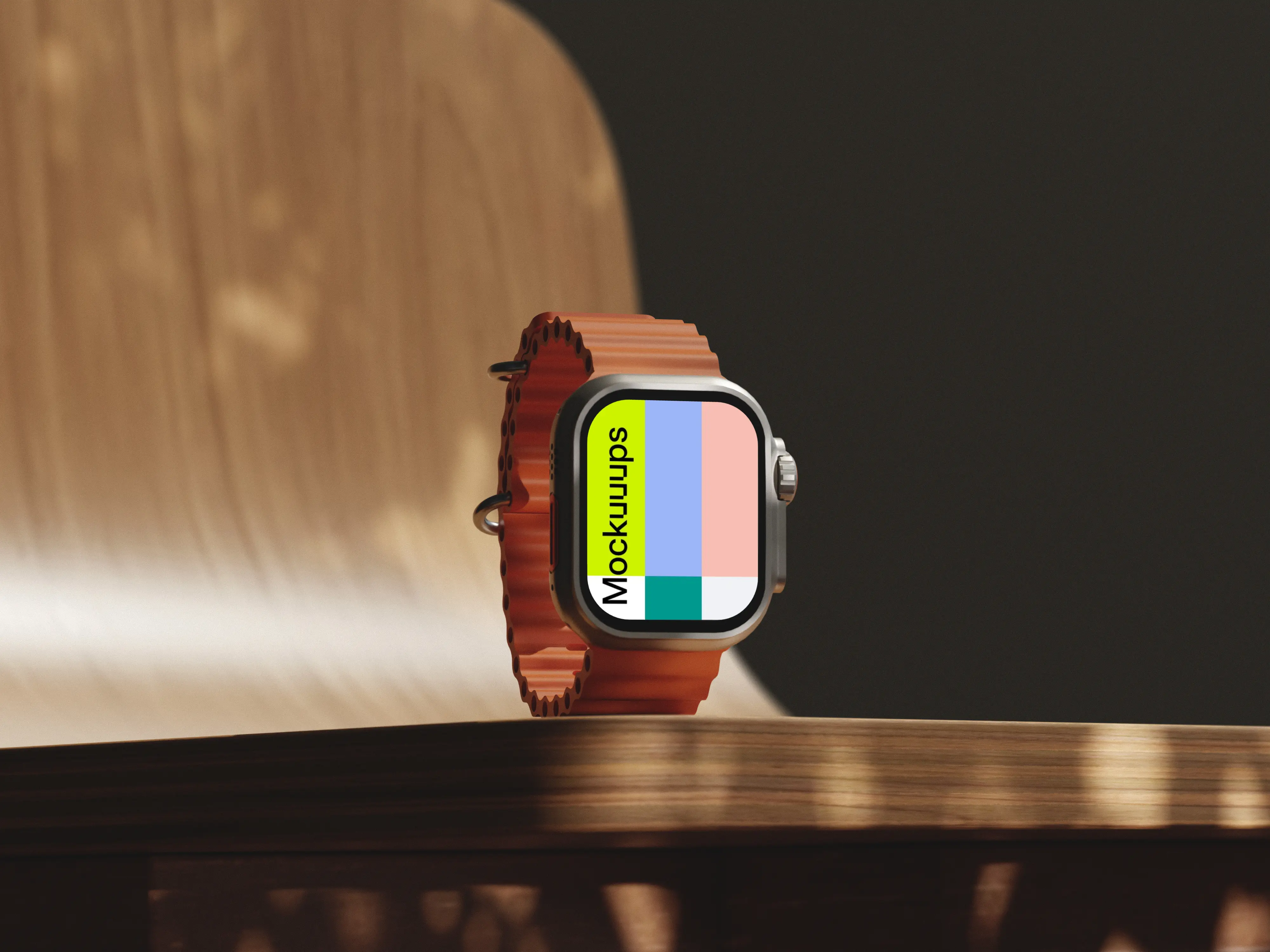
Apple Watch Ultra with that bold orange band, resting on a polished wooden table with soft daylight and gentle shadows. The chair in the background adds just enough lifestyle without stealing attention. Drop in your screen design and tweak the look to match your brand. Great for app promos, product pages, or a “real desk” moment in a pitch deck.
2. Apple Watch Mockup on Textured Rock Surface
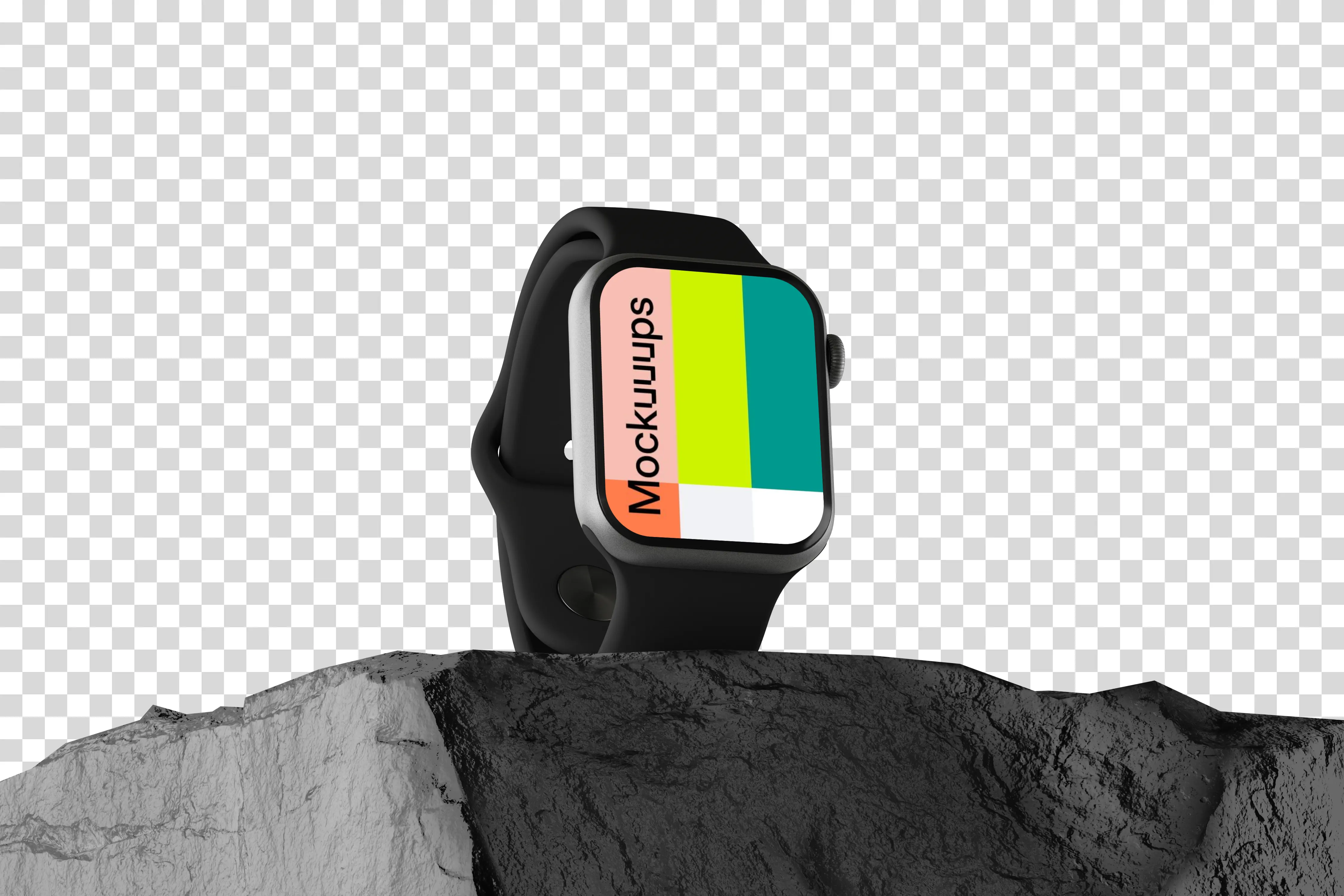
A sleek Apple Watch on a rugged rock, set against a deep black background for maximum contrast. The isometric angle keeps the silhouette sharp and gives your screen plenty of presence. Swap in your UI, watch face, or marketing message in seconds. Ideal for feature launches, developer updates, or a bold hero slide.
3. Tapping Apple Watch mockup display
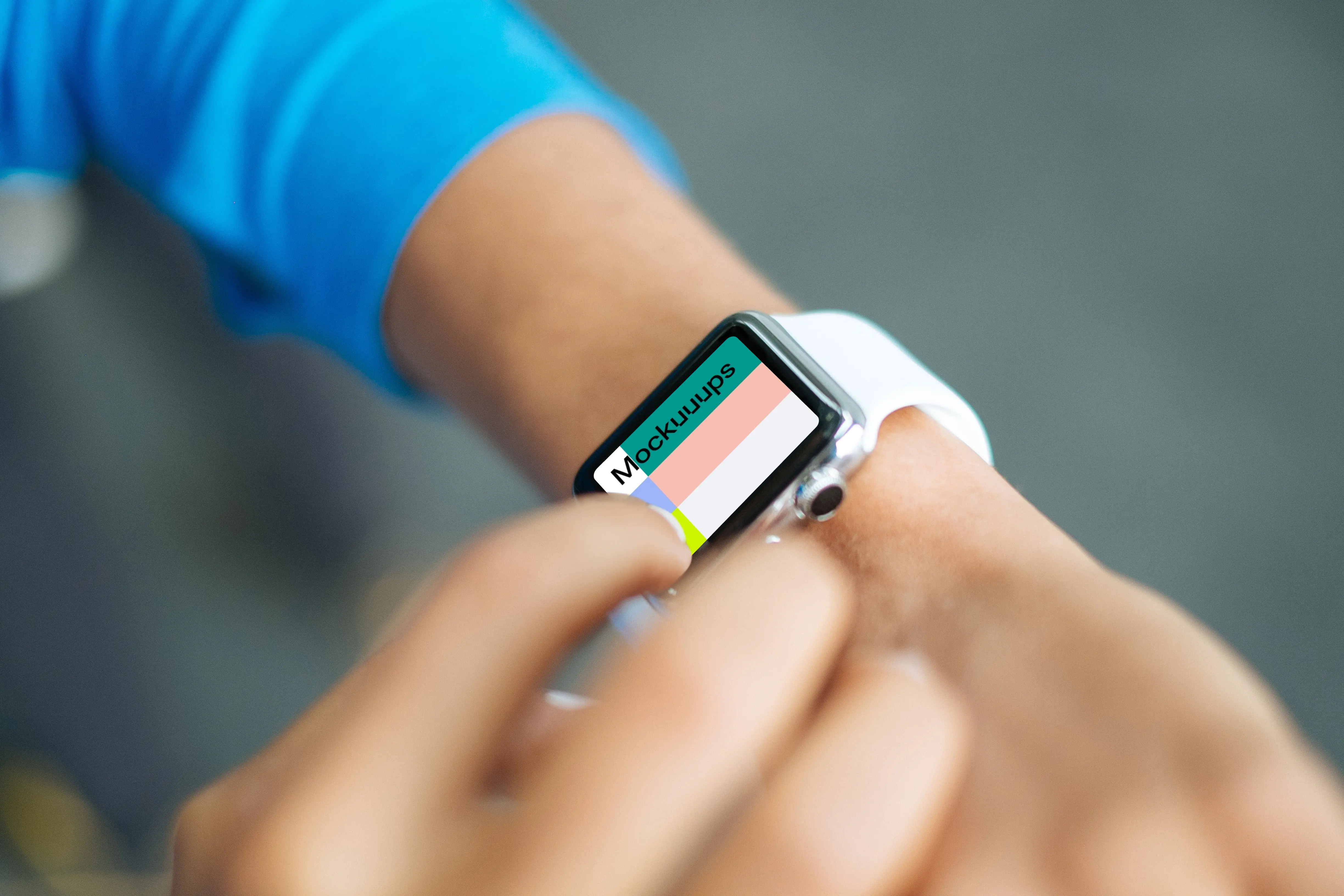
A close-up “in use” moment where a finger is tapping through the watch interface. The framing is tight, so your screen state becomes the whole story. Replace the display with your own flow, then test a few variants for different steps in your app. Works nicely for onboarding screens, interaction demos, and app store visuals.
4. Apple Watch mockup with textured rock background
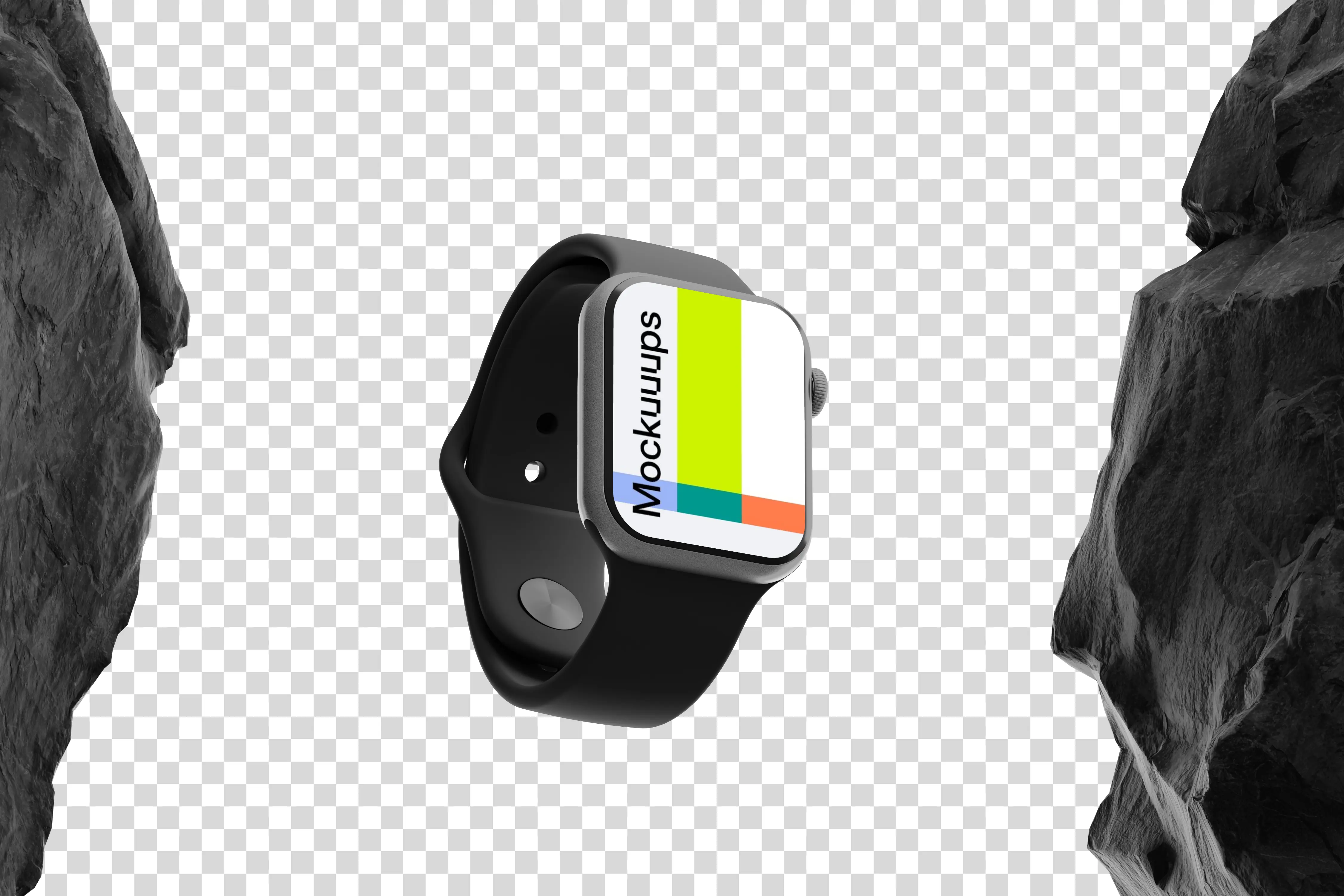
A dramatic rock texture wraps the scene, with sharper shadows that make the watch feel tough and premium at the same time. The isometric view gives you a clear read on the device shape and screen. Pop in your design and adjust styling to match an outdoor or performance angle. Use it for adventure features, durability messaging, or fitness branding.
5. Apple Watch mockup on office desk
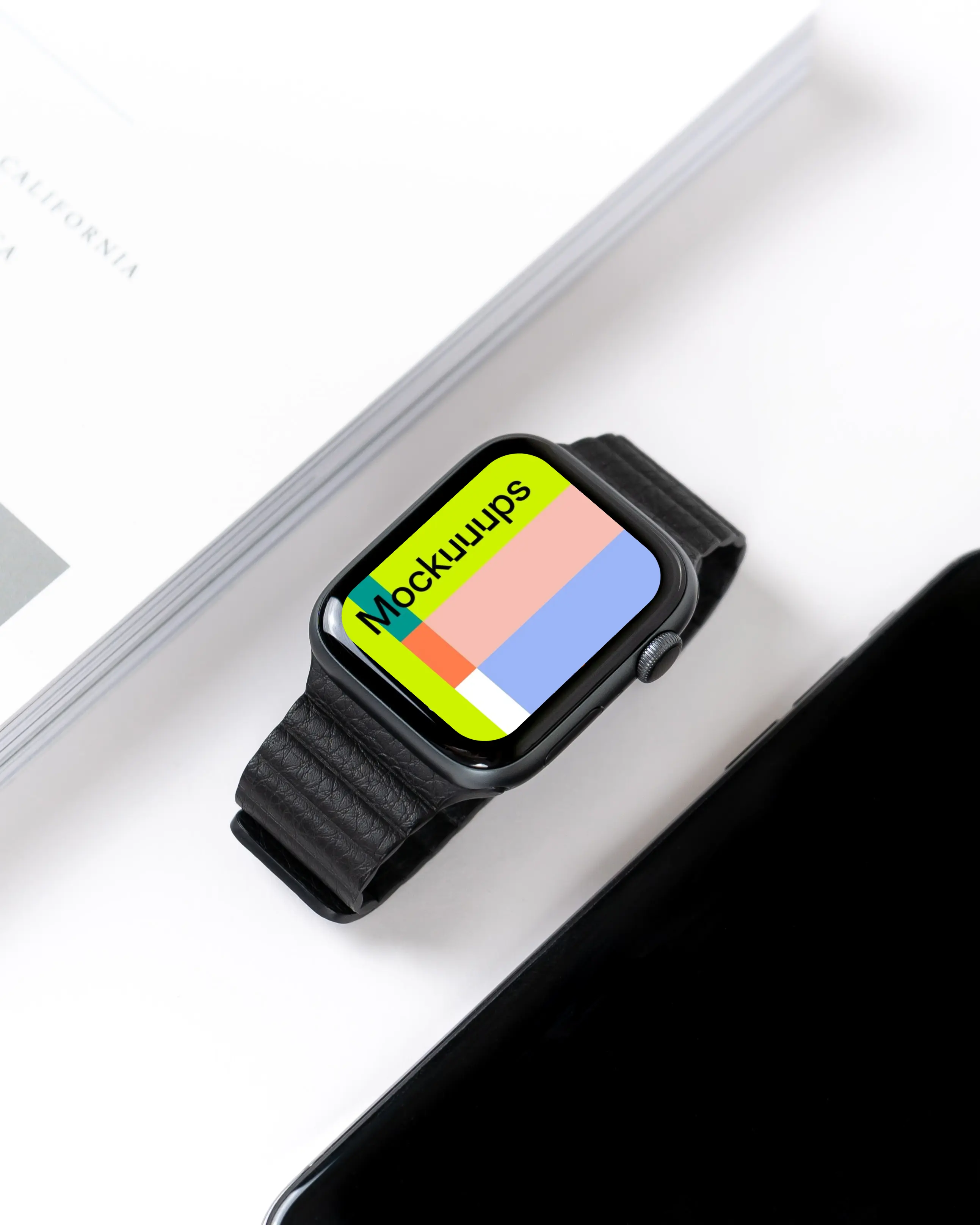
A black Apple Watch sitting on an office desk, shot in a first-person style that feels like a real workday. The lighting stays clean and neutral, so your UI colors won’t get weird. Customize the screen and keep the rest calm and professional. A good fit for productivity apps, calendar concepts, and client-ready presentations.
6. Apple Watch Ultra mockup on a dark surface
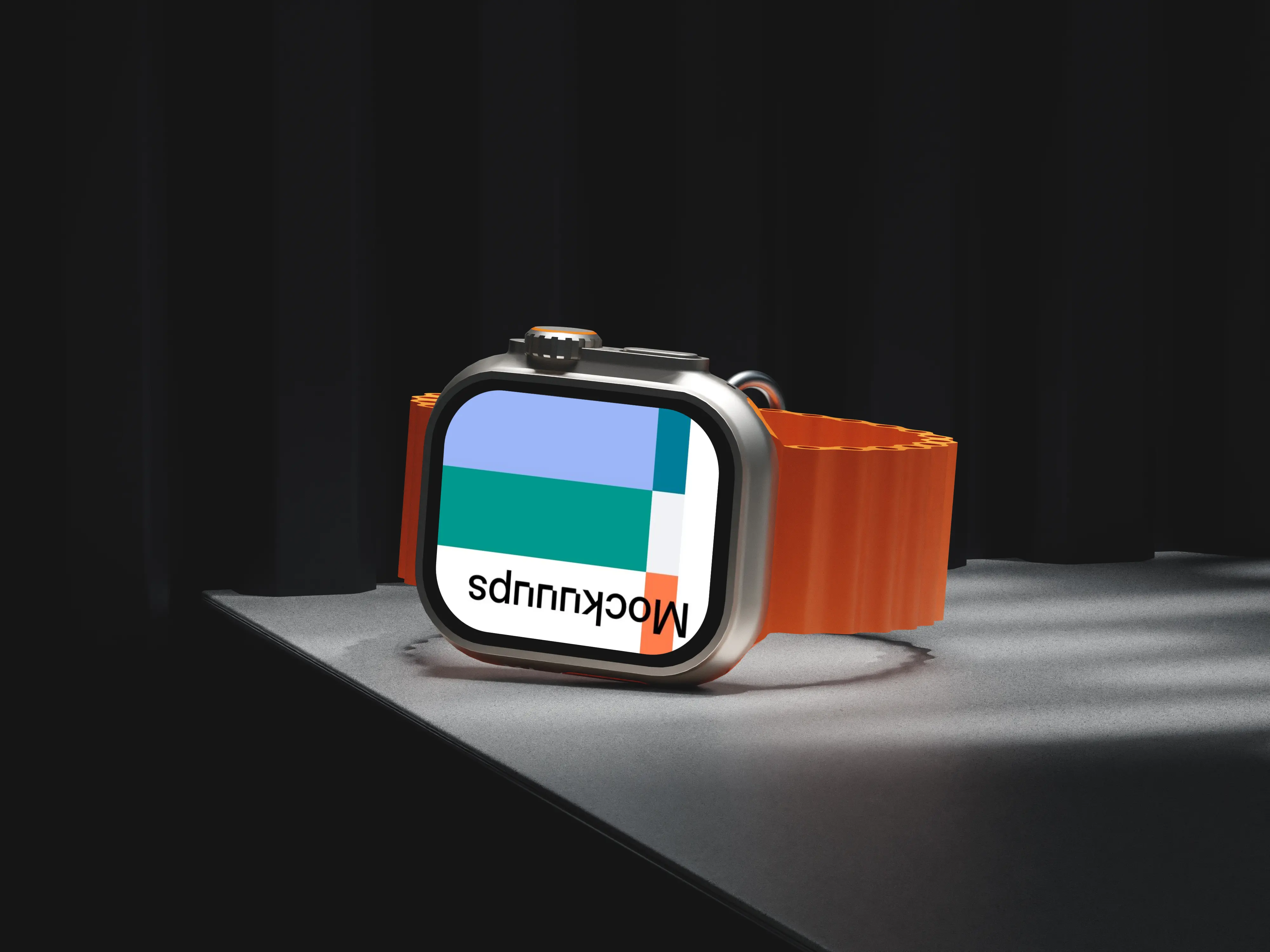
Minimal 3D setup: Apple Watch Ultra on a dark surface, subtle light catching the titanium edges and that orange band. It’s controlled and modern, with no distractions around the device. Add your watch face or app UI and keep the focus tight. Strong choice for product-style announcements, landing pages, and polished portfolio shots.
7. Apple Watch mockup ahead of MacBook
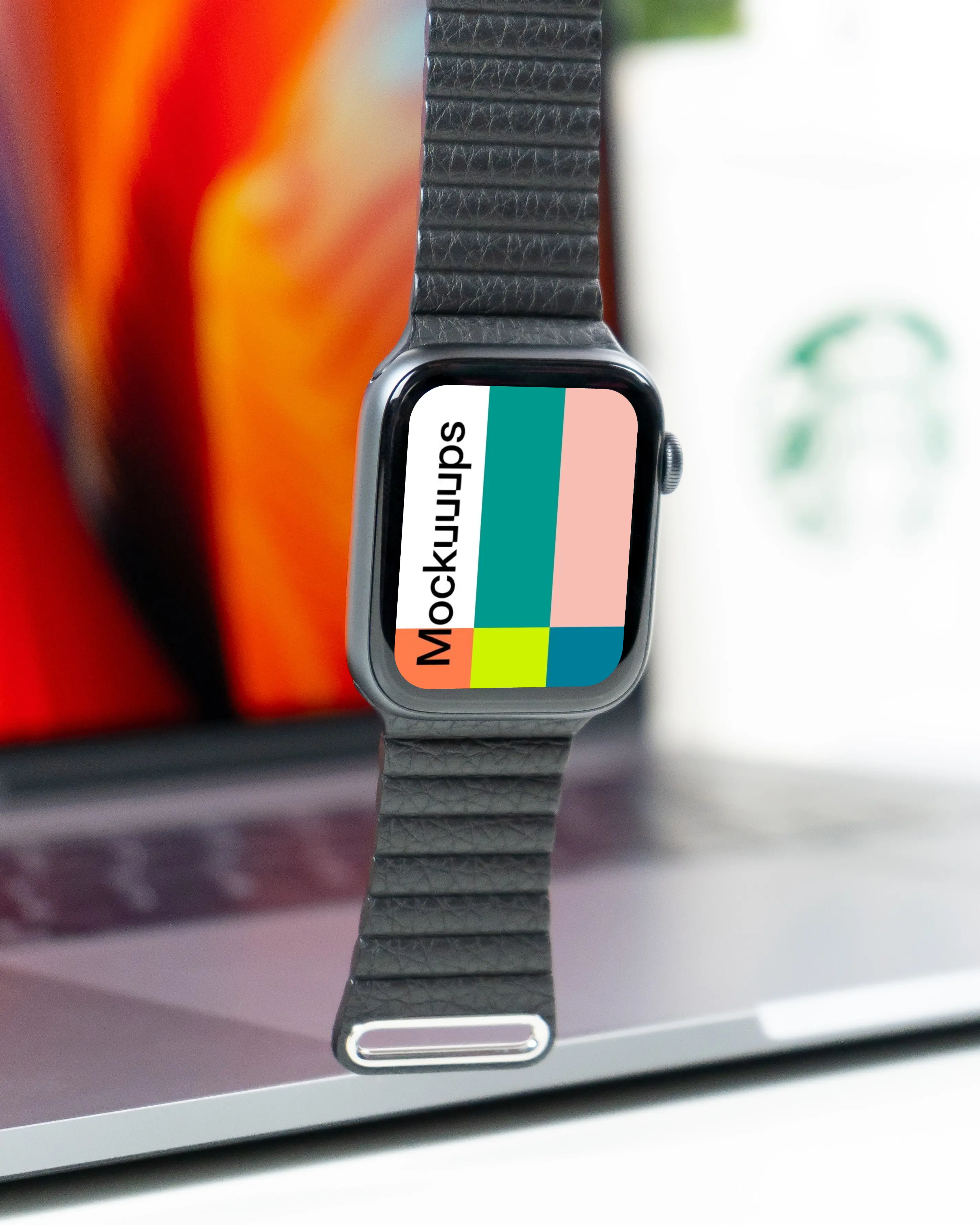
A fashion-forward shot with the watch held upright in front of a MacBook, bright and photorealistic. The composition naturally directs attention to the screen, so your UI stays crisp. Swap in your design and adjust to match your brand palette. Nice for portfolio hero images, product teasers, and social announcements.
8. Apple Watch Ultra mockup on a concrete pedestal
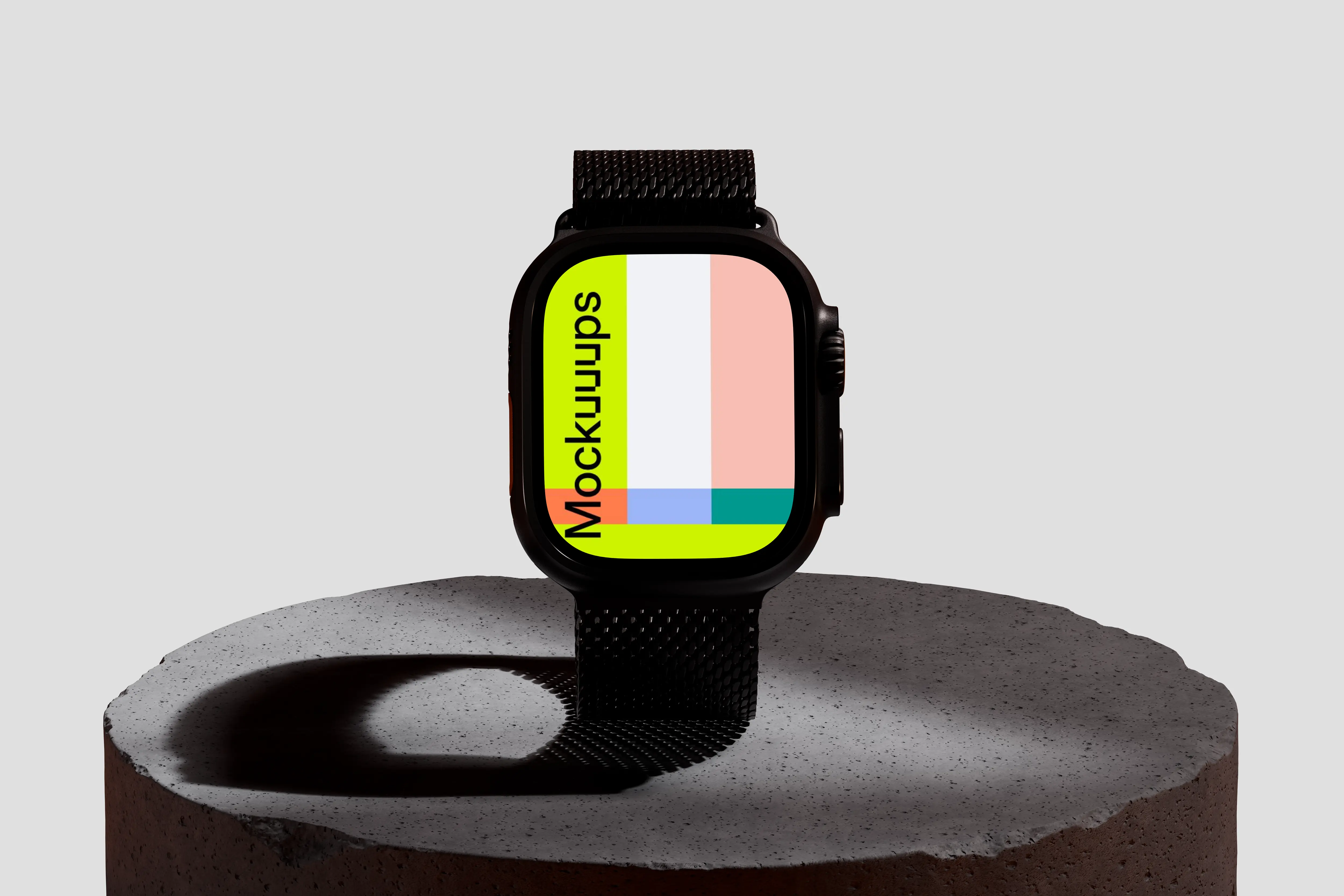
The watch sits on a concrete pedestal against a gray backdrop, like a small product studio shoot. The textures feel solid, and the band keeps the look grounded and modern. Your screen content is the star here, easy to replace and iterate. Use it for feature callouts, UI comparisons, or a clean “spec sheet” slide.
9. Apple Watch Ultra mockup on a wooden table next to a laptop
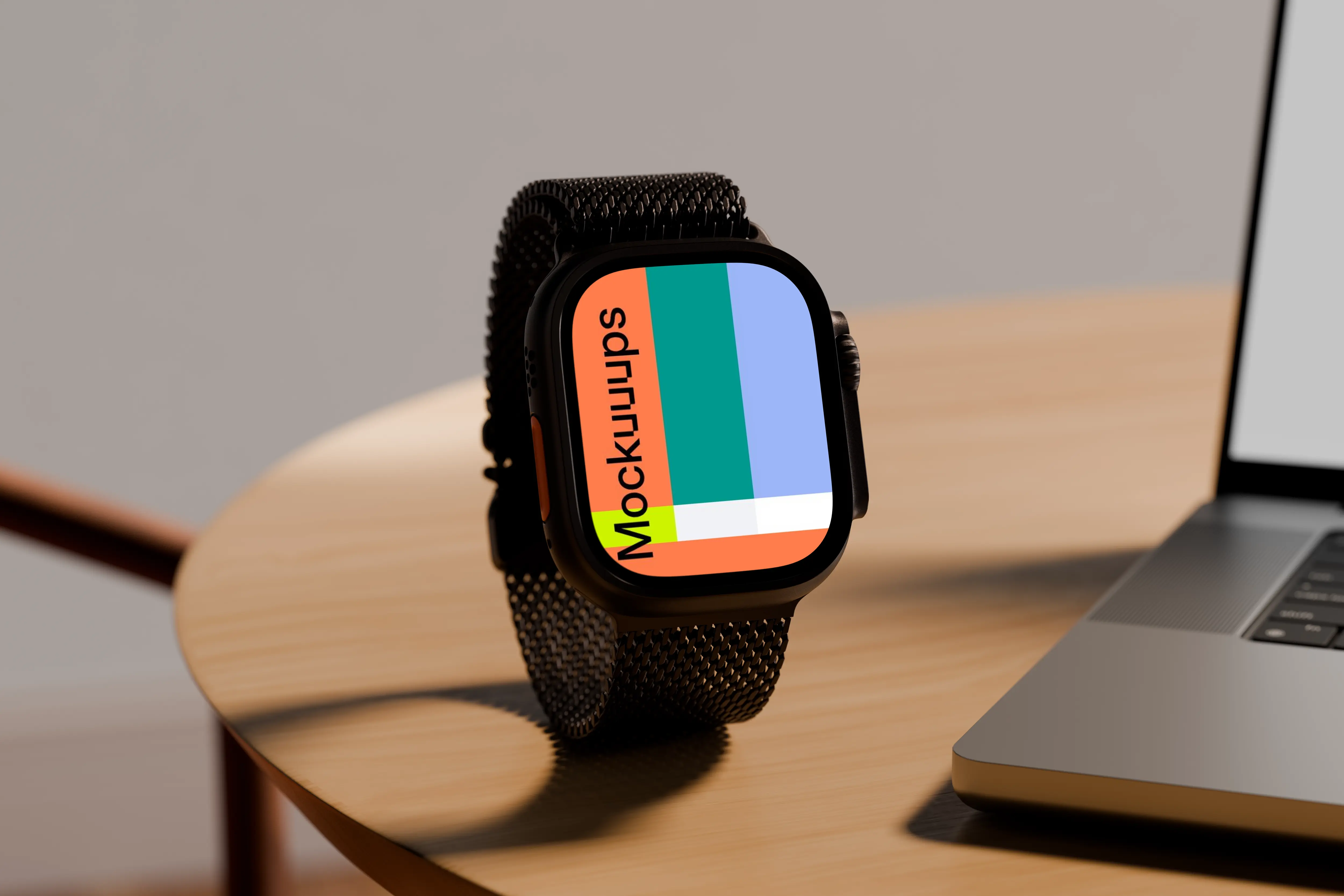
Apple Watch Ultra upright on a light wooden table, with a laptop edge in frame to set a workspace mood. Soft lighting keeps everything readable, especially small type and icons. Customize the watch face and keep the scene consistent across multiple screens. Great for case studies, SaaS companion apps, and deck covers.
10. Apple Watch mockup on yellow background
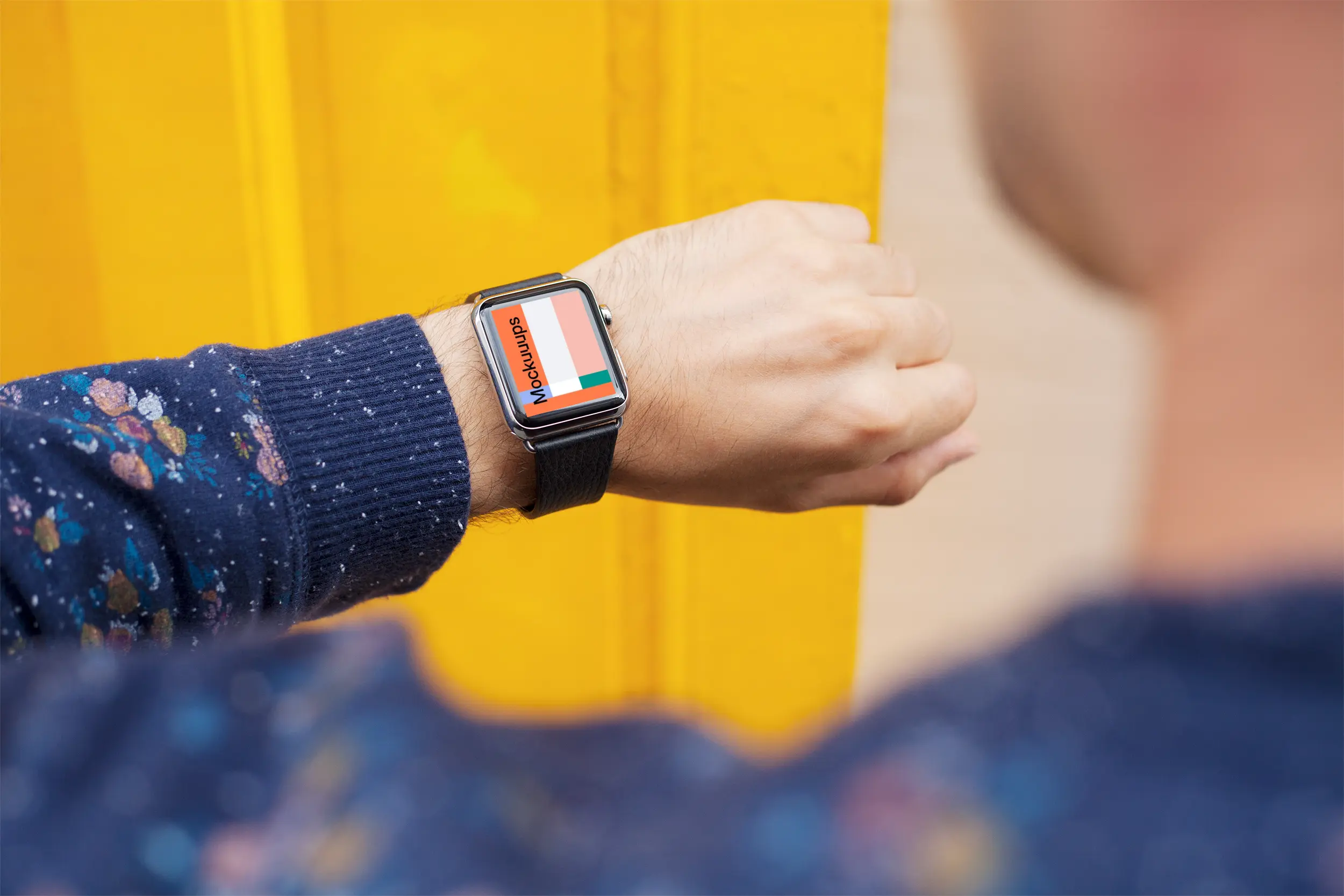
A real-world scene with a person checking their Apple Watch in front of a yellow wall. The color does the heavy lifting, making the screen feel like the focal point even at smaller sizes. Customize the display and keep the energy upbeat. Great for campaign visuals, app launch posts, and lifestyle-focused presentations.
11. Apple Watch Ultra mockup on a wooden chair
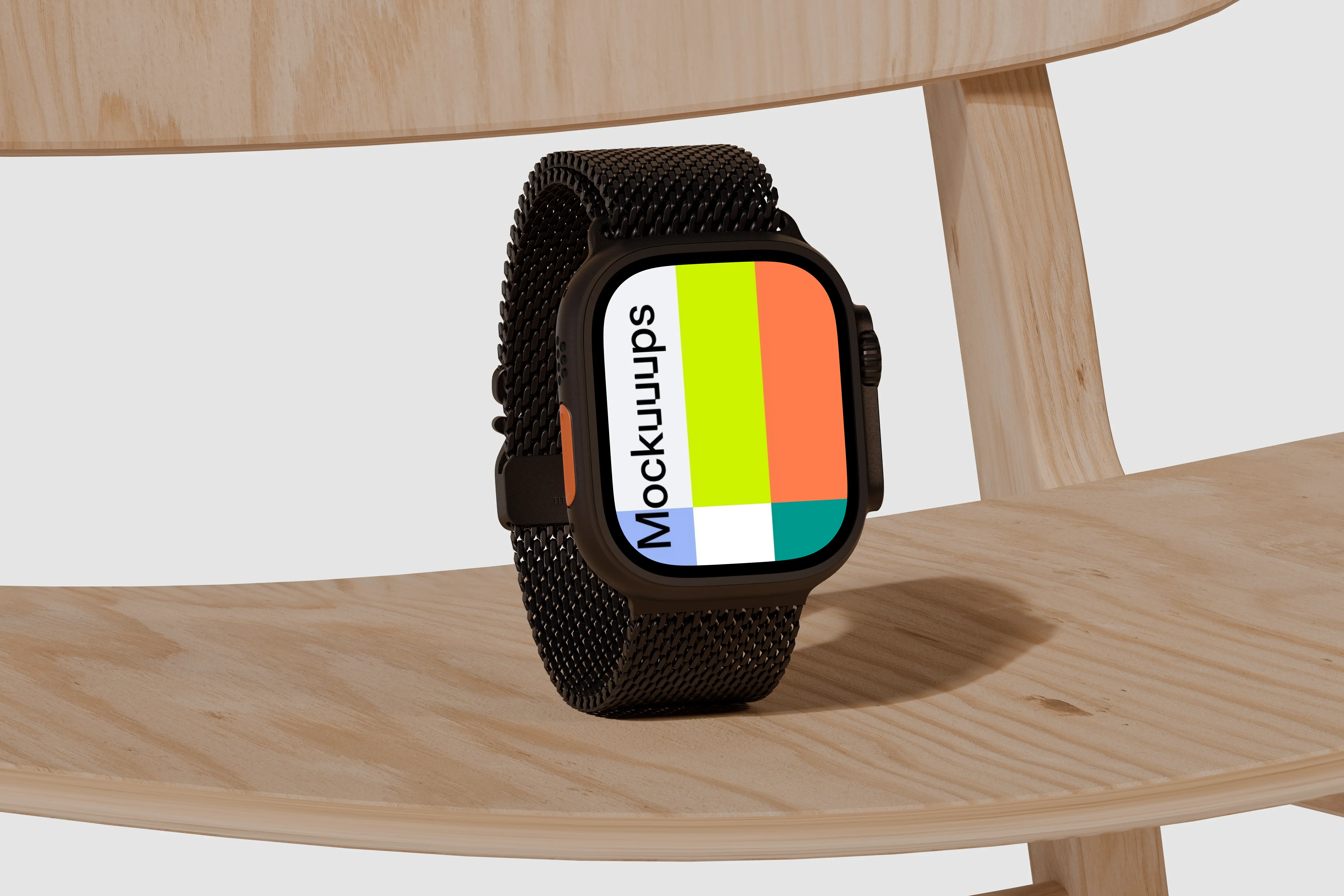
Apple Watch Ultra on a natural wooden chair, minimal background, and a clean single-tone look. The black mesh strap adds a premium detail without clutter. Drop your interface onto the display and keep the rest calm. Works well for branding explorations, minimalist watch faces, and editorial-style layouts.
12. Apple Watch Ultra mockup on a textured olive surface
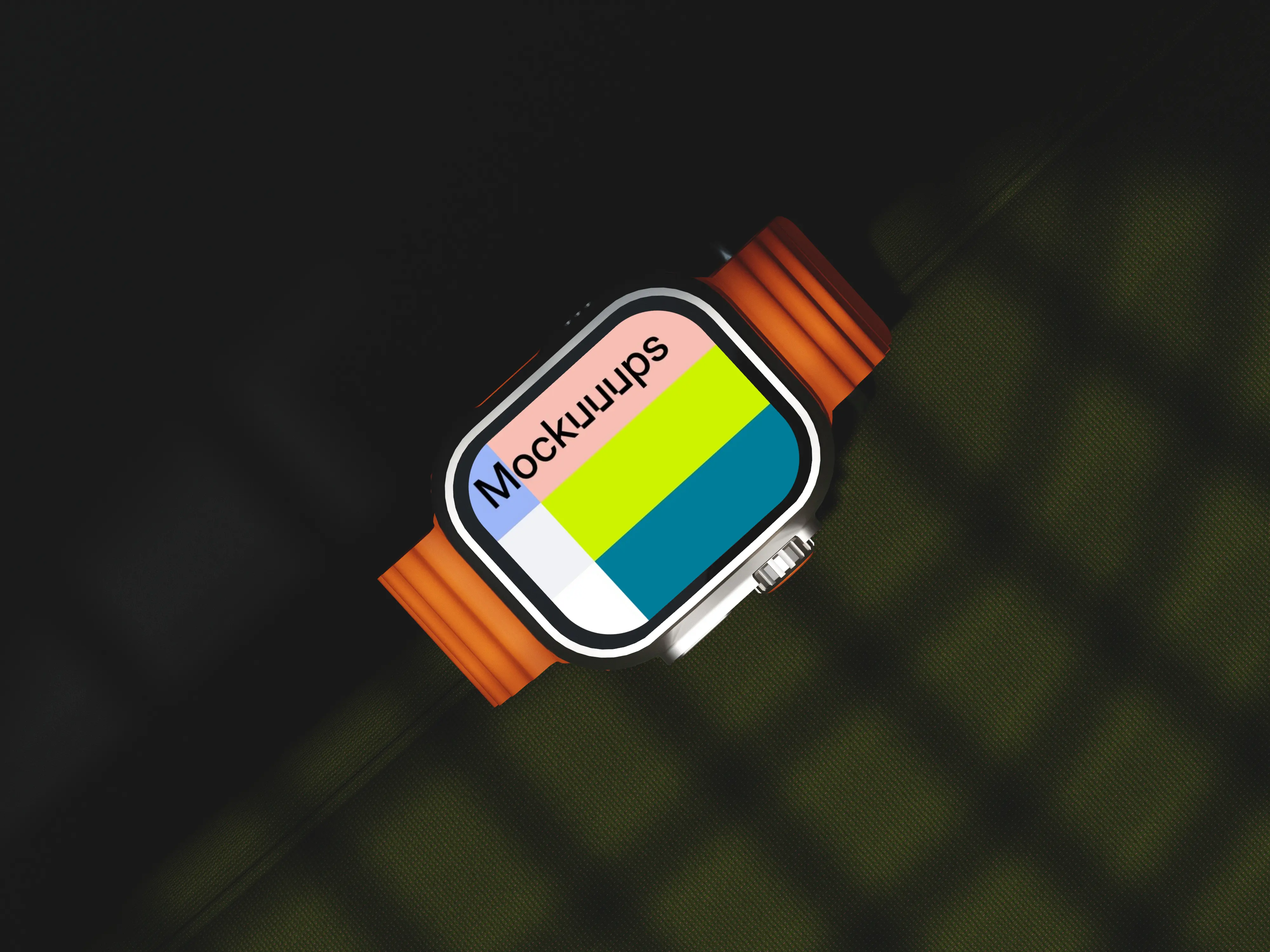
Close-up Apple Watch Ultra on a textured olive surface, with dynamic shadows that give the scene depth. The orange strap pops against the muted backdrop, so your UI can stay clean and still feel lively. Replace the screen quickly and try a few colorways. A solid pick for wellness apps, outdoor features, and lifestyle branding.
13. Reading messages on Apple Watch mockup
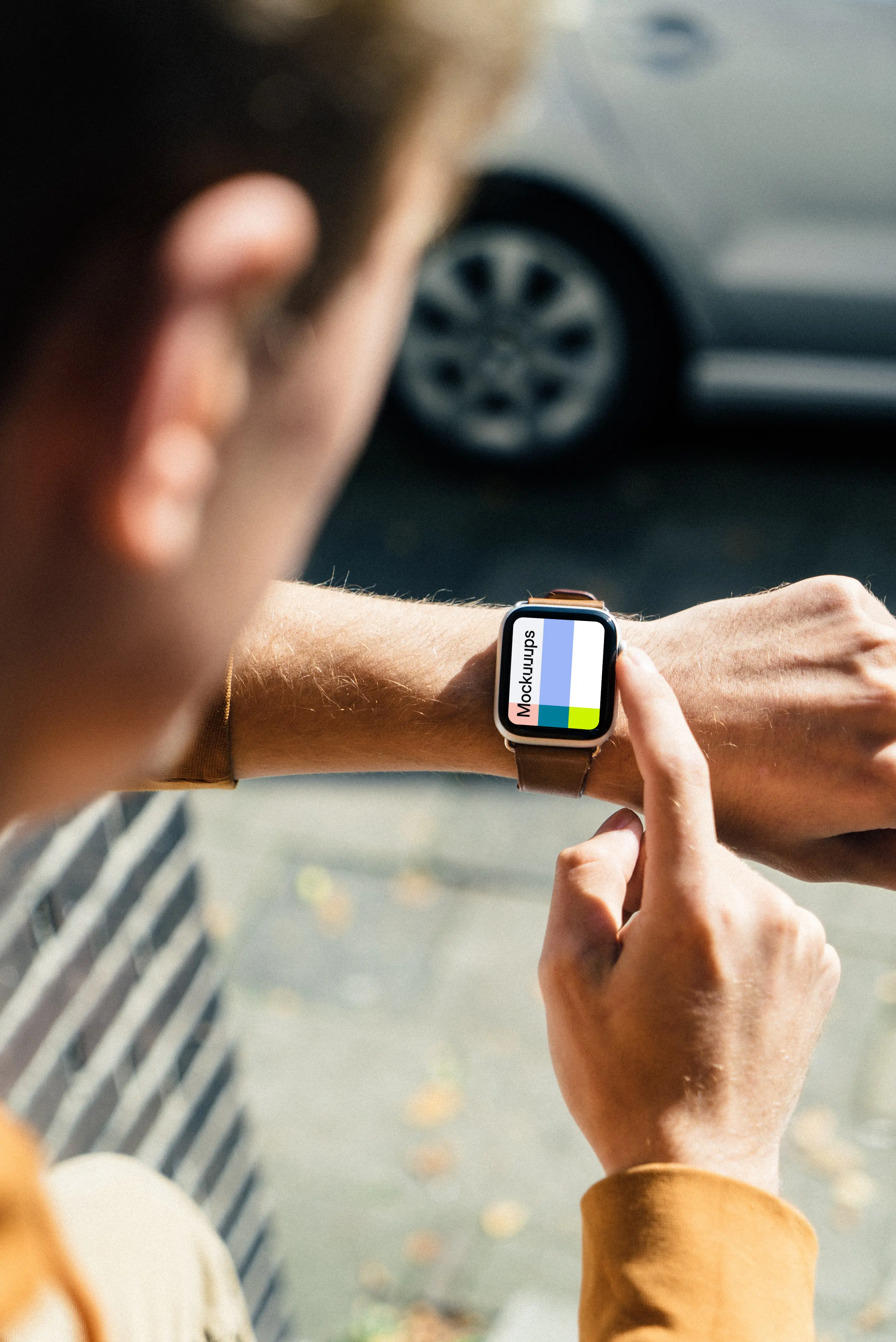
A wrist shot outdoors with a sun-ray effect, the kind of light you actually get when someone checks a watch in the real world. The environment adds context without turning into a travel photo. Swap in your full-screen UI and keep it readable against the bright scene. Good for messaging flows, navigation, and “on the go” features.
14. Apple Watch Ultra mockup with orange band on a modern surface
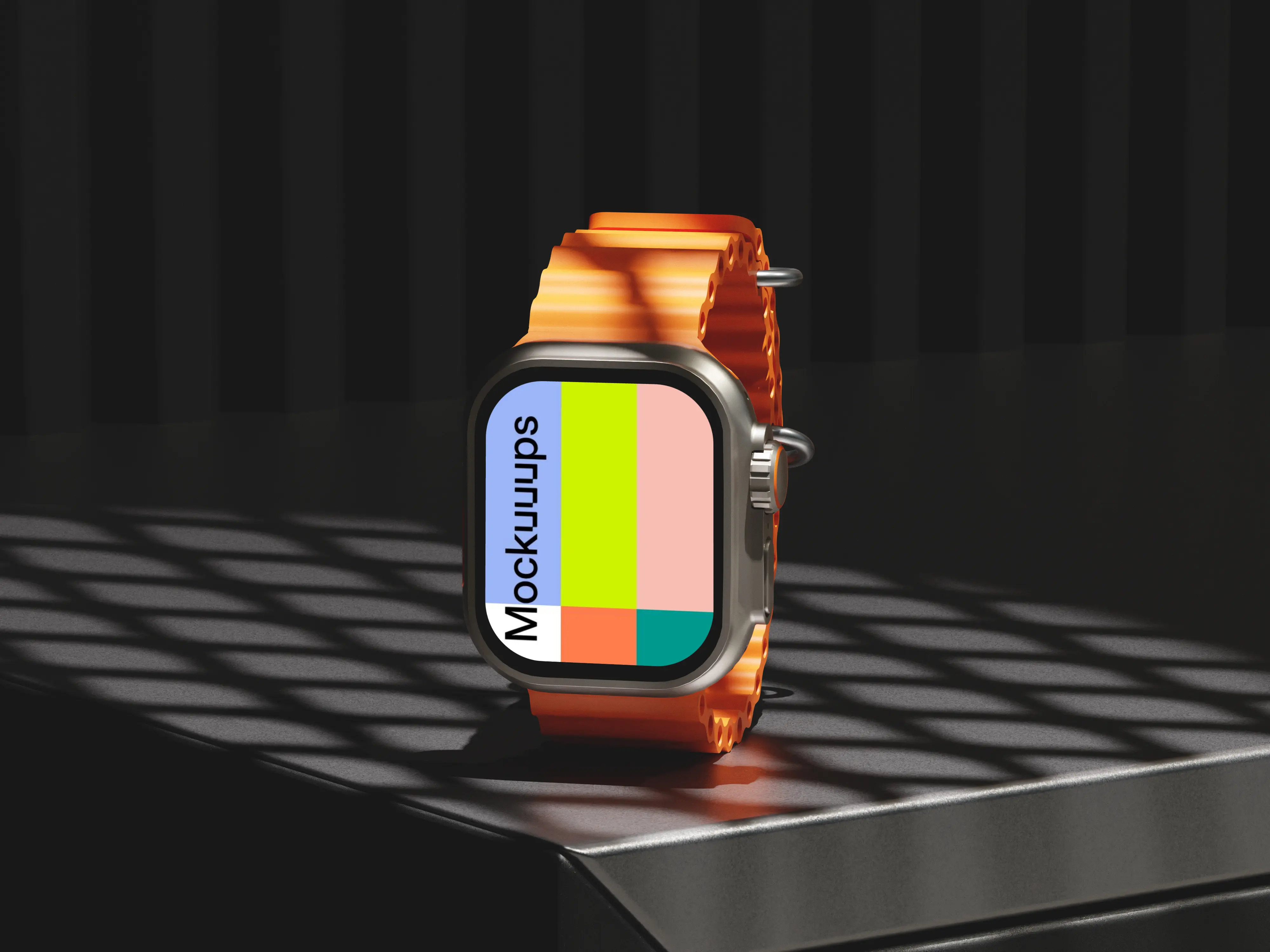
A dark modern surface, diagonal shadows, and an orange band that reads instantly. The lighting feels studio-like, so it’s easy to keep your design looking intentional. Drop in your interface and adjust the vibe from rugged to premium depending on the screen content. Use it for product landing pages, ad creatives, and high-contrast UI concepts.
15. Apple Watch Ultra mockup on mechanical arm
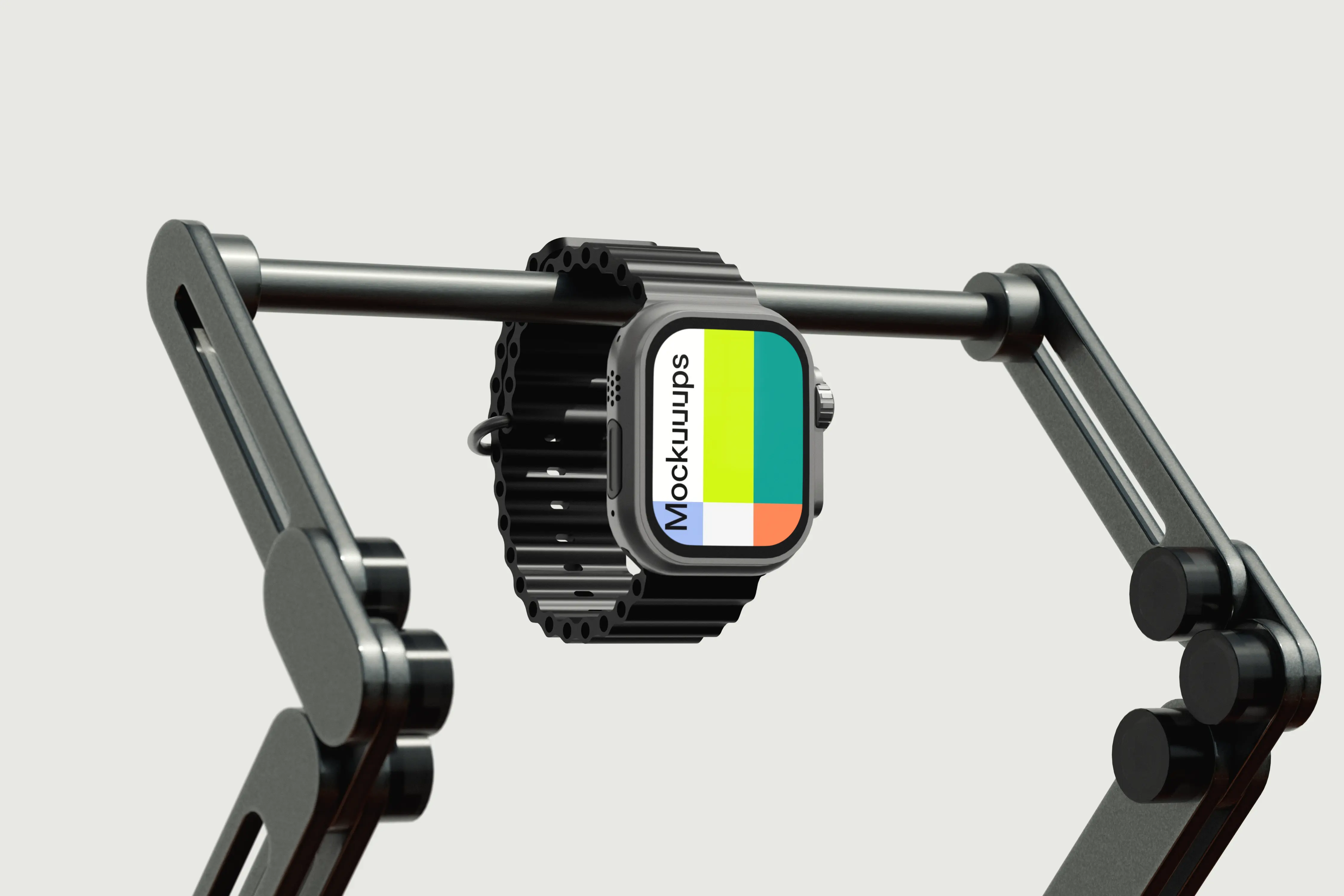
Apple Watch Ultra mounted on a sleek mechanical arm for an industrial, product-demo feel. The clean lines and minimal setting keep attention on the device and screen. Customize the display and use it when you want something less lifestyle, more tech-forward. Great for hardware-adjacent branding, futuristic UI concepts, or feature explainer slides.
16. Apple Watch Ultra mockup on a textured bar
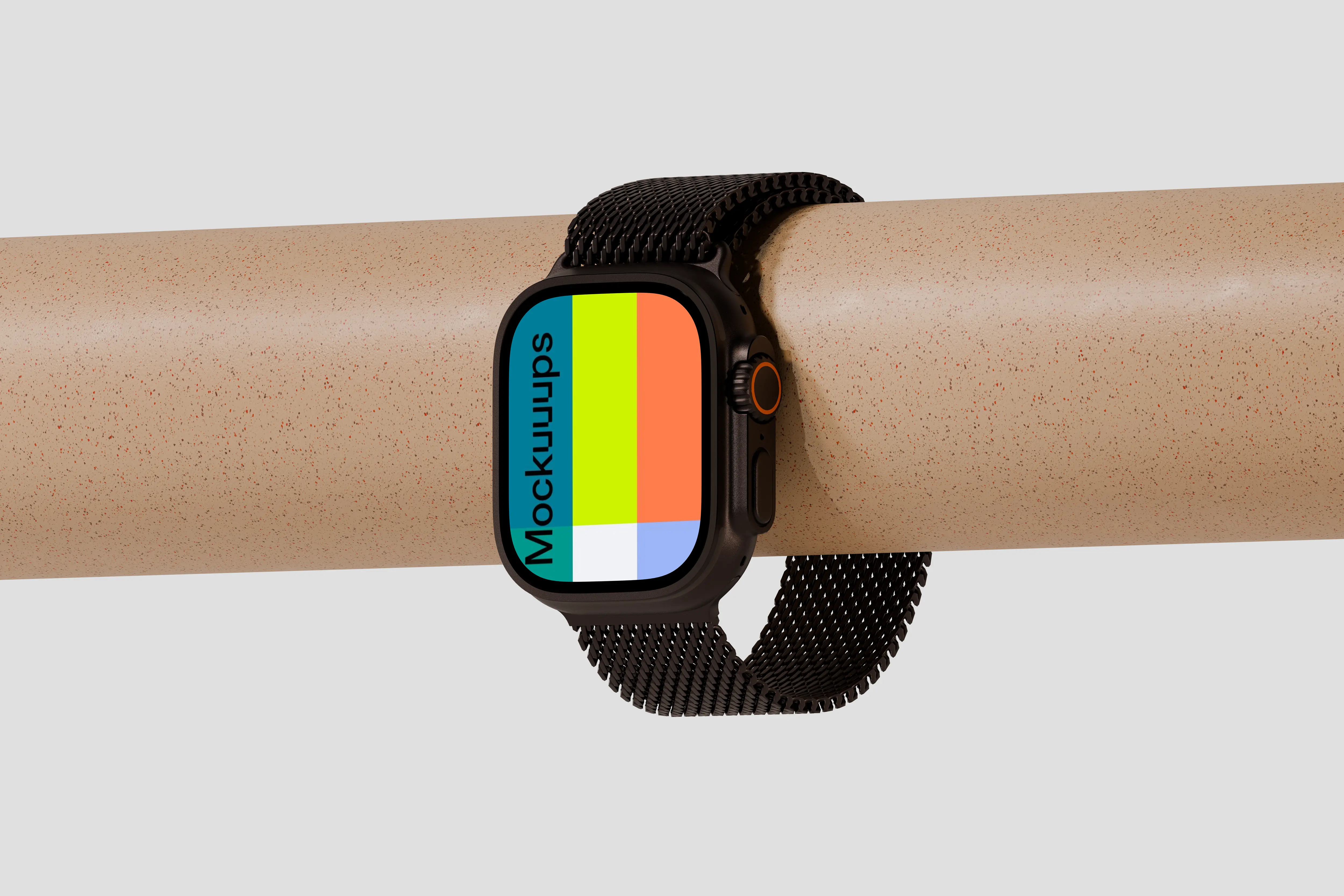
The watch wraps around a textured cylindrical bar, with a light gray background that stays out of your way. The mesh band detail looks crisp, and the angle gives a nice read on the case. Drop in your UI and iterate through different states quickly. Ideal for health tracking screens, activity rings, and portfolio breakdowns.
17. Apple Watch mockup worn by roadside
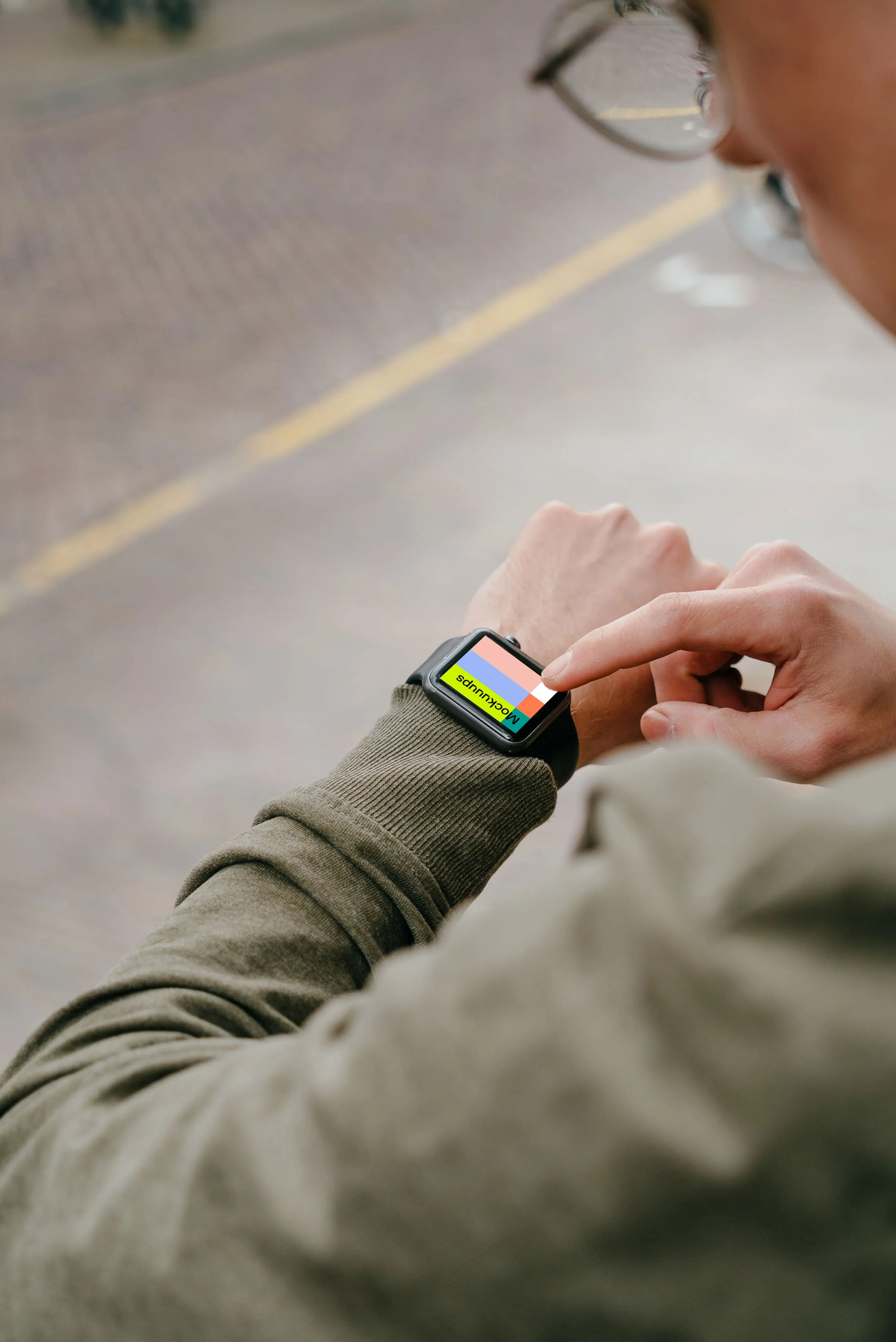
A roadside wrist scene that feels candid and everyday, with enough environment to suggest motion and real life. Your screen content can be swapped in without fighting the background. Tweak the display and keep the rest natural. Works for navigation, fitness, and notification-heavy concepts.
18. Apple Watch Ultra mockup on a textured surface
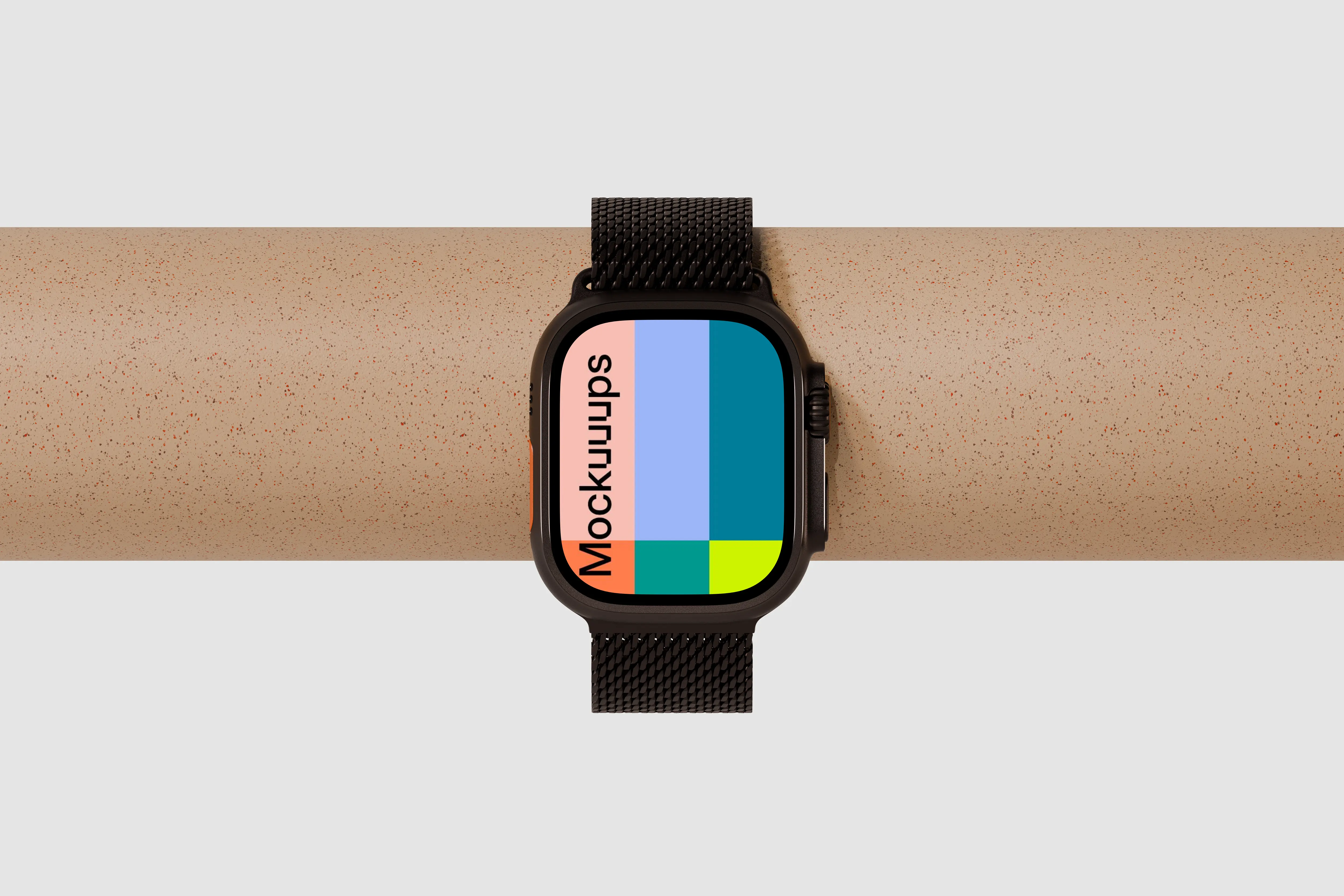
Apple Watch Ultra laid horizontally on a speckled cylindrical surface, with a neutral background and a premium contrast between strap and texture. The composition is modern and minimal, so your UI stays front and center. Replace the screen and test multiple color themes. Good for marketing banners, UI comparisons, and watch face explorations.
19. Apple Watch mockup on textured stone
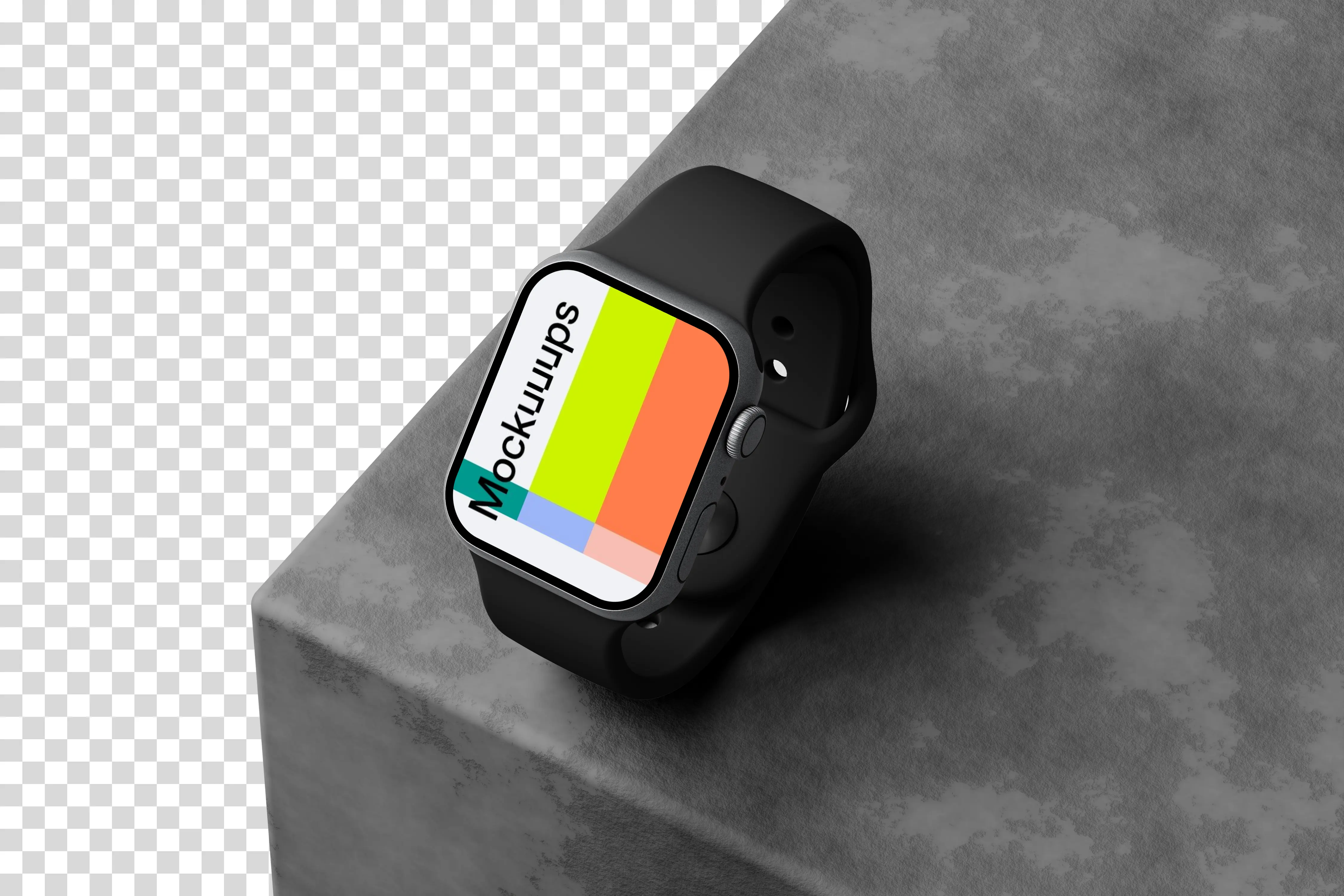
Apple Watch Series 9 resting on a finely textured stone surface, shot in a dynamic isometric angle. Soft shadows help the edges read cleanly, while the stone adds a grounded, tactile vibe. Customize the screen with your app or watch face and keep the scene understated. Great for tech presentations, product updates, and clean portfolio pages.
20. Apple Watch Ultra mockup on textured fabric with natural shadows
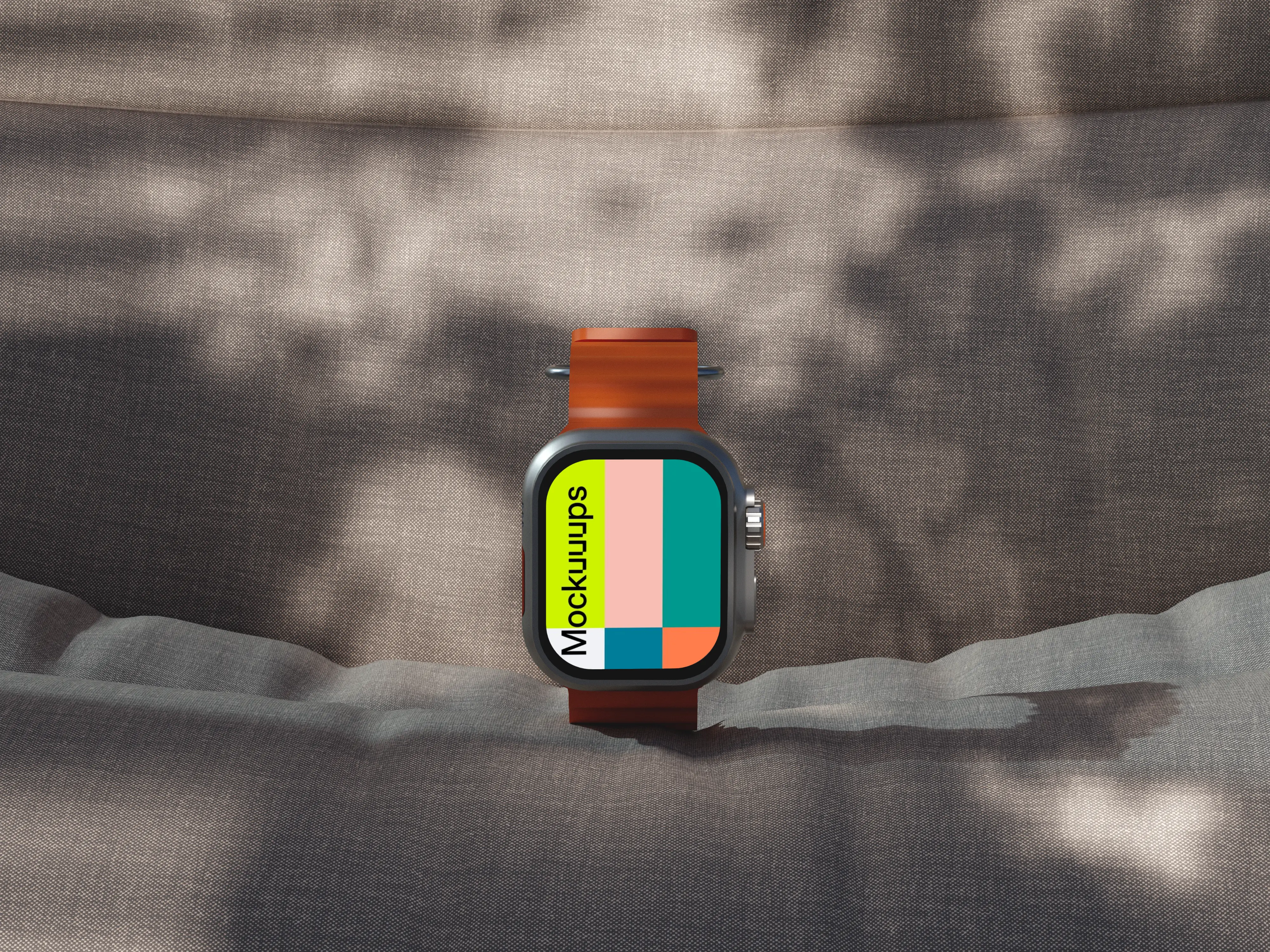
Apple Watch Ultra on textured fabric with dappled daylight, like it’s sitting near a window or outside on a calm day. The orange strap adds contrast, while the fabric keeps the scene warm and human. Swap in your design and keep it looking natural. Nice for lifestyle campaigns, UI announcements, and brand storytelling.
21. Apple Watch mockup on textured rock surface
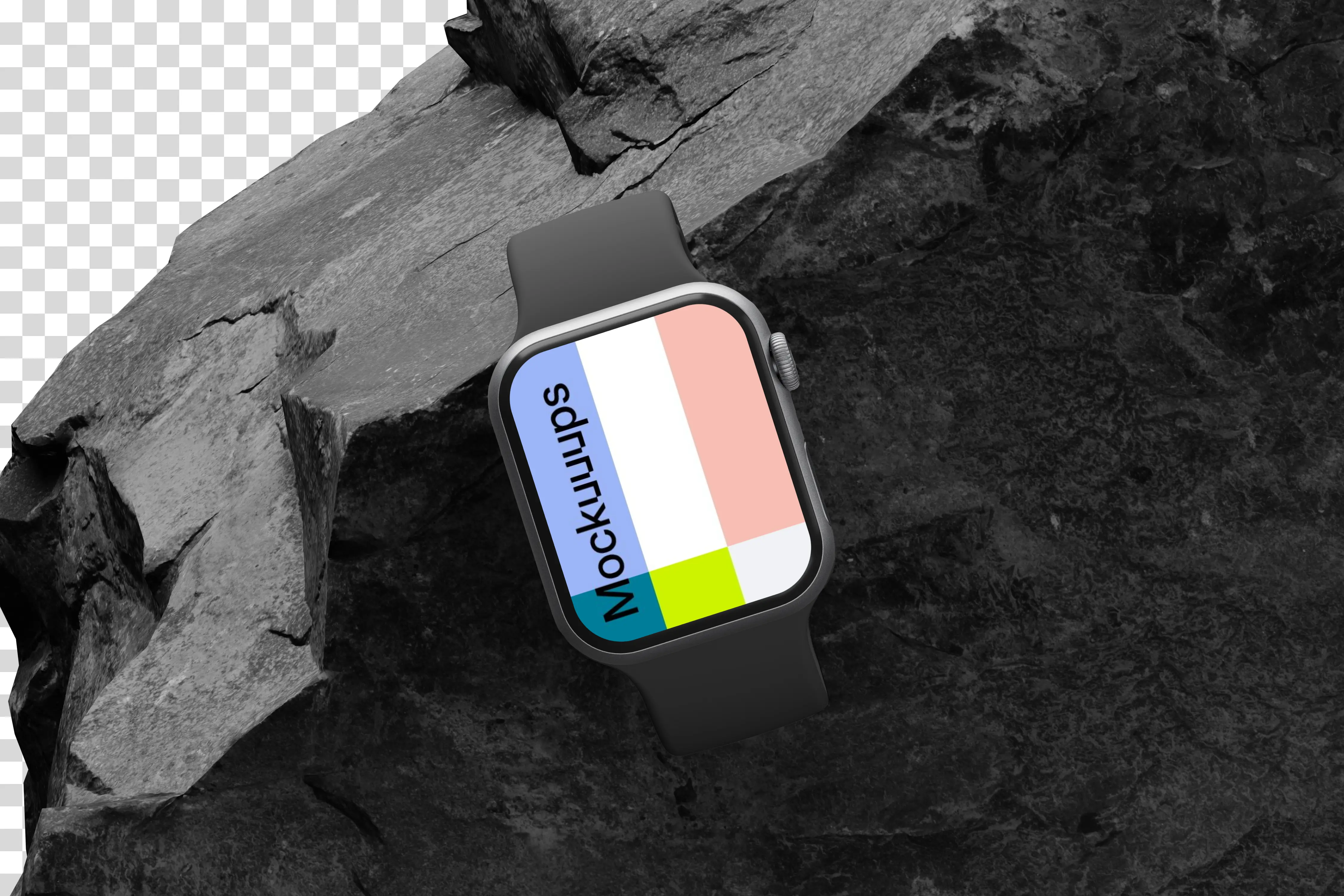
A rugged rock surface with deep texture and strong shadows, pairing well with sporty or outdoor UI. The screen is empty and ready for your content, so it’s easy to tailor the message. Customize the display and keep the background doing the “durable” talking. Use it for adventure features, fitness apps, and performance-focused marketing.
22. Apple Watch Ultra mockup on a textured fabric surface
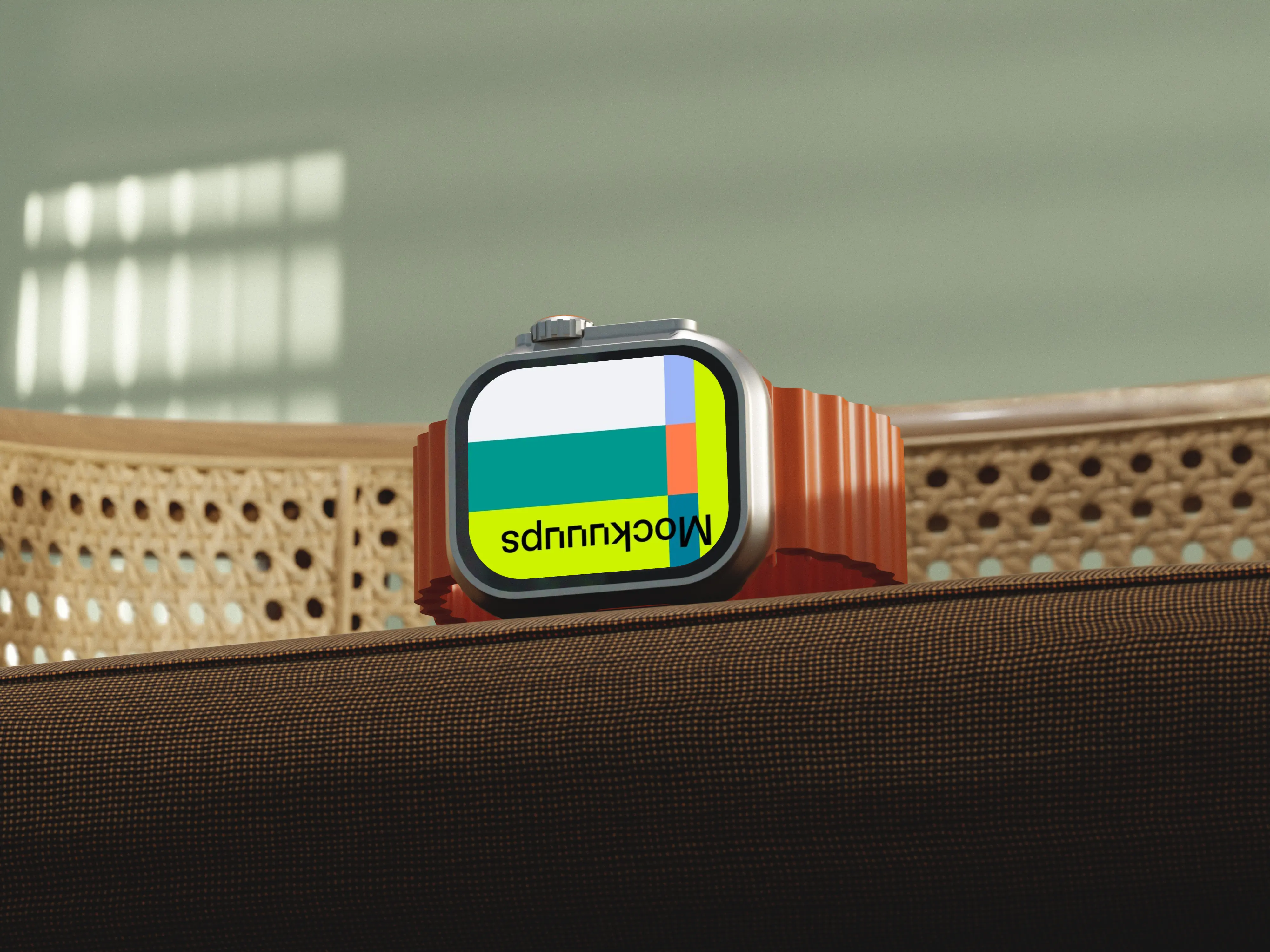
A cozy setup: Apple Watch Ultra on textured brown fabric with a woven rattan backrest in the background. Natural light brings out the materials, so the scene feels warm instead of clinical. Drop in your UI and adjust it for a softer brand tone. Great for wellness apps, lifestyle accessories, and editorial-style web sections.
23. Apple Watch mockup placed on workstation
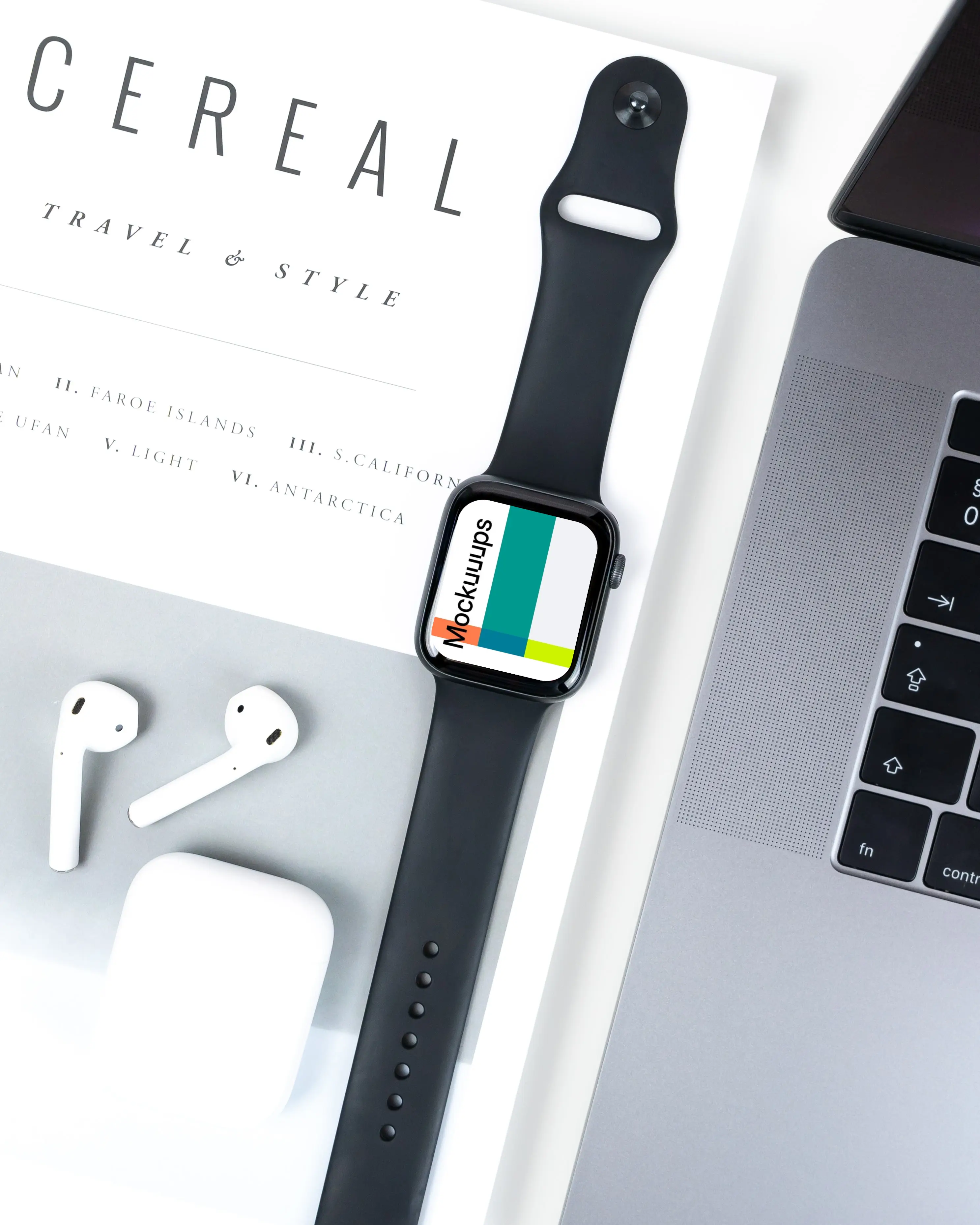
A workstation scene with an Apple Watch next to a MacBook and an AirPod, very “day job” in the best way. The props are familiar and help sell real usage without clutter. Customize the watch screen and keep your deck consistent across slides. Ideal for app portfolios, productivity tools, and client presentations.
24. Apple Watch Ultra mockup on a textured stone surface
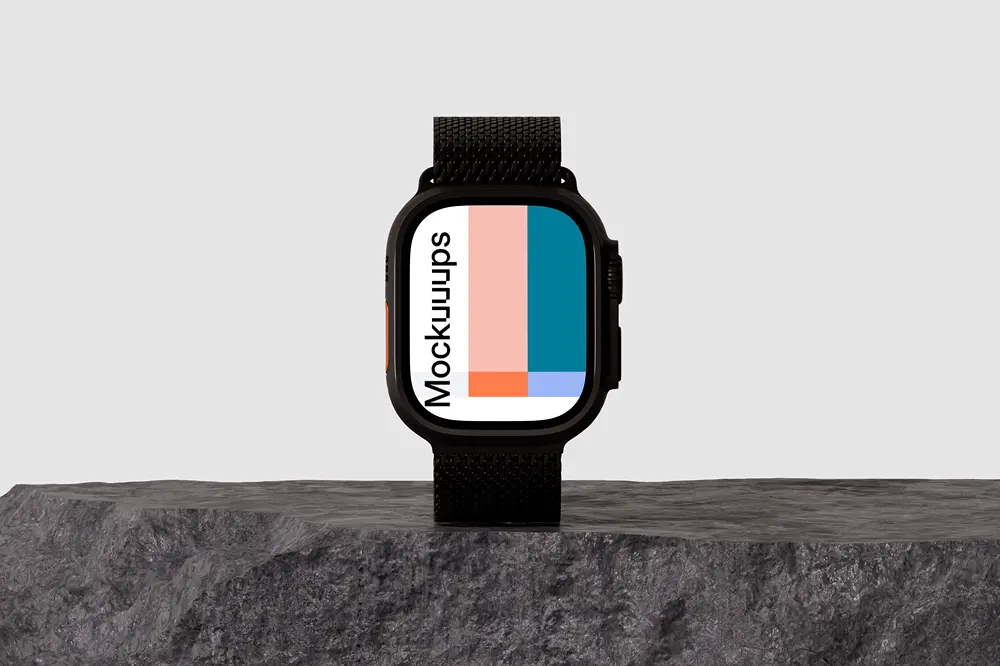
Apple Watch Ultra upright on a rugged stone surface against a minimalist gray background. The strap and stone texture lean into durability, while the clean backdrop keeps it tidy. Swap in your interface and test multiple screen versions quickly. A strong pick for fitness apps, outdoor branding, and product feature callouts.
25. Apple Watch Series 9 mockup on textured surface
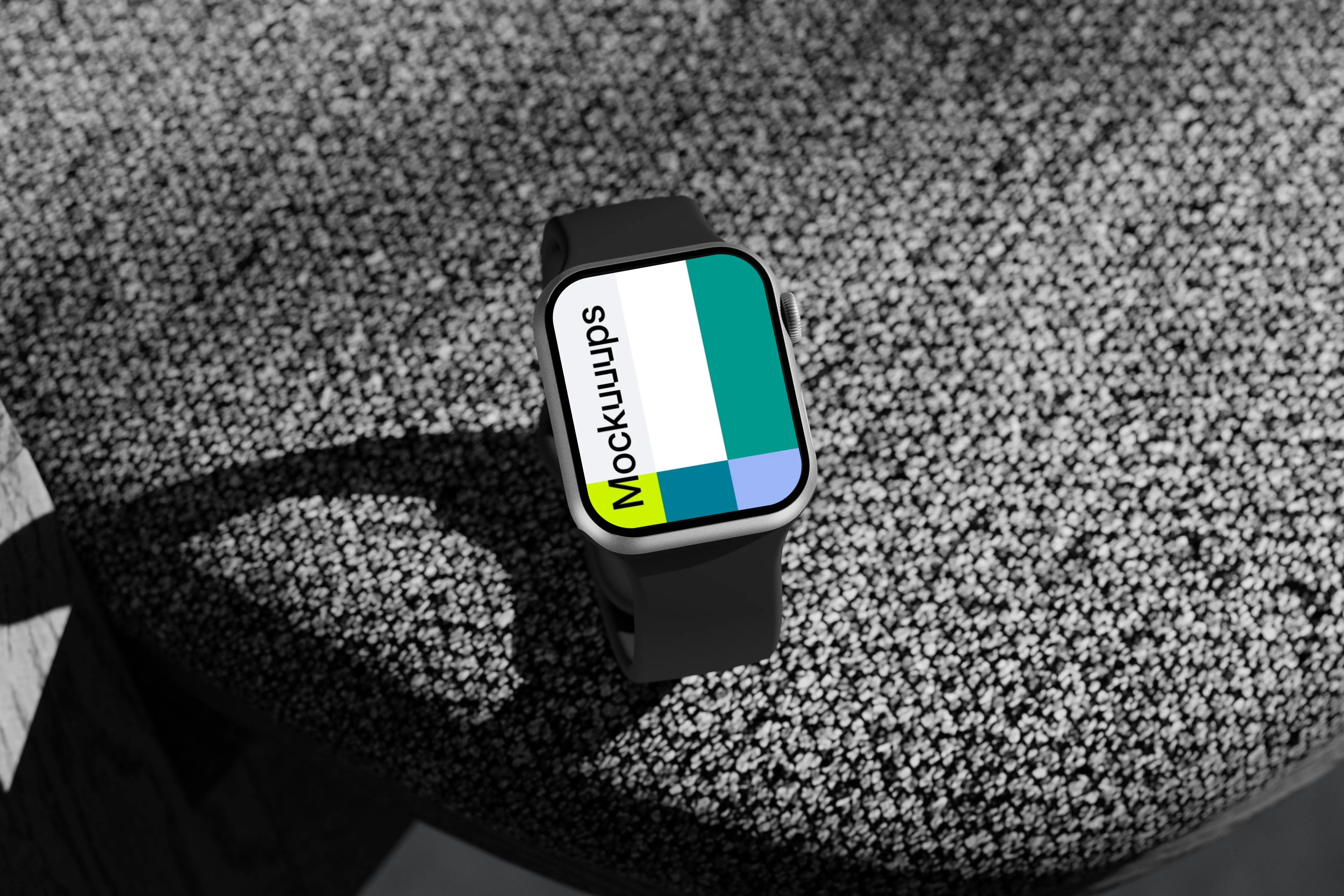
Apple Watch Series 9 perched on a small-rock textured surface with a subtle shadow and a neutral palette. The isometric angle gives you a clear, unobstructed view of the display. Drop in your watch face or app UI and keep the scene modern and quiet. Great for marketing pages, UI case studies, and “best smartwatch mockup” style hero visuals.
26. Apple Watch mockup with white band
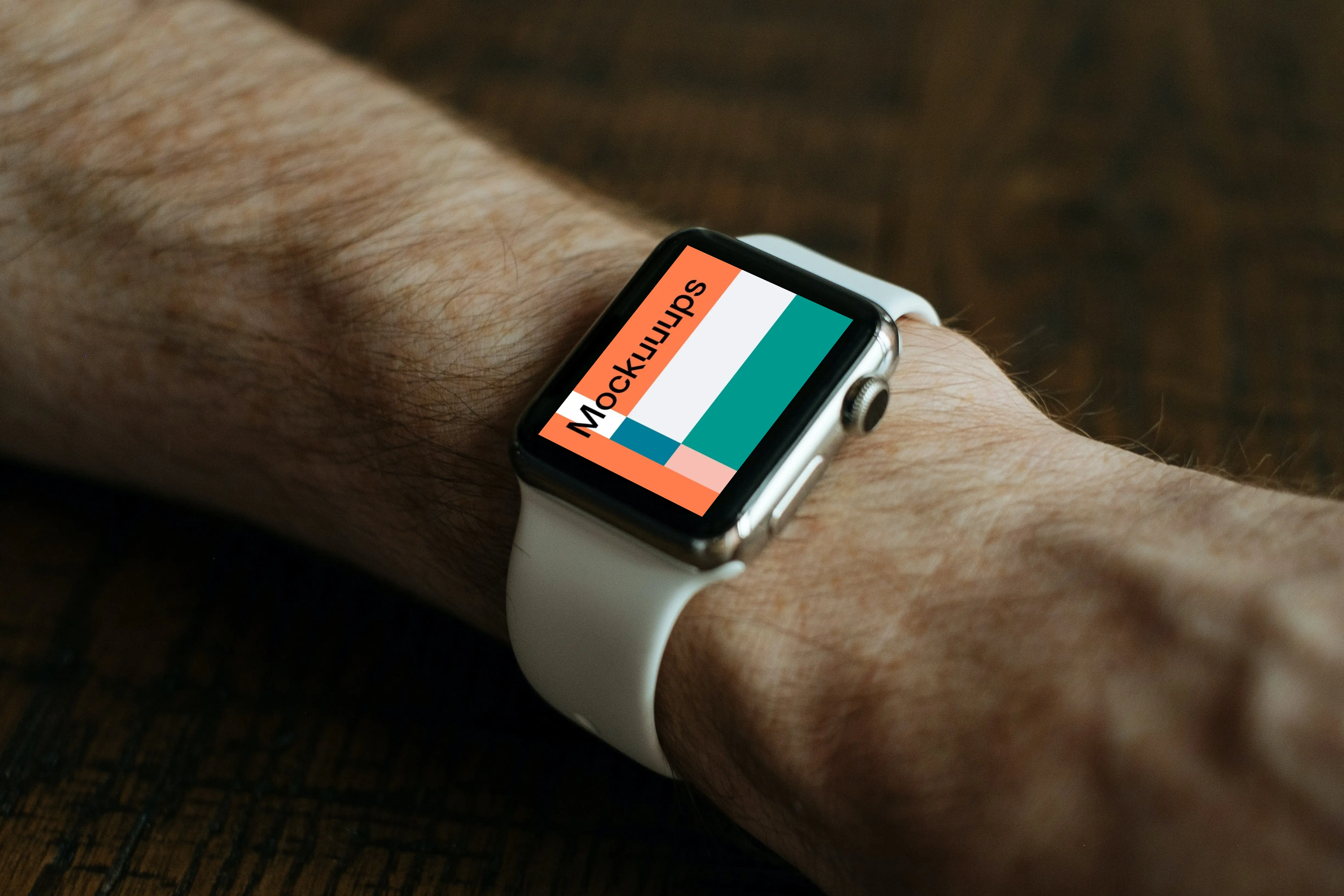
An up-close wrist shot with a white band that keeps the look clean and modern. Because you’re tight on the device, small UI details like icons and typography stay readable. Replace the screen and try different states or complications. Ideal for onboarding flows, notification previews, and app store screenshots.
27. Apple Watch Ultra mockup on a modern table
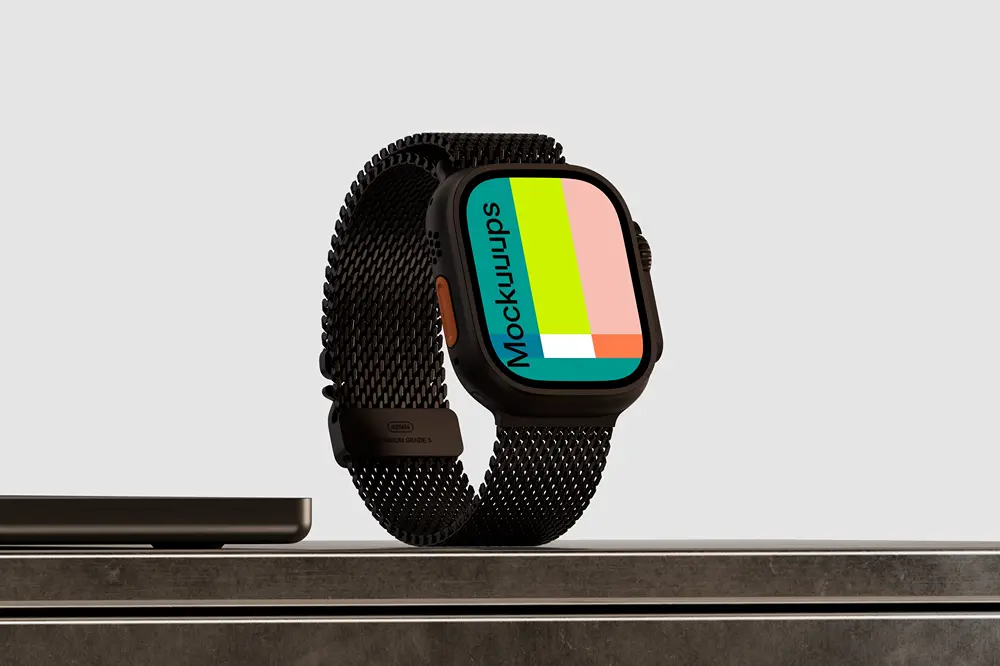
Apple Watch Ultra on a polished dark tabletop, with a laptop edge nearby to hint at a tech workspace. The scene is minimal and controlled, so your UI colors stay accurate. Customize the screen and keep the rest consistent across a set. Great for product pages, pitch decks, and portfolio hero shots.
28. Black Apple watch mockup worn firmly
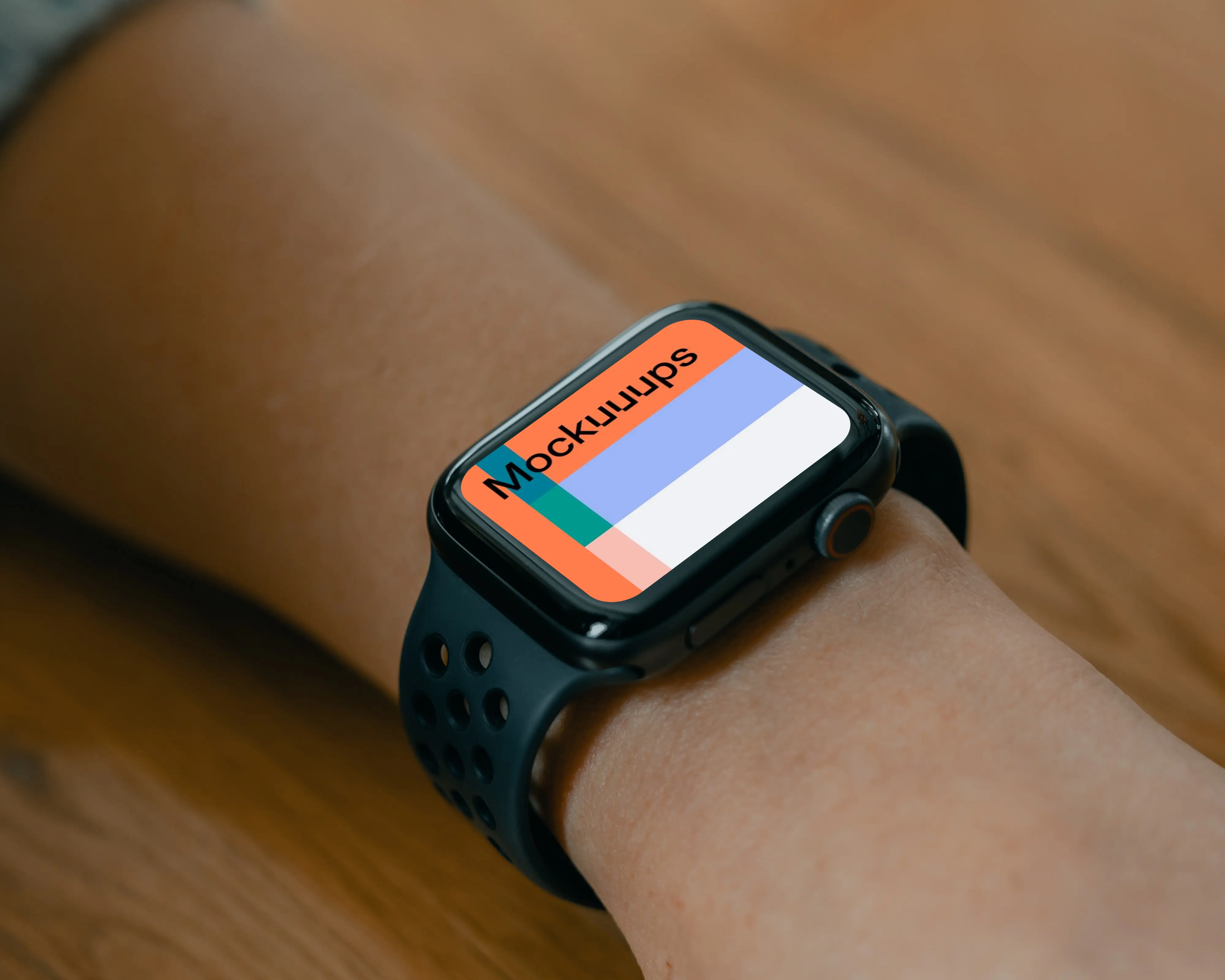
A black Apple Watch worn firmly, with an arm resting on a brown table for a grounded, tactile feel. The angle reads like a candid moment, not a studio setup. Swap in your design and keep the scene realistic. Works well for notification-heavy UIs, finance apps, and everyday lifestyle marketing.
29. Selecting widget on Apple Watch mockup
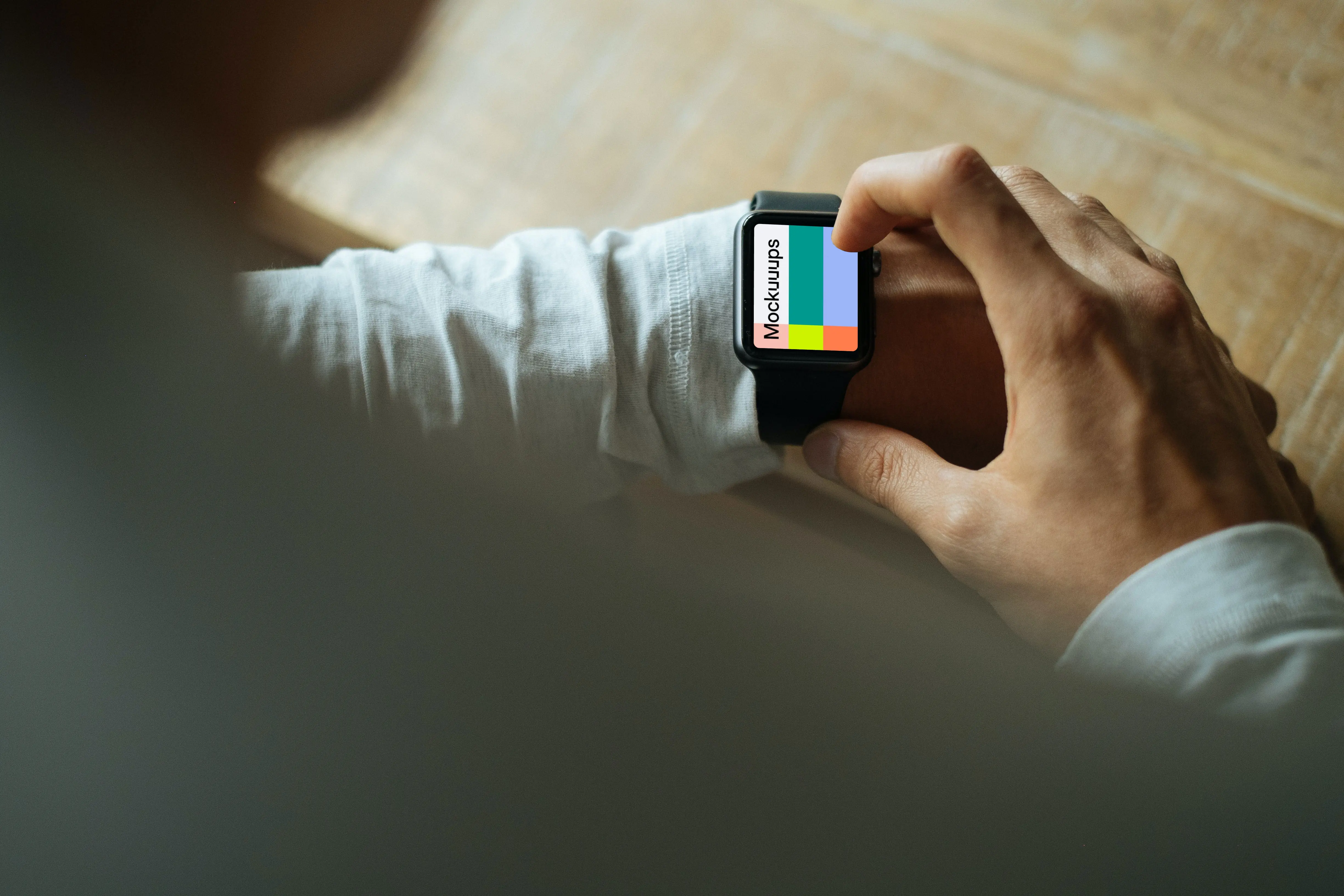
An over-the-shoulder shot of a fashionable user interacting with the watch, which adds context without hiding the screen. The perspective feels like a real glance you’d catch in the wild. Customize the display and use it to tell a quick interaction story. Great for widget states, micro-interactions, and social-ready promos.
30. Apple Watch Ultra mockup on wooden chair
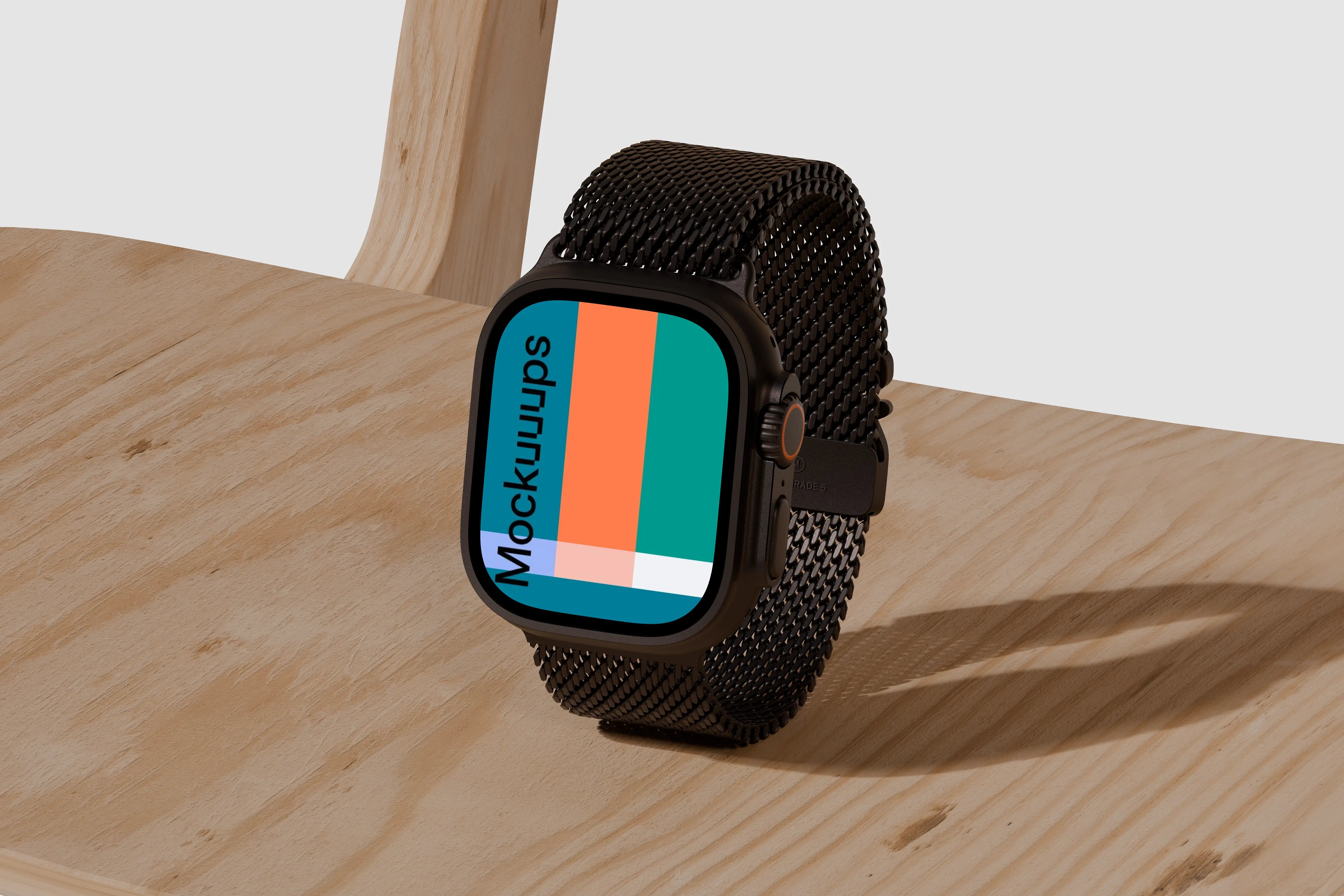
Apple Watch Ultra on a natural wooden chair with soft lighting and a neutral background that stays out of the way. The watch is angled to show the screen clearly, and the black metal band keeps it looking premium. Drop in your UI, then make a few variants for different features. A clean pick for app launches, branding concepts, and case study covers.
Wrap it up with the right smartwatch scene
If you want a smartwatch mockup that looks believable fast, smartwatch mockups gives you a mix of desk setups, outdoor textures, and wrist shots that fit real projects. Pick a scene that matches your story, then iterate with your smartwatch mockup generator workflow until the screen feels dialed in.
What's Mockuuups Studio?