best iphone
- Draft
- 7 minutes to read
A short guide to iPhone mockups worth using in Figma, from lifestyle scenes to clean angles. Preview your frame on the library and pick a scene that fits the work.
Slug: the-best-iphone-mockups-for-figma-designs Perex: A short guide to iPhone mockups worth using in Figma, from lifestyle scenes to clean angles. Preview your frame on the library and pick a scene that fits the work. SEO title: The Best iPhone Mockups for Figma Designs Meta: Browse iPhone mockups inside Figma, from lifestyle scenes to clean angles. Preview your frame on the library and export for presentations, social or case studies.
If you're showing an app in a deck, a case study, or a social post, a flat Figma frame usually isn't enough. People get the idea faster when the screen sits on a real iPhone, in a real scene.
This post is the scene picker: iPhone mockups that work well in Figma, grouped by look. The plugin already previews your frame across the library, so you're choosing a setting, not building one from scratch.
Lifestyle scenes: Burgundy and Sunroom
Burgundy is all real people, strong sunlight, and wine-colored tables and benches. Sunroom is quieter: soft daylight, warm wood, and small hits of color. Use these when you want the product to feel lived in, not posed in a void.
You can browse the full Burgundy collection if you want more of that sunlight and color.
iPhone Mockup on Blue Wood
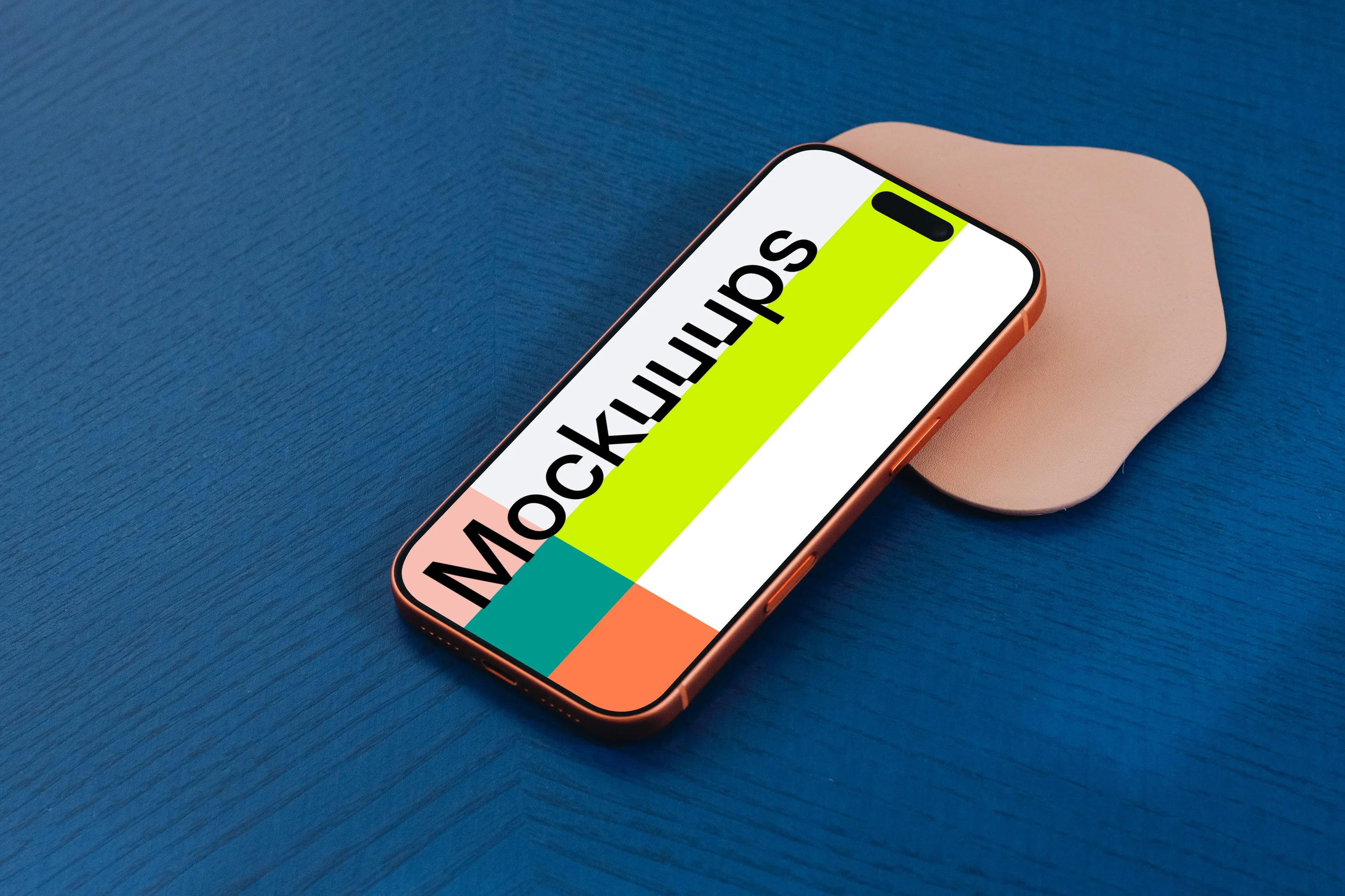
The iPhone rests on a vibrant blue wooden surface, with a rounded peach leather coaster underneath. It's angled slightly to show off its sharp edges. The contrasting colors make a modern setting for app designs, wallpapers, or promotional content.
iPhone Mockup on Terrazzo with Orange Card
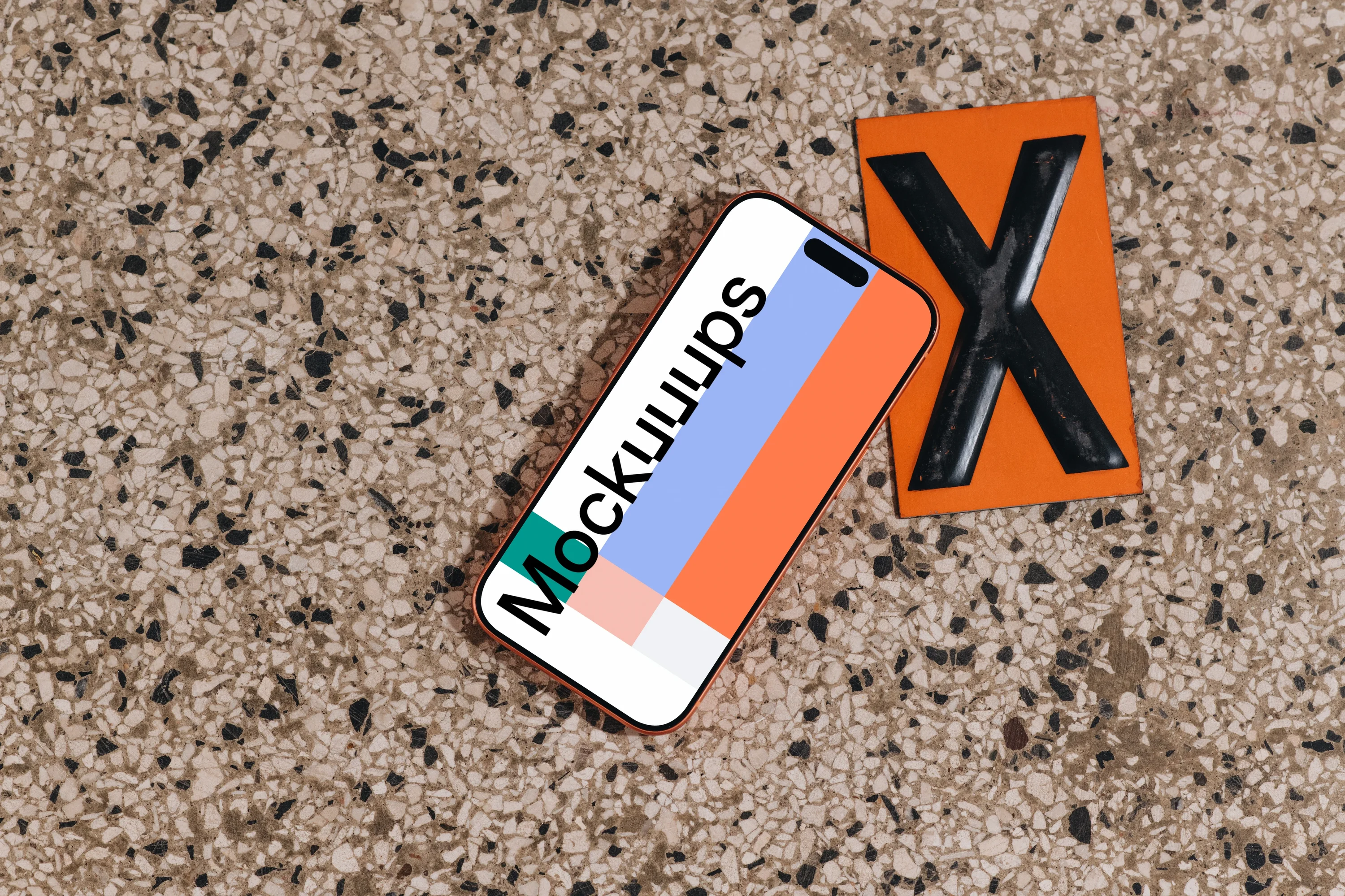
An iPhone in a vibrant orange frame lies at an angle on speckled terrazzo, next to an orange card with a bold black X. The contrasting colors give it a dynamic look, useful for apps, branding, or digital artwork.
iPhone Mockup on a Sunlit Bench
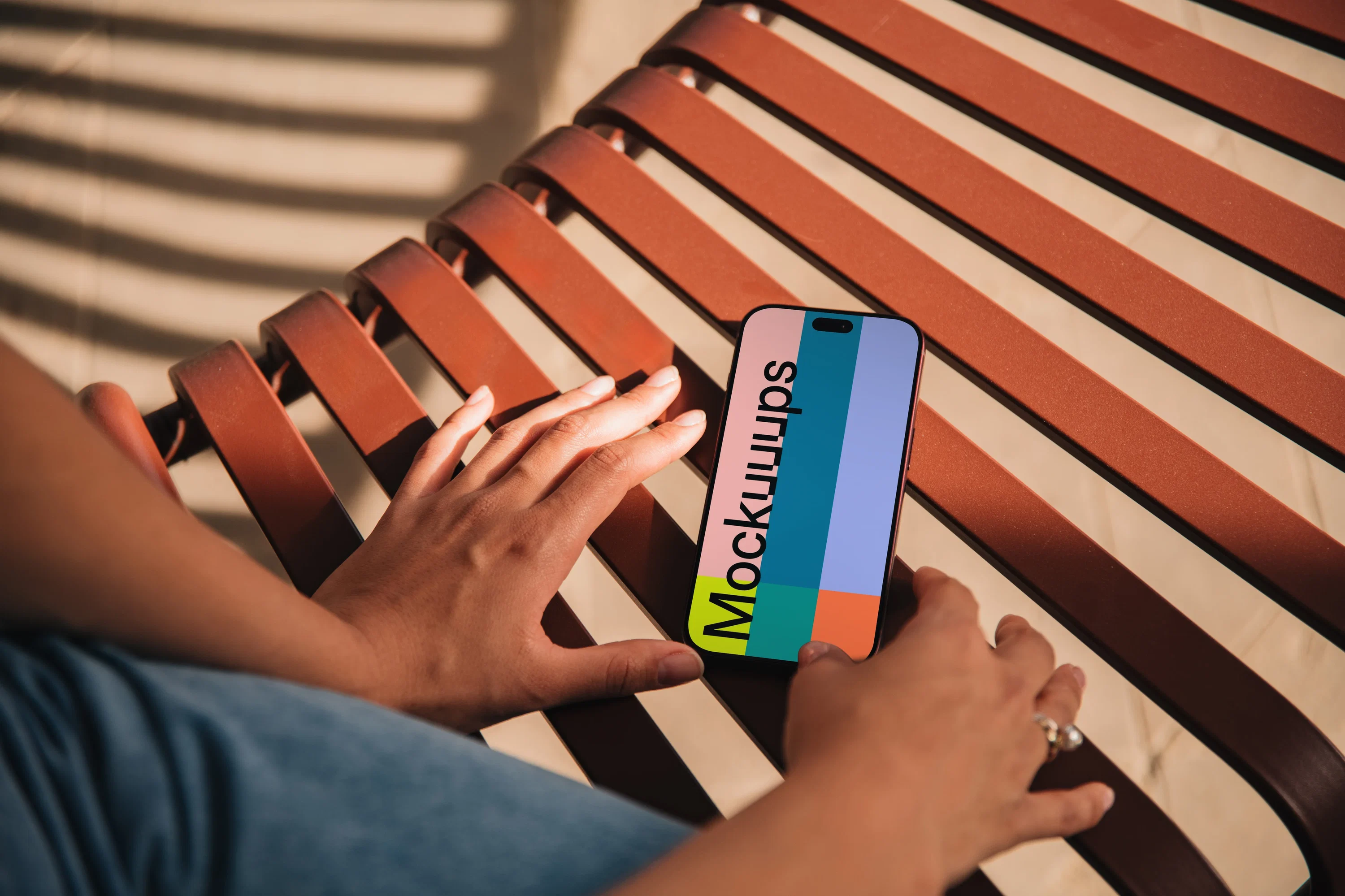
The iPhone rests on a red-brown slatted bench in natural sunlight, held with one hand. Angled light and warm shadows keep it casual and relatable, a good fit for app designs or mobile websites in a relaxed outdoor setting.
iPhone Mockup on a Chair with Floral Wallpaper
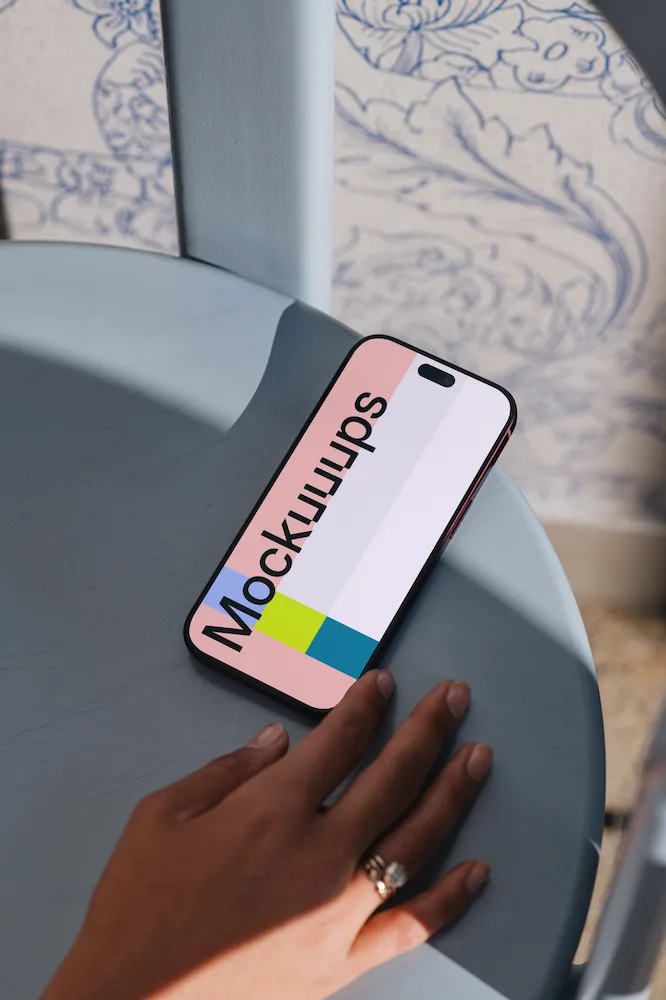
An iPhone sits on a light blue round chair in soft natural light, with a ringed hand resting nearby. Elegant floral wallpaper behind it gives the scene a stylish, airy feel for apps, designs, or websites in a refined setting.
In hand and in pocket
Sometimes the phone isn't on a table. It's in someone's hand, or sliding out of a pocket. Those shots help when you're announcing a feature, because they show the app being used, not just displayed. Burgundy has some of the strongest hand-held scenes. For pockets, scroll the Device in Pocket collection.
Woman Holding iPhone Mockup
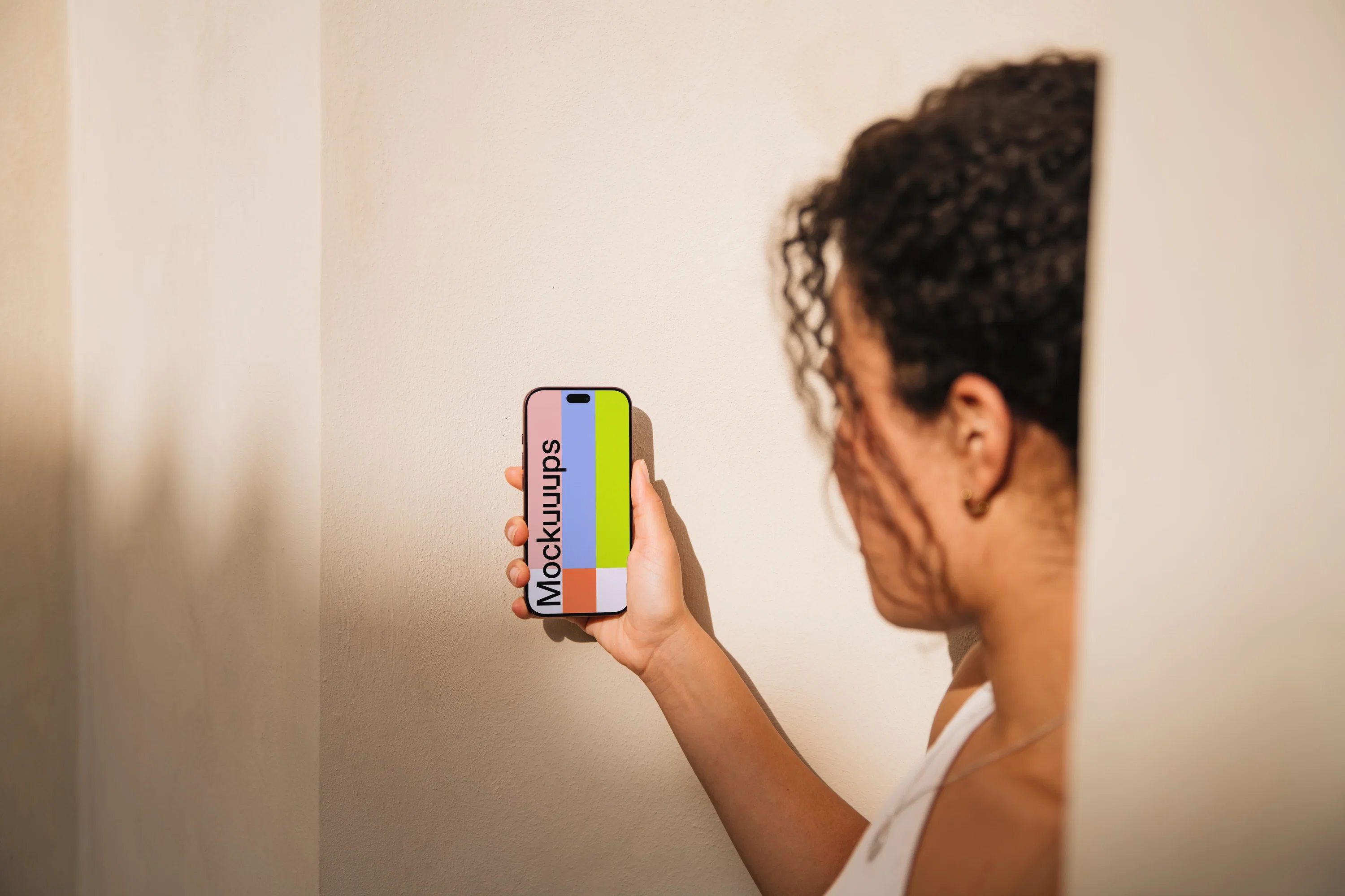
A woman holds the iPhone upright against a light textured wall. Soft natural light keeps the background simple and neutral, so it works well for app designs, product demos, or marketing visuals that need a realistic, relatable feel.
iPhone Mockup in a Jeans Pocket
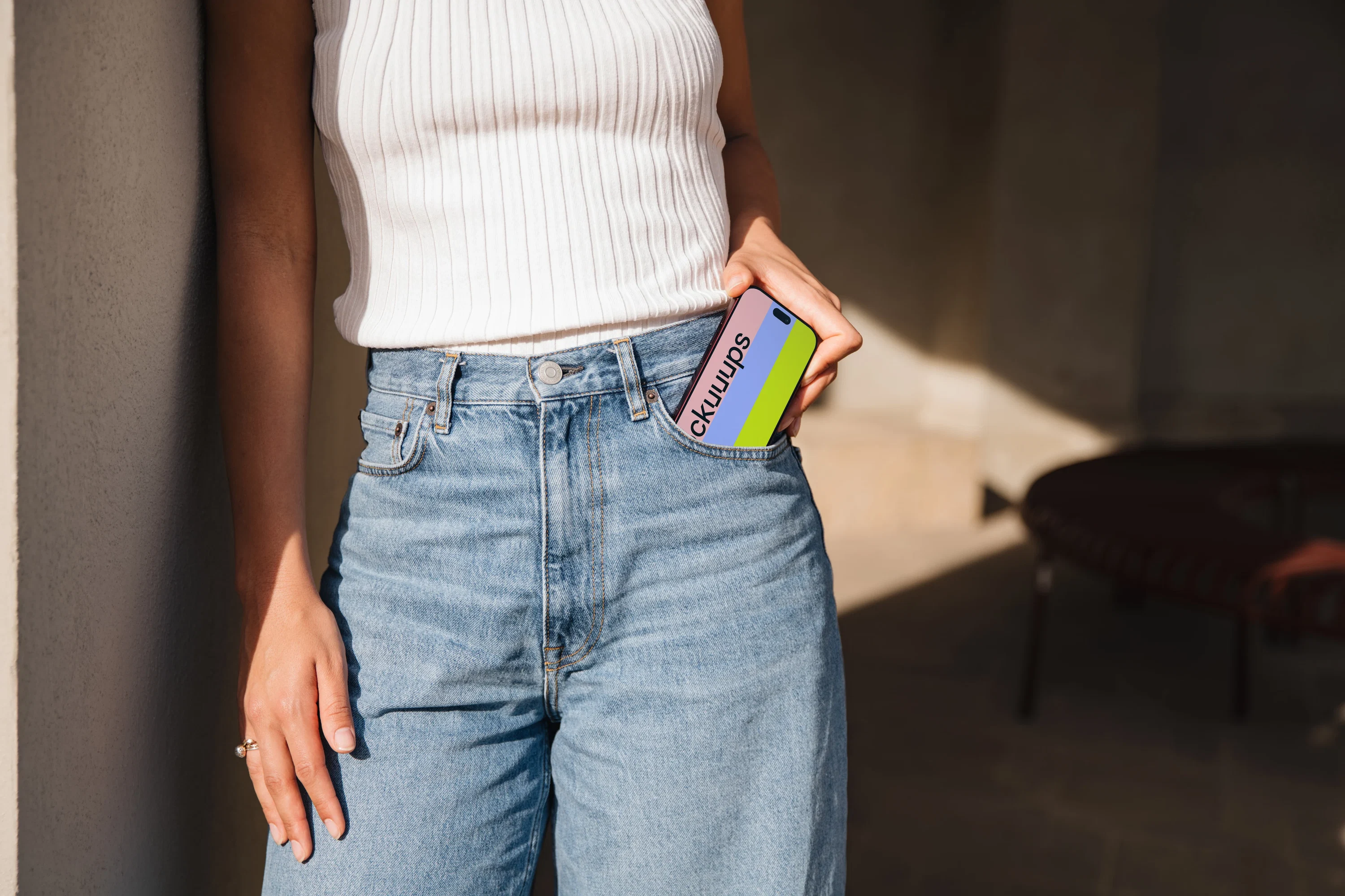
The iPhone sits partly in the front pocket of light blue jeans, paired with a white ribbed tank top, outdoors in natural light. Casual and relaxed, it's useful for app interfaces, phone case designs, or branding.
iPhone Mockup in an Embroidered Pocket
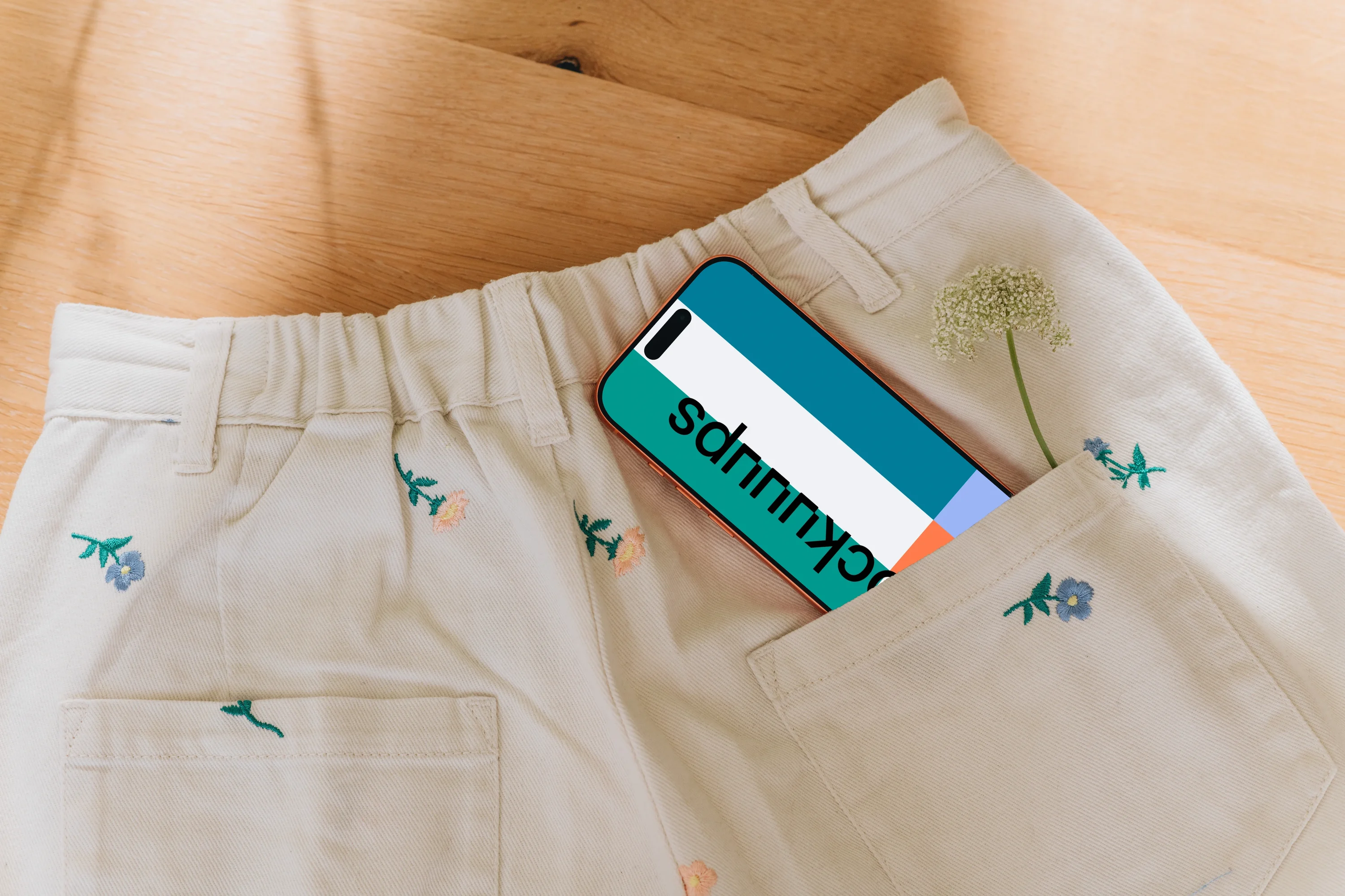
A red iPhone sits in a beige pocket with delicate floral embroidery, with a small white flower peeking out. The wooden surface underneath keeps it warm and minimal, good for app designs, promotional content, or branding.
Free iPhone Mockup in a Jacket Pocket
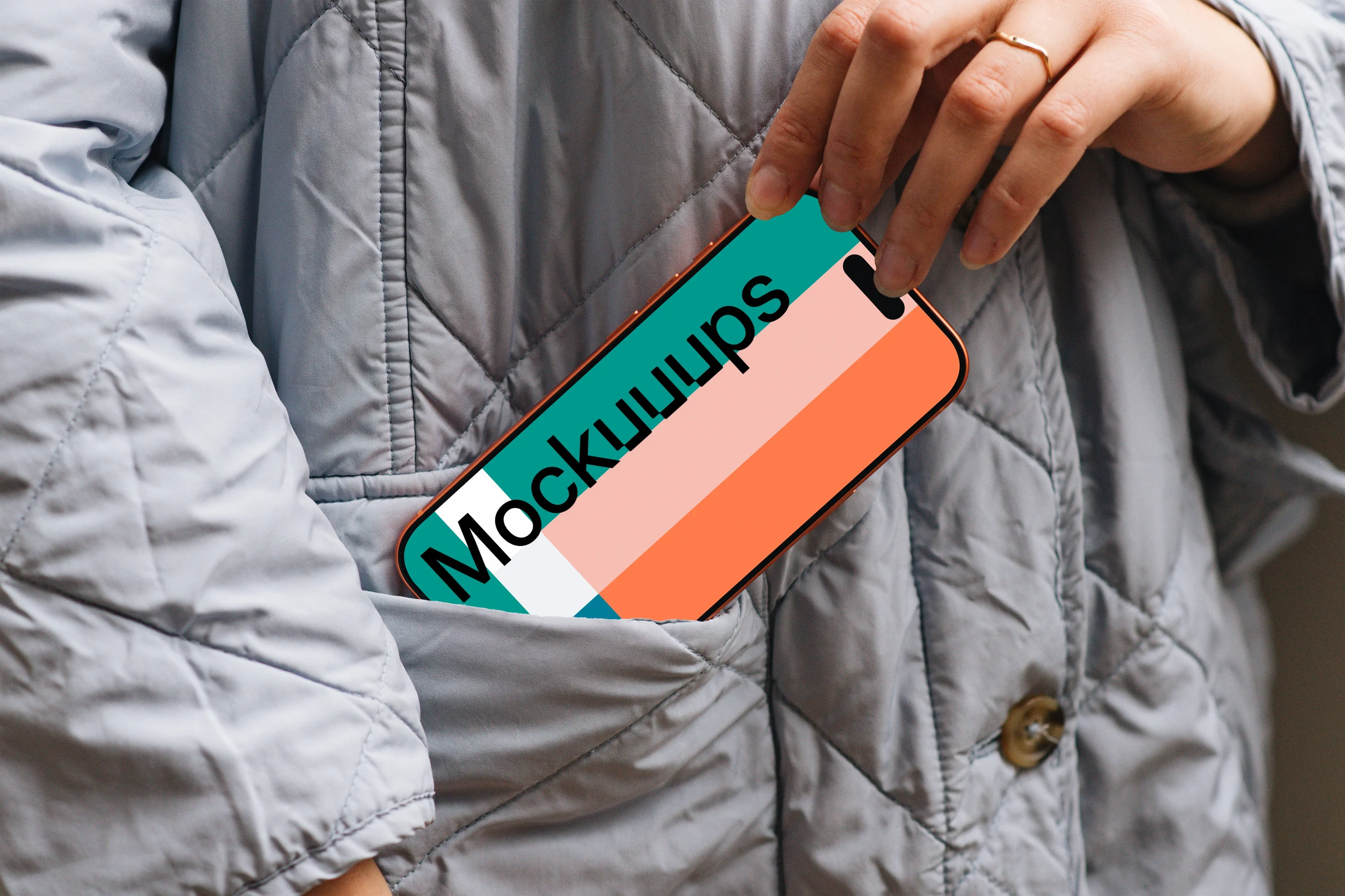
A hand slips the iPhone into the front pocket of a light gray quilted jacket. The grip looks natural and the phone stands out against the soft fabric, a practical moment for an app, website, or brand. This one's free.
Clean UI: perspective and isometric angles
If the interface should be the only thing people notice, skip the furniture. The iPhone 18 Pro angle pack gives you perspective and isometric views on a transparent background, plus a free front-facing option. These work well on landing pages, in docs, and anywhere the device needs to sit cleanly in the layout.
Perspective iPhone Mockup
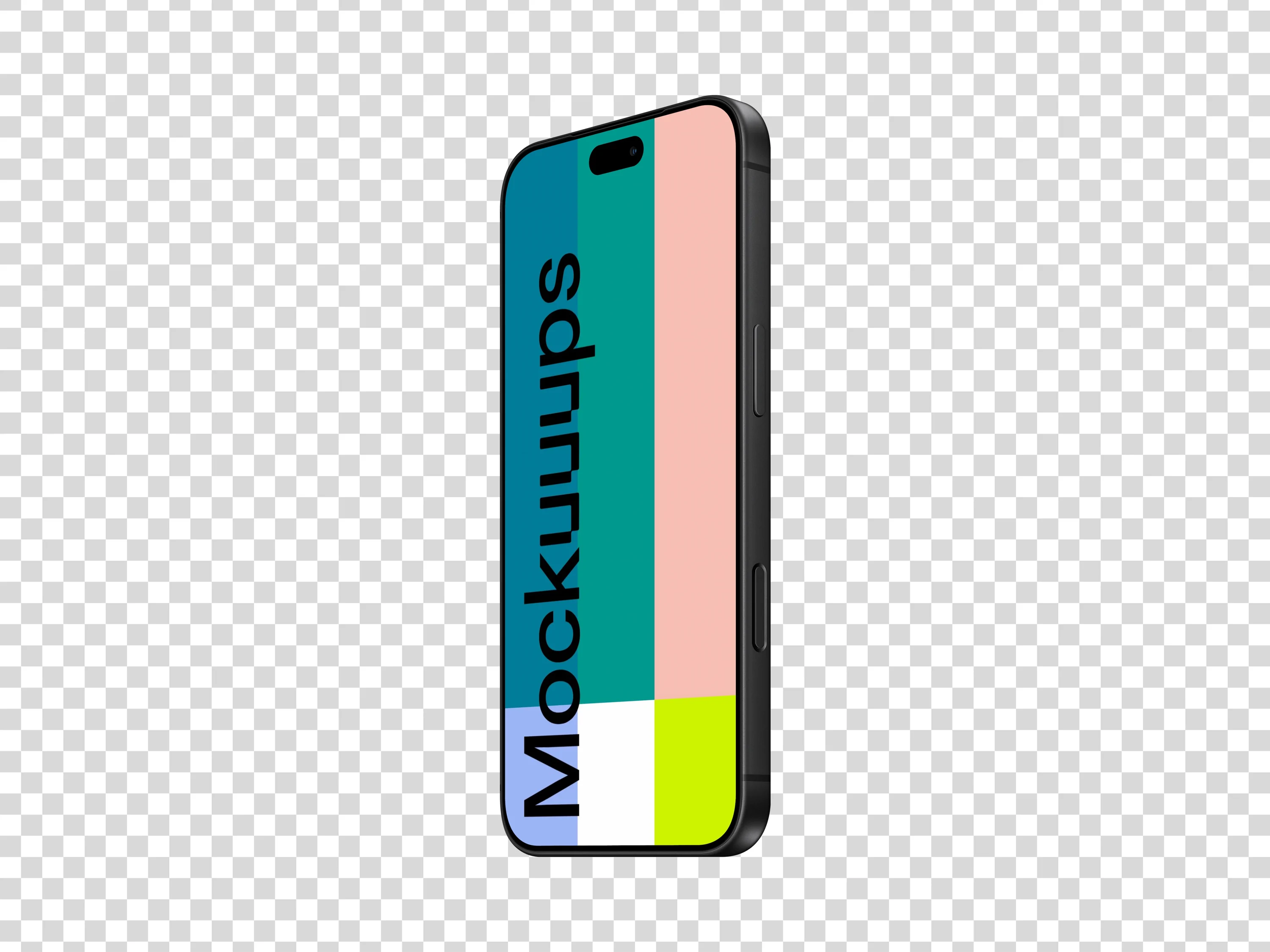
A close perspective view, nearly edge-on from the right, with the screen filling the full height and the side buttons showing. The background is transparent and the device color is customizable, so you can export a clean PNG.
Isometric iPhone Mockup, Standing
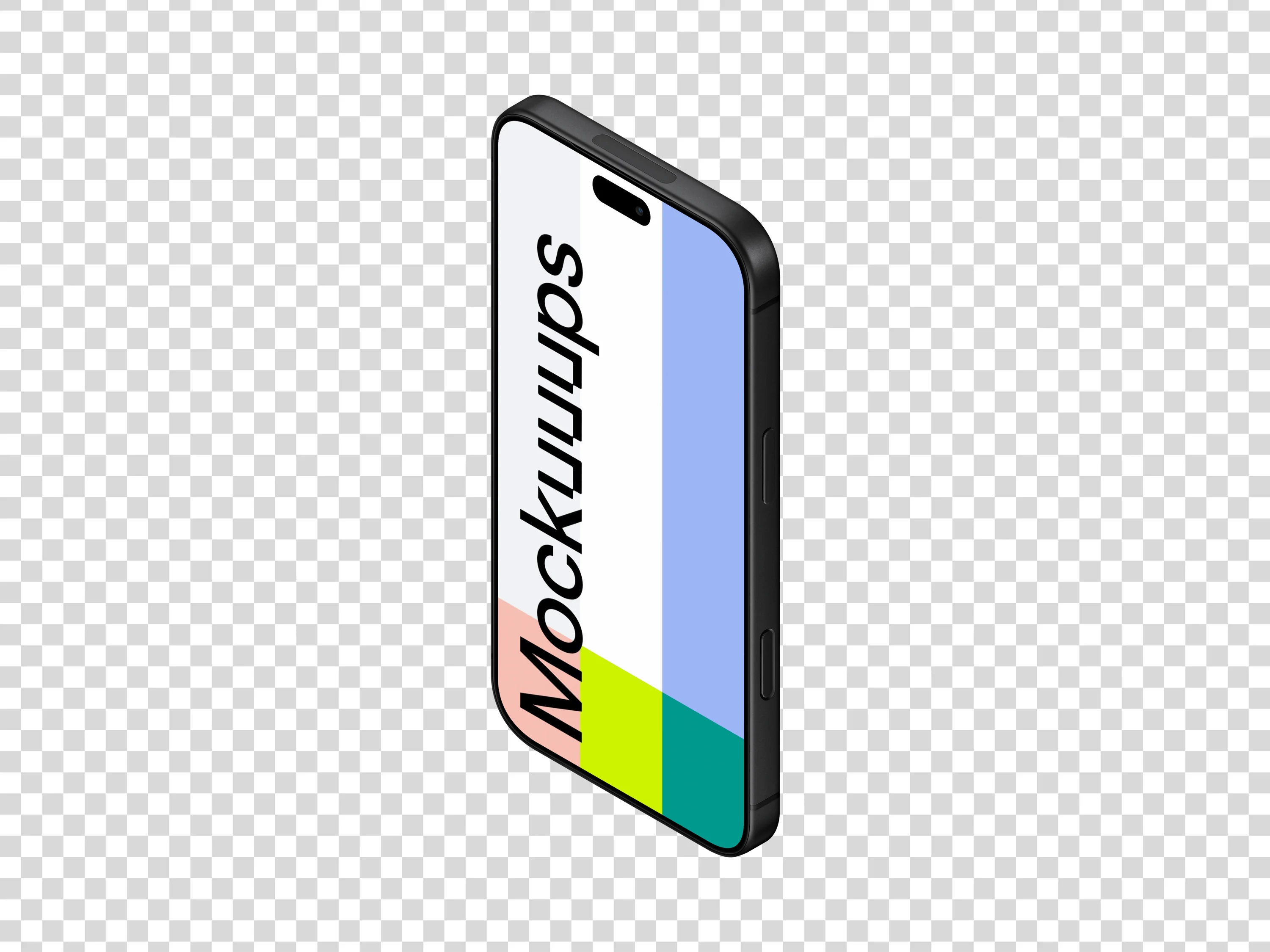
An isometric iPhone standing upright, with the thick frame visible on the right. Parallel edges give it a clean, geometric look. Transparent background, customizable device color, and PNG export.
Isometric iPhone Mockup, Slightly Leaning
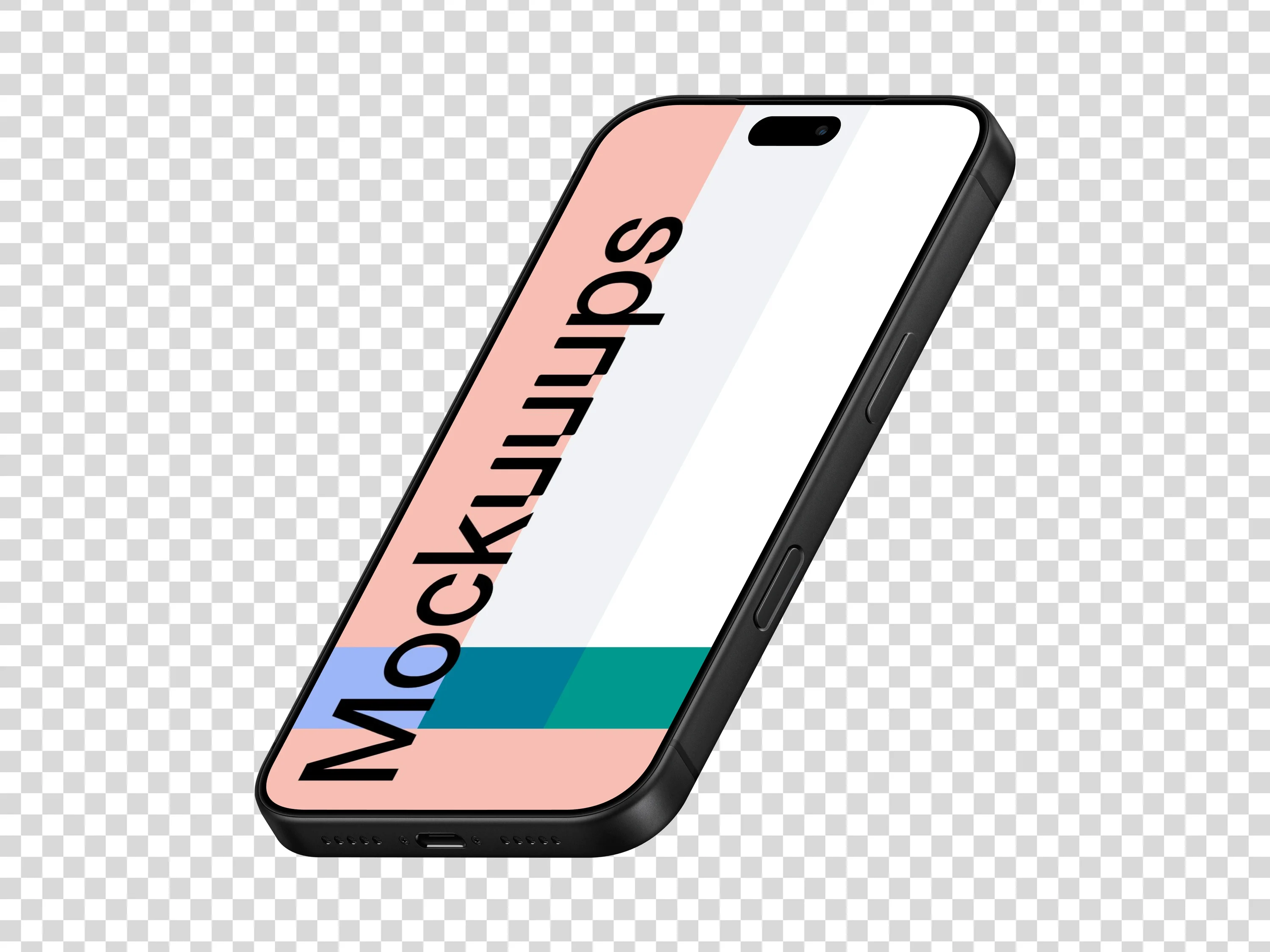
An isometric iPhone standing upright with a slight lean to the right. The full screen faces the viewer, so dense UI stays legible. Transparent background, customizable device color, and PNG export.
Free Transparent iPhone Mockup
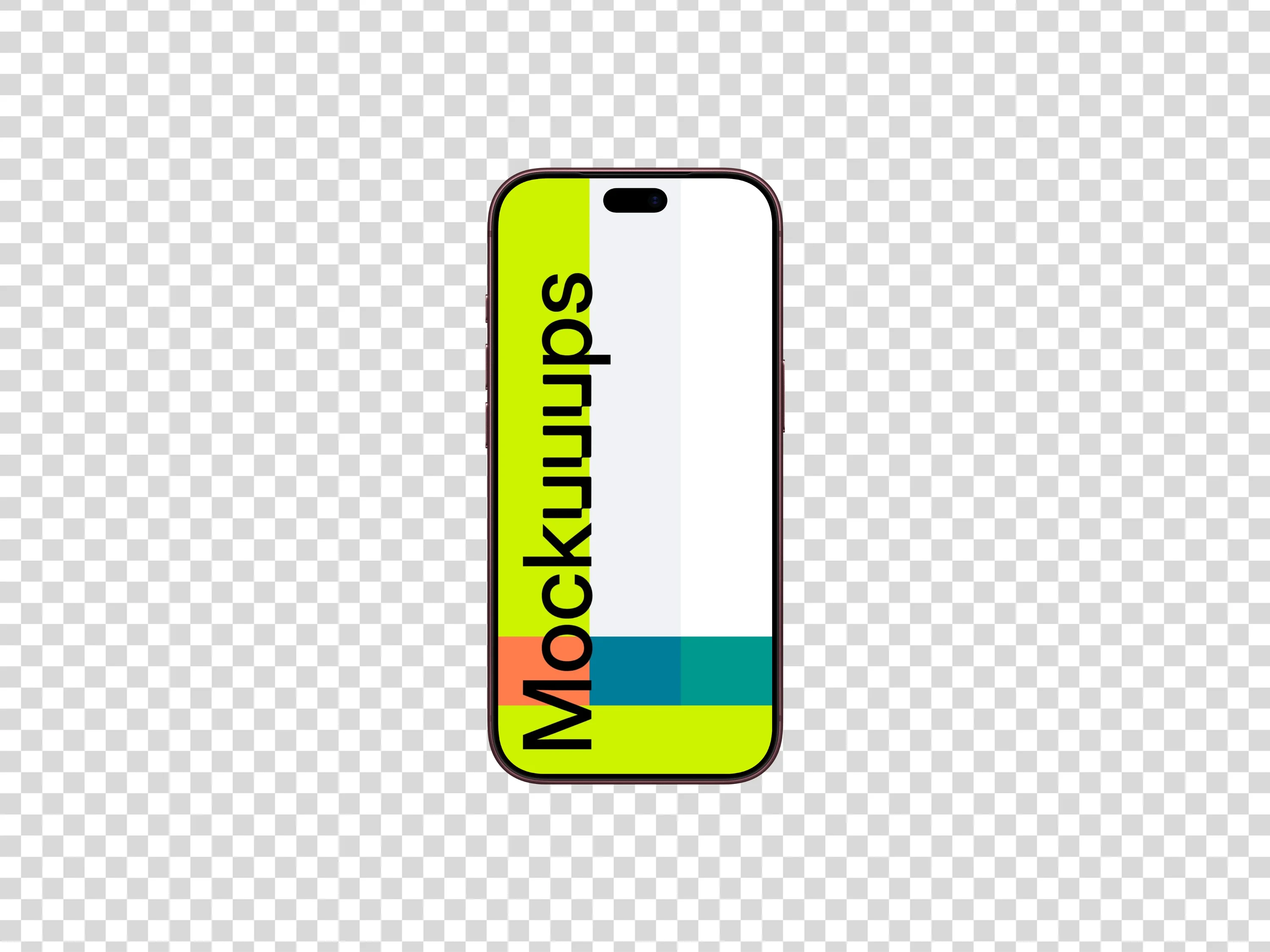
A clean front view on a transparent background, made for marketing, social media, and presentations. Drop in your app, website, or mobile interface and place it anywhere. It's free.
Editorial and 3D: Mounted Collection
The Mounted Collection is a different mood. The phone is clamped, propped, or suspended on a modular steel rig. These are 3D renders, so the background is yours to change. They feel more editorial, closer to a product page hero or a still from a launch story.
iPhone Mockup on a Tripod
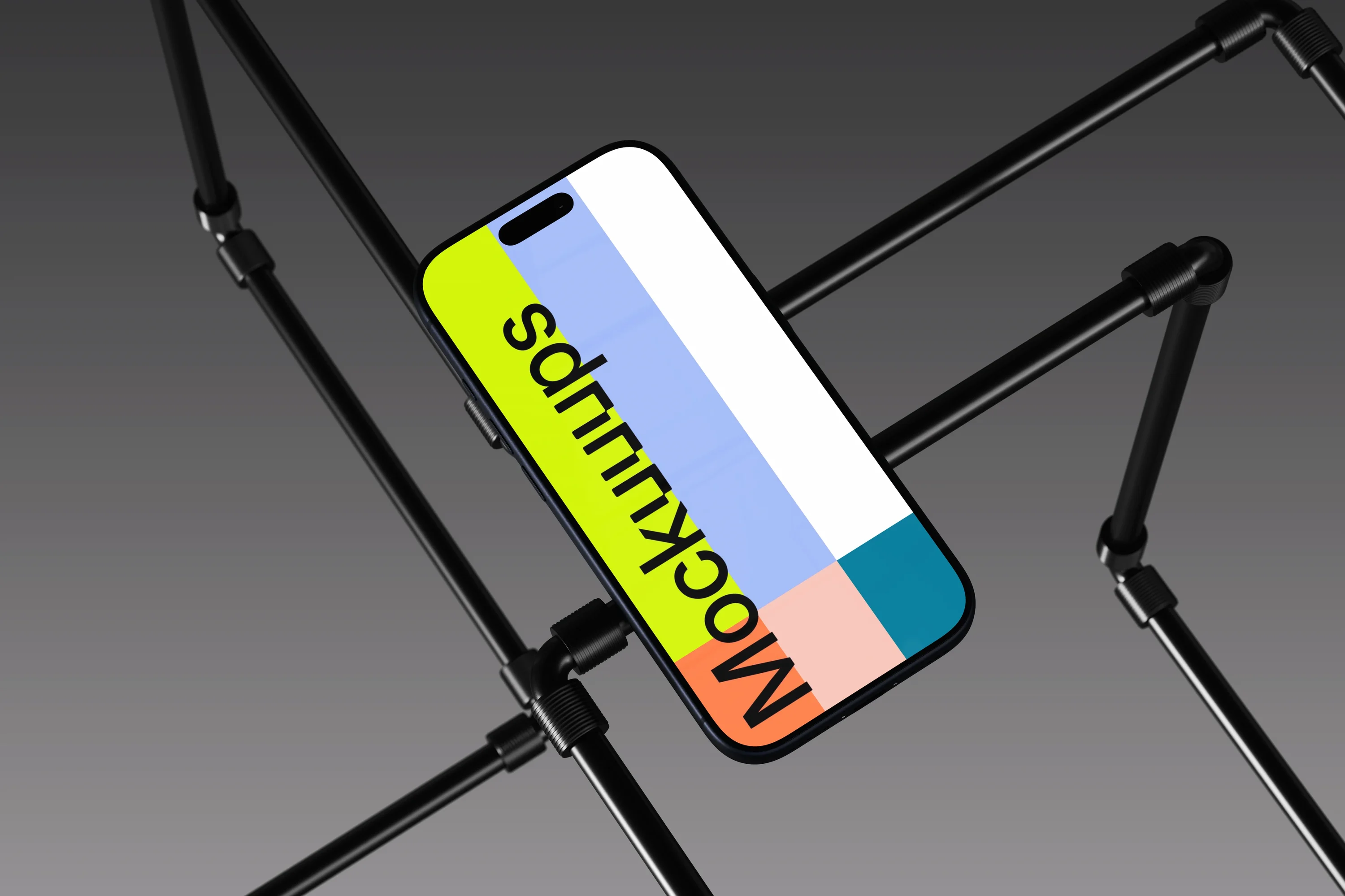
An iPhone sits on a sleek black metallic tripod against a subtle gradient that keeps the focus on the screen. Clean and structured, it suits app interfaces, wallpapers, or a tech presentation.
iPhone Mockup on a Metal Corner
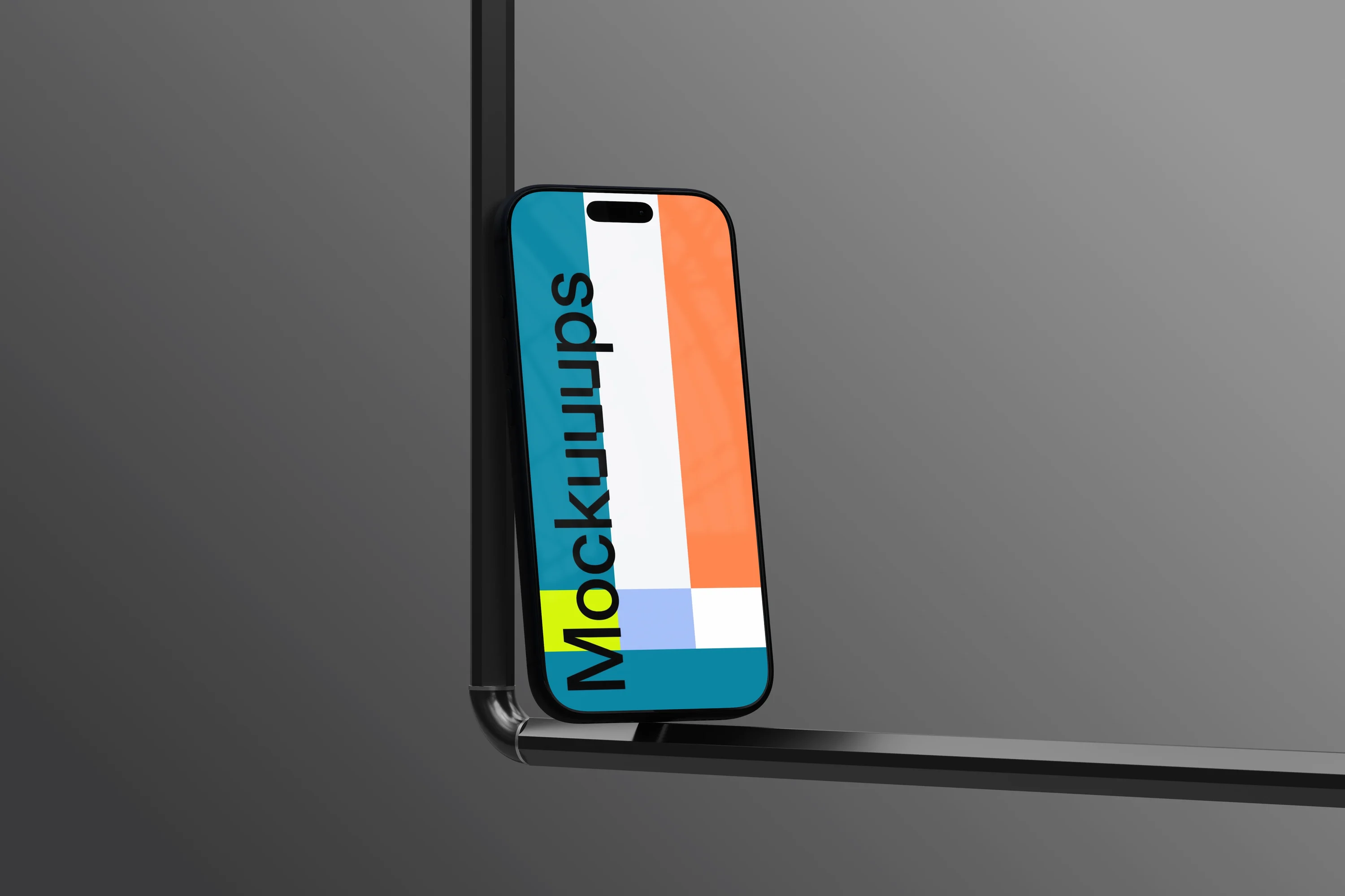
An iPhone stands upright on a sharp metal corner, angled slightly to show its edges and a large, clear display. The minimal gray background makes it a good fit for app presentations, web designs, or professional branding.
iPhone Mockup on a Metal Frame
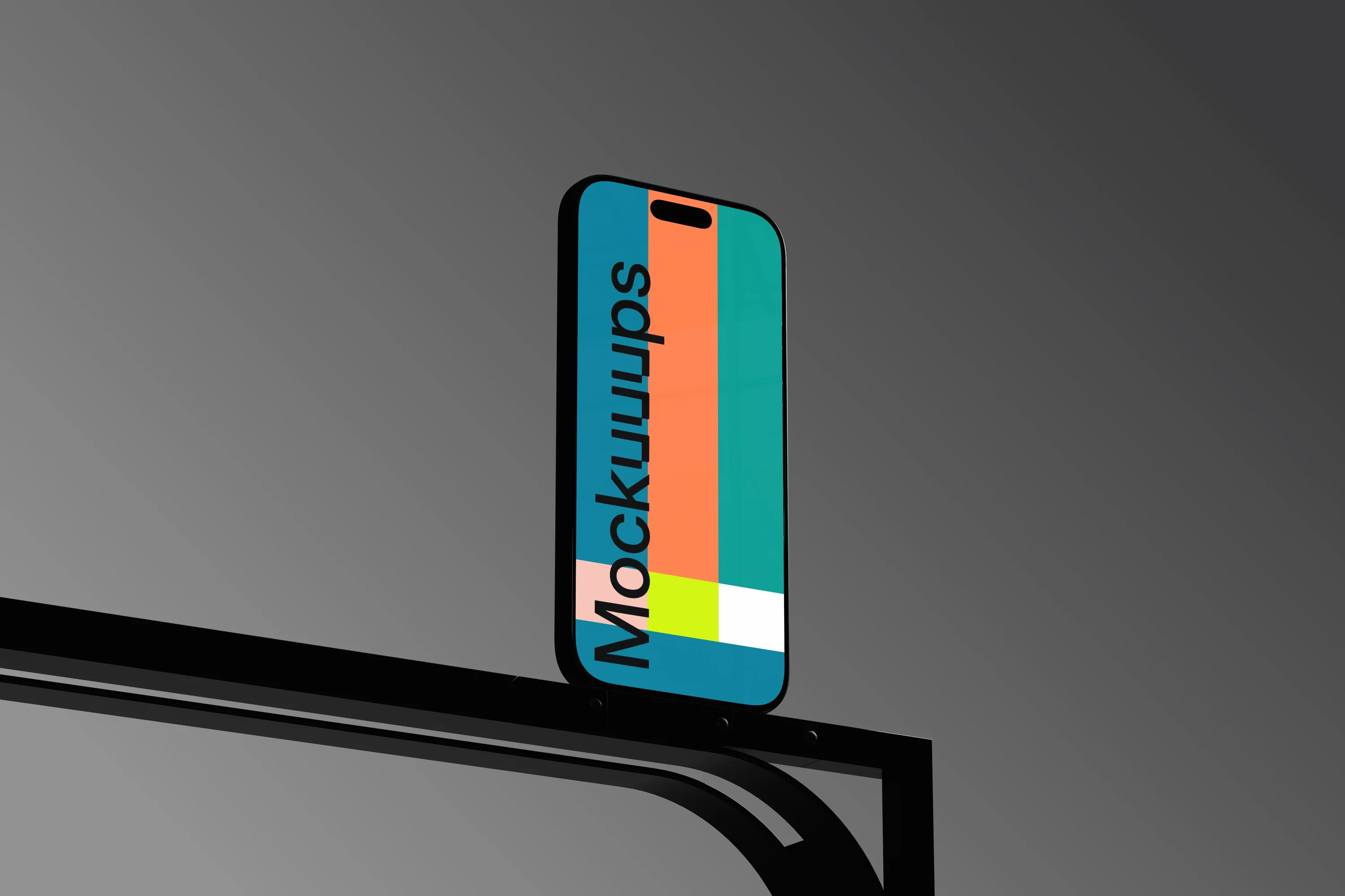
An iPhone sits upright on a modern black metal frame against a gray gradient, angled to show its edges and all-screen design. Neutral tones keep the focus on the device, useful for app designs, branding, or UI concepts.
iPhone Mockup on a Metal Rig
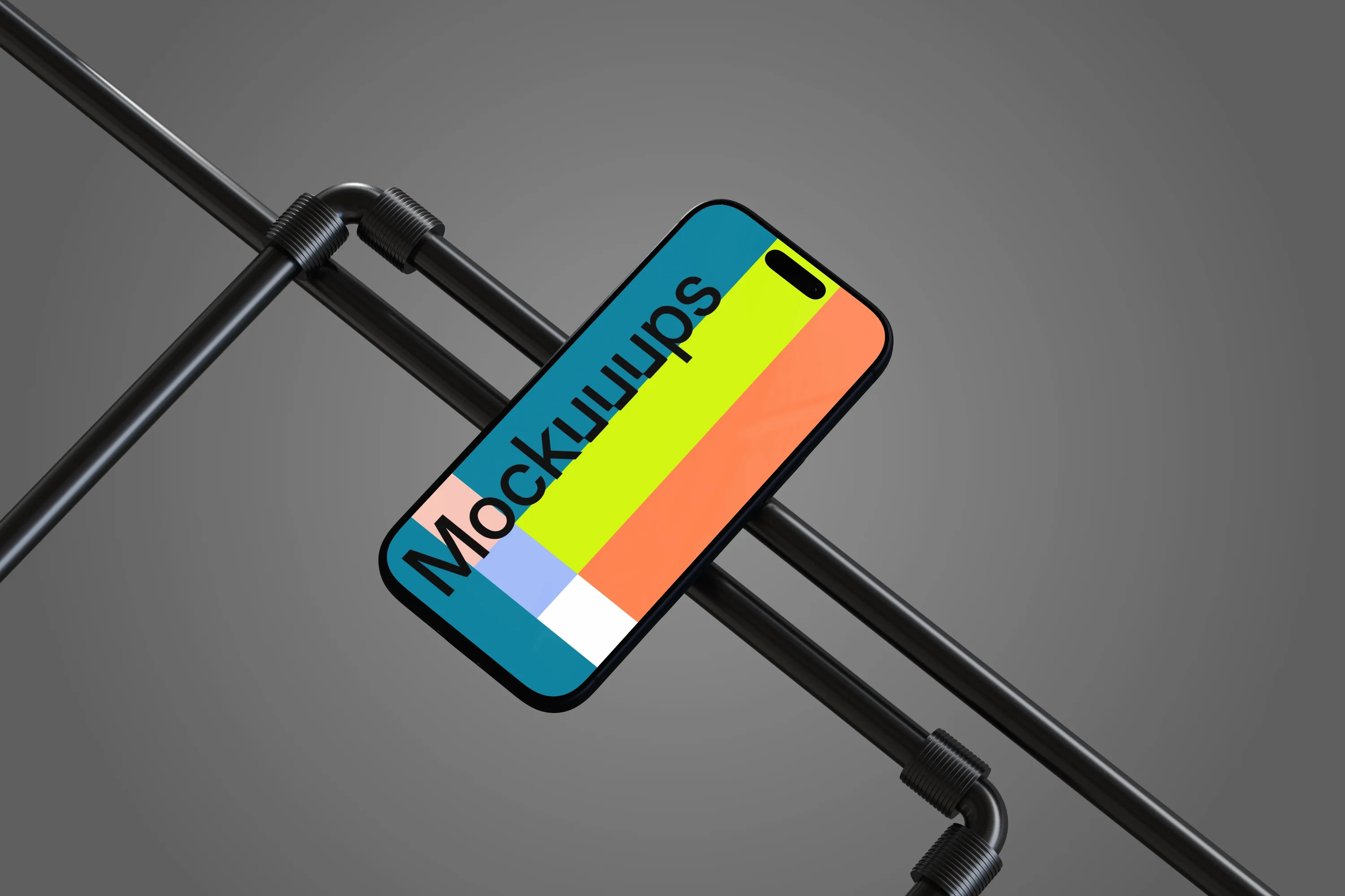
An iPhone sits diagonally on a sturdy black metal rig against a neutral gray background. Modern and industrial, it works well for app designs, user interfaces, or branding that needs a contemporary feel.
Quiet desk: Minimal iPhone
If you want something calmer, the Minimal iPhone set keeps it simple: white tables, a wall, a coffee cup, a pair of AirPods. Use these when the scene matters more than the device.
Minimal iPhone Mockup on a White Table
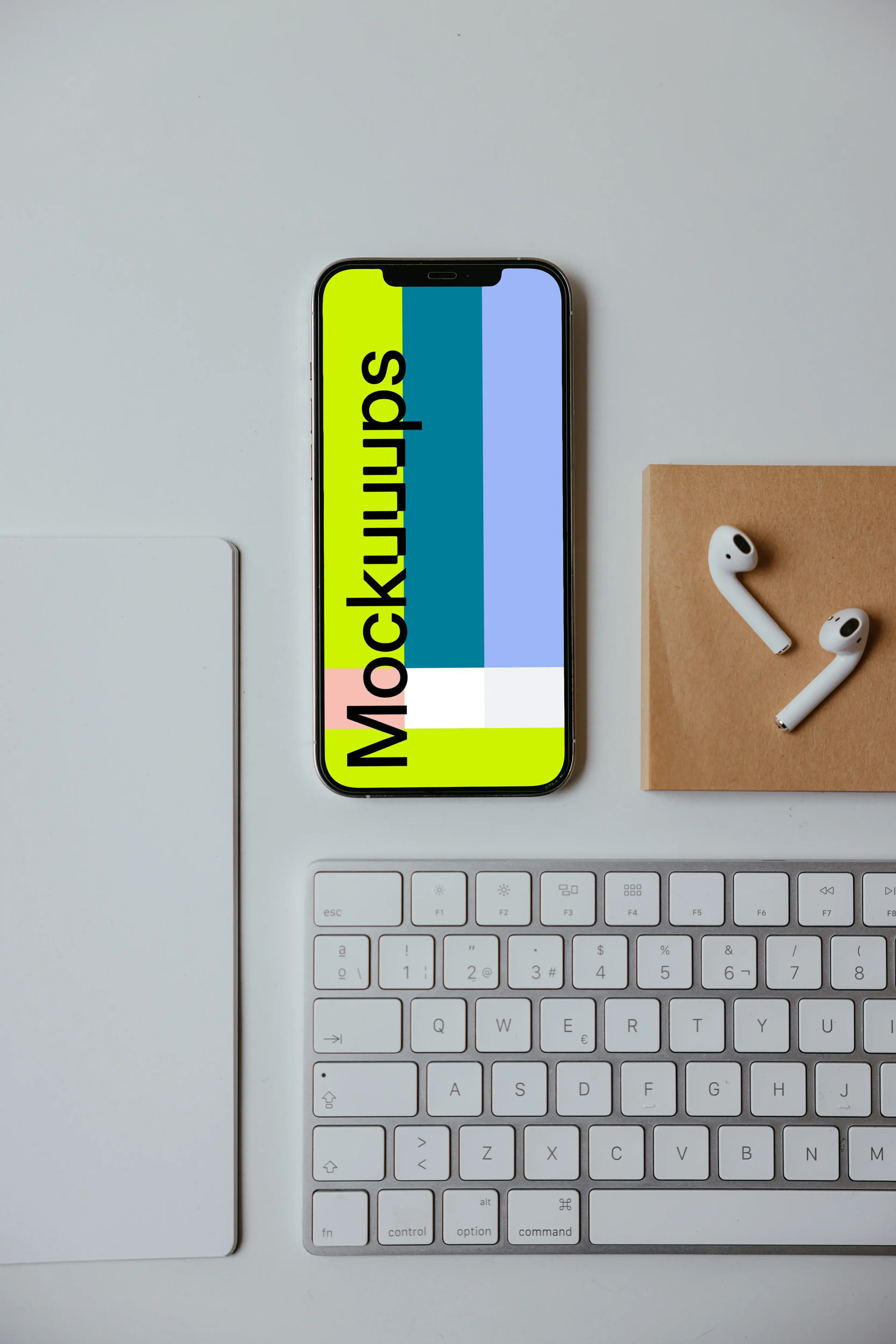
An iPhone rests on a white table next to a pair of AirPods and a white wireless keyboard. It's a calm, tidy desk scene for showing designs or apps to people who love a clean workspace.
Minimal iPhone Mockup on a White Wall
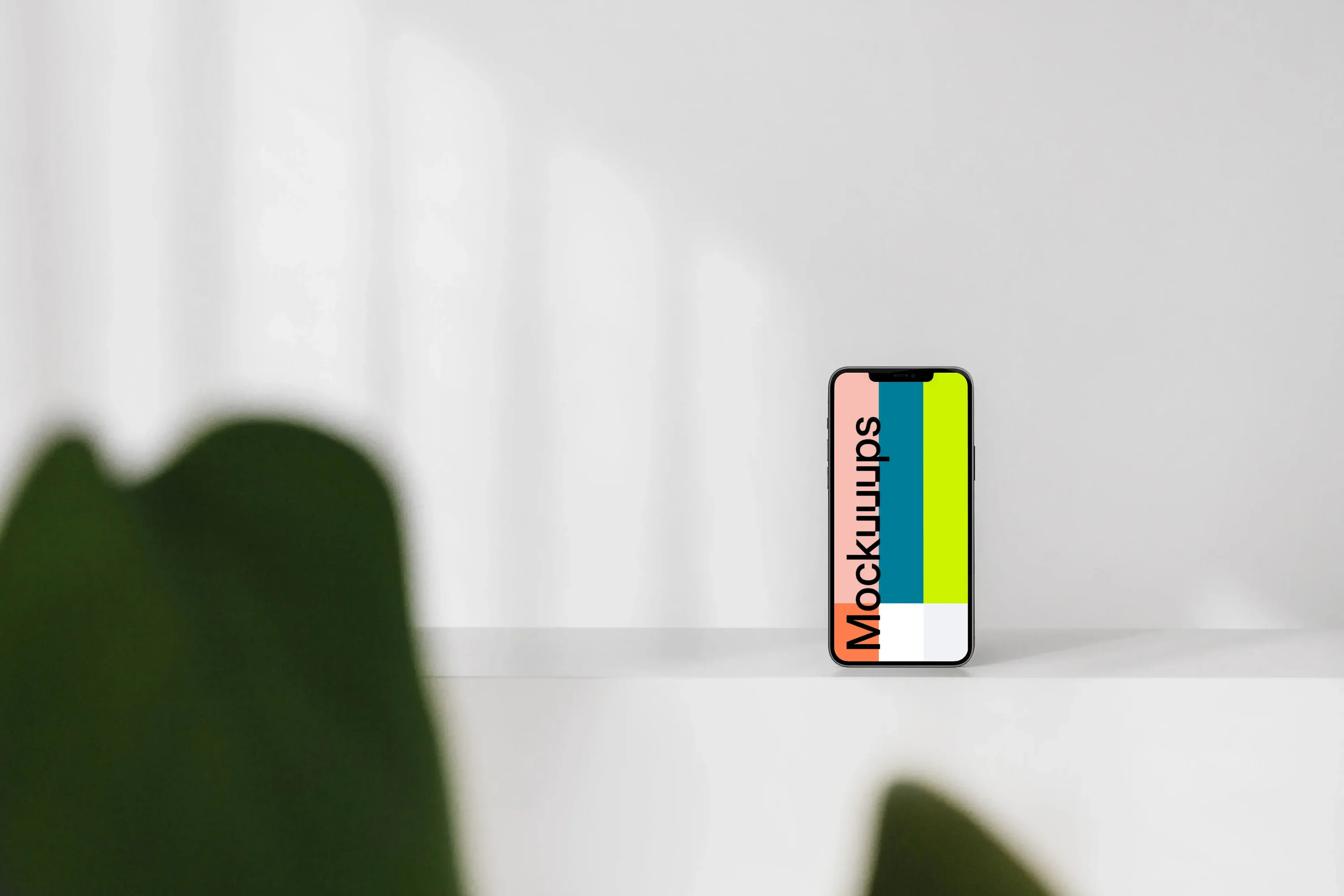
A white iPhone stands upright against a white background. The simple, all-white setup is a nice fit for fashion designs and anything that needs a light, quiet frame.
iPhone Mockup with AirPods and Coffee
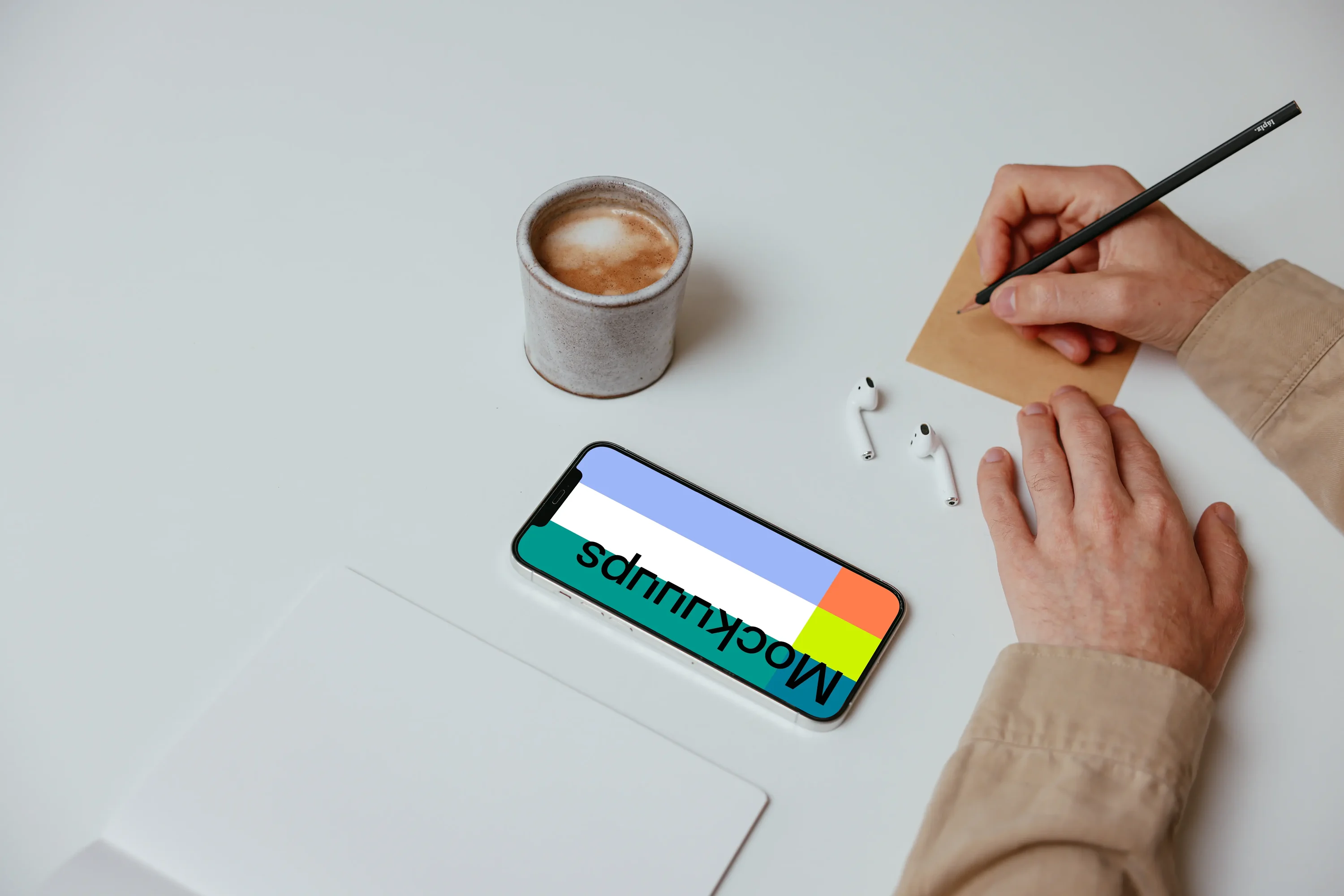
An iPhone on a table next to a pair of AirPods and a cup of coffee. It's an easy, everyday scene for showcasing music apps or designs.
How to use these in Figma
Open the Mockuuups Studio plugin with an iPhone-sized frame and you'll see your design already sitting on every scene in the library. Pick one from the sets above.
For placing it on the canvas, exporting, or updating it later, the walkthrough is in How to Create Mockups in Figma.
What you should do now
Open your frame in the Mockuuups Studio Figma plugin and try your design on any of these scenes. Previews are free, and you only need an account when you export.
What's Mockuuups Studio?