20+ iPhone Air Mockups for Case Studies and Landing Pages
- Content Updates,
- 10 minutes to read
Looking for iPhone Air mockups that feel clean, modern, and easy to drop into a deck or case study? This list pulls together our favorite scenes from the iPhone Air collection, plus tips for using an iPhone Air mockup generator and finding a free iPhone Air mockup. Build visuals fast with a free online generator.

If your screen looks good but the presentation feels flat, it’s usually not the UI. It’s the context. A solid mockup gives your work a believable environment, better scale, and lighting that doesn’t fight your design.
The iPhone Air collection is built for that: bold color setups, natural materials, and a few moodier interiors when you want something less “studio white.” If you’re moving fast, the free online mockup generator is the quickest way to drop in screens, tweak the fit, and export.
And if you live in Figma, the Figma plugin keeps the whole thing in your flow. Pick a scene, paste your frame, done. No bouncing between tabs, no manual perspective work.
Quick workflow ideas with an iPhone Air mockup generator
An iPhone Air mockup generator is at its best when you’re iterating, not when you’re polishing for hours. Swap screens, export variants, and keep moving.
A few practical ways to use these mockups:
- Case studies: show the hero screen on a bold scene, then switch to neutral wood or concrete for feature deep dives.
- Pitch decks: keep one consistent angle across slides so the story feels cohesive, even when the content changes.
- Social crops: export one wide version for banners, then a tighter crop for posts and stories.
Need a free iPhone Air mockup for a quick concept or a client preview? Start with the scenes labeled as free in this list, then upgrade the look later if the project needs more variety.
20+ Best iPhone Air mockups
Whether you’re polishing an app presentation, building a landing page hero, or putting together a client deck, these iPhone Air mockups give your screens a setting that feels intentional. Pick a vibe, drop in your design, and you’re ready to share.
1. iPhone Air mockup on orange textured surface
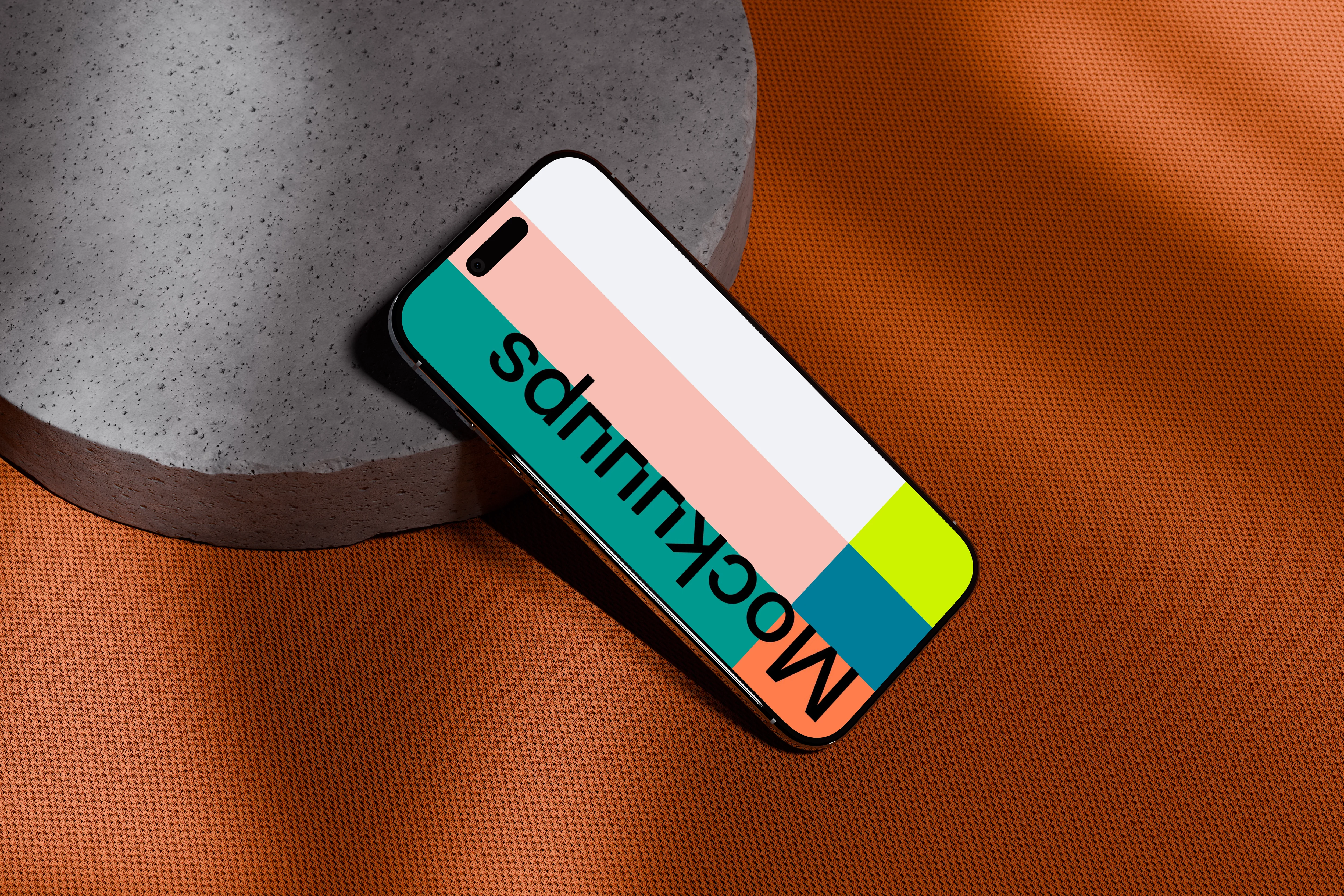
A diagonal iPhone Air on a bold orange textured surface, lightly propped against a round concrete slab. The lighting is soft and controlled, with shadows that add depth without getting dramatic. Swap in your screen in seconds, then use it for punchy app launches, promo graphics, or a bright portfolio cover slide.
2. iPhone Air mockup on a textured concrete surface
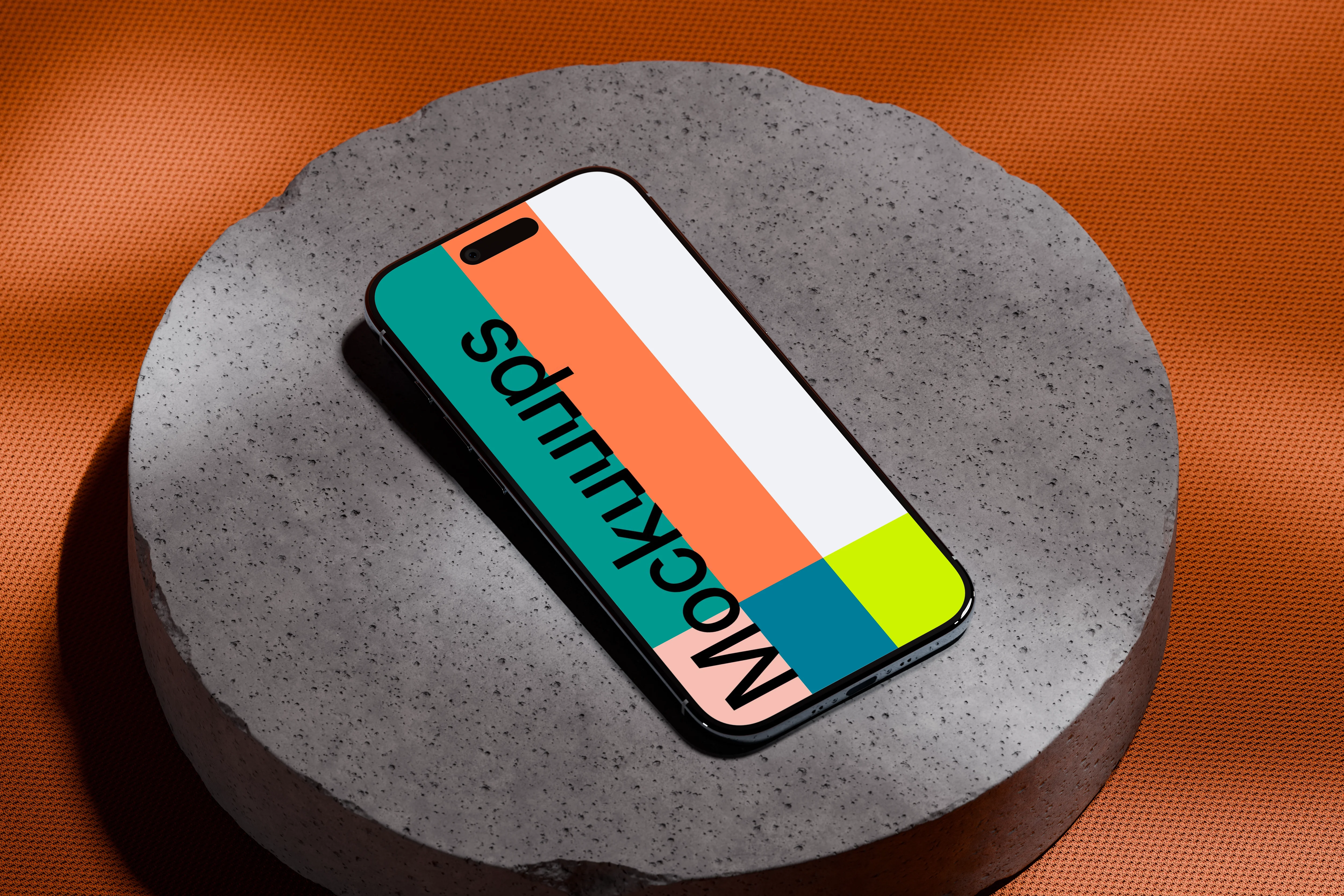
This one sits face-up on a circular concrete platform with an orange patterned backdrop that feels graphic but still minimal. The scene is evenly lit, so your UI stays readable even with detailed screens. Drop in an interface, wallpaper, or campaign visual, it works nicely for modern product pages and presentation slides.
3. iPhone Air mockup on a modern orange table
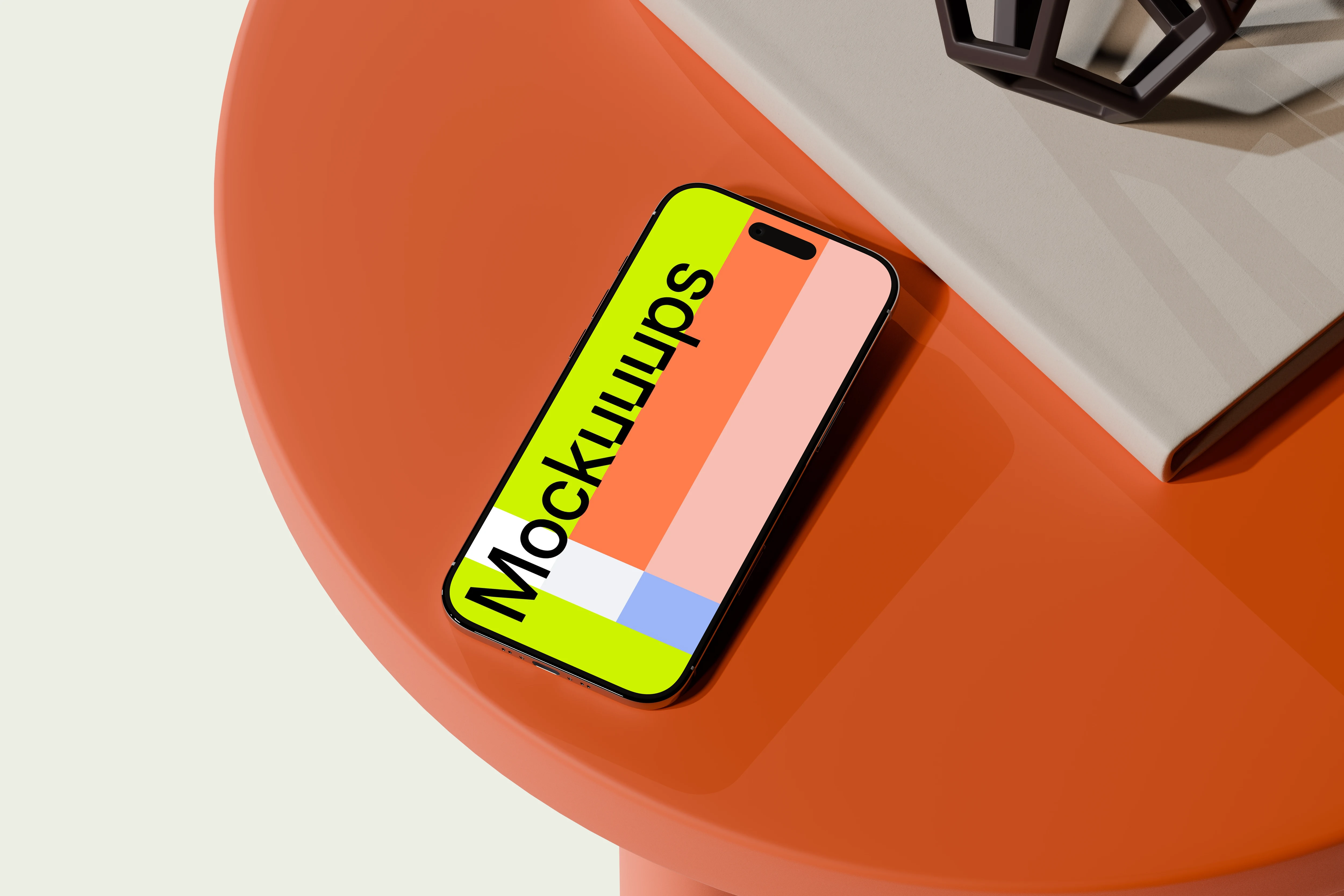
An iPhone Air on a round orange table, paired with a neutral hardcover book and a small black geometric object. It reads like a tidy studio desk setup, with clean edges and no clutter. Replace the screen and use it for business-facing app shots, brand announcements, or a landing page hero where you want a bit of personality.
4. iPhone Air mockup on a modern geometric desk
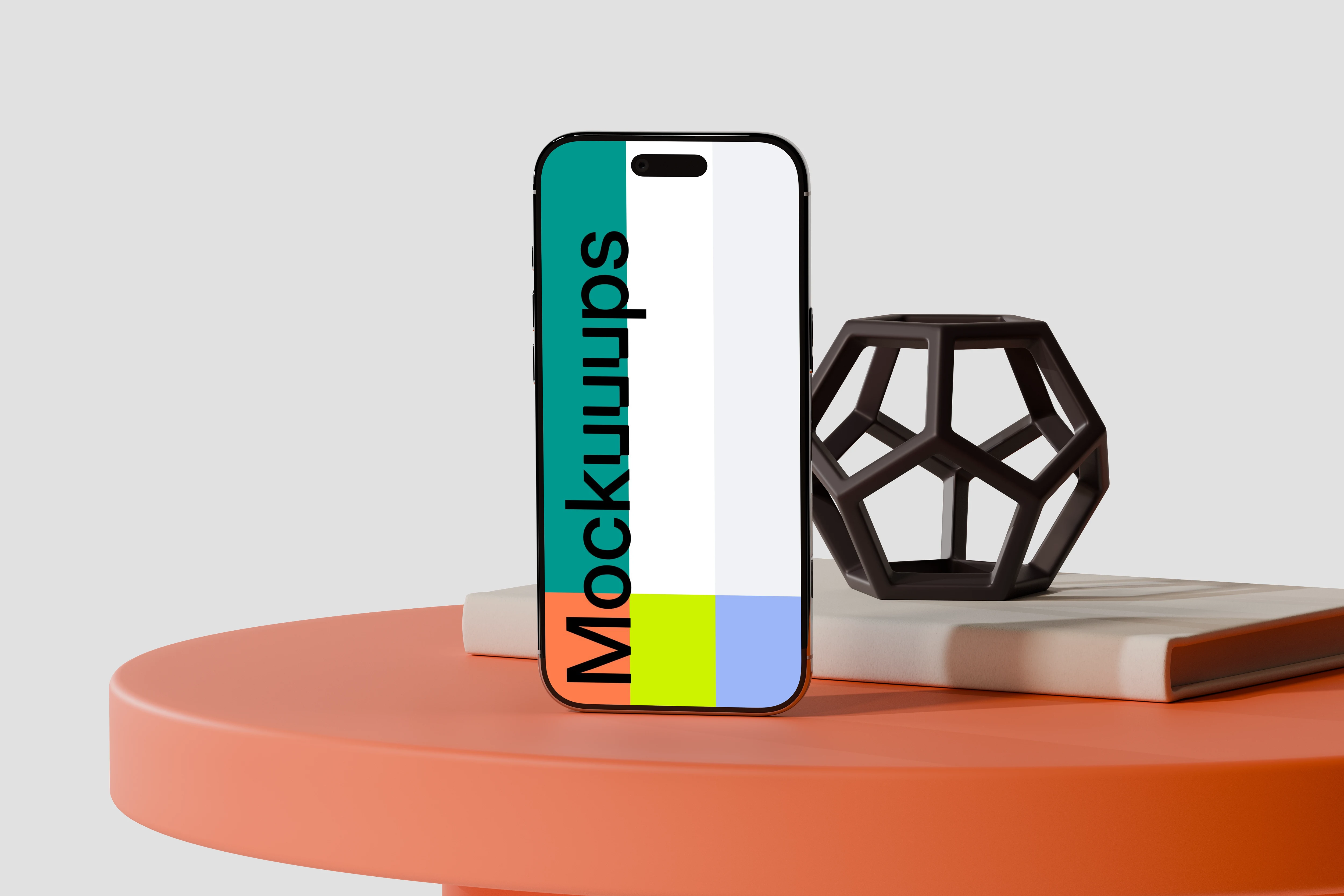
The phone stands upright on a bright orange circular desk, framed by stacked books and a sculptural black decor piece. The gray background keeps everything focused on the device, while the props add just enough structure. Customize the display and use it for mobile UI case studies, product feature callouts, or agency pitches.
5. iPhone Air mockup on a terracotta textured surface
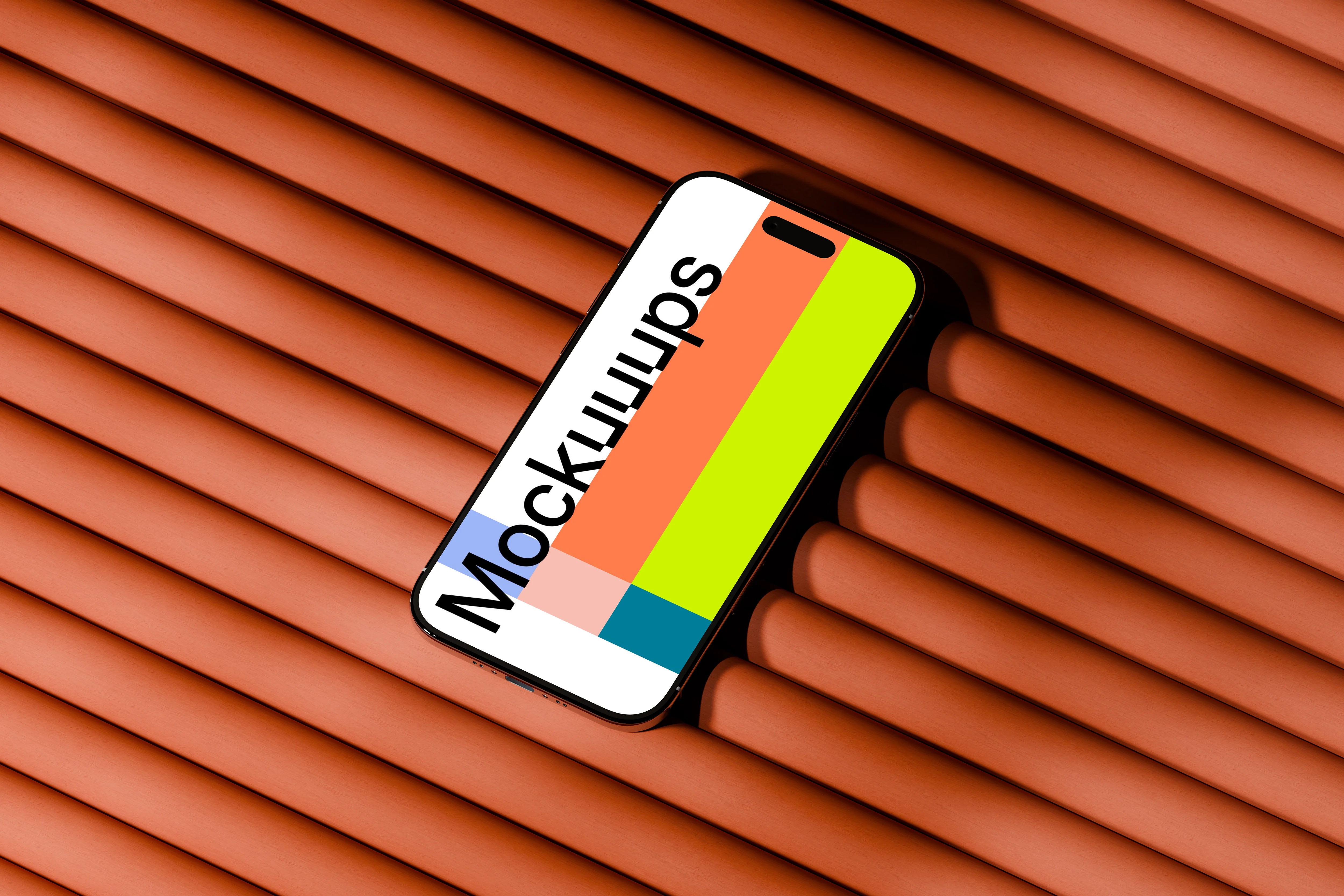
A slightly tilted iPhone Air on a grooved terracotta surface, with warm orange tones that make the device pop. The texture gives you a nice contrast against clean UI and flat color blocks. Drop in your design and use it for branding-led app promos, seasonal campaigns, or bold social creatives.
6. iPhone Air mockup on woven wooden table
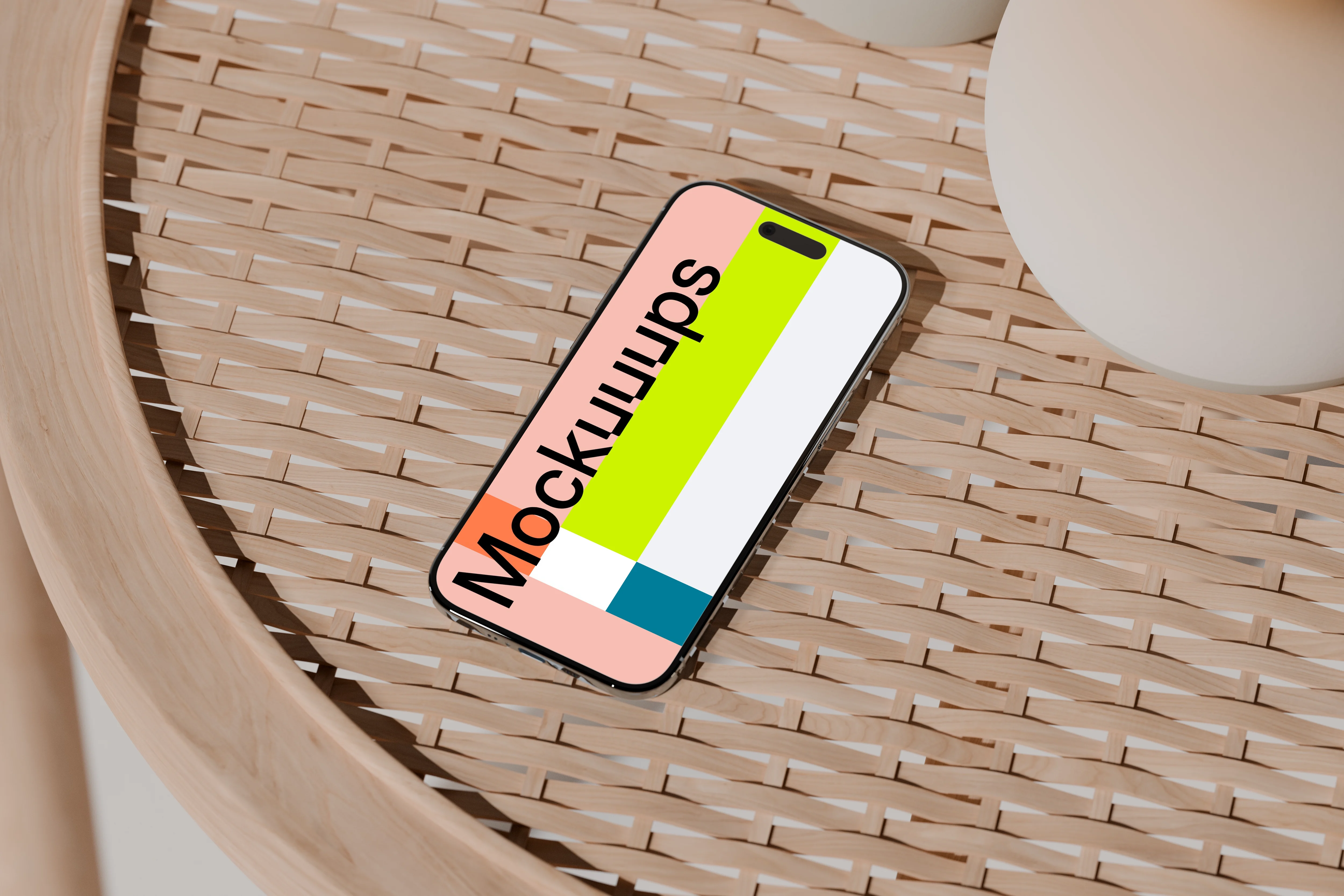
This scene leans warm and natural: the iPhone Air sits on a woven wooden table with soft beige ceramic vases nearby. The lighting feels gentle, like an overcast afternoon, which keeps reflections under control. Add your screen and use it for lifestyle-leaning app previews, wellness brands, or calm product storytelling.
7. iPhone Air mockup on a wooden surface with soft shadows
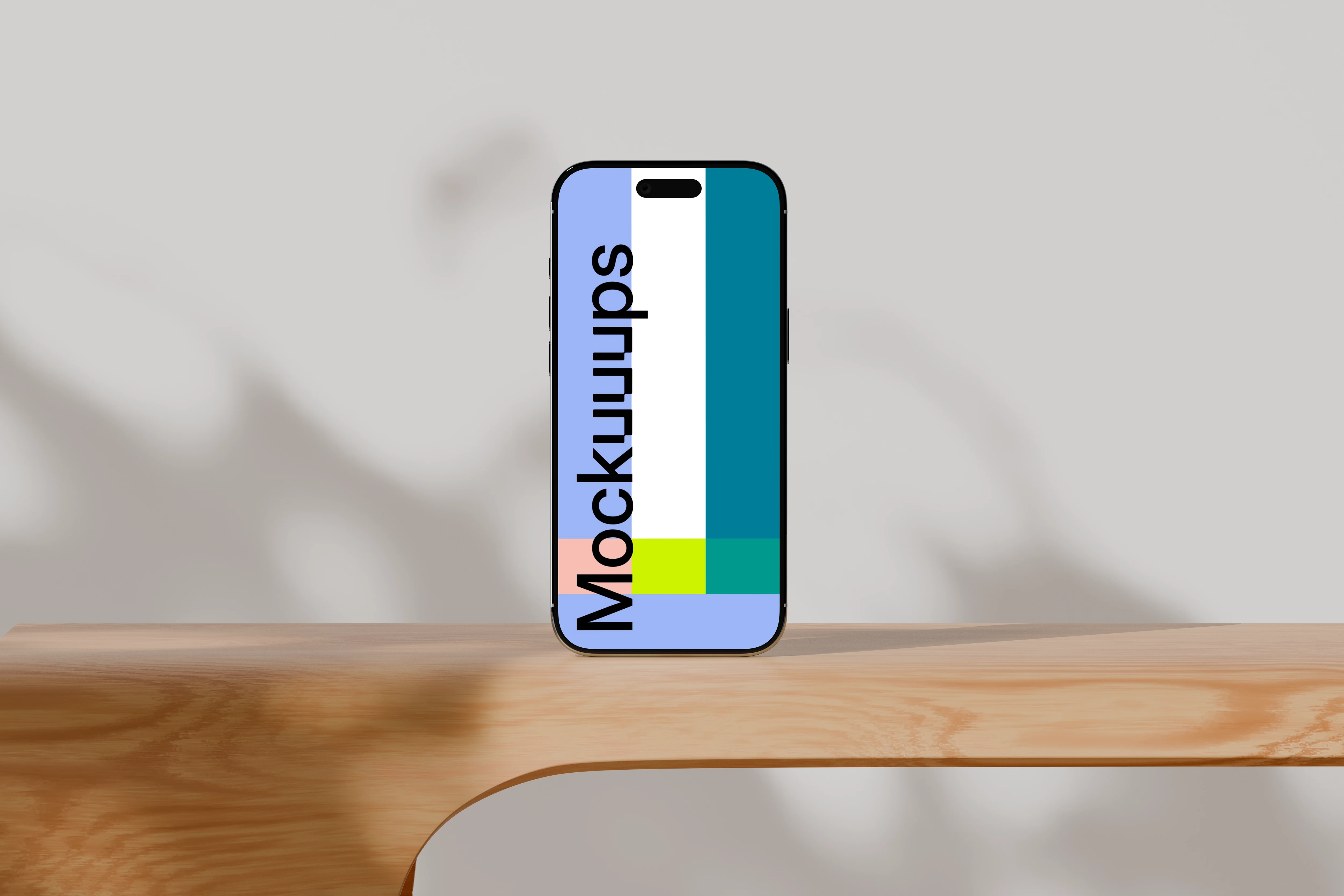
An upright iPhone Air on natural wood with a neutral backdrop and soft shadows that create depth without noise. It’s minimal, but not sterile, thanks to the wood grain and subtle light falloff. Swap the screen and use it for UI walkthroughs, responsive landing pages, or clean client presentations.
8. iPhone Air mockup on wooden surface with neutral background
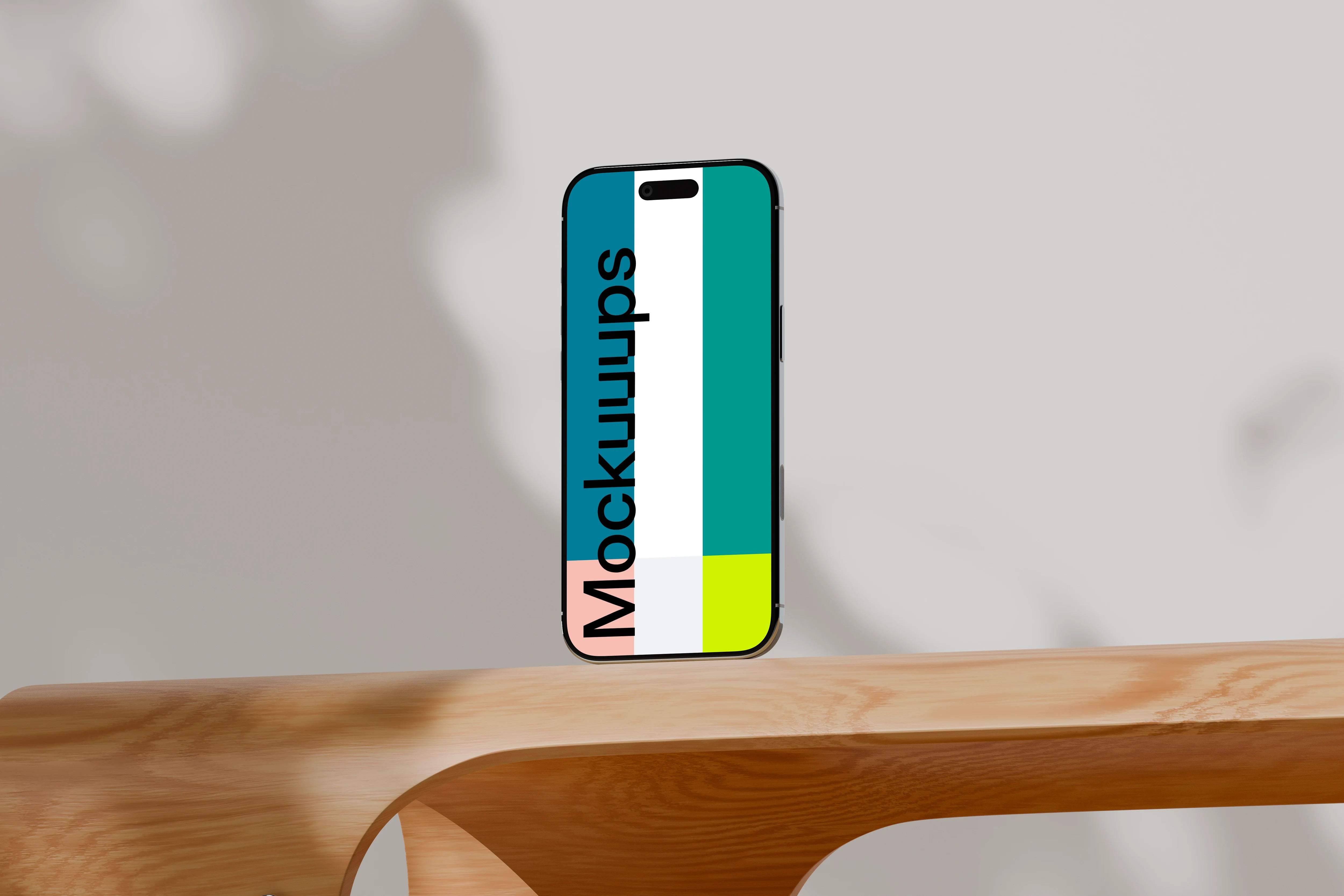
The phone is vertical on a smooth light wooden surface, with a gray background and a tidy shadow line. It’s a dependable “default” scene when you want your design to do all the talking. Customize the display and use it for app store-style visuals, product updates, or portfolio sections with lots of white space.
9. iPhone Air mockup on a wooden table with soft lighting
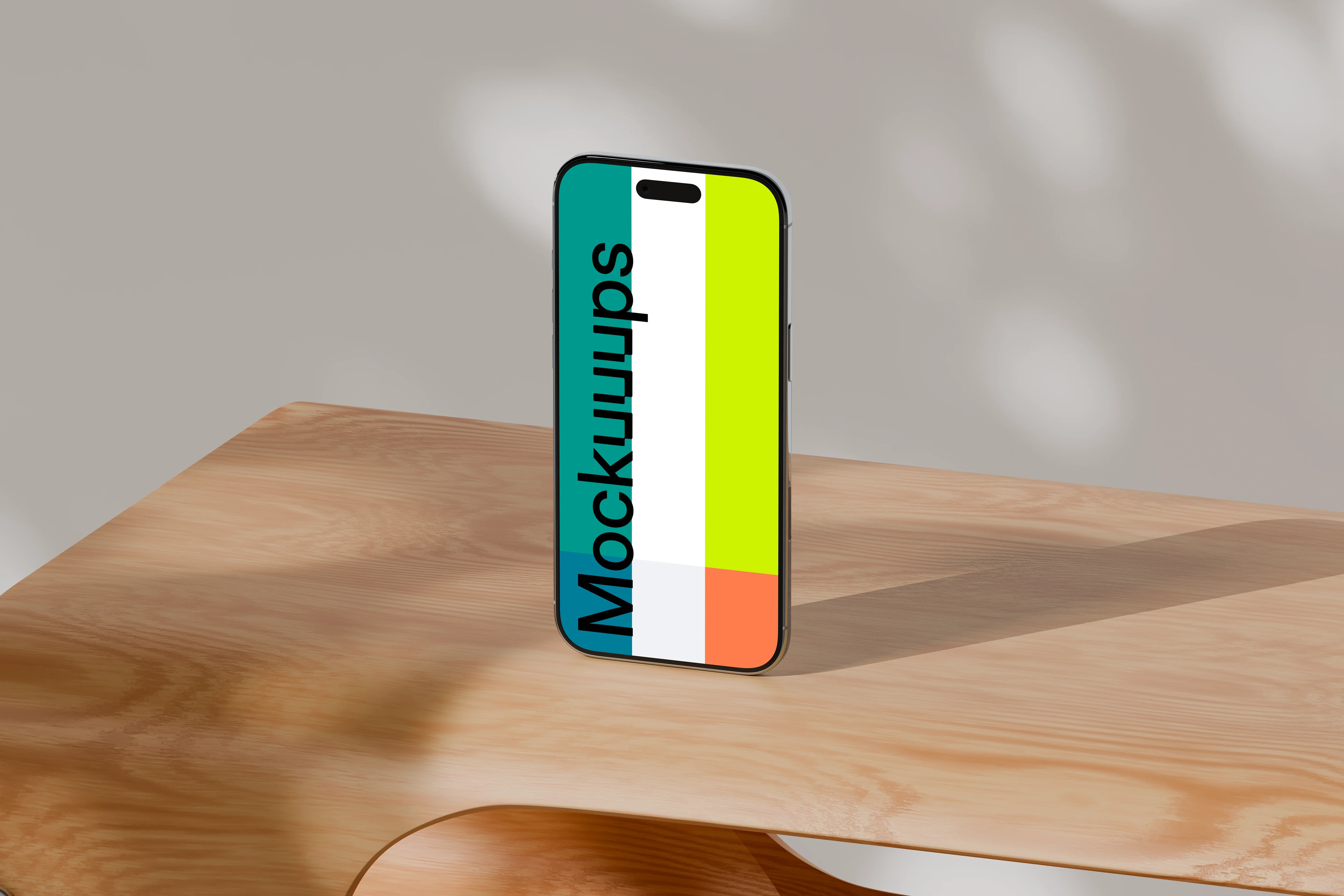
A simple upright iPhone Air on a wooden table, lit with soft natural light that creates gentle shadow shapes. The beige background keeps it warm and approachable, not overly styled. Drop in your UI and use it for brand decks, onboarding flows, or marketing pages that need a friendly tone.
10. Free iPhone Air Mockup on Rock
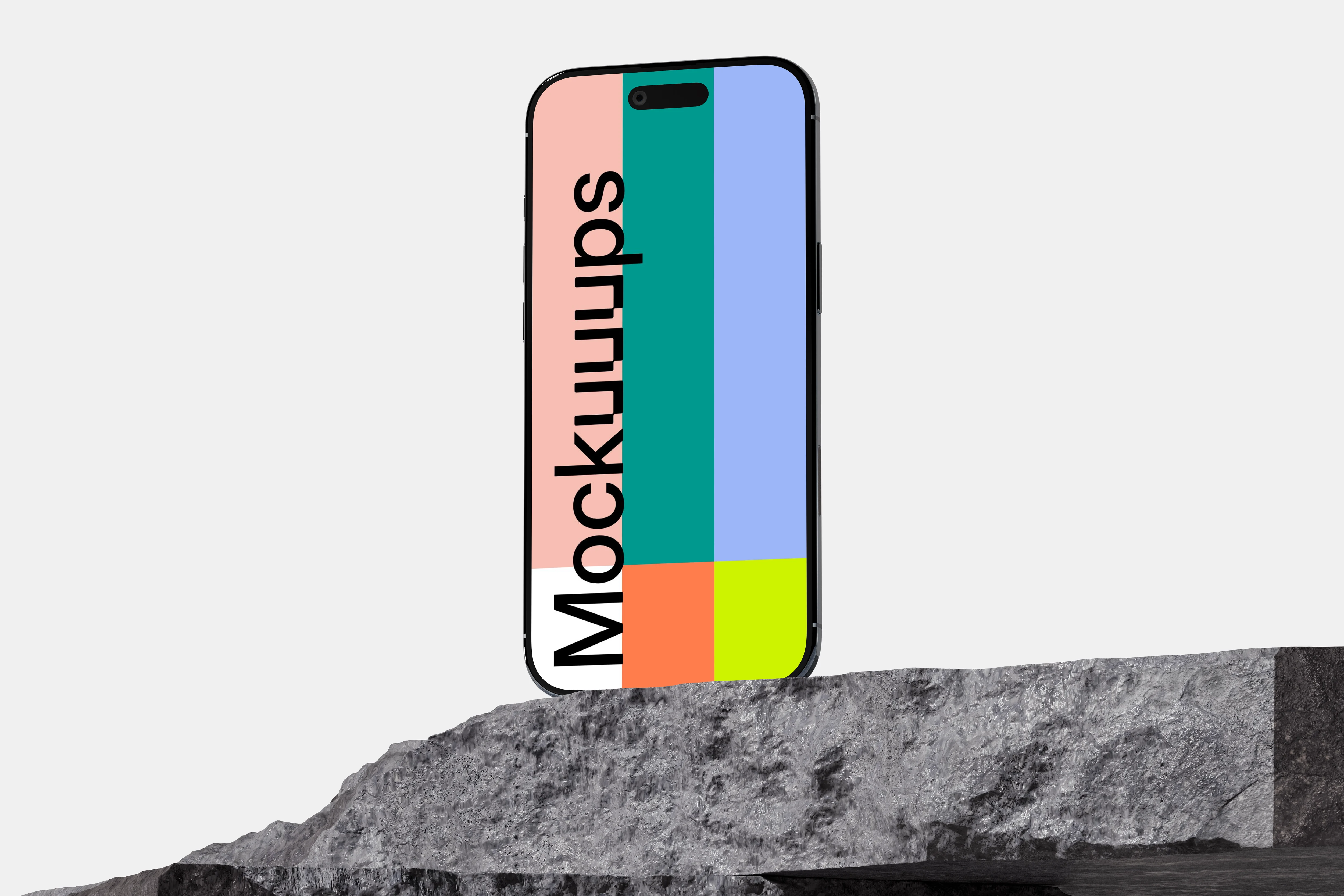
A free iPhone Air mockup with the phone standing on a rugged stone surface against a clean gray background. The rough rock texture gives you contrast while the scene stays minimal and easy to read. Replace the screen and use it for bold product teasers, app launch visuals, or a quick concept when you need a free iPhone Air mockup fast.
11. iPhone Air mockup between textured rocks
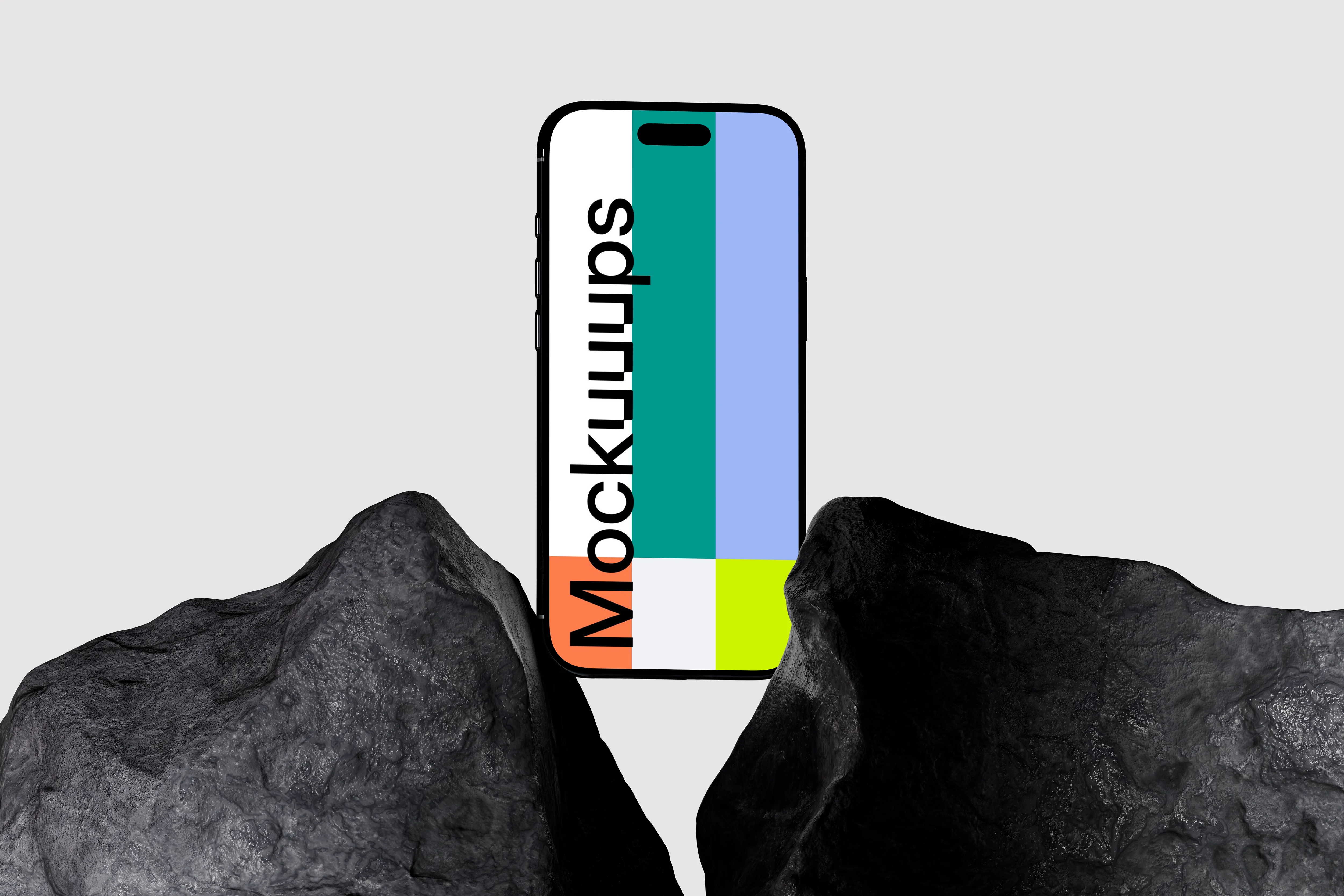
The iPhone Air is held vertically between two dark textured rocks, with a neutral gray background that keeps the composition crisp. It has a slightly editorial feel, like a product shoot that didn’t try too hard. Customize the screen and use it for branding concepts, wallpaper promos, or dramatic hero images in a pitch deck.
12. iPhone Air mockup between dark rocks
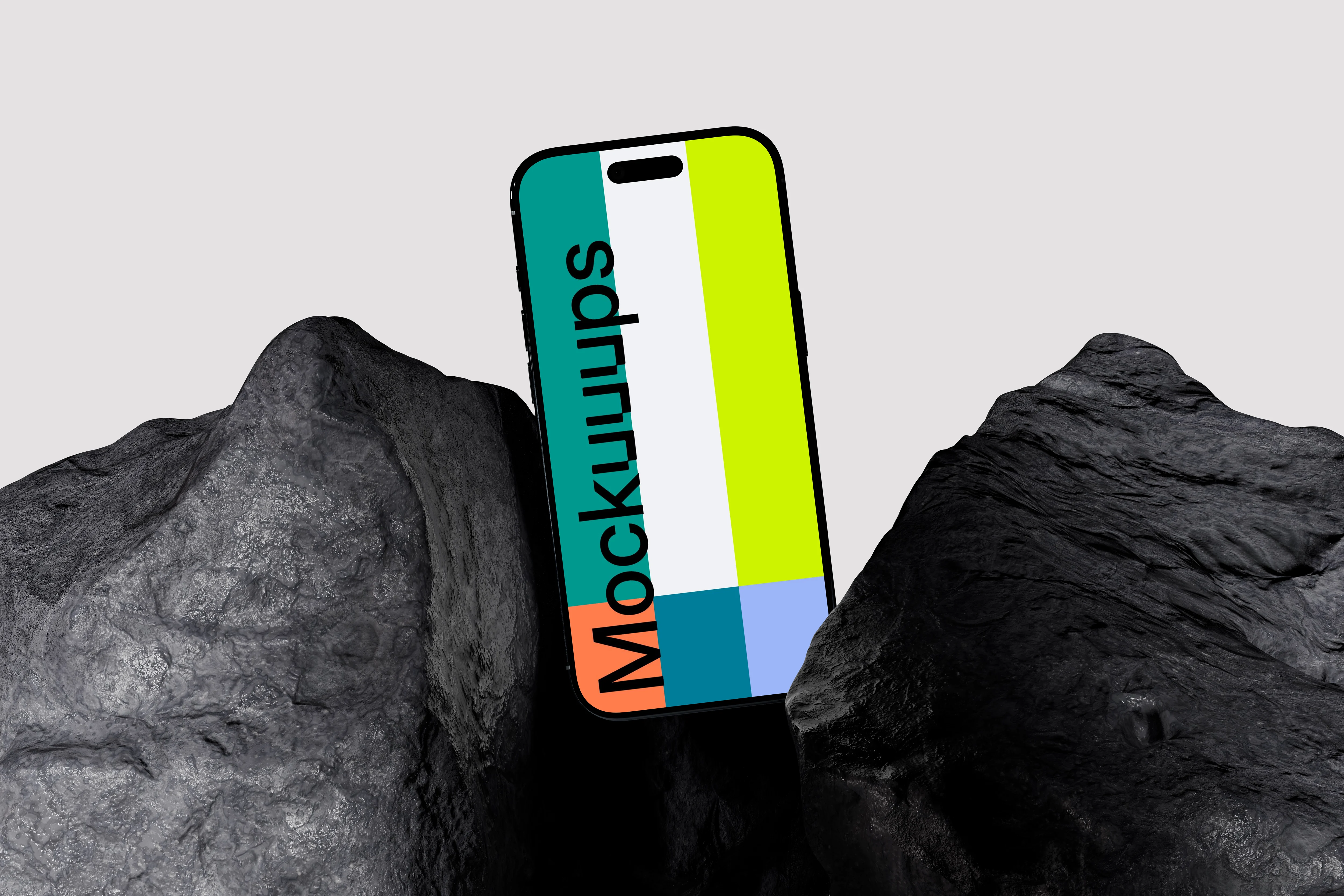
Similar rock framing, but moodier: the device sits upright between rugged dark stones with a light gray backdrop. The contrast makes bright UI and colorful graphics stand out immediately. Drop in your design and use it for high-impact marketing creatives, app announcements, or portfolio thumbnails.
13. iPhone Air mockup on textured dark rock
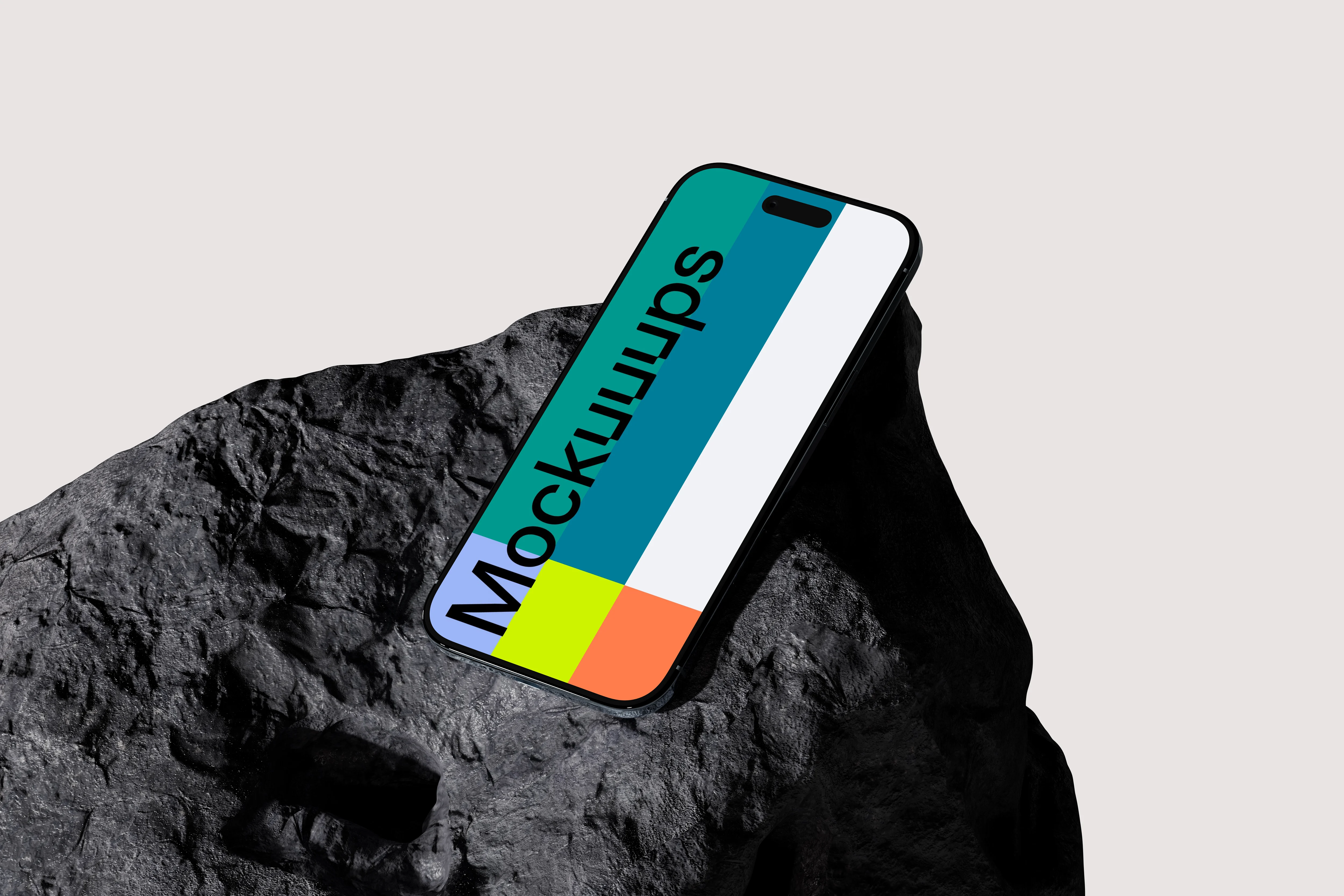
An angled iPhone Air on a dark rock surface, with a clean, light background that keeps everything sharp. The texture reads strong, so even simple screens feel more tactile. Swap in your content and use it for modern brand presentations, tech product promos, or standout case study headers.
14. iPhone Air mockup balanced on a rock
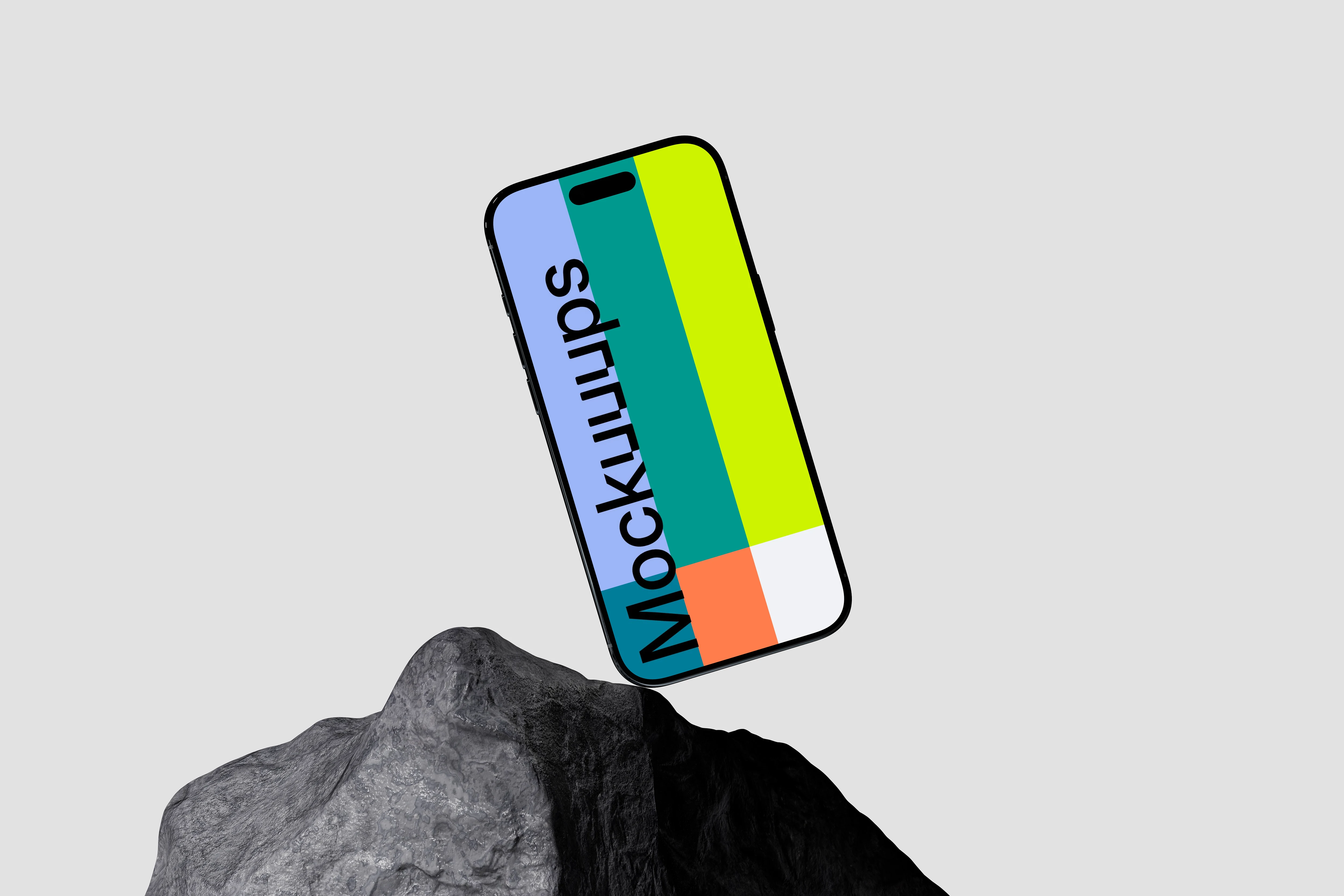
The phone is balanced at an angle on a rugged rock, set against a plain light gray backdrop. It feels dynamic without looking messy, good for when you want motion in a static image. Add your screen and use it for feature highlights, campaign visuals, or bold website hero sections.
15. iPhone Air mockup on a concrete surface with rock
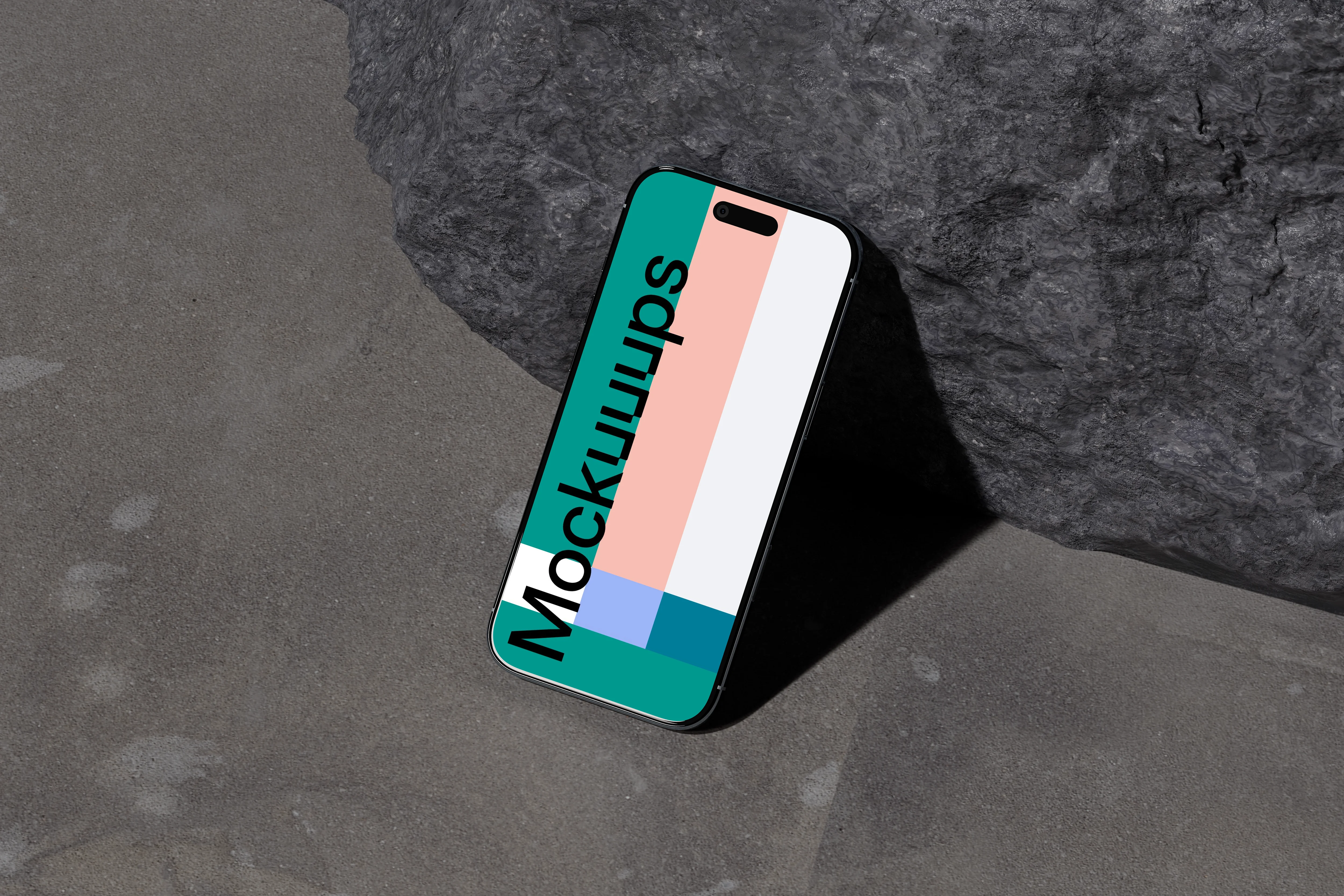
A textured concrete base with a rough gray rock, and the iPhone Air leaning slightly in an angled view. The materials feel industrial and grounded, while the lighting stays clean and studio-like. Customize the screen and use it for SaaS promos, product updates, or design system case studies.
16. iPhone Air mockup on a textured dark rock surface
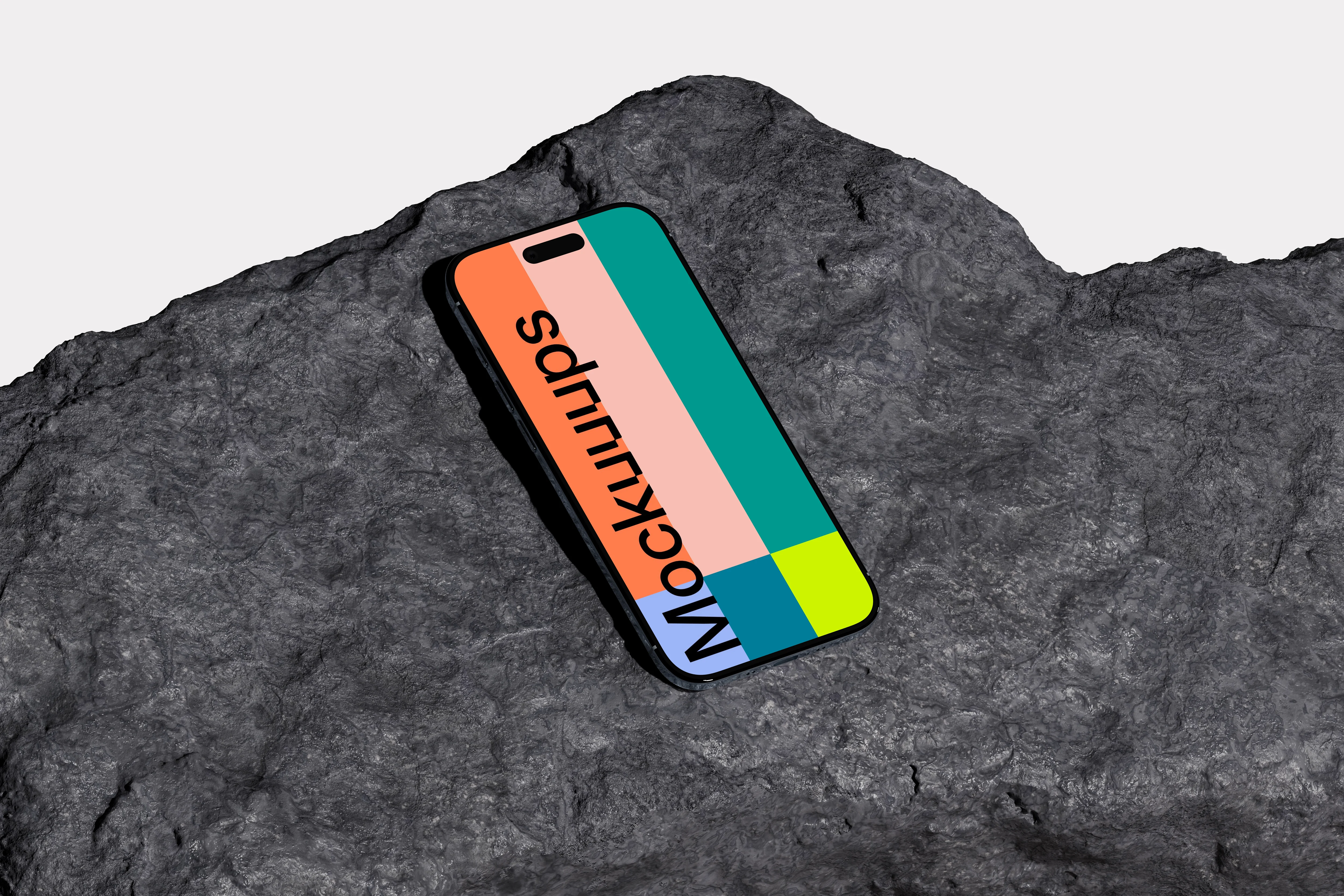
The iPhone Air lies at a slight angle on a rugged dark rock surface, with a bright white background that keeps attention on your screen. The mix of raw texture and clean negative space works well for modern brands. Drop in your UI and use it for sharp landing page visuals, app feature banners, or campaign ads.
17. iPhone Air mockup on a textured sofa
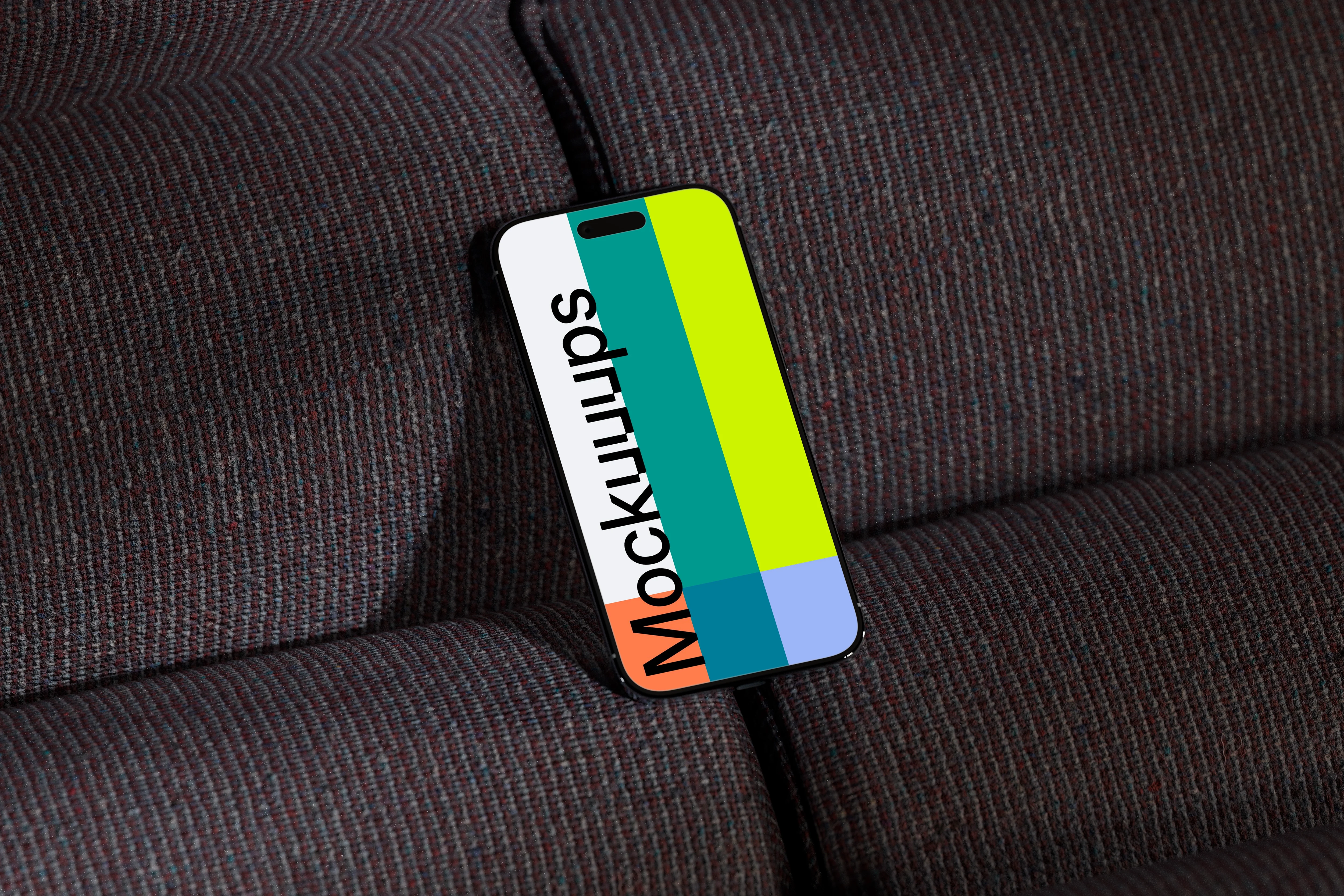
An iPhone Air resting at an angle on a dual-toned woven sofa. The fabric texture gives a cozy, real-world feel, while the lighting keeps the device readable. Replace the screen and use it for consumer apps, subscription services, or anything that benefits from a relatable, at-home context.
18. iPhone Air mockup on a leather sofa
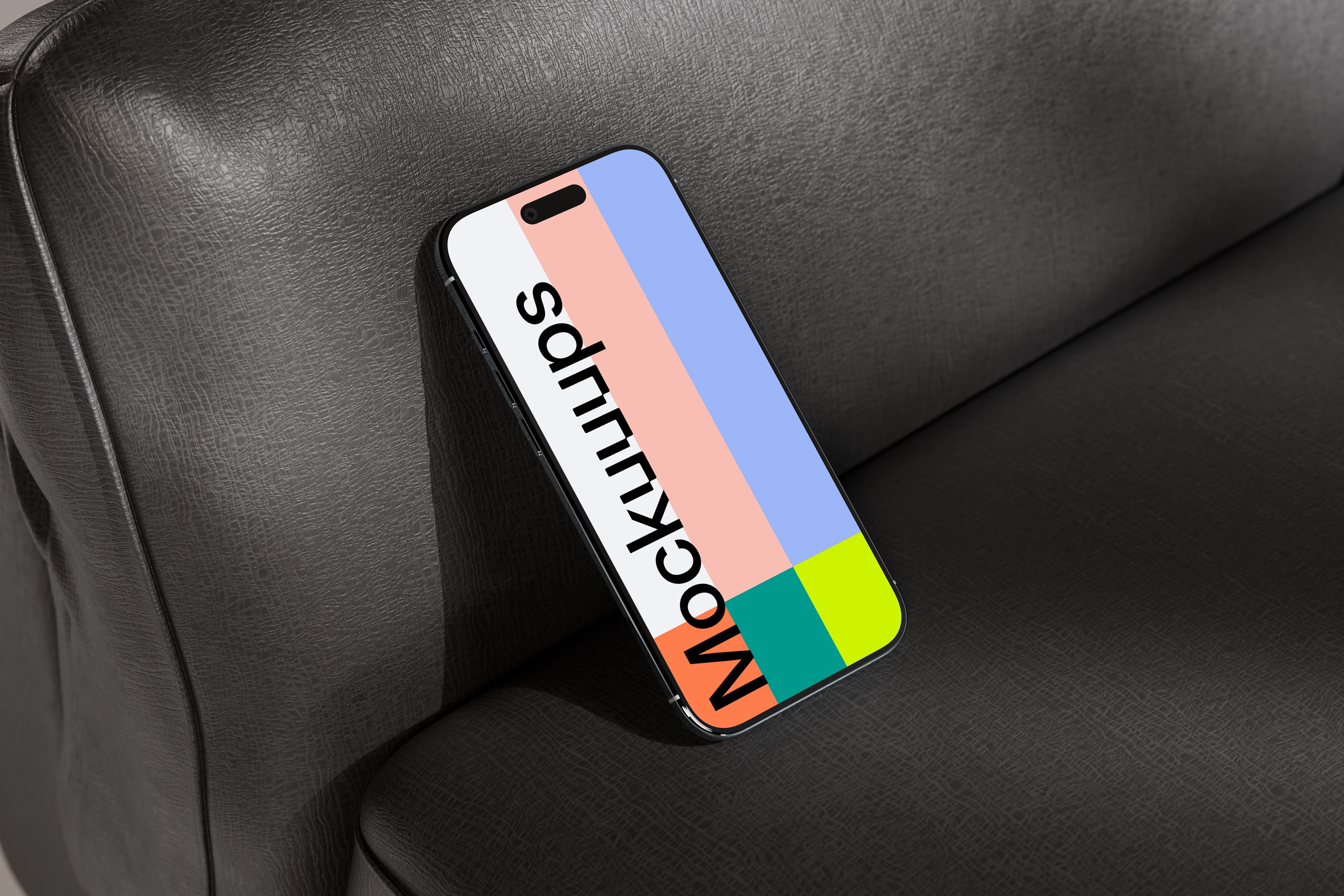
The device sits angled on a dark leather sofa with visible grain and a slightly moody, refined vibe. The material adds richness without competing with your UI. Customize the display and use it for premium product positioning, fintech visuals, or app marketing that wants a more polished interior setting.
19. iPhone Air mockup on a leather sofa
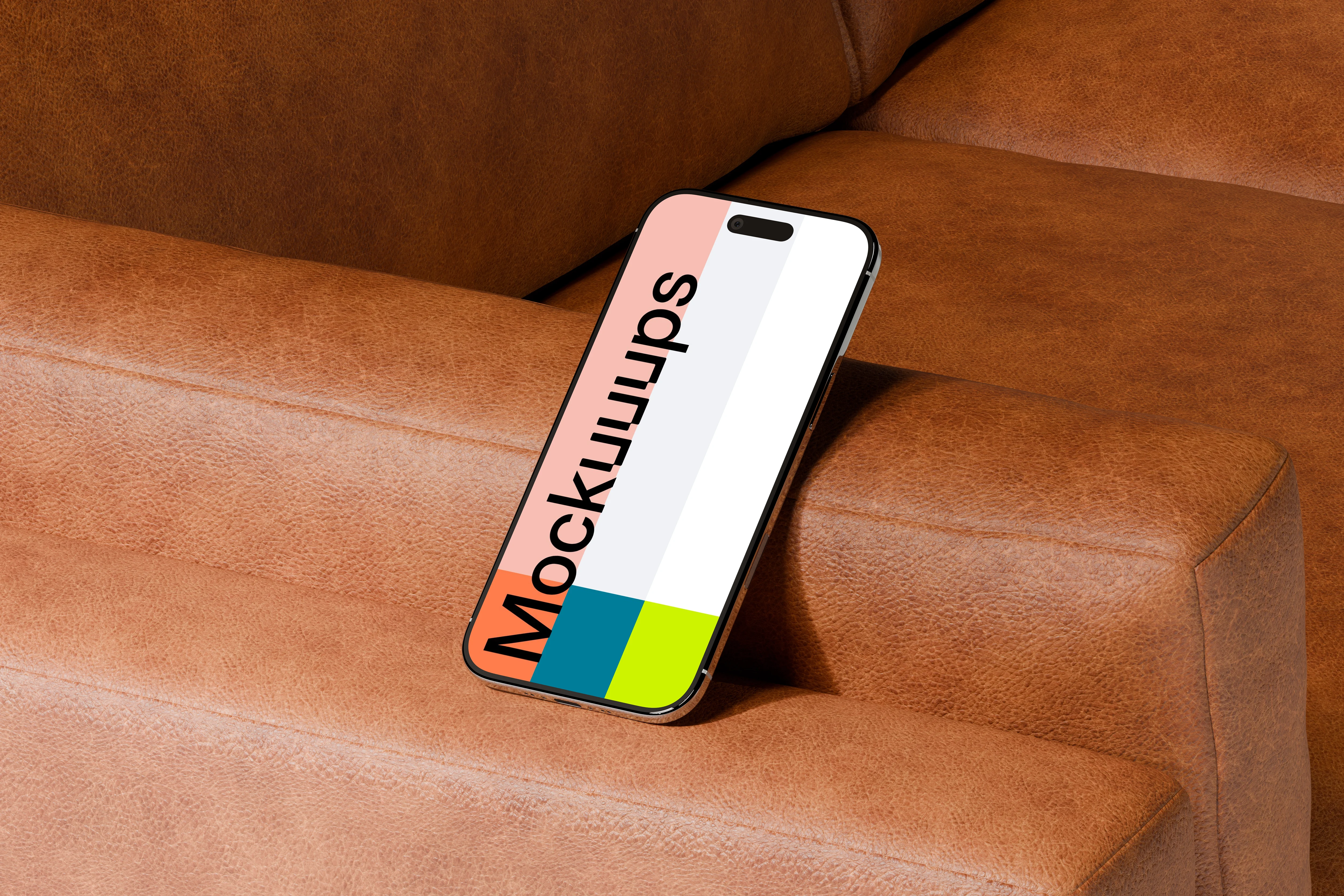
An iPhone Air placed on the armrest of a brown leather sofa, slightly inclined so the screen is front and center. Warm tones and leather texture make it feel inviting, like a real living space. Drop in your design and use it for brand storytelling, mobile UI presentations, or client decks that need a softer mood.
20. iPhone Air mockup on a leather armrest
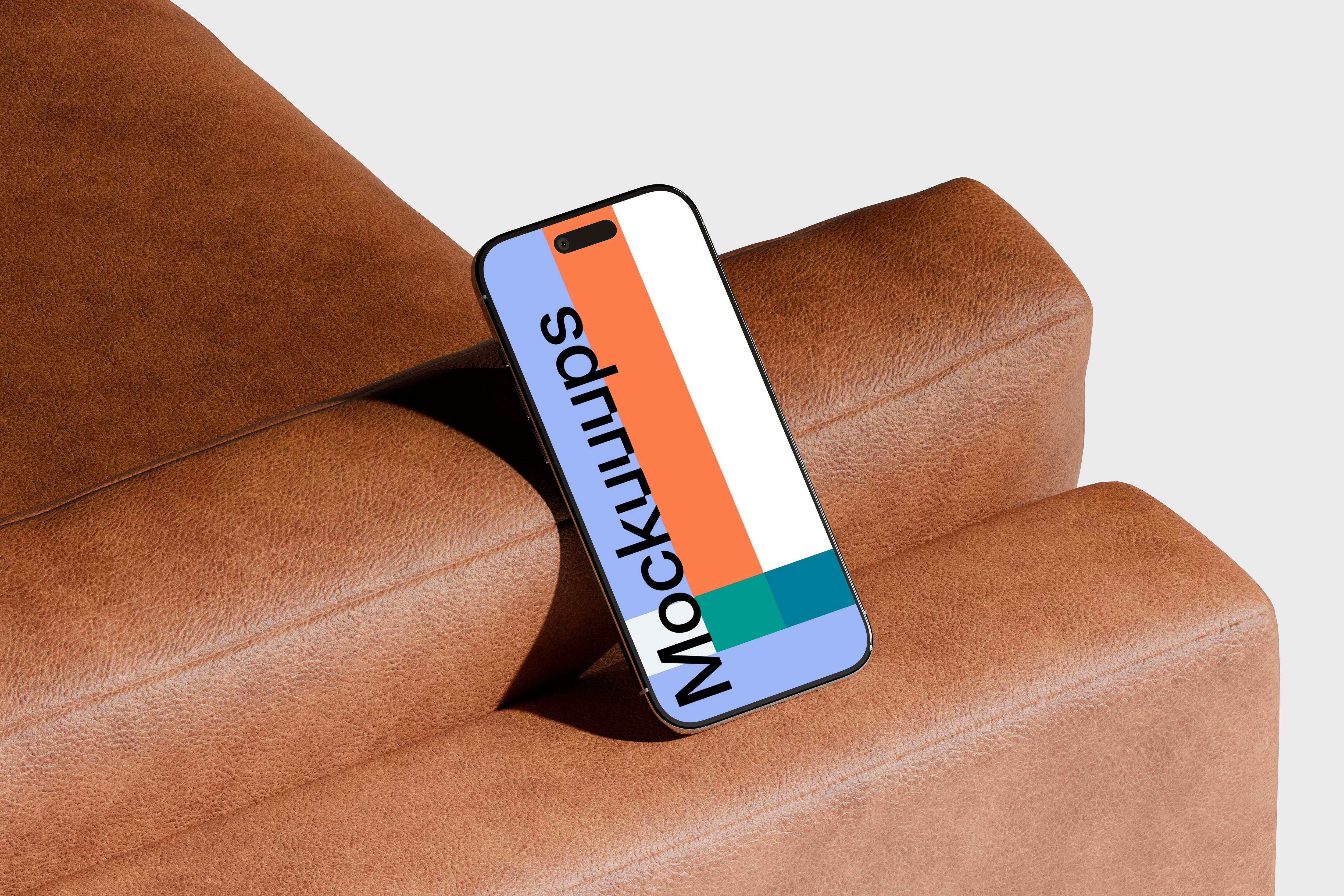
The phone stands upright against a rich brown leather armrest, with a neutral gray background that keeps it minimal. You get a clean silhouette, plus enough texture to make the scene feel physical. Swap in your screen and use it for product announcements, website promos, or pitch slides where you want a premium touch.
21. iPhone Air mockup on a brown leather surface
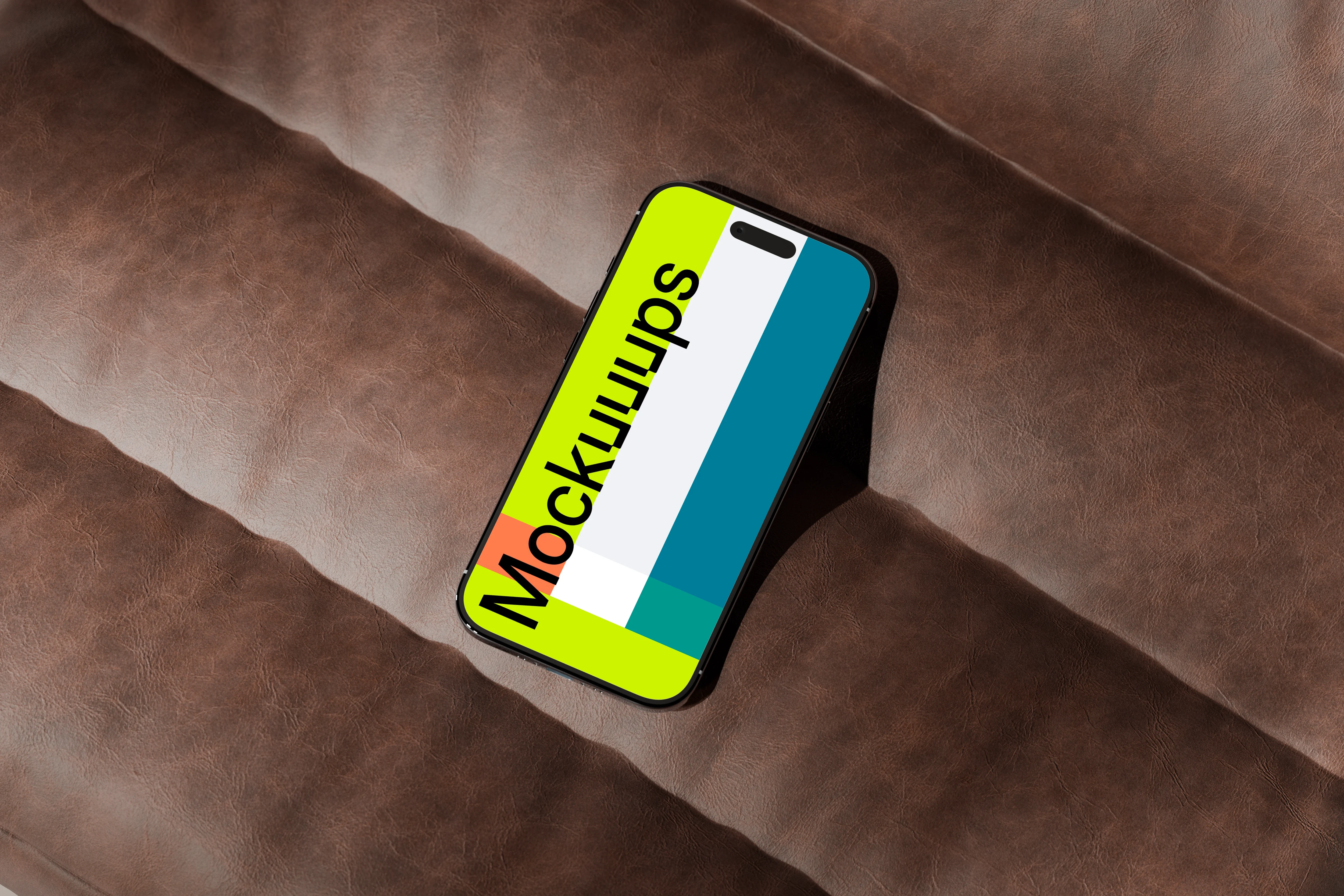
A slightly tilted iPhone Air on a padded brown leather surface, giving you a warm backdrop and a clear view of the display. The leather grain adds depth, especially for simple UI and typography-heavy screens. Customize the screen and use it for branding presentations, app feature pages, or marketing creatives with a more upscale tone.
22. iPhone Air mockup on a brown leather chair
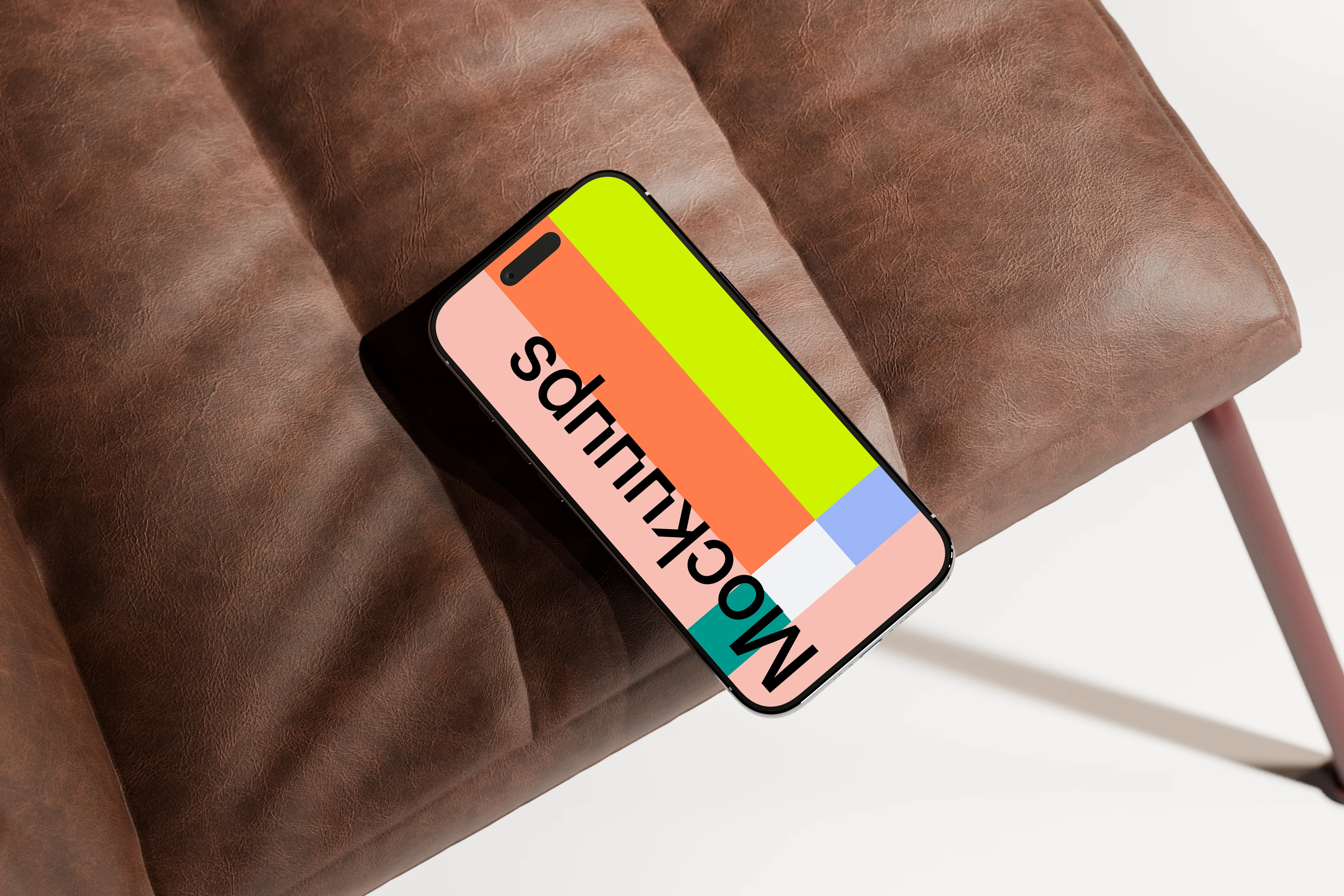
The phone rests on a textured brown leather chair, with metal legs peeking in for a modern furniture detail. Lighting is bright and controlled, so your screen stays crisp while the leather still reads. Drop in your design and use it for professional app presentations, portfolio case studies, or a clean hero shot for a landing page.
Ready to pick your iPhone Air scene?
If you want variety without fighting weird reflections or over-styled props, the iPhone Air collection is a solid go-to. Grab a bright orange setup for marketing, a wood scene for calm UI, or a rock and leather shot when you need more edge. Build versions quickly with an iPhone Air mockup generator, and keep a free iPhone Air mockup on hand for fast drafts.
What's Mockuuups Studio?