The Sketch mockup plugin, refreshed
- News,
- 4 minutes to read
The Sketch mockup plugin now matches our desktop and Figma experience. Print mockups, new category filters, export presets, and a dedicated ⌘⇧M shortcut that only Sketch can do.

We launched the first Mockuuups plugin for Sketch back in 2017. We even made a fancy release video for it. At the time, Sketch was the tool. The UX Tools Design Tools Survey had it as the most-used UI design app that year, with around 70% of designers working in it.
Then Figma happened. By 2023, the same survey showed Figma at 90% and Sketch in single digits. The shift was fast. We followed the numbers. Our Figma plugin became the most-used product in our lineup. The Sketch plugin stayed functional but fell behind.
Sketch didn't stop building, though. Their 2025 releases were the biggest in years: Stacks, Frames, glass effects, and the Copenhagen update with a full UI overhaul for macOS Tahoe, a complete Inspector rewrite, and documents opening up to 5x faster. It's smaller than Figma, sure. But the designers who choose it tend to choose it deliberately.
We used Sketch ourselves for years. It's where Mockuuups started. There's something about the native Mac experience that still feels right. So when we unified our plugin codebase this year and had the chance to pick where to bring the refresh after Figma, Sketch was an easy first choice. Felt good to be back.
Here's what changed.
Print mockups in Sketch
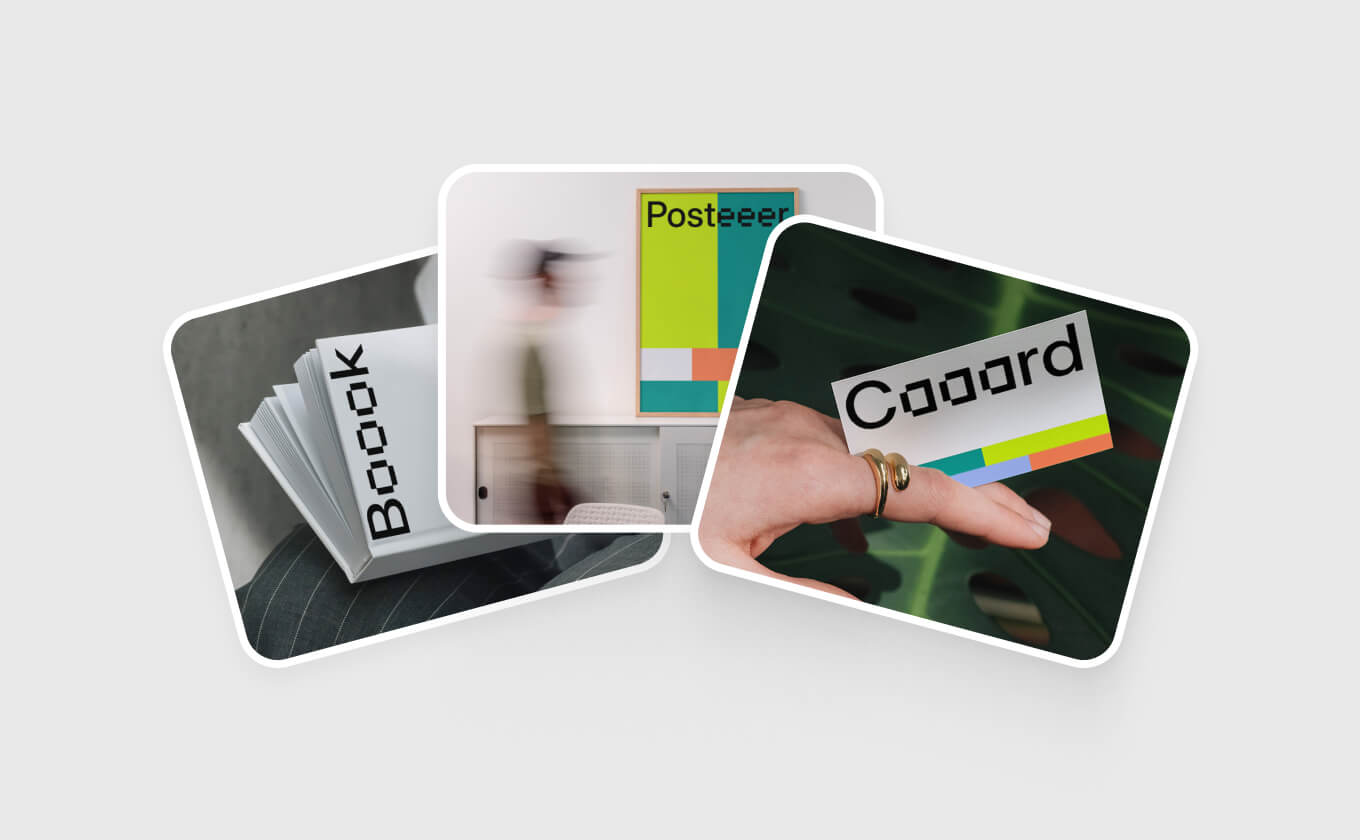
Print mockups are now available directly in the plugin. Business cards, posters, papers, book covers. The full print library, same as the desktop app and Figma plugin.
New category filters
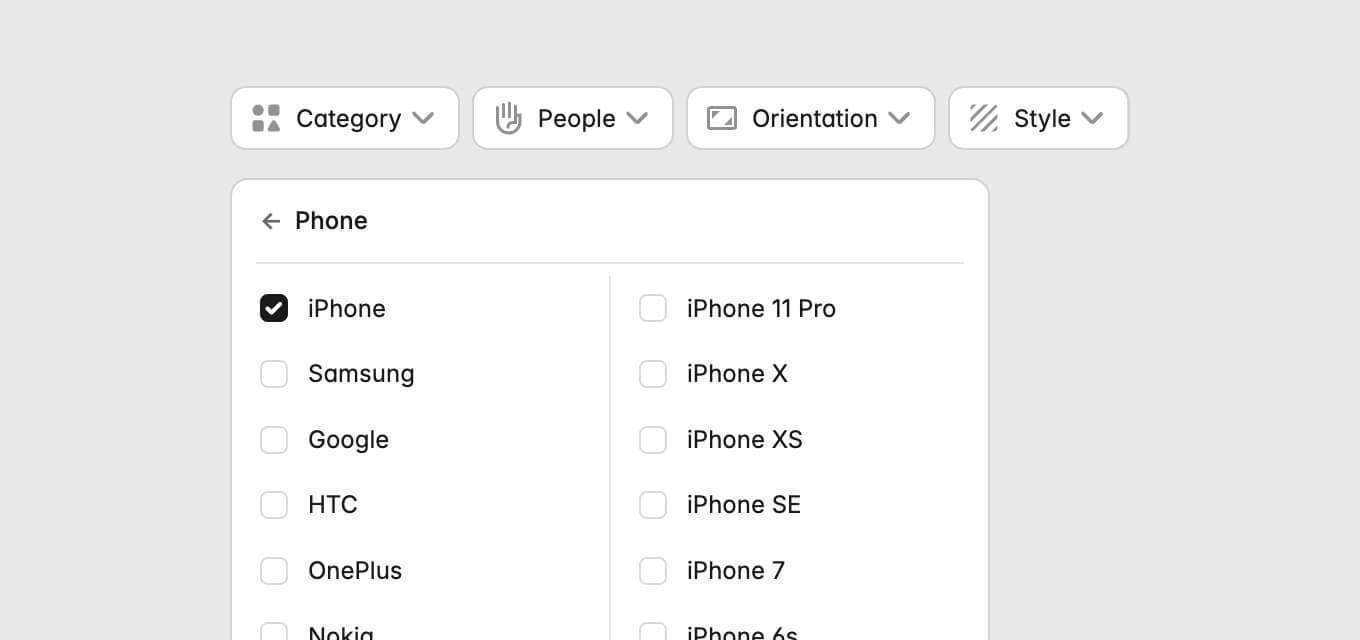
Choose Print or Digital mockups upfront, then drill down into specific formats if you need to.
The filtering system has been rebuilt to match how our library actually works now. 5000+ scenes and growing.
Artboard sidebar
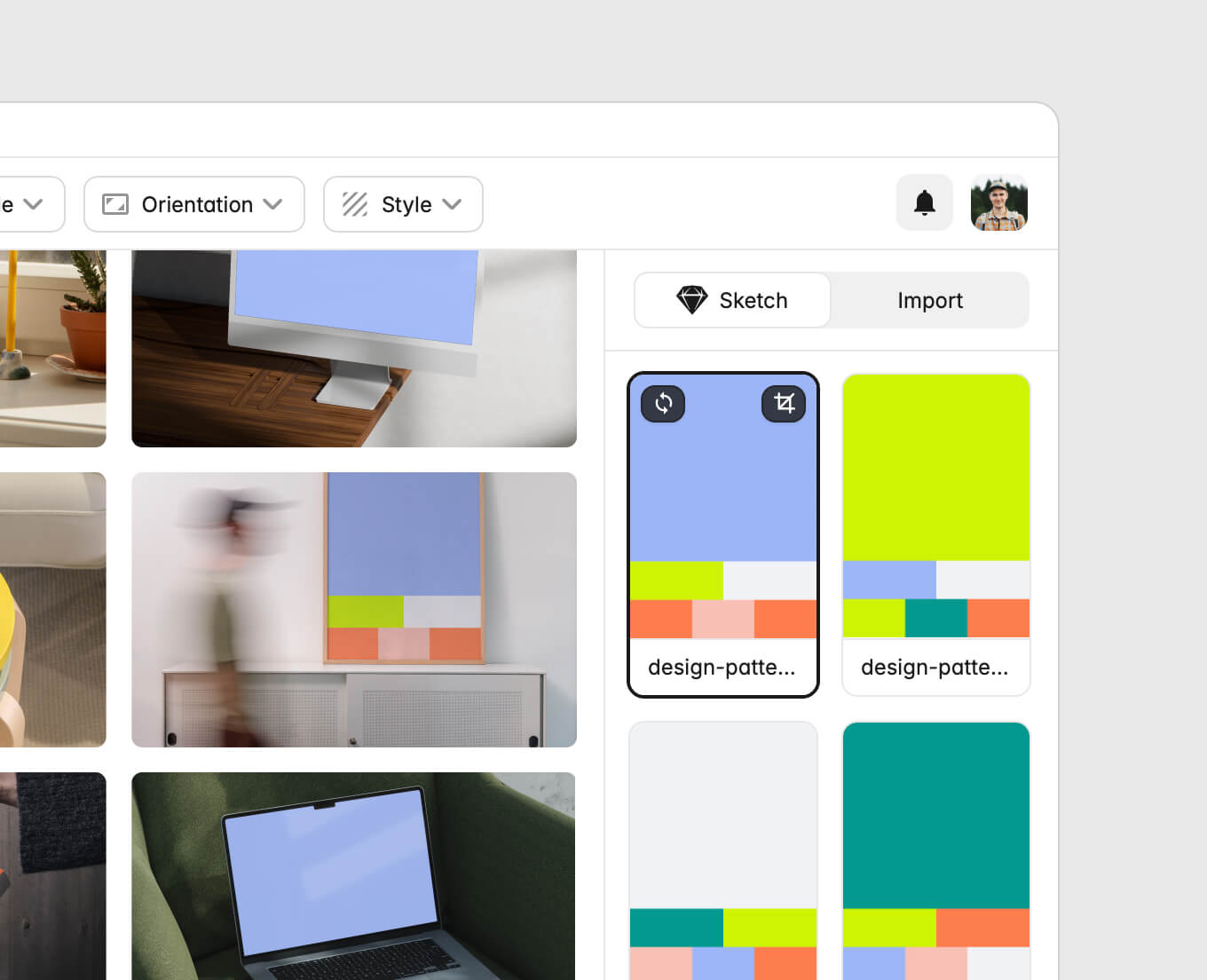
Open the plugin and a sidebar loads with thumbnails of every artboard on your current Sketch page. Click any artboard to preview it across the full mockup library.
No more switching back to the canvas to change your selection. Everything you need is visible right there.
Import tab
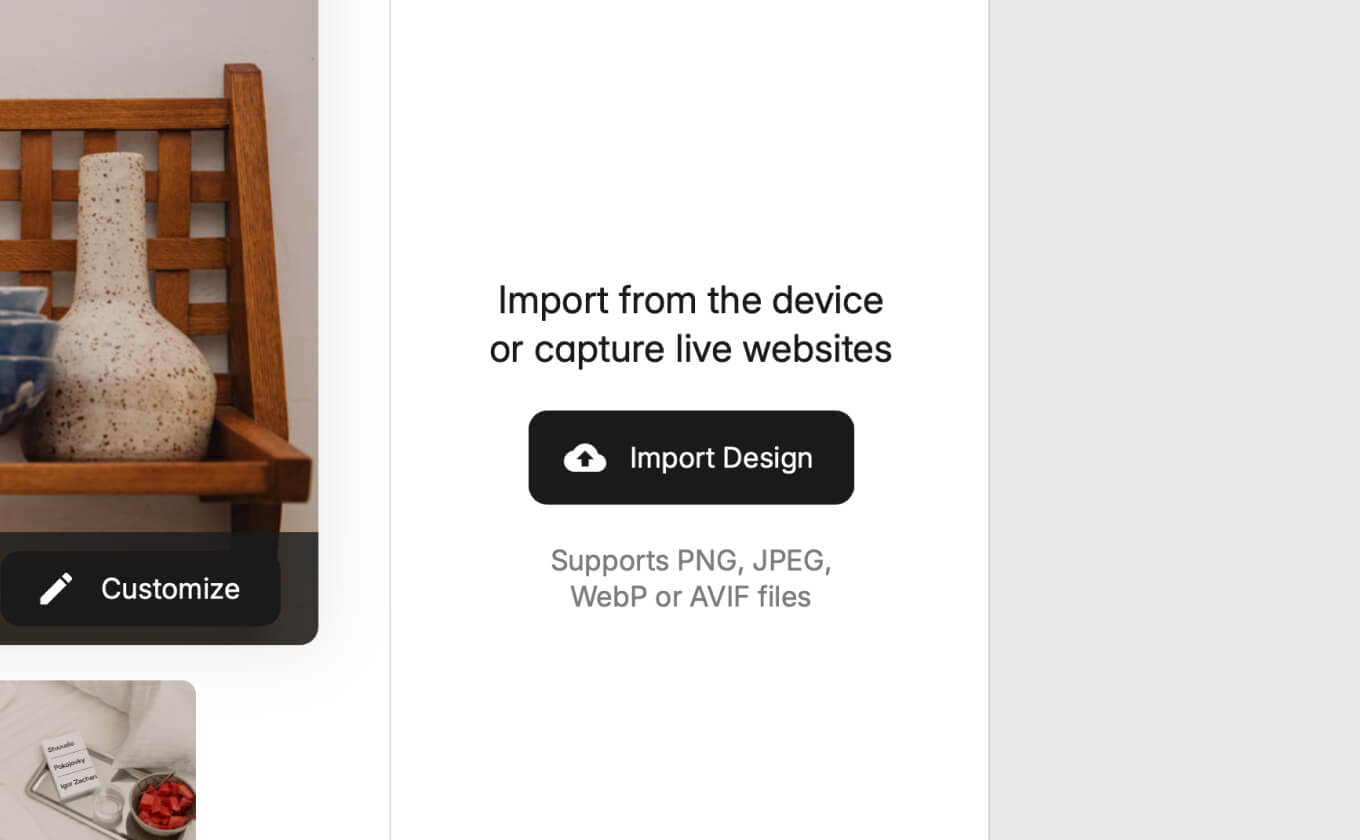
The new Import tab gives you three ways to bring in your own content:
- Upload files from your local folder
- Capture a website screenshot by entering a URL
- Import from your mobile device by scanning a QR code
That last one is handy for testing mobile designs. Scan and upload in seconds.
Export presets
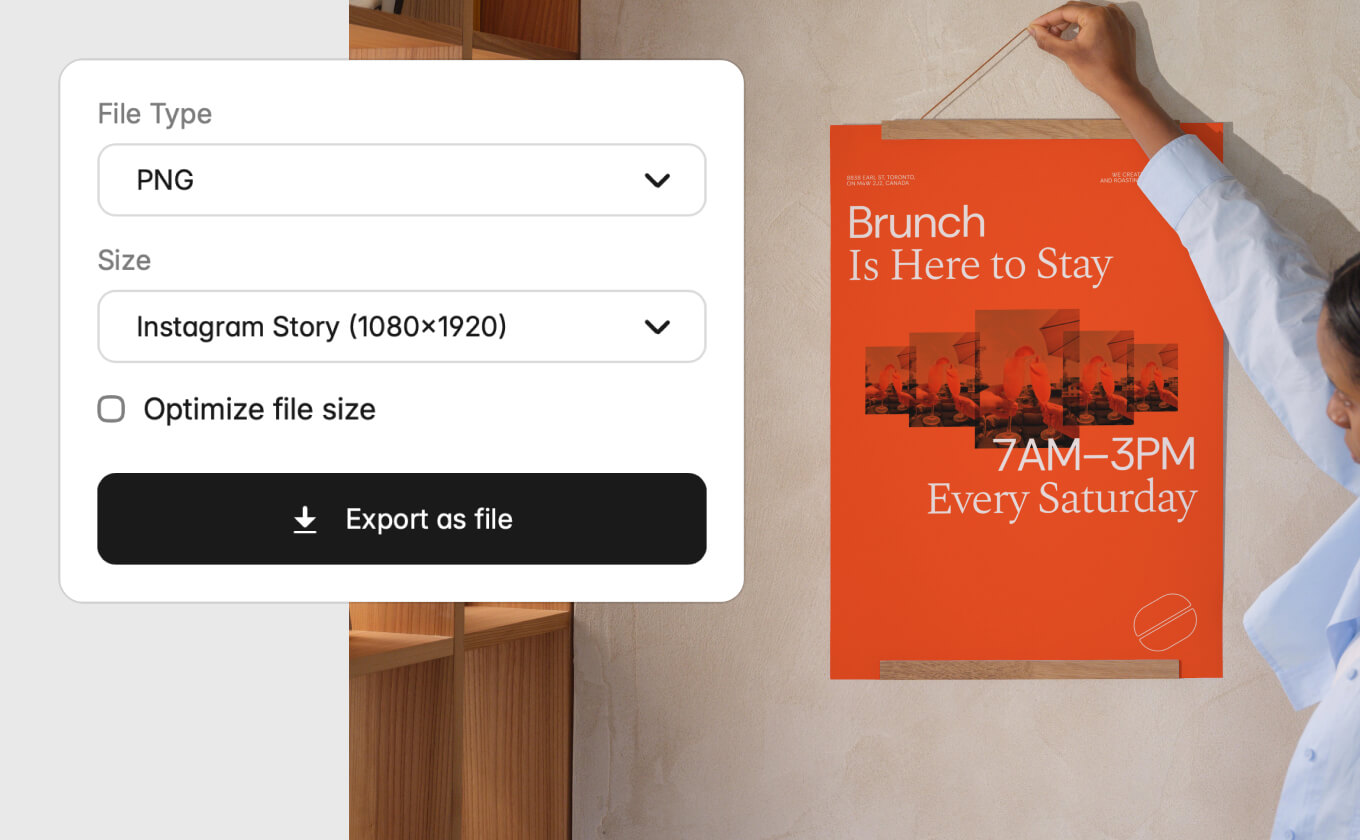
Export presets for Instagram, Facebook, LinkedIn, and other social platforms. Select your target platform and the mockup exports at the correct dimensions.
No manual resizing. Pick the platform, get the right size.
Update Mockup
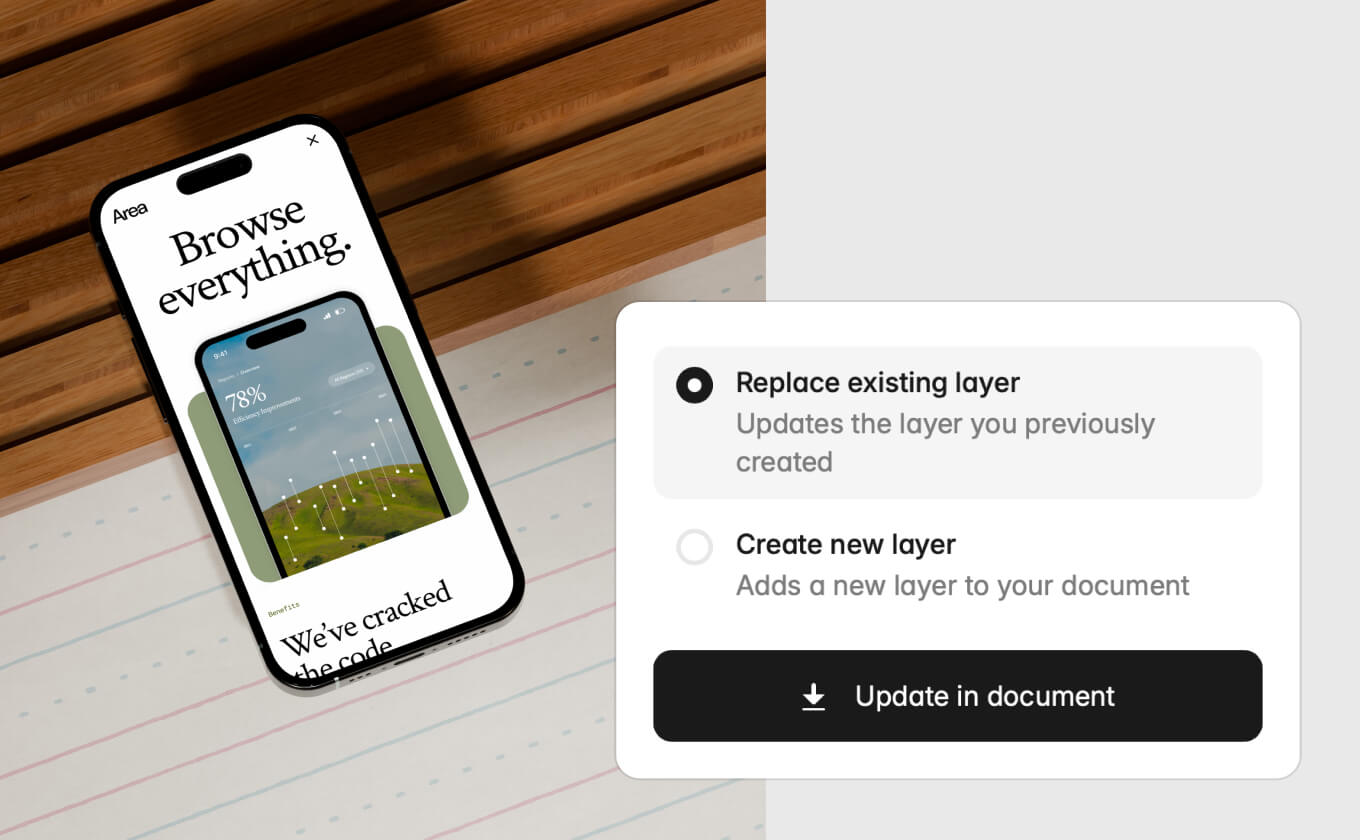
Click any mockup you've already placed in your Sketch file. Open the Mockuuups plugin. It loads with that mockup ready. Update it in place or place it as a new layer.
Faster iteration when you're refining designs.
Handy shortcut ⌘⇧M
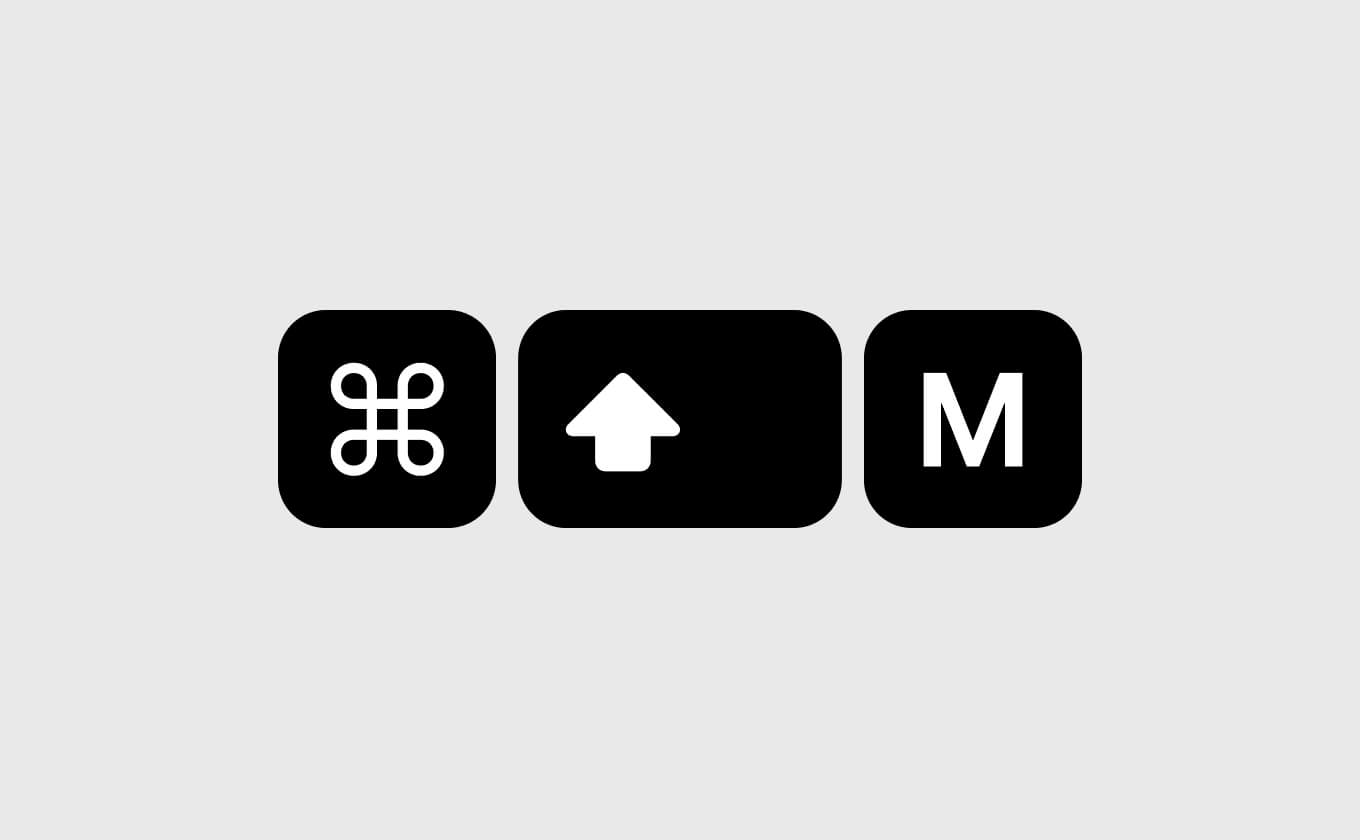
One thing only Sketch can do: dedicated keyboard shortcuts for plugins. Press ⌘⇧M and the Mockuuups plugin opens instantly. No menus, no digging through plugin lists.
Sketch lets you bind any key combination to any plugin. We set ⌘⇧M as the default, but you can change it to whatever fits your workflow.
Native macOS experience
Because Sketch runs natively on macOS, there's no browser layer between you and the plugin. The interface responds like a native panel. If you've been working in Sketch on Apple Silicon, you already know what that speed feels like.
Dark mode follows your Sketch theme. The plugin window is resizable for larger screens. Both feel like they should have been there from the start.
Try the updated plugin
Everything above is live now. If you already have the Sketch mockup plugin installed, the update should have rolled out automatically.
New to Mockuuups? Get the Sketch plugin here or check our guide on how to create mockups in Sketch.
What's Mockuuups Studio?