Install Figma plugin
Get the plugin from Figma Community
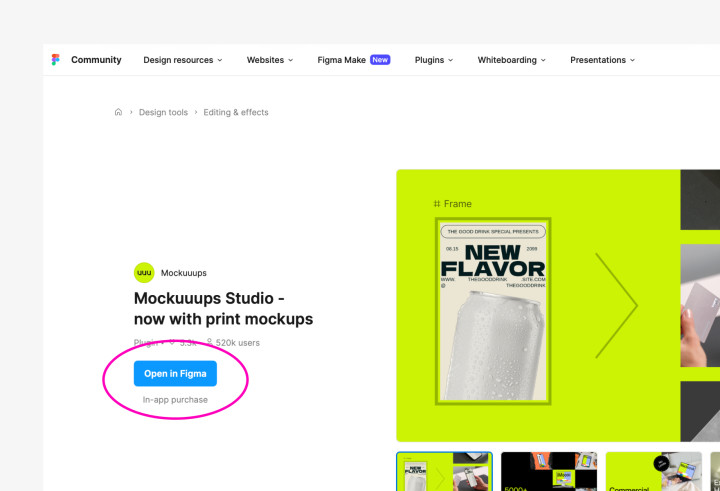
- Visit Mockuuups community profile
- Click "Open in Figma"
- Mockuuups Studio opens in selected Figma document
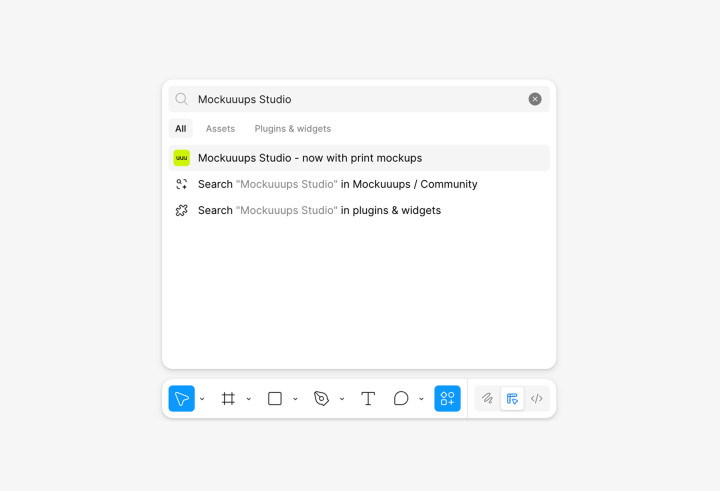
Get the plugin from the Figma file
- Click on the "Actions" in the toolbar
- Search for "Mockuuups Studio"
- Click on the plugin
Next step: How to create mockups in Figma